Is it time to double down on red?
Subscriptions are everywhere these days, and it feels like only a matter of time before someone figures out a way to paywall the air we breathe. On top of that, the prices just keep going up, with companies ratcheting monthly costs up as much as they can without causing mass attrition. Over time, it adds up, and subscription juggling is a fact of life for many consumers. You might pay for a month of Netflix to catch the last season of Stranger Things while putting your Disney+ on pause until The Mandalorian and Grogu hits the latter service.
But there’s one subscription some people might be able to cut, at least those who spend a good amount of free time watching YouTube. Google’s ubiquitous video platform was once free, but charges a subscription these days in the form of YouTube Premium for users who want to avoid ads and gain access to a slew of user experience improvements.
What you might not have realized is that a full-fat YouTube Premium subscription, which costs $16 at the time of this writing due to a recent price hike, also includes unlimited access to the platform’s music streaming solution, YouTube Music. What that means for at least some heavy YouTube users is the ability to ditch a separate subscription to Spotify, Apple Music or another music streamer.
The trade-off isn’t right for everyone, though. Whether YouTube Music is fit for your needs depends largely on how much you value the features it lacks compared to the competition, as well as how willing you might be to let the platform logic of YouTube dictate the music you listen to. Here’s how YouTube Premium with YouTube Music compares to your existing music service, and how to figure out whether that single subscription is a better deal for you.
YouTube Music is great for avid watchers
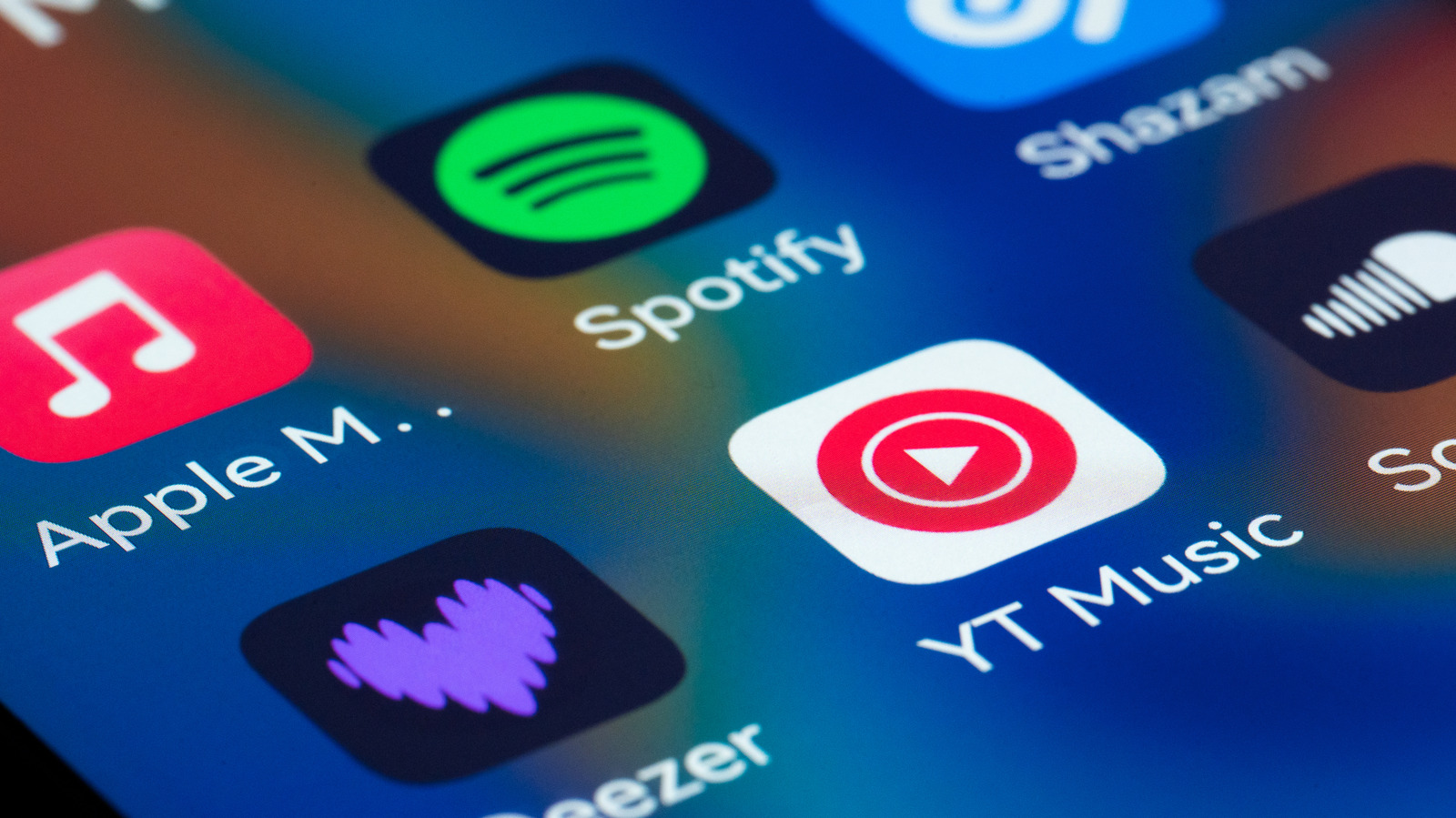
The first thing you should know about YouTube Music is that it does not have a high-resolution library, even though that feature has become basic table stakes for the competition. Spotify, which dragged its feet on high-res for years, finally added its own lossless capabilities last year (it’s not bit-perfect lossless, but if you’re splitting that particular hair, YouTube Music isn’t for you and you can safely stop reading this article). However, lossless audio is a relatively niche feature that you can’t truly take advantage of without audiophile-grade playback equipment. If you listen to music on your AirPods via an iPhone, you’re not getting lossless playback in the first place.
YouTube Music tops out at 256kbps in resolution, which absolutely will be noticeable to some ears compared to the 320kbps other services offer before tipping into lossless quality. The bottom line is that, if you already listen to music on YouTube and haven’t had an issue with the sound quality, YouTube Music will suit you just fine in that regard.
Other differences between YouTube Music and Spotify or Apple Music become more subjective. Whereas those services allow you to build a more traditional music library, YouTube Music organizes things much in the same way as the video streaming side of the platform. You subscribe to artists rather than following them, and subscribing to an artist on YouTube also subscribes to them on YouTube Music. Playlists also carry over between both sides of the house. For those who want their taste in video content to affect their music recommendations, and vice versa, this can be a boon. But if you prefer some separation between church and state in that regard, it’s a massive headache. Just because you watched a video about the Drake and Kendrick beef doesn’t necessarily mean you want songs from all three of Drake’s unlistenable new albums piped into your ears during a jog.
YouTube Music has niche features you can’t get elsewhere
But the logic of YouTube gives YouTube Music one major edge: its user-uploaded library. In addition to most of the same major label offerings you’ll find on pretty much any modern music streamer, YouTube Music is home to the largest user-uploaded collection of hard-to-find tracks in the world. That leaked single your favorite artist never officially released? YouTube Music has it. That set from Coachella you’d do anything to experience again? Don’t bother looking on Spotify — YouTube Music has you covered and it’s no coincidence YouTube was the official streaming partner for Coachella in 2026. Speaking of the Drake and Kendrick beef, all of the songs from that kerfuffle went up on YouTube far in advance of their arrival on other streaming services as both emcees self-uploaded their disses to one-up each other in real time. The ability to add those kinds of tracks to your existing playlists is a structural advantage no competing service can match. Ditto for music videos because, you know, it’s YouTube.
YouTube Music also includes a robust podcast library, including many audio-forward offerings that only exist on Google’s platform in the form of user-created video essays and documentaries. Even among widely syndicated podcasts, a number of them can only be watched in video form on YouTube. That gives the platform an edge up over Spotify, although big green has put a heavy focus on bolstering its video podcast library in recent years, and an absolute win over Apple Music, as Apple users must get their podcasts from the separate Apple Podcasts app.
Because YouTube Music was born from the ashes of Google Play Music, it carries on its predecessor’s functionality as a cloud player for your own, local files. Its two primary competitors also allow local uploads, but they’ll lump your MP3 files in alongside streaming tracks in your library. YouTube music splits everything out, so you can isolate your uploads and browse just those songs by artist, album, and so on. If you’re still in possession of a digital music library from the iTunes or Napster days (how do you do, fellow kids?), YouTube Music is a great way to continue enjoying them without wasting storage space on your smartphone.
Swapping Spotify for YouTube Premium isn’t right for everyone
If all you got with a YouTube Premium subscription was the platform’s music service, it wouldn’t be worth replacing your Spotify or Apple Music subscription. But you’re also getting a better experience on YouTube itself. Getting your money’s worth from YouTube premium is easy if you’re an avid user already. In addition to never seeing a pre-roll or mid-roll ad ever again, you can skip your favorite creator’s sponsored segments using the Jump Ahead button that intelligently skips you over portions of a video that other users also tended to skip. Then there are perks like background play and offline downloads that let you take more control over where and how you enjoy YouTube videos.
It’s that combined value which makes this comparison worthwhile. YouTube Premium is not cheap at its new price of $16 a month, especially compared to Spotify’s $13 asking price, or Apple Music’s $11 tag. But if you’re already paying for it, and if YouTube Music offers an experience that meets your preferences, you can cut the standalone music subscription from your monthly budget without worry. Others may find it worth cutting the contract with their current music service and signing up for YouTube Premium to take advantage of its unique blend of content and features.