
Related Products

Ortizan Open Ear Headphones, Bluetooth...


Sony WH-1000XM6 The Best Noise...

soundcore Liberty 5 by Anker, Noise-Cancelling...
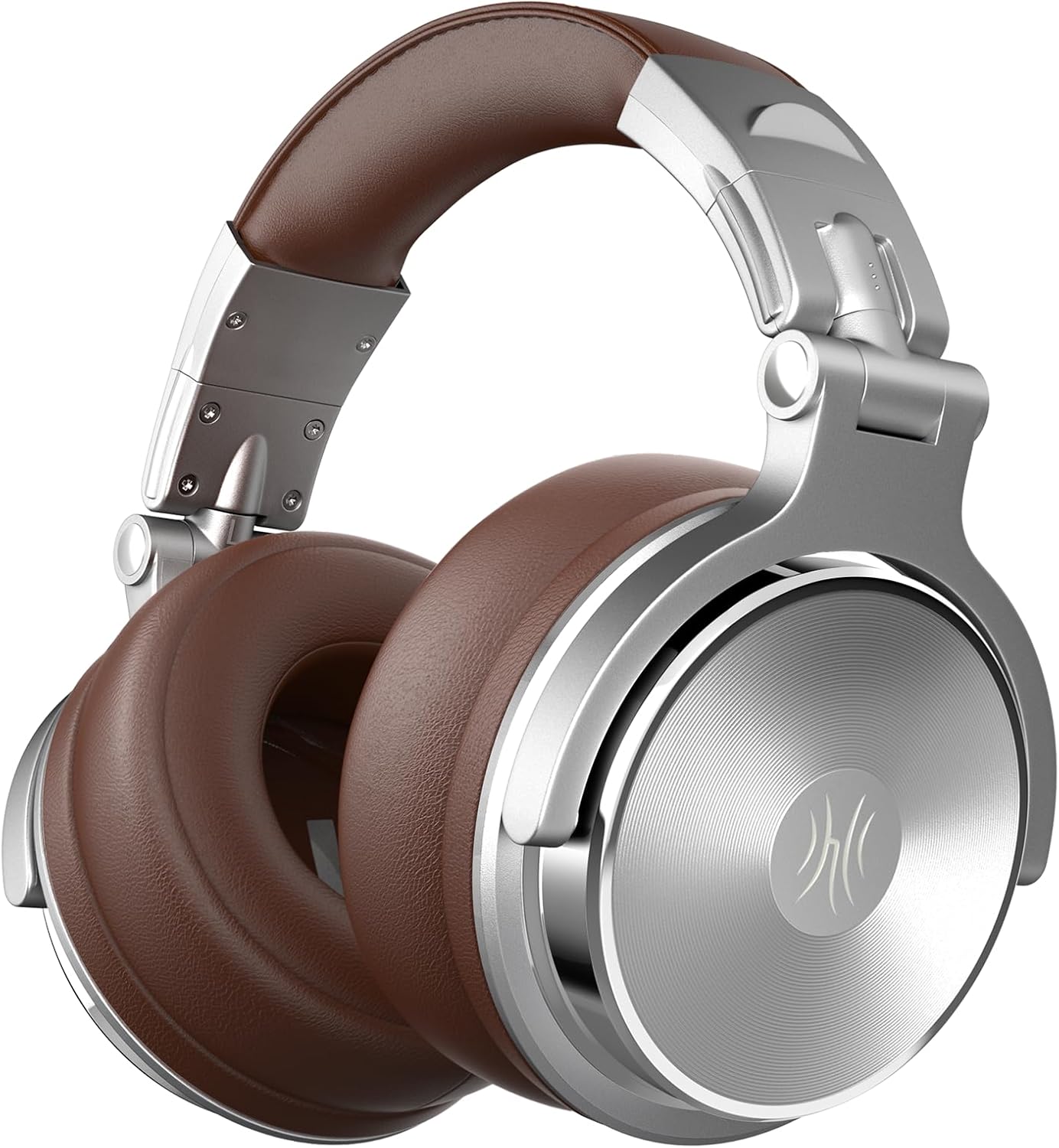
OneOdio Pro-30 Over Ear Headphone,...

Sennheiser HD 600 – Audiophile...


Product description

 Ultra Low Latency, Feel the Action in Real Time
2.4G low latency ensures your TV audio syncs with screen action, keeping you engaged in every scene
 Your Private Audio World, Anytime
Relax with late-night movies, no disruption for your sleeping baby

 Long-Range, Full Home Wireless Freedom
Move freely-lets you easily walk to grab a beer, audio always with you
1 Low Latency Audio
2 Private Immersive Viewing
3 TV Setting for Optical
4 Long Distance Wireless
 Share Audio with Two or More H3 Set
Each person can set their own volume without disturbing anyone nearby
 Ideal for Family Use
Bypass mode lets you listen privately on headphones while the soundbar plays for everyone else
 75hrs Non-Stop TV Audio, One Full Charge
No more battery anxiety—one charge keeps your TV sound going for up to 75 hours straight
 EQ Adaptability for Every Lifestyle
Includes three EQ modes – TV, Music, and Movie, switch instantly to match every moment
1 Multi-Headphone System
2 Share Joyful Times
3 Long Battery Life
4 Built-in EQ Control
 Designed for Relaxed, Everyday TV Watching
Deliver unparalleled comfort for your everyday viewing


1 Crafted for Comfort
2 Wide Device Compatibility
3 Button Functions
4 What’s Inside
 Power
Power
Plug it into a wall outlet using the included power adapter and charging cable to power on transmitter box
 Plug
Plug
Choose only one audio cable (3.5mm or 3.5mm to RCA or Optical cable) to connect the transmitter “IN” to the “Audio Output” of the TV
 Switch
If using the optical output, switch your TV’s audio settings to PCM Out
 Play
Play
Put on headphones, enjoy audio
Q1 Do I need to pair the headphones with the transmitter when I get them? A1 No. Once the headphones and transmitter are powered on, the transmitter’s LED will glow solid blue to confirm successful pairing. Q2 Why is there no sound ? A2 1)Please ensure the headphones are successfully paired, the transmitter’s LED stay blue. 2) If you use optical cable, please navigate to “Settings” > “Sound/Audio” > “Sound Output” and select “PCM/Stereo/Optical.” 3) Please make sure connect the Audio Out jack of your TV to the Audio In jack of the H3 . 4)Please only connect “AUX In” or “Optical In” jack of the H3 to your TV, do not use both of these jacks to connect the TV at the same time. Q3 How can I check the charging status of my TV headphones? A3 1)While the headphones are charging via the transmitter, the transmitter’s power indicator will glow red during charging and turn green once fully charged. (Note: Ensure the transmitter is powered on.) 2)When charging the headphones directly via a power cable, the LED on the headphones stays red during charging and turns off once fully charged. Q4 My TV doesn’t have an audio output port. Can I still use these headphones to watch TV? A4 If your TV has Bluetooth, you can connect the headphones directly. Important: Turn off the TV transmitter first—otherwise, the headphones will auto-connect to it. Also, ensure the headphones are in Bluetooth mode before pairing. Q5 My TV has an optical audio out port and a 3.5mmAUX port. Can I plug them together? A5 No, you should only use one connection at a time. If you are using an optical cable, please connect it only to the TV’s optical port and leave the 3.5mm AUX port unplugged. Q6 Can others still hear the TV while I use the headphones? A6 It depends on your TV’s audio settings. Many TVs allow audio to play through both the TV speakers and the headphones at the same time. You can check or change this in your TV’s audio settings. You can also connect the transmitter to a wired speaker via the bypass output. Q7 What functions does the EQ button have? A7 What functions does the EQ button have? 1)Short press: Cycle through EQ modes—Movie, Music, or TV. 2)Long press (hold for 2 seconds): Switch between Bluetooth mode and TV headphones mode. Q8 How to use two or more H3 at the same time to share the audio? A8 You can daisy-chain multiple H3 transmitters. First, power on all units. Then, connect the “AUX In” or “Optical In” port of one H3 to your TV audio out port. Finally, connect the “Out” (bypass) jack of the first H3 to the “AUX In” jack of the next H3. Repeat for additional units.
【Plug and Play, Enjoy Hi-Fi Audio】 Simply connect the audio cables to the transmitter and TV, then power on all devices, and you’re ready to enjoy an immersive TV viewing experience with these wireless TV headphones. Say goodbye to muffled TV speakers. With our headphones, every detail resonates—from the protagonist’s whispered words and tense breaths to the soaring soundtrack of victory. You don’t just hear the emotion—you feel it.
【Ultra 2.4G Low Latency Audio】 With these wireless headphones for tv watching, experience less than 40ms ultra-low latency—so the sound always matches the action. Whether it’s the roar of a goal or the crack of a bat, you’ll hear it in real time. Plus, with up to 100ft of wireless range, you can grab a snack or jump up to cheer without a single dropout. Total freedom, total immersion.
【Your Exclusive Home Theater】 1Mii wireless TV headphones with transmitter creates a private home theater experience—ideal for midnight viewing. Immerse yourself in the movie while your family sleeps soundly, undisturbed. Specially designed as TV headphones wireless for seniors and the hearing-impaired, they feature independent volume control for clearer dialogue.
【From One to Many】 In bypass mode, the audio output connects not only to soundbars and wired speakers but also to another ClearlinkTV H3. This easily supports multi-user scenarios like home movie viewing or silent parties, allowing everyone to adjust their volume independently without disturbing others.
【Compatible with 99% TVs】 Designed with seniors in mind, 1Mii ClearLinkTV H3 offers multiple easy connection options: Optical, 3.5mm AUX, RCA. It is compatible with most TVs and audio devices. It also have advanced Bluetooth 6.0 technology, you can connect it to mobile phones or laptop via Bluetooth to listen to music.
【75-Hour Battery Life】 Our TV wireless headphones provide up to 75 hours of use on a single charge. Enjoy morning news, afternoon dramas, and late-night talk shows without worrying about recharging. When the battery runs low, simply place the headphones on the transmitter—the clear indicator shows charging status at a glance. You can also charge directly with the included Type-C cable for added convenience.
【Comfortable & Lightweight Design】 1Mii Bluetooth TV headphones feature an ergonomic design with plush memory foam cushions that gently cradle your ears—no pressure, even after hours of use. The adjustable headband ensures a personalized fit for everyone. Thoughtfully designed, they make a meaningful gift for parents or elderly loved ones, turning everyday TV time into a more enjoyable experience.
【Customizable Sound with 3 EQ Modes】 1Mii wireless TV headphones set features easy EQ adjustment with three preset modes—TV, Movie, and Music. Switch to TV Mode for crystal-clear commentary during live football. Dive into Movie Mode when you want thunderous bass and pinpoint dialogue for late-night thrillers. Or tap into Music Mode and let your favorite playlists bloom with rich, vibrant detail. From the stadium roar to the quietest whisper—H3 delivers the perfect sound for every scene.
Original price was: $89.99.$59.99Current price is: $59.99.