
Related Products

KYY Portable Monitor 15.6inch 1080P...


Silkland 80Gbps DisplayPort Cable...
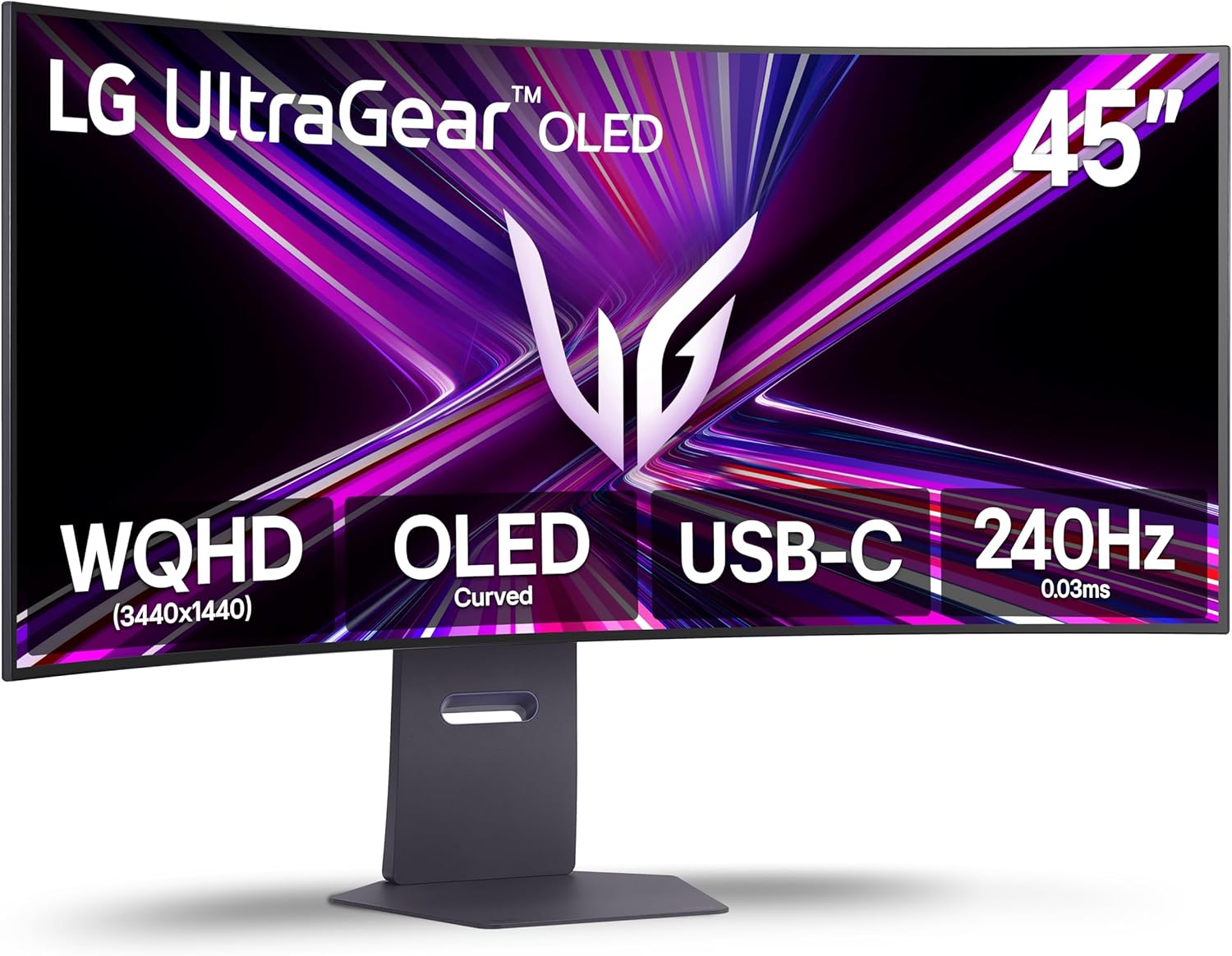
LG 45GX900A-B 45-Inch Ultragear...




Product description


23.8″ Dual Touch Monitor (23.8×2) 


Different Shows Mode
1 USB-C Port 2 Mini HDMI Port


Connect Power and Install the Driver Before First Use :First connect the included 65W PD adapter to the dedicated Type-C Power input, then connect the video and touch cables. Insert the included USB flash drive into your computer, open the appropriate installer, and complete installation. Restart if prompted, then set the screen arrangement and touch mapping.
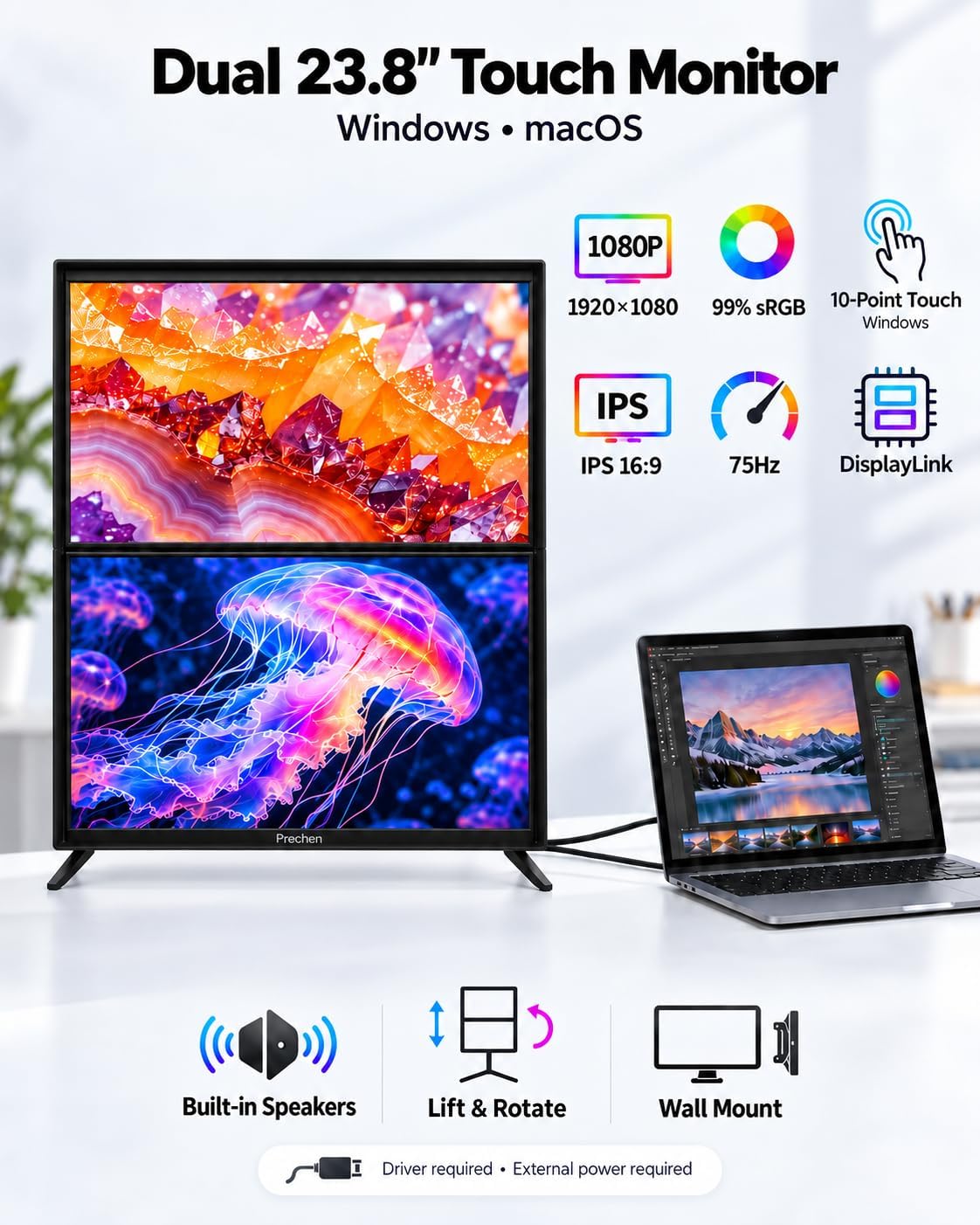
10-Point Touch Control on Both Screens :Tap, swipe, scroll, and pinch to zoom in supported applications. Both displays provide 10-point touch for hands-on interaction with your content. Install the required driver from the included USB flash drive before using the touchscreen. Gesture support varies by operating system and application.
FHD IPS Display with 99% sRGB : Each 23.8-inch screen features 1920 x 1080 Full HD resolution, an IPS panel, 75Hz refresh rate, and 99% sRGB color coverage. Enjoy clear text and colorful images for documents, web browsing, presentations, and everyday media across both displays.
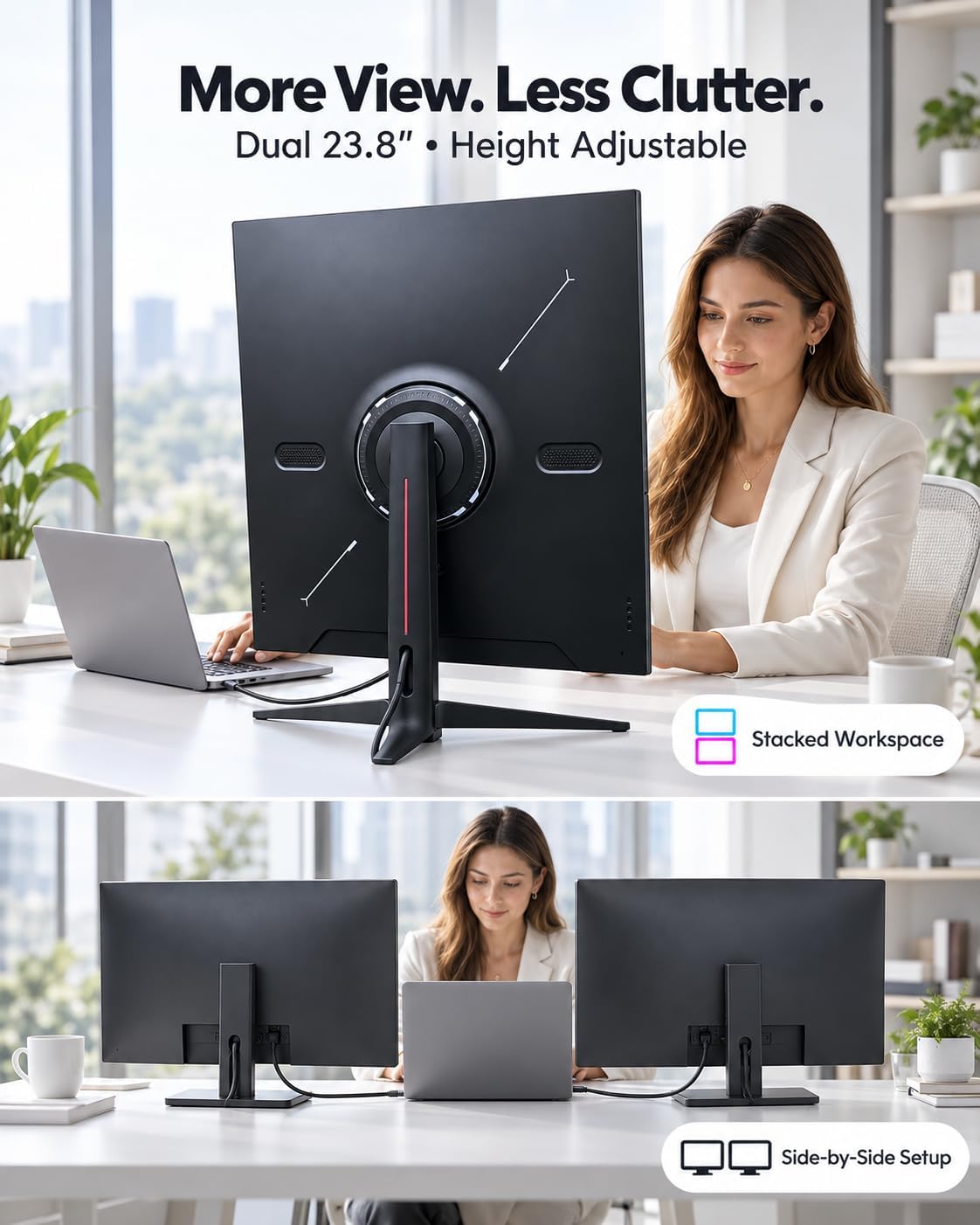
Vertical Layout That Saves Desk Width :The upper-and-lower screen arrangement keeps your dual monitor setup within a narrower horizontal layout than two screens placed side by side. A narrow center seam keeps the two work areas close together, leaving more desk width for your keyboard, notes, and other essentials.
USB-C and HDMI Connection Options: Connect the lower screen through Type-C 1 or HDMI 1 and the upper screen through Type-C 2 or HDMI 2. USB-C video requires a host port and cable that support video output. HDMI carries video only; connect the corresponding USB data cable for touchscreen operation.
Windows and macOS Display Setup: Use extended mode to organize different tasks across both screens or duplicate mode to mirror content on a compatible computer. macOS dual-screen extension requires two independent video outputs and a computer that supports two external displays. Install the included driver package and follow the manual for display arrangement and touch setup.
Two 23.8-Inch Screens for Everyday Multitasking: Keep a spreadsheet on one screen and email, reference material, or a video meeting on the other. This dual stacked monitor gives your home office two full-size displays for organizing work with less window switching. 2 10-Point Touch Control on Both Screens
VESA Mounting, Speakers and Setup Accessories :75 x 75 mm VESA compatibility offers mounting options for your desk setup, while built-in dual speakers provide audio for everyday use. The package includes a 65W PD power adapter, USB-C cables, HDMI cables, USB-A to USB-C cables, a USB flash drive with drivers, and a user manual.
$469.99