
Related Products

Dash Cam Front and Rear: 4K+2.5K...

ROVE R2-4K DUAL Dash Cam Front...
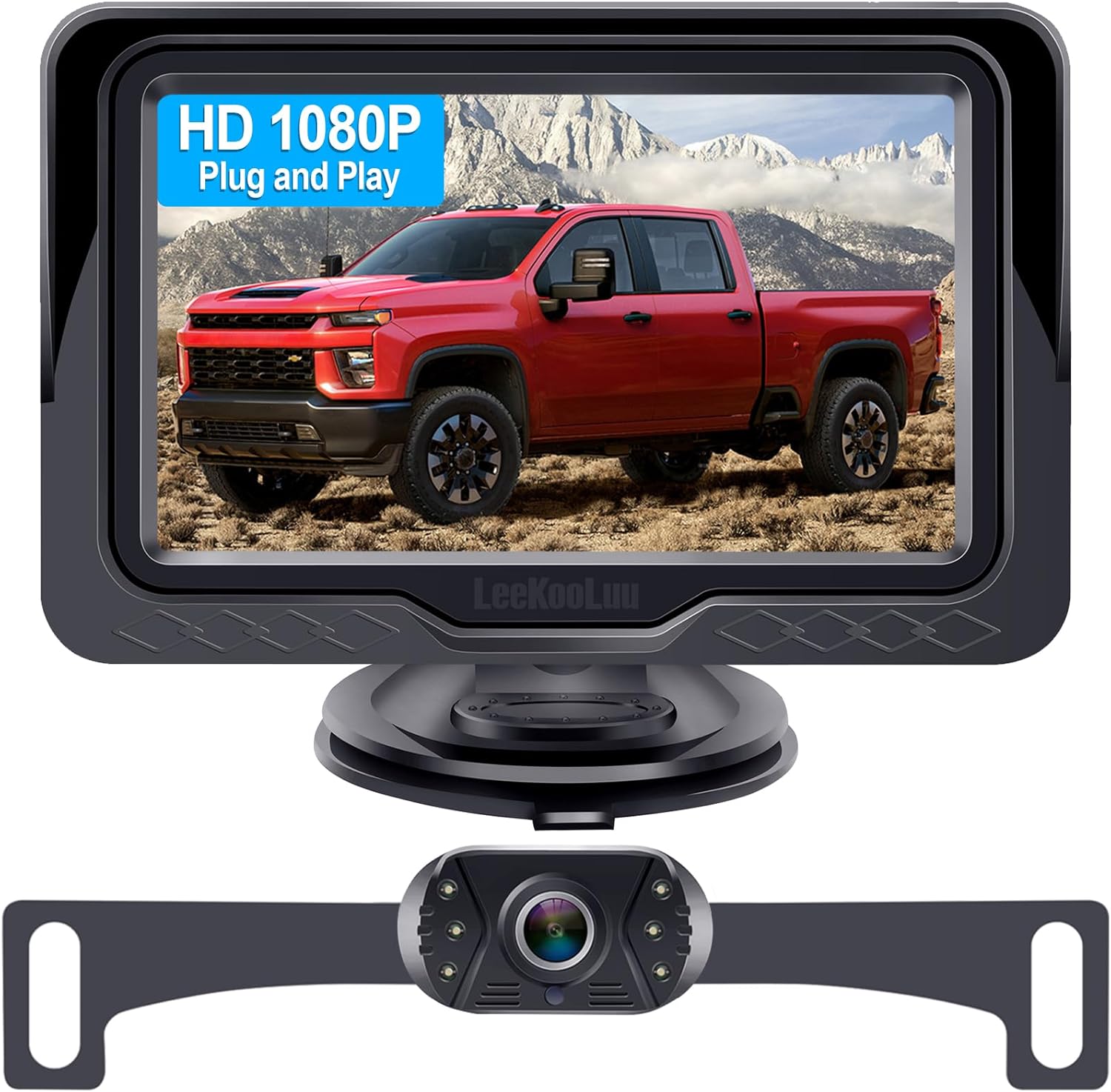
Backup Camera Easy Setup Plug-Play:...




Product description


4G+128G for Nissan navara D40 2006-2012 Pathfinder R51 2005-2012 Xterra N50 2005-2015 Frontier D40 2006-2015 Android Car Radio Carplay Android Auto 9 Inch Touch Screen Bluetooth 5.0/FM/WiFi/GPS/SWC
Wireless Apple Carplay
Wireless ConnectivityCalls, Music, Navigation & BeyondHands-Free Siri
The video showcases the product in use.The video guides you through product setup.The video compares multiple products.The video shows the product being unpacked. Wireless Apple Carplay
Wireless Android Auto
WirelessHands-FreeGoogle Assistant
The video showcases the product in use.The video guides you through product setup.The video compares multiple products.The video shows the product being unpacked. Wireless Android auto
Factory Setup (Password: 1234)
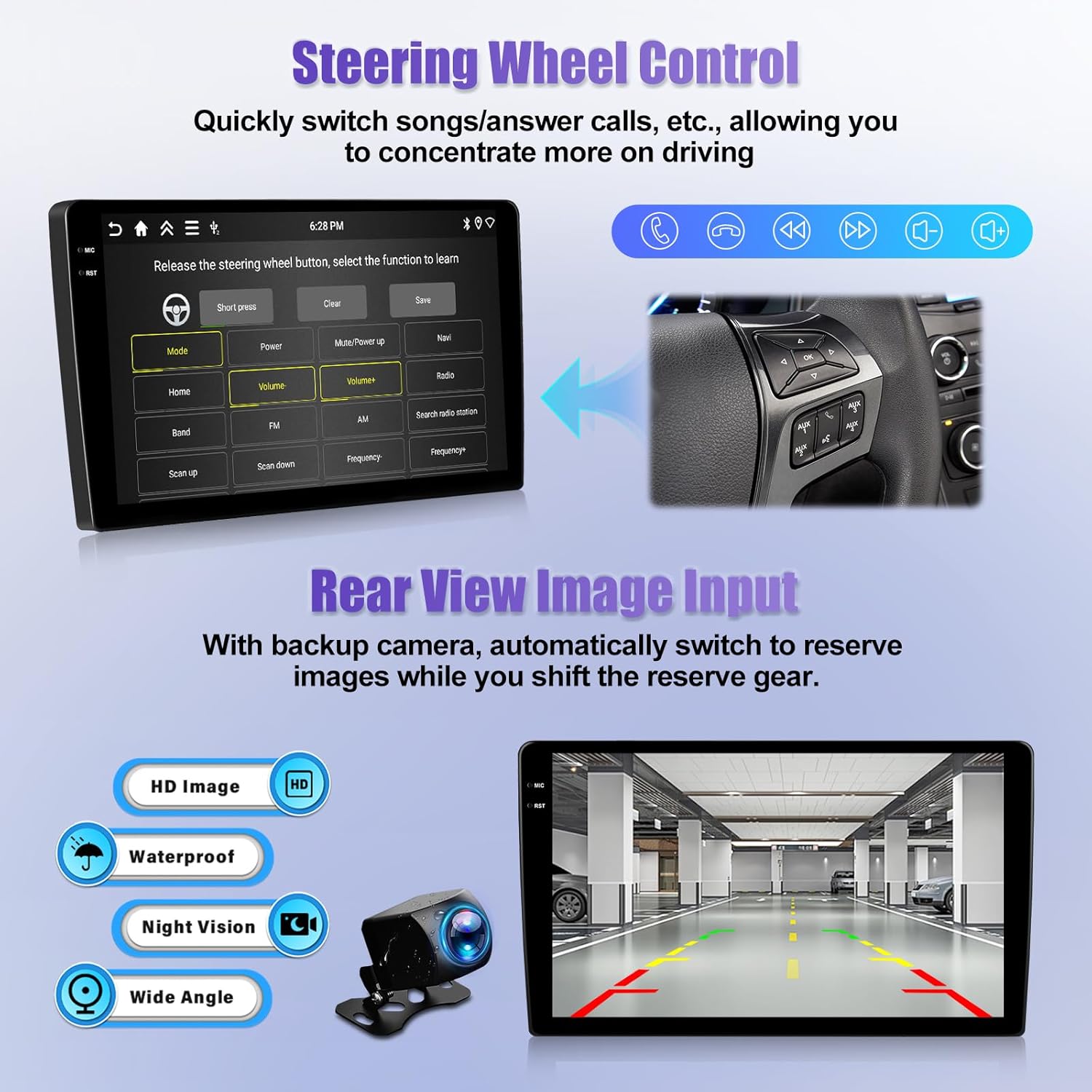
The video showcases the product in use.The video guides you through product setup.The video compares multiple products.The video shows the product being unpacked. steering wheel control
Bluetooth 5.0 for StableHands-Free CallingVoice Control for Safer Driving
The video showcases the product in use.The video guides you through product setup.The video compares multiple products.The video shows the product being unpacked. Bluetooth hands free


System Android 15 Screen material incell Chipset RK3326 Sound processor TM2313 Screen resolution 1280*720 Bluetooth 5.0 Work voltage 9V–16V Reversing input AHD/CVBS MCU G0001ALT Power output 4*45W Power amplifier chip YD7388 Radio chip UMW2652 Radio Band FM/RDS Factory setting keyword 1234
Why is there no audio for Bluetooth/CarPlay, but FM Radio works?
1.Connect “AMP Cont” wire to RCA cable’s AMP terminal
2.For cars with power amplifier: Connect amp power cable to our stereo’s 12V ACC wire
3.Swipe down top bar and open “Amplifier” icon
4.Note: NOT compatible with Premium Audio Systems
Why can’t my phone connect to Bluetooth or often disconnects?
1.Delete old Bluetooth pairs → Restart stereo → Re-pair
2.Keep phone near head unit for stable signal
3.Distance/interference may disconnect
Why does the radio not turn off and drain the car battery?
1.Modified wiring: Locate real ACC → Connect to stereo red power wire
2.Check power leakage (car off) with multimeter. Canbus leak? Remove → Contact 24/7 support
Why does the steering wheel control (SWC) not work?
1.Open SWC app → Press Reset
2.Long press stereo icon + Press matching steering wheel button
Retry if unsuccessful
Why is there no image or black screen when reversing?
1.Check camera connection: Do NOT plug camera cable into RCA port; use dedicated “Camera Input” port only.
2.Set camera resolution: Settings → Factory Mode (Password: 1234) → 3. Camera. Select “NTSC/PAL” for CVBS cameras
【Applicable Car Models】For nissan navara D40 2006-2012 Pathfinder R51 2005-2012 Xterra N50 2005-2015 Frontier D40 2006-2015 Android car radio. Plug and play design, perfectly matches the original factory center console shape.All necessary harnesses and brackets are included.【Note】:Verify your Vehicle Model/Model Year/Center Console/Rear CD Player match. We offer 24/7 after-sales tech support for installation and operation issues
【Latest Android 15+4G+128G】Powered by the stable RK3326 quad-core processor (1.5GHz) and the newest Android 15 operating system, for nissan navara pathfinder xterra frontier android auto head unit delivers 30% faster app loading speeds than Android 13 models. The 4GB RAM ensures smooth multitasking-run navigation and music at the same time. With 128GB large internal storage, you can download all your favorite apps, offline maps, podcasts, and thousands of songs directly to the device
【9-Inch Incell HD Touch Screen】Featuring a Incell touch screen with 1280×720 HD resolution, for nissan navara pathfinder xterra frontier stereo carplay delivers crystal-clear images and vibrant colors even in direct sunlight. Unlike traditional resistive screens, the Incell technology provides smartphone-like touch sensitivity. The screen also supports split-screen multitasking, allowing you to view navigation on one side and music controls on the other simultaneously
【Wireless Carplay&Android Auto&Mirror Link】For nissan navara pathfinder xterra frontier double din carplay supports true wireless CarPlay and Android Auto, simply pair your phone once and it connects automatically every time you start your car.Use Siri or G00gle Assistant to make hands-free calls, send text messages, get turn-by-turn navigation, and control your favorite music apps (Spotify, Pandora) completely hands-free
【GPS Navigation&WiFi Connectivity】For nissan navara pathfinder xterra frontier car radio screen, you can navigate to your destination even in areas with no cell service. Get real-time traffic updates, lane guidance, and speed limit alerts to make your journey safer and more efficient. Connect to WiFi or your phone’s hotspot to download additional apps from the G00gle Play Store, browse the web
【FM/RDS&Bluetooth5.0&EQ】Bluetooth screen for nissan navara pathfinder xterra frontier experience with our advanced sound system powered by TM2313 sound processor and YD7388 power amplifier. The built-in EQ allows you to customize the sound to your preference with multiple preset modes (Pop, Rock, Jazz, Classical, etc.). Enjoy lossless audio playback in all popular formats (APE, FLAC, WAV, MP3) and hands-free calls thanks to Bluetooth 5.0 technology and support for external microphones
【More Practical Functions】For nissan navara pathfinder xterra frontier waterproof carplay screen with backup camera supports Steering Wheel Control, Split Screen, Dual USB Ports, Customizable UI (multiple themes and home screen layouts to personalize your driving experience), expandable compatibility with AHD/CVBS backup cameras, driving recorders (sold separately) and microphones
$298.99