
Related Products


MENEEA Upgraded Cooling Fan Charging...




Product description


Why is there no signal after connecting?
This is an active HDMI to DisplayPort adapter, please ensure:
1.HDMI source device is connected to input side
2.DisplayPort cable is connected to monitor
3.Monitor is set to correct input source
4.The adapter requires USB power for proper operation
Why is there no signal after connecting?
Please check the connection sequence. Connect the HDMI source device and DisplayPort monitor first, then connect the USB power cable. Reconnecting in this order allows the adapter to properly detect the video signal.
Does it work with Mac, Xbox, or Switch?
Compatibility depends on device output:
1. Some Mac models may have limitations
2. Xbox / Switch compatibility may vary depending on HDMI output mode
We recommend using with PCs, laptops, and graphics cards with HDMI output.
Why is there no audio?
Possible reasons:
1. Your DisplayPort monitor does not support audio output
2. Audio is disabled in system settings
Please check Windows/macOS sound output settings.
Screen flickers or disconnects randomly
Please check:
1. USB power is stable (use 5V/1A or higher)
2. HDMI cable is high-speed (HDMI 2.0 recommended)
3. Avoid loose connections
More Option
Add to Cart
Add to Cart
Add to Cart
Add to Cart
Customer Reviews
—
4.0 out of 5 stars 13
4.2 out of 5 stars 86
4.2 out of 5 stars 82
4.5 out of 5 stars 87
Price
—
$50.99$50.99
$20.99$20.99
$20.99$20.99
$20.99$20.99
Source Port
HDMI
HDMI
DisplayPort
DisplayPort
Mini DisplayPort
Display Port
DisplayPort
DisplayPort
HDMI
HDMI
HDMI
Max Display Support
4K@60Hz
8K@60Hz
8K@60Hz
8K@60Hz
8K@60Hz
Length
4.9FT
3.3/6.6FT
0.33FT
3.3/6.6/10FT
3.3/6.6FT
Support
HDR, HDCP, Dolby Vison-Atmos
HDR, HDCP, Dolby Vison-Atmos
HDR, HDCP, G-Sync
HDR, HDCP, VRR
HDR, HDCP, VRR
【HDMI to DisplayPort Active Conversion Cable (For PS5 & HDMI Devices)】Converts HDMI output devices (PS5, laptops, consoles) to DisplayPort monitors for gaming and extended display use.
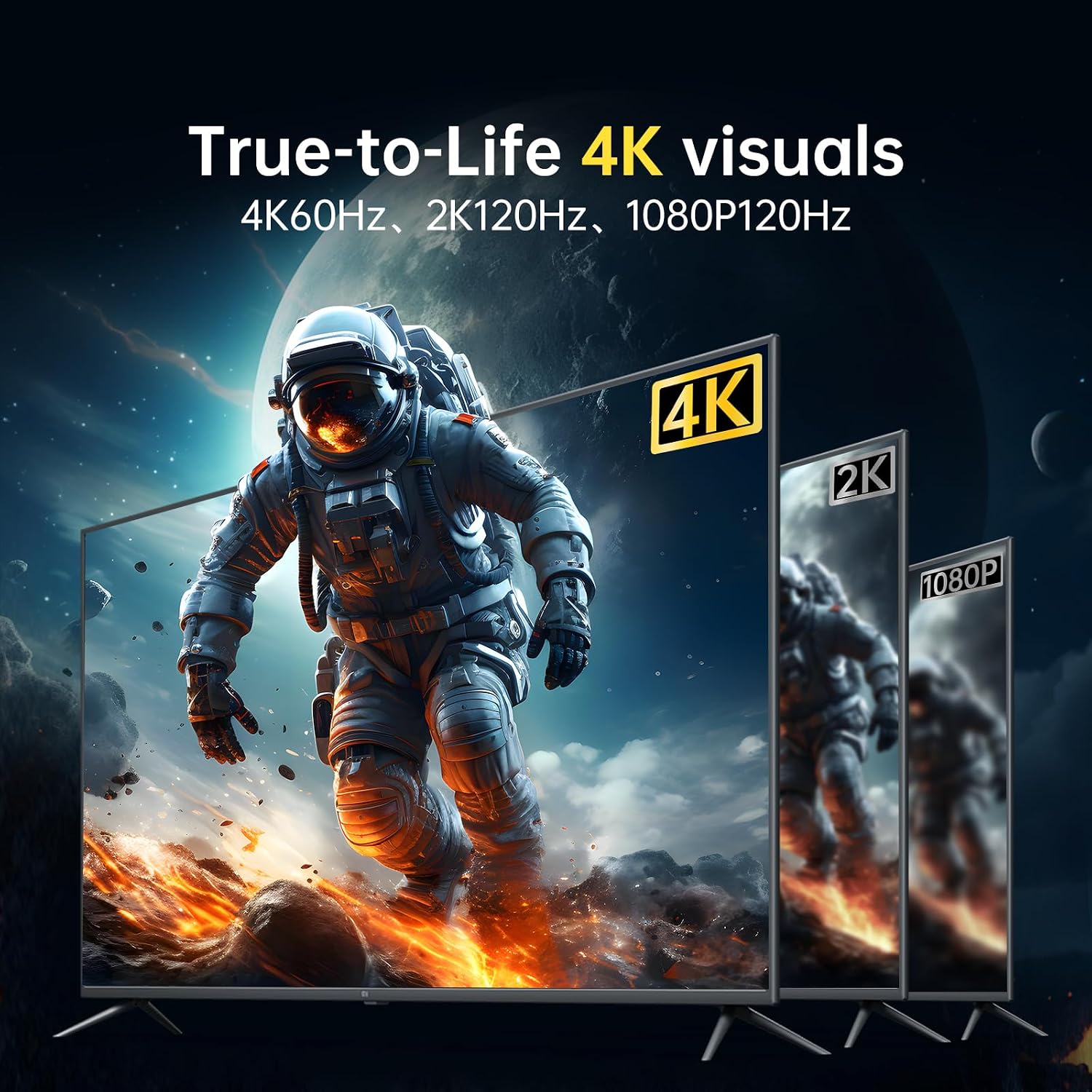
【Supports Up to 4K@60Hz HDR Output】Delivers up to 4K@60Hz with HDR for enhanced color depth and clarity. Also supports 2K@120Hz and 1080P@120Hz high refresh rate modes.
【Easy Setup & Reliable Connection】Simply connect your HDMI source and DisplayPort monitor, then connect the included USB power cable. Following the recommended setup order helps prevent signal detection issues
【Not Bidirectional – HDMI Input Only】HDMI port is input only, and DisplayPort is output only. It does NOT support DP to HDMI conversion.
【Plug and Play with Wide Compatibility (PS5 Recommended)】Compatible with PC graphics cards, gaming laptops, PS5, Xbox Series X/S, Xbox One/360, and home theater receivers. Ideal for multi-monitor workstations, conference room presentations, and console-to-monitor gaming setups. If you have any questions, AGFINEST support will provide detailed assistance within 12 hours
For game consoles (PS5, Xbox) showing no signal with our HDMI to DP cable: Use the console’s original HDMI cable to connect to the display, disable HDCP in the console’s video settings, then reconnect our HDMI to DP cable to establish the initial connection; once successfully displayed, HDCP can be re-enabled and the display will automatically turn on with future console startups.