
Related Products

Laminator Machine 11X17 with 70Letter...

Native 1080P Projector with WiFi...

Epson Lifestudio Pop Plus 4K PRO-UHD...


Epson Lifestudio Flex Plus 4K PRO-UHD...




Product description

USB and Bluetooth connectivity USB installation driver and Bluetooth connection
Please note that MAC system does not support Bluetooth direct connection, please use USB to install the driver and connect the printer
The video showcases the product in use.The video guides you through product setup.The video compares multiple products.The video shows the product being unpacked. USB installation and Bluetooth connection Merchant Video
Mac System installation driver MAC system only supports USB connection
Simply insert the USB drive to install the driver and print
The video showcases the product in use.The video guides you through product setup.The video compares multiple products.The video shows the product being unpacked. How to install the driver on MAC system Merchant Video
Ipone print PDF document
Simply use your phone to control the printer
The video showcases the product in use.The video guides you through product setup.The video compares multiple products.The video shows the product being unpacked. How to Print PDF Documents on iPhone Merchant Video
How to print PDF labels using an Android phone
The video showcases the product in use.The video guides you through product setup.The video compares multiple products.The video shows the product being unpacked. How to print PDF labels using an Android phone Merchant Video
Create custom labels Easy to set custom labels
Let your printer not only help you with your work, but also be a good assistant for your family.
The video showcases the product in use.The video guides you through product setup.The video compares multiple products.The video shows the product being unpacked. Create Custom labels Merchant Video


1 Computer connection
2
3
4 Computer connection
Small and practical 
printer Wide range of application scenarios 
Multifunctional shipping label printer
Print mode Bluetooth and USB printing Compatible devices Smartphones, PC, Tablets, Laptops, Windows, Mac Sheet Size Paper Width: 1.54″-4.1″; 4″x6″, 3″x2″, 3″x1″, 2″x1″, 2-5/16″ x 4″ inches Control method App Paper Width Range 1.18”~4” Accessories Power adapter, USB cable , Type-C Connector, USB Drive, 30 sheets of 4×6 shipping labels Please note! ! It’s not compatible with Chromebook and Linux! Please note! ! Wifi connection is not supported Please note! ! MAC does not support Bluetooth connection, USB connection only Please note! ! Please read the instruction manual carefully before use
thermal label printer Does Bluetooth connectivity support?
Bluetooth connection for windows system/ios system/tablet computer/android system
Does label printer provide technical support?
Label printer provides free 1 year of technical support
Why can a thermal printer only print half of the content (paper skipping)?
You need to set the correct paper size. For example, if your paper is 4*4 inches, but the printer is set to 4*6 inches, your print will not be complete. You need to set the print size to 4*4 inches.
How to reset the label printer?
Connect the printer to a power source, find the power off button on the back of the printer and turn it off, press and hold the feed button, then turn on the power and release it after hearing a beep.
Why can’t the content be printed?
1. The printing paper is incorrect. 2. The print head is damaged.
Flexible Connectivity Options: Label printers offer easy Bluetooth connectivity. Simply download the Android “Print Label” or iOS “Zlabel” app to connect via Bluetooth. Compatible with iOS, Android, and Windows 7 and above. Mac version provides plug-and-play USB connectivity. Ideal for shipping label printing, delivering a smooth printing experience.
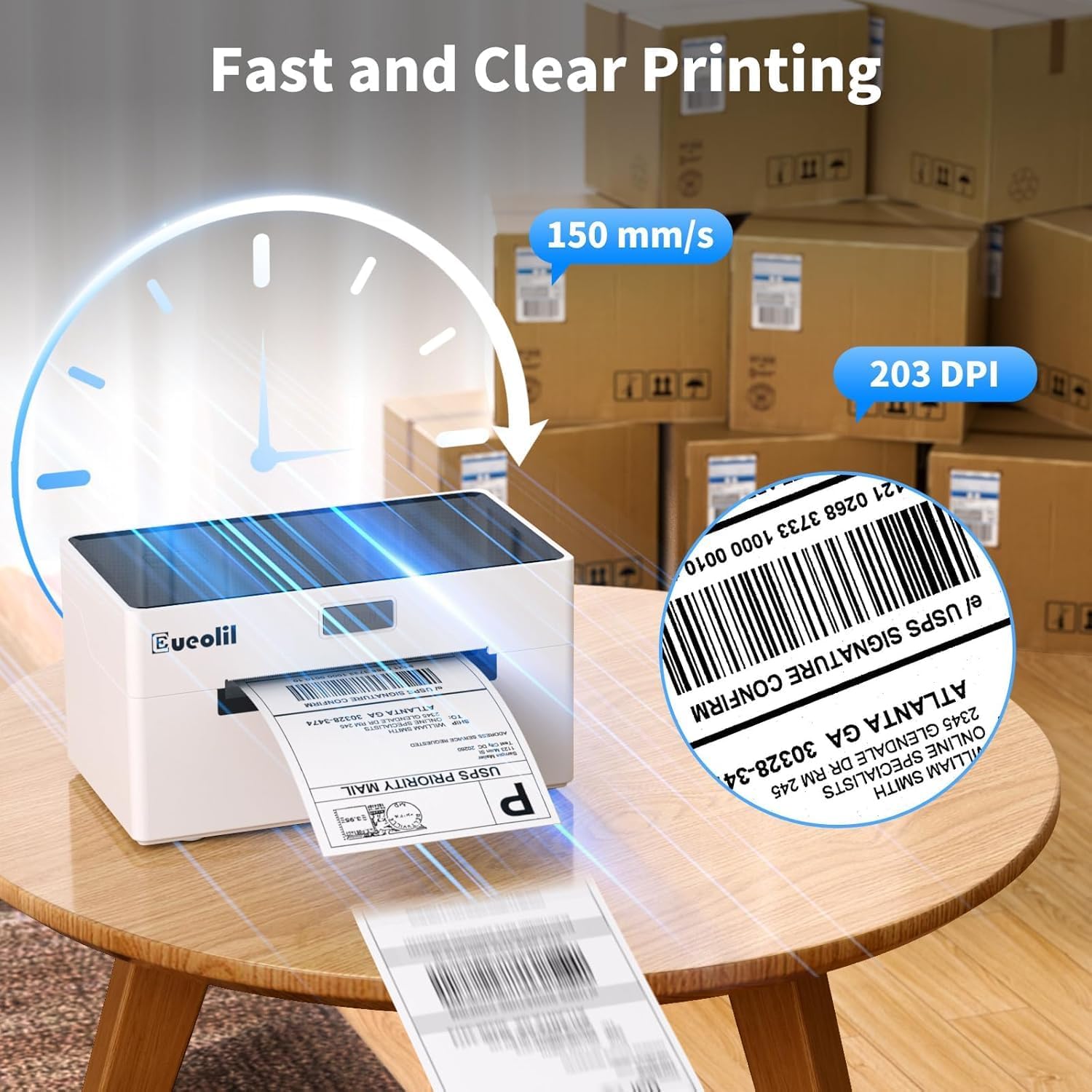
High-Speed Thermal Label Printing: Boost efficiency with this thermal printer’s high-speed printing at 160mm/s, producing up to 75 4×6 labels per minute. Ideal for high-volume shipping tasks, it reduces processing time and streamlines operations for smoother workflows.
Crisp Print Quality with Thermal Tech: Enjoy consistent, high-quality outputs from this thermal label printer. Featuring 203 DPI for sharp prints, it delivers scannable barcodes and crisp text without ink or toner. This label printer designed for small businesses also automatically adjusts label position to prevent paper waste.
Broad Compatibility for Label Needs: This versatile shipping label printer supports a wide range of labels (1.18″ to 4.1″ wide), including popular 4×6 and 3×2 sizes. It works seamlessly with major platforms like Amazon, UPS, USPS, FedEx, and Etsy, making it perfect for creating shipping labels, barcodes, and QR codes.
Easy Setup and Reliable Support: Get started quickly using the USB drive included with desktop label printers, which contains essential drivers and visual guides. Our dedicated customer support team is always ready to provide timely assistance, ensuring smooth setup and dependable performance for your thermal label printer.Note! This printer only supports black and white printing.
$35.99