
Related Products


Sound Bar with 5.5 Inch Subwoofer...

PIONEER A-Series TS-A2000LD2 8”...

Mini Smart Projector, 1500 ANSI...

ULTIMEA 7.1ch Sound Bar with Dolby...


Product description


Common Faults That May Occur & Troubleshooting Steps
[Windows OS] If your Windows computer recognizes the optical drive, you can see the DVD-RW icon in Windows Explorer. If your Windows laptop PC cannot recognize this CD/DVD drive, please try the following suggestions:
Use the Type A and Type C cables on the back (bottom) of the optical drive to connect your computer’s USB port or a self-powered USB hub. For Windows 11/10, please make sure a network connection and a media player software (Such as Windows Media Player for audio CDs, VLC player for audio CDs and video DVDs, Leawo Blu-ray Player for BD)Try a different USB: Move the data cable to different USB ports on your computer.Reinstall the driver: 1. Right-click the Windows Start Button in the lower left corner of the screen, or press the Windows Logo + X key combination on the keyboard, from the list, and click to select Device Manager. 2. Click View. 3. Click Show Hidden Devices. 4. Find this DVD/CD-ROM drive or similar name. 5. Right-click and select Uninstall. 6. Reboot your computer and replug the external drive, Windows will detect the drive and then reinstall it.
[Windows OS] This drive supports CDs and DVDs. If this drive can only play audio CDs but cannot play video/movie DVDs/BD on your Windows PC, please try the methods below:
Use the right media player software (such as VLC player, Leawo Blu-ray Player). Some media players, such as Windows Media Player, cannot play video DVDs/BD.Before playing video DVDs, please set the region code to number 1 to play the U.S. or CA DVDs. Steps: 1. Right-click the “DVD-RW Drive” icon and select “Properties”. 2. Go to the “Hardware” tab and select your CD/DVD drive. 3. Click “Properties” at the bottom. 4. Open the “DVD Region” tab. 5. Choose the correct region (e.g. Region 1 for US/Canada) and click “OK”. (Note: You can only change the region code 4-5 times.)
[Mac OS] The Mac computer will show the device icon after the disc is placed in the optical drive. If your MacBook, iMac, or Mac Pro/Studio cannot recognize this CD/DVD drive, please try the following suggestions:
Open Finder > Settings (or Preferences, depending on your macOS version) > Ensure “CDs, DVDs, and iOS Devices” is checked in General Tab and Sidebar Tab if available.The Mac OS computer will not display the device icon until the disc is placed in the optical drive and the disc is read successfully, move the data cable to different USB ports on your mac computer, and try different discs.
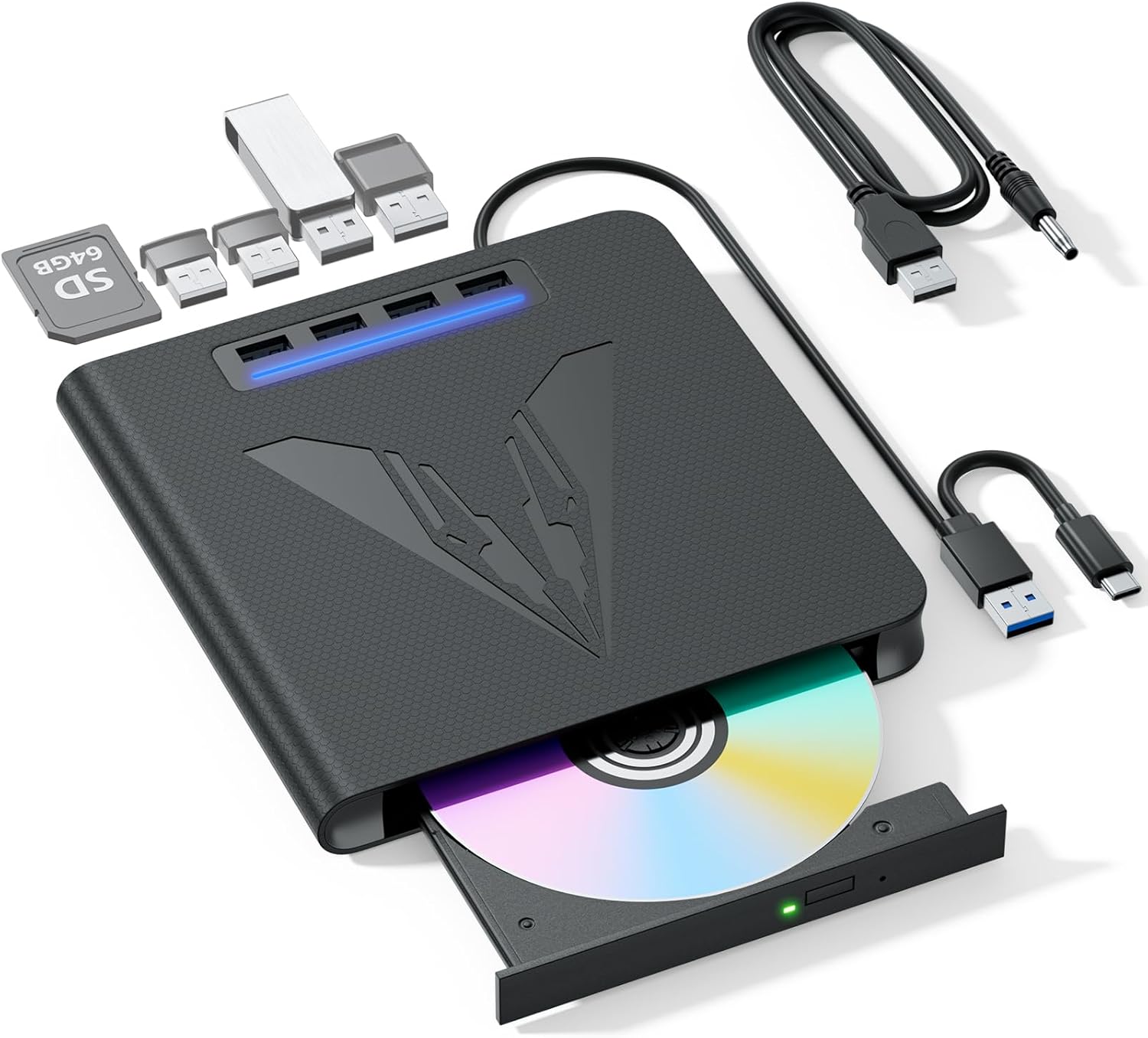
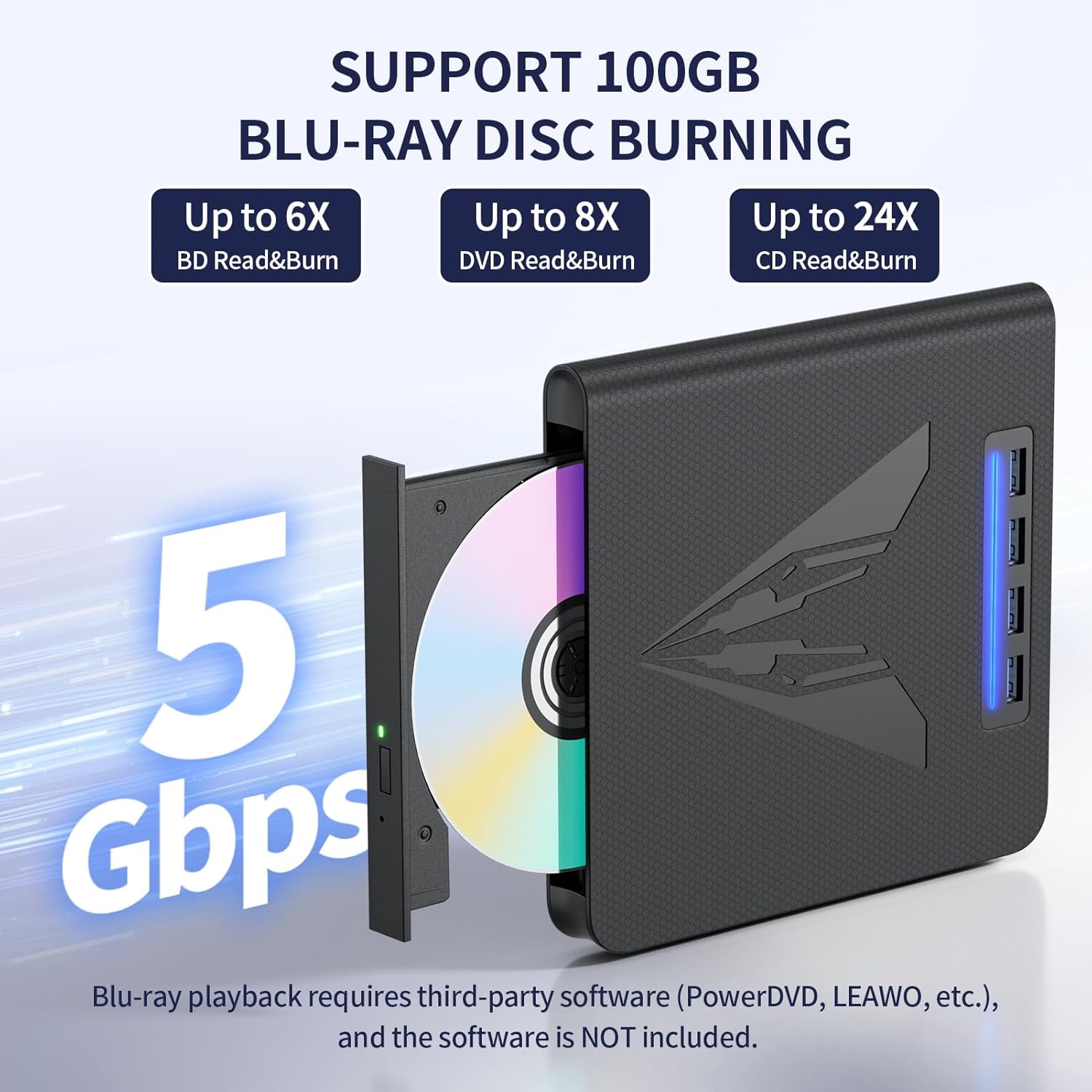
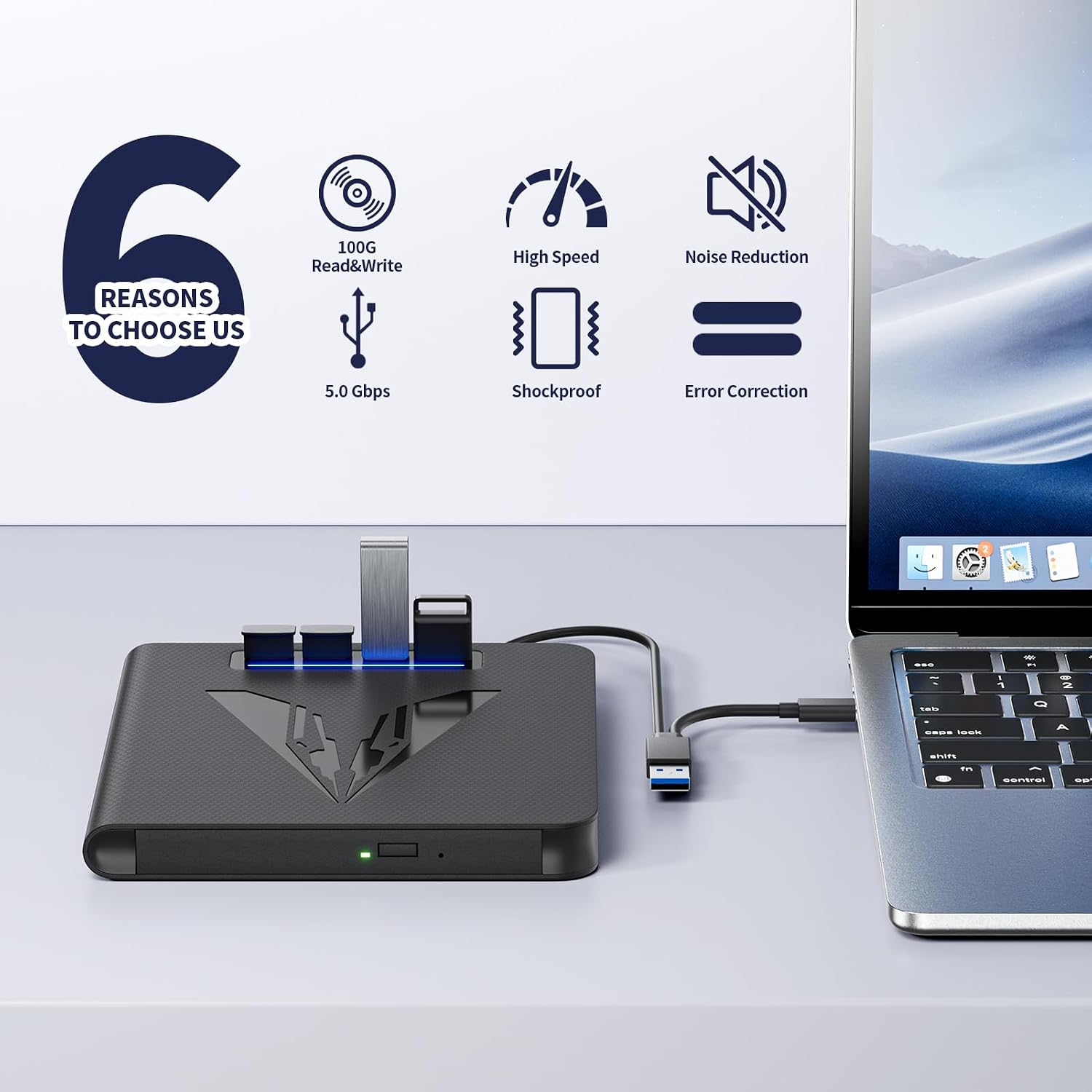
【100GB BD Disc Burning Support & 6X Read Speed】 This external blu-ray drive handles BD, DVD, and CD reading and writing, delivering up to 6X BD, 8X for DVD, and 24X for CD read speed for fast data access and 6X BD write speed for smooth, efficient disc burning
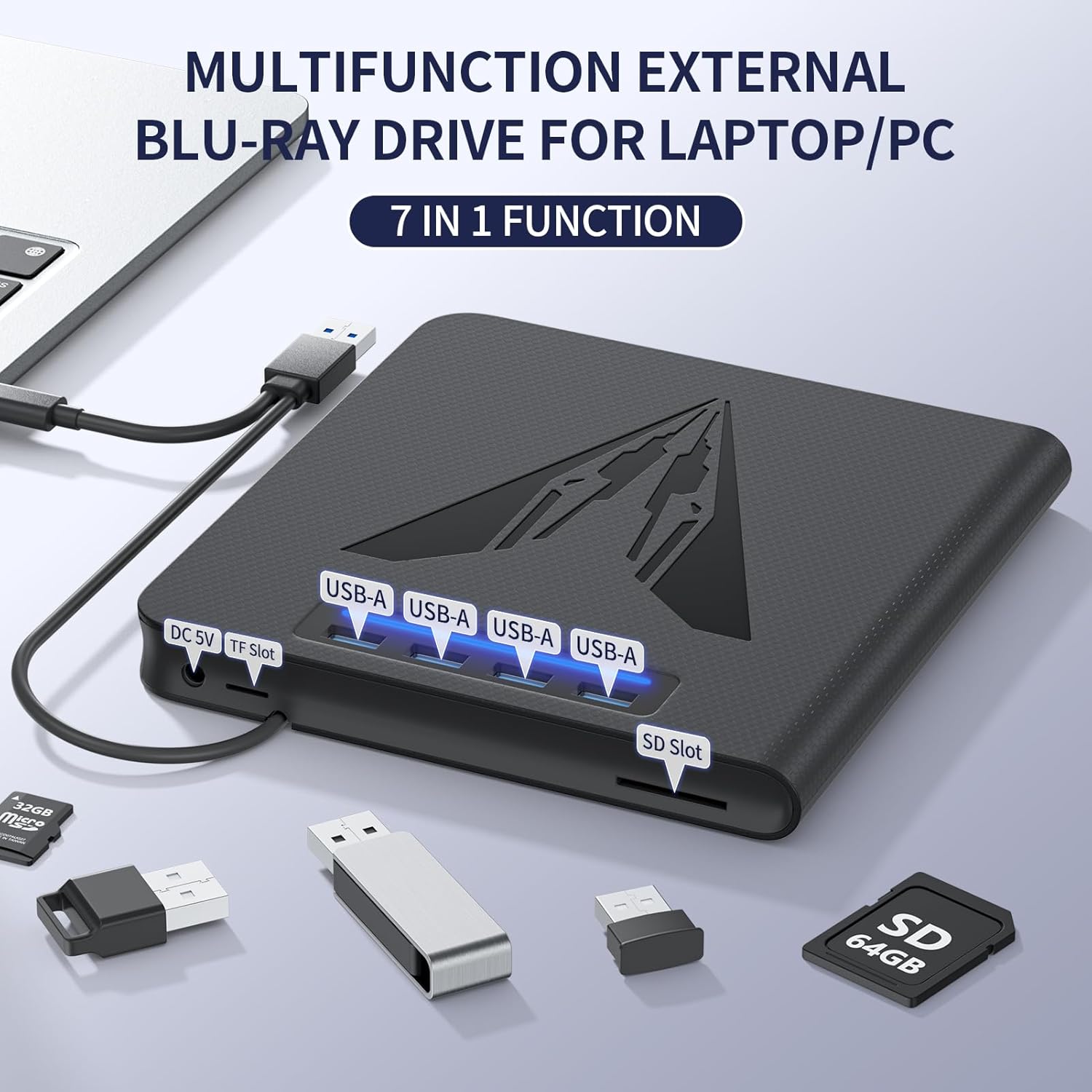
【Versatile 7-in-1 Design with Card Reader & Extra Ports】 More than a standard blu ray burner, this external blueray/dvd drive for pc features SD/TF card slots and multiple USB ports, making it simple to transfer files between memory cards, discs, and your computer in one hub
【Plug-and-Play Simplicity】 Enjoy driver-free setup for CDs and DVDs right out of the box via the embedded USB 3.0 A + C dual-purpose cable—no extra adapters needed. For Blu-ray playback, simply install your preferred third-party software such as PowerDVD, Leawo Blu-ray Player, or VLC Media Player to get started. A supplementary 5V round power cable is also included, ensuring this usb blu ray drive external maintains stable performance even when handling large-capacity discs. (Note: Playback software is not included.)
【Slim, Lightweight & Quiet Operation】 Designed with a slim profile and lightweight body, this portable blu-ray drive easily slips into your laptop bag for on-the-go use. Its low-noise operation ensures a quiet, distraction-free environment whether you’re burning discs or watching movies
【Wide System Support for Laptops & Desktops】 This bluray burner external is fully compatible with Windows, macOS, and Linux platforms, making it a dependable blu ray player for pc and a flexible blue ray burner across different computing setups. NOTE:This external blu-ray drive does not support 4K, TVs, tablets, phones, or projectors
$69.99