
Related Products

Scotch PRO TL906 Thermal, Laminator...
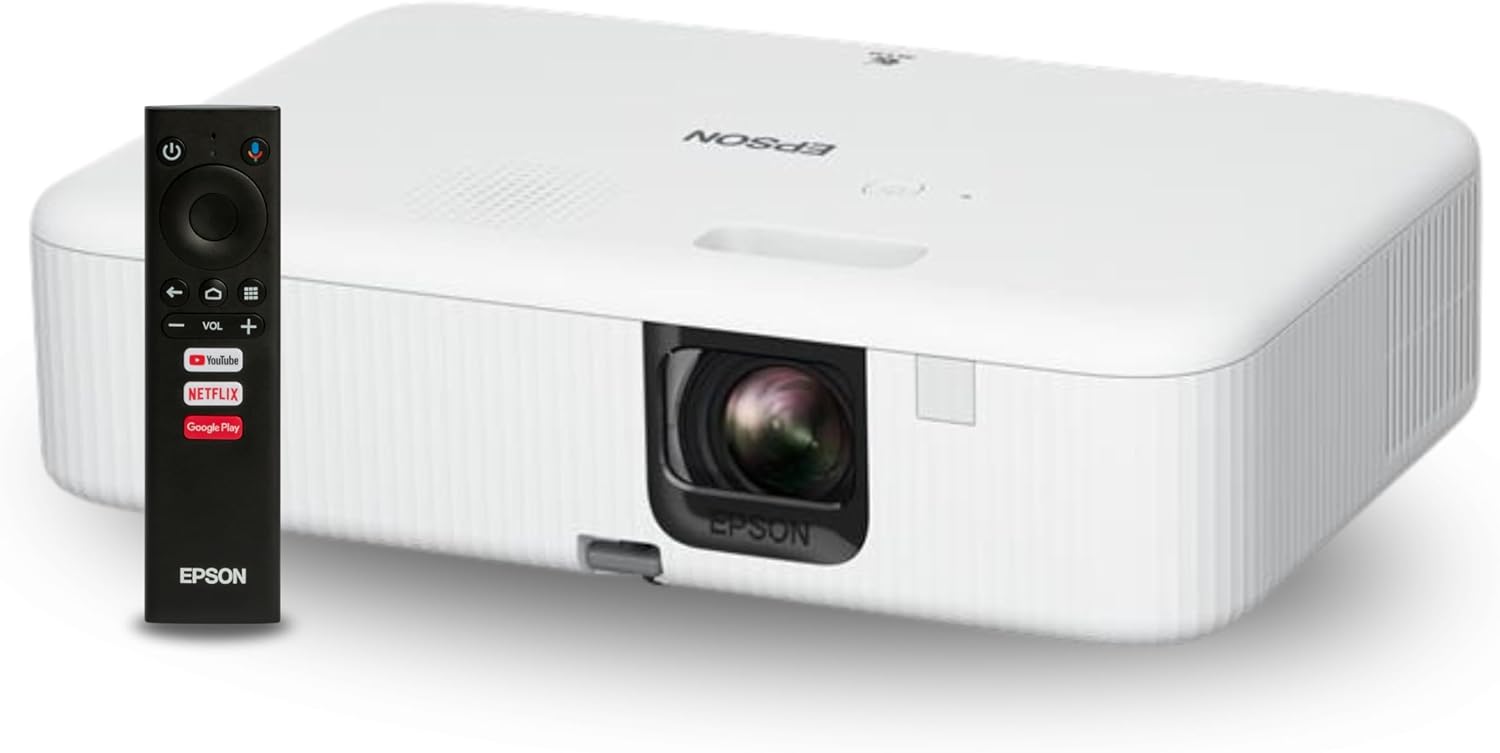
Epson EpiqVision Flex CO-FH02 Full...

Epson Lifestudio Pop Full HD Personal...


Epson Lifestudio Pop Plus 4K PRO-UHD...


Product description


1 AI Printing & AI Chat
2 8 AI Modes
3 App Printing


1 Device Setup
2 Operation Tips
3 Package Includes
What’s the difference between AI Voice Printing and App Printing?
Both methods are supported. For AI Voice Printing, press the AI button and describe an idea to generate and print a design. For App Printing, use the free Fun Print app to customize and print photos, to-do lists, labels, study materials and more.
Can I use it without a smartphone or tablet?
A smartphone or tablet with the free Fun Print app is needed to set up a 2.4GHz Wi-Fi connection. After setup, kids can use AI Voice Printing and AI Voice Chat without using a phone or tablet. The mini printer must remain connected to Wi-Fi.
Does it print in color or black and white? Does it need ink?
It prints in black and white using inkless thermal technology—no ink or toner needed. Printed designs can be colored by hand.
How do I cancel a design I don’t like?
If you don’t like an AI-generated design, press the AI button on top of the sticker printer once during printing to stop the print and help reduce paper waste.
How do I reset the device?
Quickly press the AI button on top of the printer five times to reset it. You can also select “Initialize The Device” on the home screen of the Fun Print app.
Vicbear Mini Printers & Refills
Add to Cart
Add to Cart
Add to Cart
Add to Cart
Add to Cart
Add to Cart
Add to Cart
Printer Color
Red
Purple, Blue, Black
White, Pink
Blue, Pink
/
/
/
AI Voice Printing
✔
/
/
/
/
/
/
AI Voice Chat
✔
/
/
/
/
/
/
APP Printing
✔
✔
✔
✔
/
/
/
White Sticker Paper Rolls
5
5
5
3
15
6
6
Colored Sticker Paper Rolls
0
0
0
0
0
9
0
Plain Paper Rolls
1
9
7
5
0
0
10
[AI Voice-to-Image]: Simply describe your ideas, and the AI voice sticker printer for kids will turn your words into sticker designs and print them instantly. Color them however you like, then peel and stick them for fun DIY crafts.
[8 AI Modes for Creative Play]: Explore multiple AI drawing styles—Simple Drawing, Line Drawing, Sketch, Anime, Cartoon and Ink Wash—plus Picture Book Story and AI Voice Chat. This AI sticker maker for kids also supports English, Spanish, French, German, Chinese and more.
[Paper Included, No Ink Needed]: The sticker maker machine uses inkless thermal printing to create black-and-white prints for paper crafts. The sticker printer box includes 5 rolls of adhesive sticker paper and 1 roll of plain paper. Say goodbye to messy cartridges and expensive refills.
[Kid-Friendly & Safety System]: The AI printer for kids is compact and easy to operate. It has a built-in content filtering system that helps block inappropriate prompts. After a one-time setup, kids can use the mini sticker printer on their own via a 2.4GHz Wi-Fi connection.
[More Materials in APP]: Connect this sticker printer machine to your smartphone or tablet via Bluetooth using the free “Fun Print” app. Create and print customized photos, labels, to-do lists and study materials, bringing your everyday ideas to life.