
Related Products

DC24V Smart Automatic Motorized...






Product description


Video installation matching guide Replace dry batteries Replace dry batteries
The video showcases the product in use.The video guides you through product setup.The video compares multiple products.The video shows the product being unpacked. Replace dry batteries Merchant Video
Motor Forward and Reverse Adjustment Motor Forward and Reverse Adjustment
Motor reversing
The running direction of the blinds is oppsite to what shows on the emitter button
Method 1:Press both together until the motor rotates once
Method 2:Press “M” key 10″ motor rotates 3 times
The video showcases the product in use.The video guides you through product setup.The video compares multiple products.The video shows the product being unpacked. Motor Forward and Reverse Adjustment Merchant Video
Motor Switch M Button Use Motor Switch M Button Use
Pressing the button a different number of times will result in different functions.
The video showcases the product in use.The video guides you through product setup.The video compares multiple products.The video shows the product being unpacked. Motor Switch M Button Use Merchant Video
Add a New Emitter Add a New Emitter
A motor can match one or more emitters
Emitters need to be matched.
The video showcases the product in use.The video guides you through product setup.The video compares multiple products.The video shows the product being unpacked. Add a New Emitter Merchant Video
Quick Matching & Delete Matching Quick Matching & Delete Matching
STEP 1:Battery Version-Install the dry battery
STEP 2: Press the motor “‘M” button for 2″, the motor rotates back and forth once. The motor enters the matching state, (Valid for 60 seconds)
STEP 3: The switch selects “admin” mode
STEP 4: Long press “S” for 2″ The motor will rotate back and forth once. Match successfully.
The video showcases the product in use.The video guides you through product setup.The video compares multiple products.The video shows the product being unpacked. Quick Matching & Delete Matching Merchant Video
Set Highest & Lowest Point Set Highest & Lowest Point
STEP 1: Set Highest Point
Use the button on the front to adjust the shade at the position you want. Press “up” for 2″, the motor rotates once.This position is set as the highest point.
STEP 2: Set Lowest Point
Use the button on the front to adjust the shade at the position you want. Press “down” for 2″, the motor rotates once.This position is set as the lowest point.
The video showcases the product in use.The video guides you through product setup.The video compares multiple products.The video shows the product being unpacked. Set Highest & Lowest Point Merchant Video
About Rechargeable Motorized Roller Shades & Smart Accessories
Add to Cart
Add to Cart
Add to Cart
Add to Cart
Add to Cart
Add to Cart
Price
$66.49$66.49
$106.49$106.49
$149.00$149.00
$19.98$19.98
$26.99$26.99
$69.99$69.99
Power Supply
6xAA Batteries
Rechargeable motor
Rechargeable motor
CR2032 Battery
Power adapter required
Comes with an integrated plug
Supports solar panels
No
Yes
Yes
No
No
No
App & Voice Control
Need Converter/Smart Bridge
Need Converter/Smart Bridge
Need Converter/Smart Bridge
Only Remote Control 15 blinds
Smart Control for 1 Shades
Smart Control for 30 Shades
Supports APP
TUYA/Smart LIfe App
TUYA/Smart LIfe App
TUYA/Smart LIfe App
No
TUYA/Smart LIfe App
TUYA/Smart LIfe App
Supports Voice assistants
Alexa/Google
Alexa/Google
Alexa/Google
No
Alexa/Google
Alexa/Google
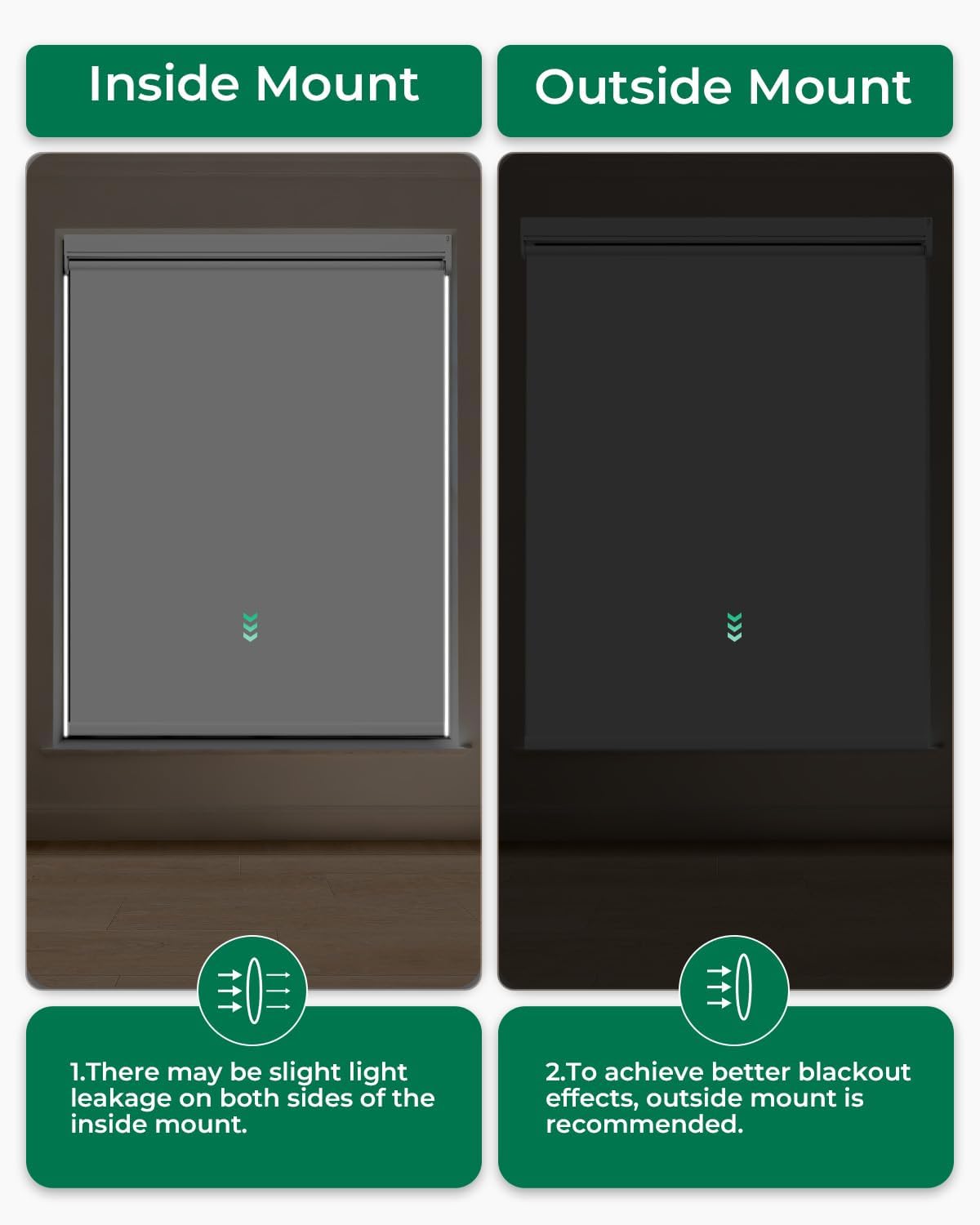
【Eco-Friendly Fabric】Enjoy 100% blackout with our innovative triple-layer fabric. Designed for motorized blinds, this material provides UV protection, thermal insulation, and increased privacy, serving as the ultimate functional solution for any living space. To achieve optimal blackout effect, ensure a snug fit after installation, we recommend using an outside mount method
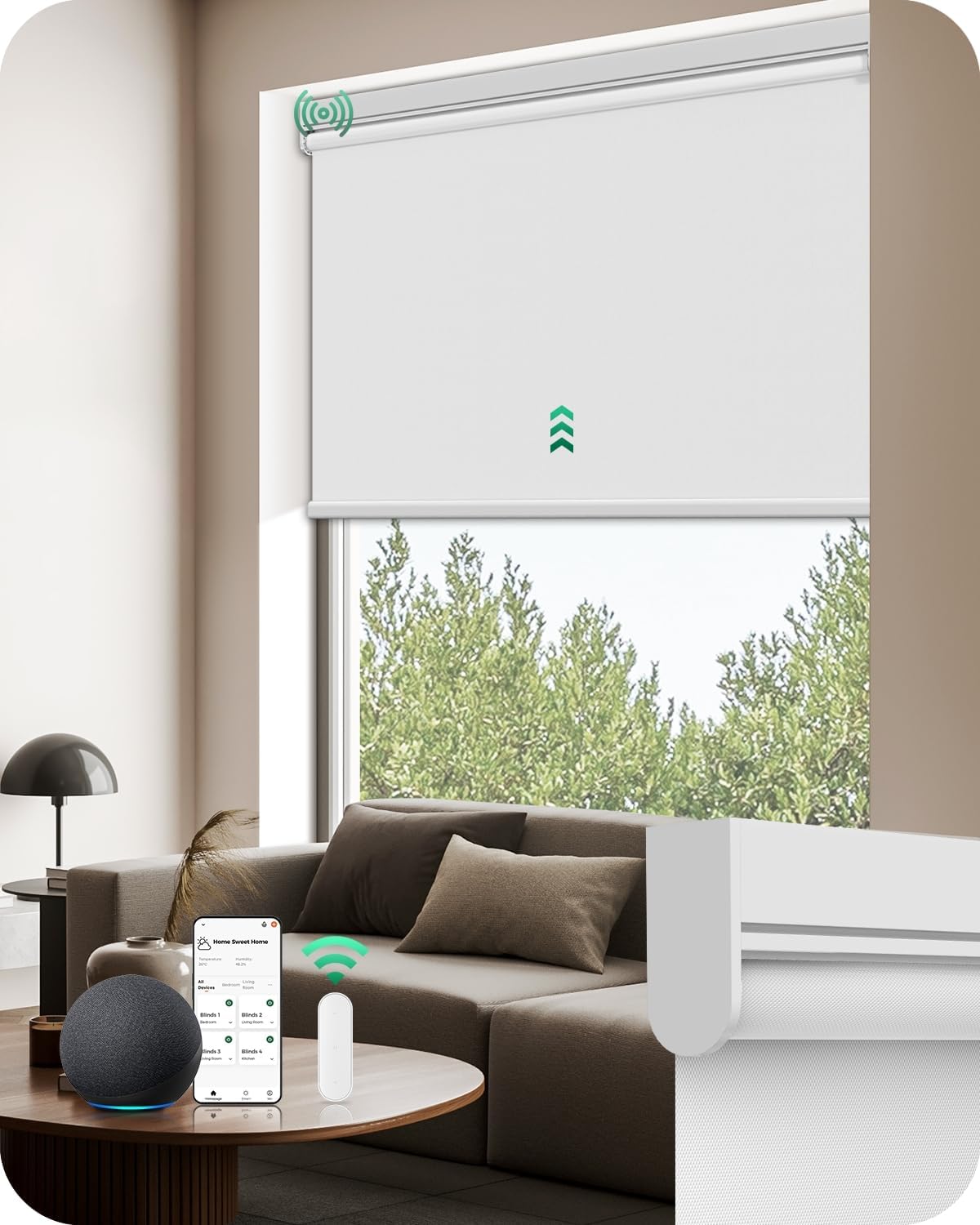
【Remote Control】Control your remote shades easily from anywhere with the included single‑channel remote. Its admin mode allows you to customize travel limits and adjust motor speed for personalized operation. To expand control, an optional 15‑channel remote (B0FHKT51RR) is available for managing multiple smart shades at once
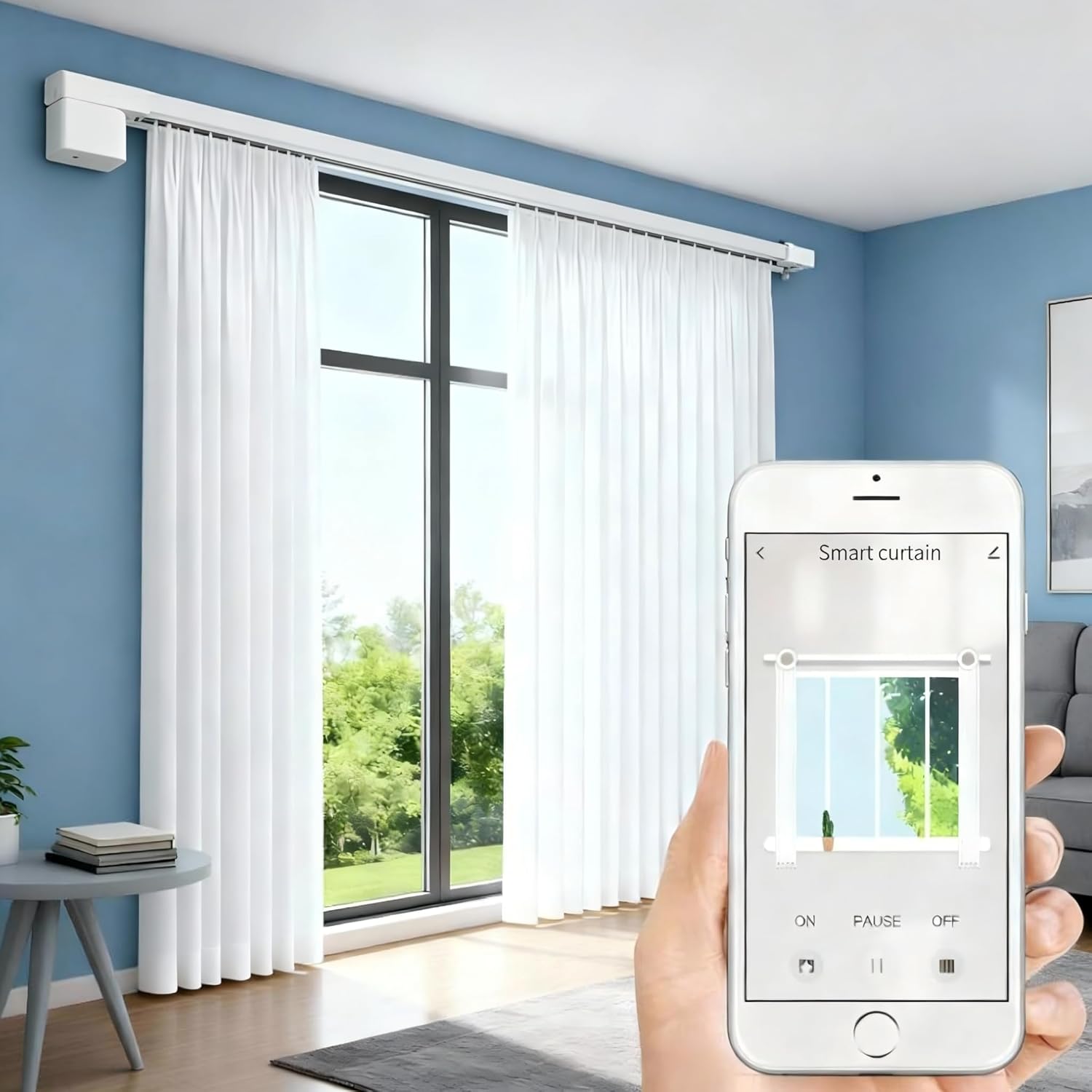
【App & Voice Control】Unlock smart functionality with our Smart Hub accessories. The compact USB Converter (optional: B0BVDSX6B3) provides basic connectivity for single-device control via Tuya app or Alexa. For expanded whole-home automation, the Smart Bridge (optional: B0CC22FQX6) supports seamless control of up to 30 motorized shades simultaneously through the Tuya app, Alexa, or Google Assistant
【Energy-Saving & Quiet Motor】Experience near-silent operation below 30dB and ultra-long battery life. Powered by AA batteries (included), the super energy-saving motor delivers up to six months of effortless use on a single battery replacement. No need to use an extra charging cables, giving you complete freedom and convenience in your daily routine
【Selection Size Guide】Please note, order width is not equal to fabric width. Measure the window width W according to the ‘How to Measure Diagram’; the order width = W. (If the set of diagrams also provides a ‘Recommended Order Width Diagram,’ first measure the window width W, then use W in the ‘Recommended Order Width Diagram’ to determine the order width)
Original price was: $81.49.$69.27Current price is: $69.27.