
Related Products


[2500 ANSI/Auto Focus/Built-in...


Magcubic Mini Projector with WiFi...


Product description

Why can’t I access the control panel after scanning the code, even though I’ve connected to the SSID?
We recommend using the browser that came with your phone. If you see “Site Not Found” or “Page Moved” after scanning the code, please try a different browser and scan the code again.
When I connect to the SSID, a pop-up window appears stating: ‘Network unavailable’. What should I do?
Simply click ‘Continue’ or ‘Keep current network’. This is to be expected, as the projector itself does not support internet access.


No App Needed – Simply connect to the SSID displayed on the projector screen’s Wi-Fi network (the SSID name varies by projector model, so be sure to connect the SSID shown on the screen when the projector starts up), then scan the QR code to start creating—no app download required.
Dual-Band WiFi – Features upgraded 2.4G/5G dual-band Wi-Fi for a stable, low-latency connection with devices. Effortlessly project, scale, and rotate images directly via your mobile browser, making tracing intricate lines and detailed sketches accurate and smooth.
Supports Online/Offline Modes – Designed for ultimate flexibility, it supports both online streaming and offline local connections. Whether you’re in a professional art studio, painting outdoor murals, or traveling where Wi-Fi is unavailable, your creative flow remains uninterrupted.
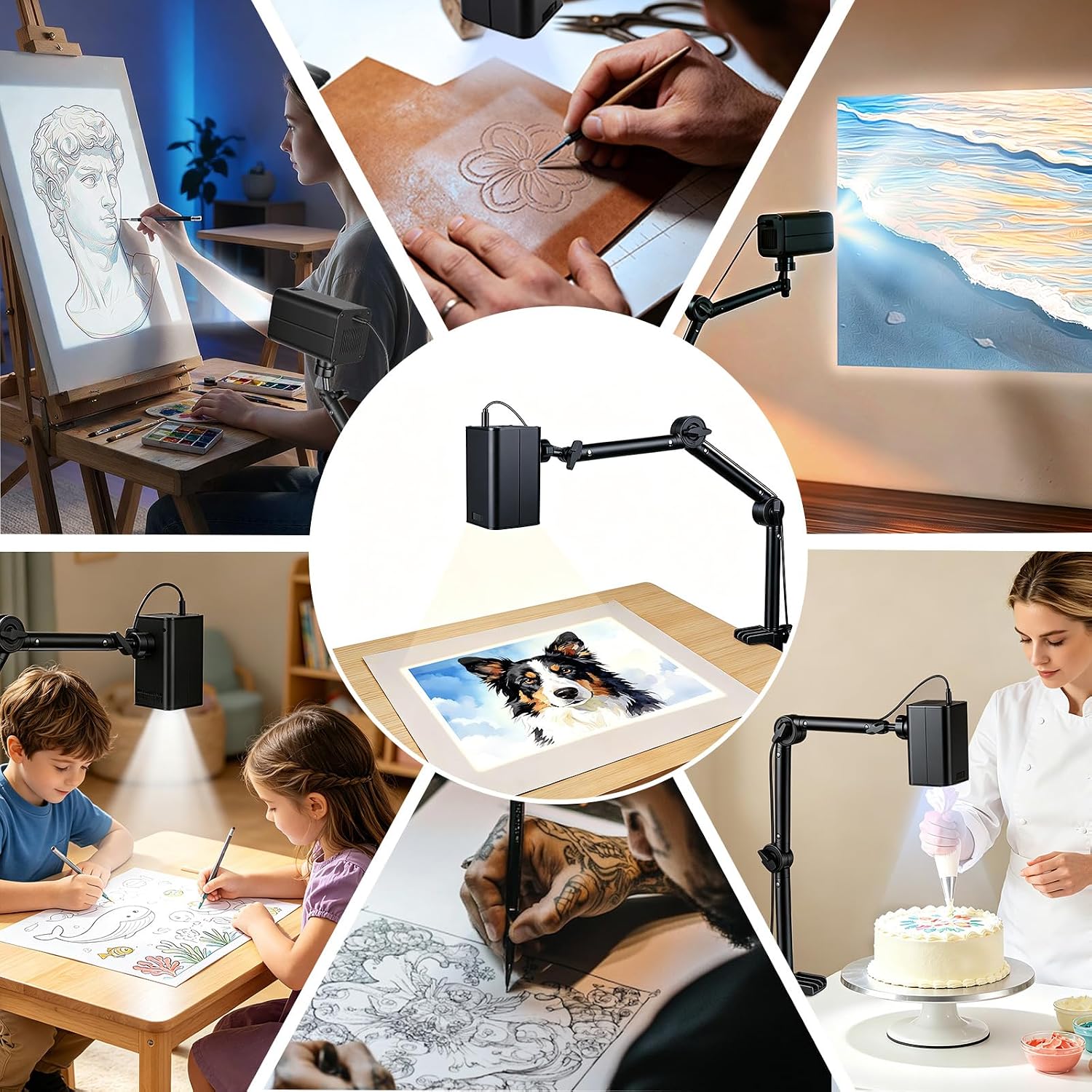
Flexible Adjustable Stand – Designed for smoother, more versatile adjustments than standard mounts. Position your projection effortlessly at any angle—whether flat on desktop canvases, upright on walls, or aligned for small DIY crafts. Easily lock in the precise projection size and angle you need for flawless sketching and painting.
A Versatile Creative Tool—From cookie decorating to art education, this projector transforms digital photos into tangible masterpieces. It’s the perfect gift for enhancing artistic skills.