
Related Products


TP-Link Deco X15 Dual-Band AX1500...

TP-Link RE615X AX1800 WiFi 6 Range...


TP-Link Deco X55 AX3000 WiFi 6...




Product description


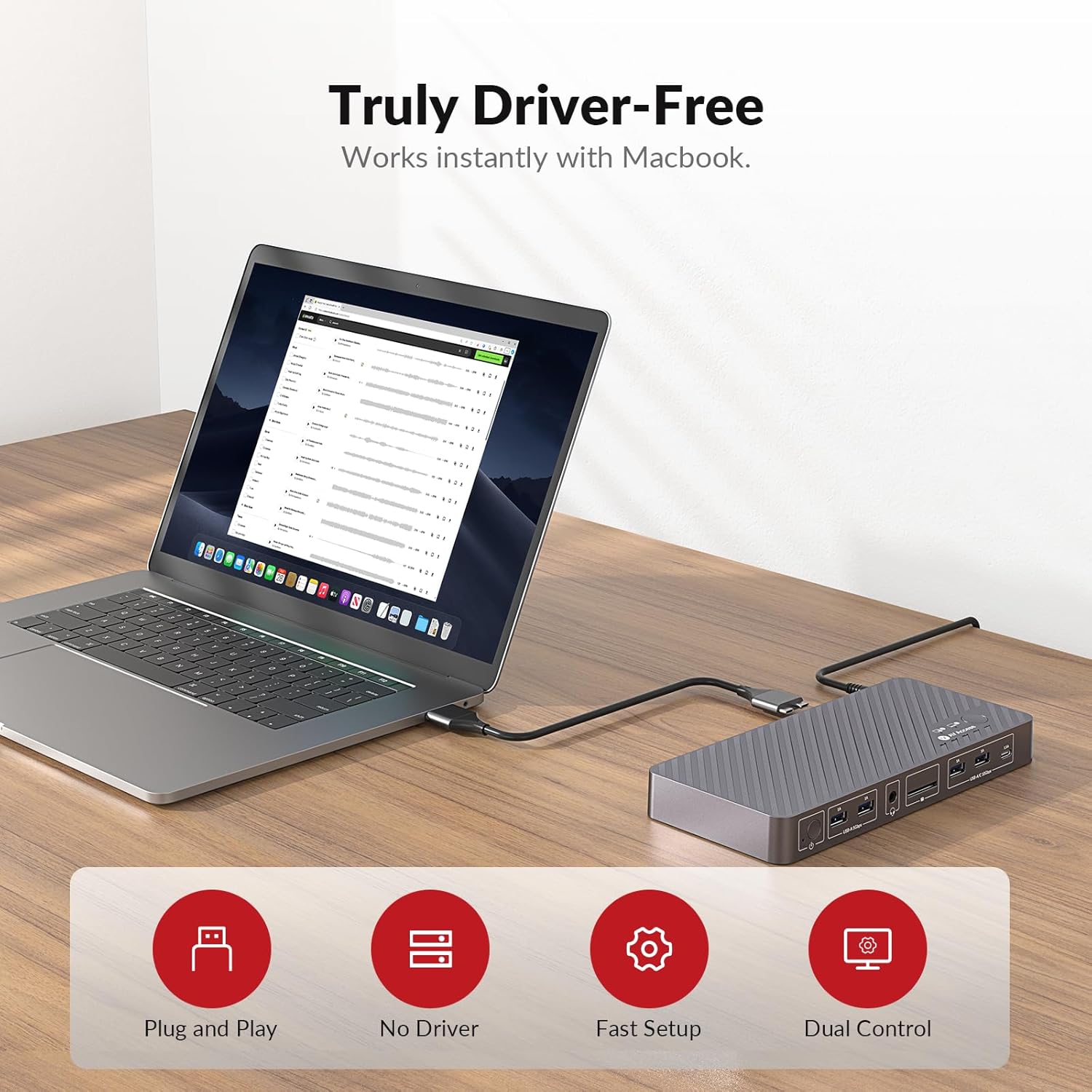
1 Plug & Play for Mac Users
2 Dual Screen Mac Setup
3 10Gbps Faster Transfer
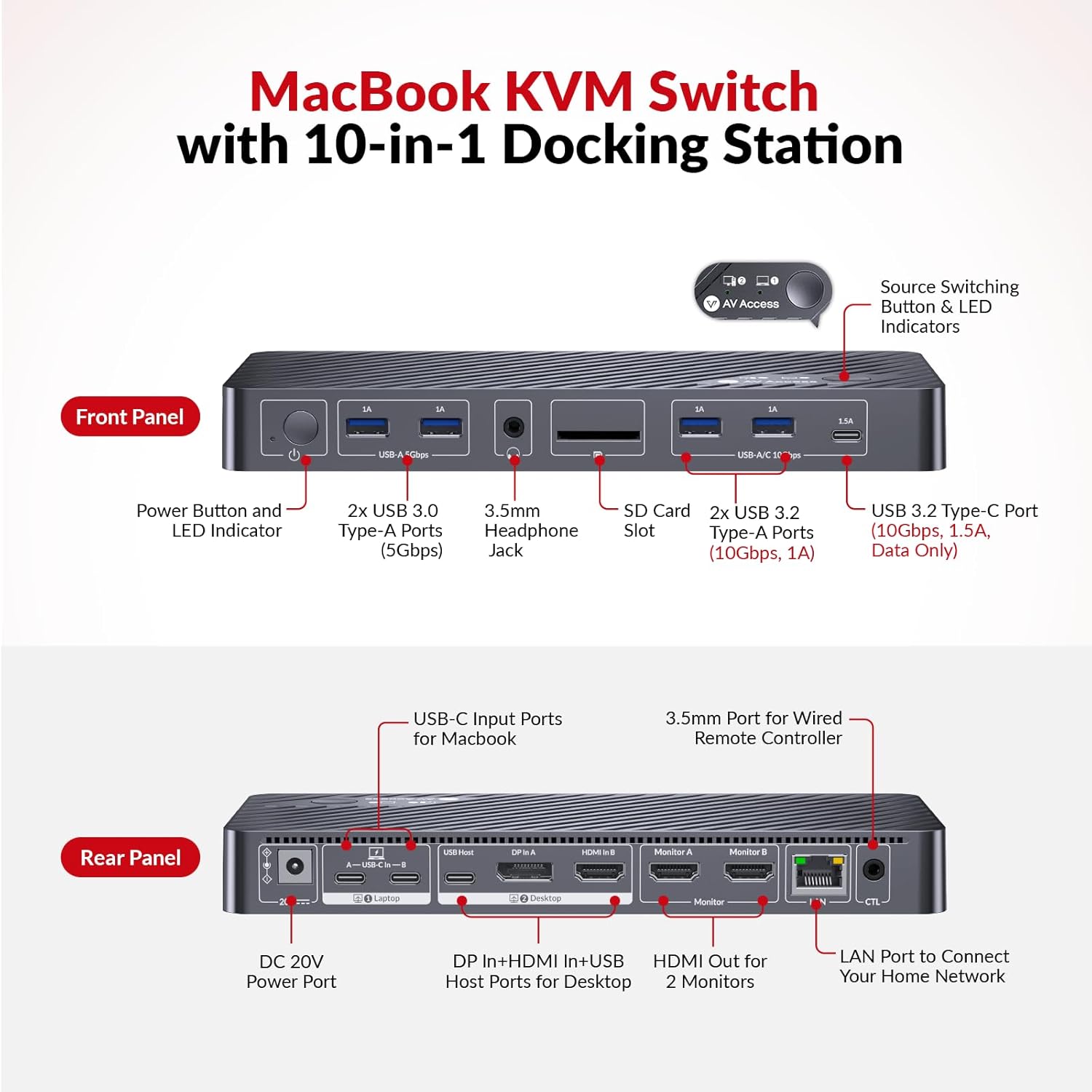
4 10-in-1 Docking Station


1 EDID Emulation
2 Two Ways Switching Way


1 Universal Compatibility
2 Compact Design
3 Check Before Purchase

How do I know if my MacBook is compatible with this product?
Intel / M1 or M2 (non-Pro/Max): iDock M10 can extend to only one external display.
M3 (non-Pro): up to two extended displays when the lid is closed; lid open supports mirroring only.
M4 or any Pro/Max chip: supports two extended displays.
Do I need to install any drivers or software to use this KVM docking?
No. It is fully plug and play, and does not require drivers, or software installation. Just connect your devices and start using it immediately.
Can I use iDock M10 with a Mac Mini or Mac Studio?
Yes. To connect a MacBook + Mac mini/Mac Studio:
1. Both devices must have a Pro chip or M3 (or newer).
2. The Mac mini/Mac Studio needs enough ports (adapters allowed) to connect to the HDMI, DP, and USB-C ports labeled “② Desktop” on iDock M10.
Will my screens flicker or rearrange when switching?
No. Built-in EDID emulation keeps monitor resolution and layout consistent, preventing flicker or window rearrangement during switching.
What are the advantages of iDock M10 over a DisplayLink solution?
1. iDock M10 is fully plug-and-play with no software needed, so it works freely and poses no security risk.
2. iDock M10 sends DP Alt video signals directly over USB-C without compression, ensuring stable and reliable video quality.
【Designed for Your MacBook】This dual USB C KVM switch docking station works seamlessly with a wide range of MacBook Pro and MacBook Air models, as well as Mac mini and Mac Studio. It supports dual extended displays on macOS with M1/M2/M3/M4 Pro, M1/M2/M3/M4 Max, and M3/M4 chips. 👍No additional drivers or software required.
【Dual 4K Displays, One Seamless Workflow】Connect 1 laptop (MacBook supported) and 1desktop to two HDMI monitors. Effortlessly switch between systems using the top-mounted button or included wired remote. Ideal for multitasking in office, education, design, and light gaming environments.
【Plug & Play】This KVM dock is truly plug and play — no DisplayLink software, no drivers, no setup required. It eliminates installation hassles and compatibility worries, letting you connect your Mac and start using dual screens instantly and reliably, saving time and avoiding technical frustration.
【10-in-1 KVM Docking Station】 Engineered to declutter your workspace, this docking station with KVM switch consolidates 2x HDMI, 3x USB 3.0, 2x USB 2.0, USB C host input, SDXC card reader, 3.5mm audio, and 1G Ethernet. It meets all essential peripheral connections for a modern workstation, eliminating the need for extra hubs.
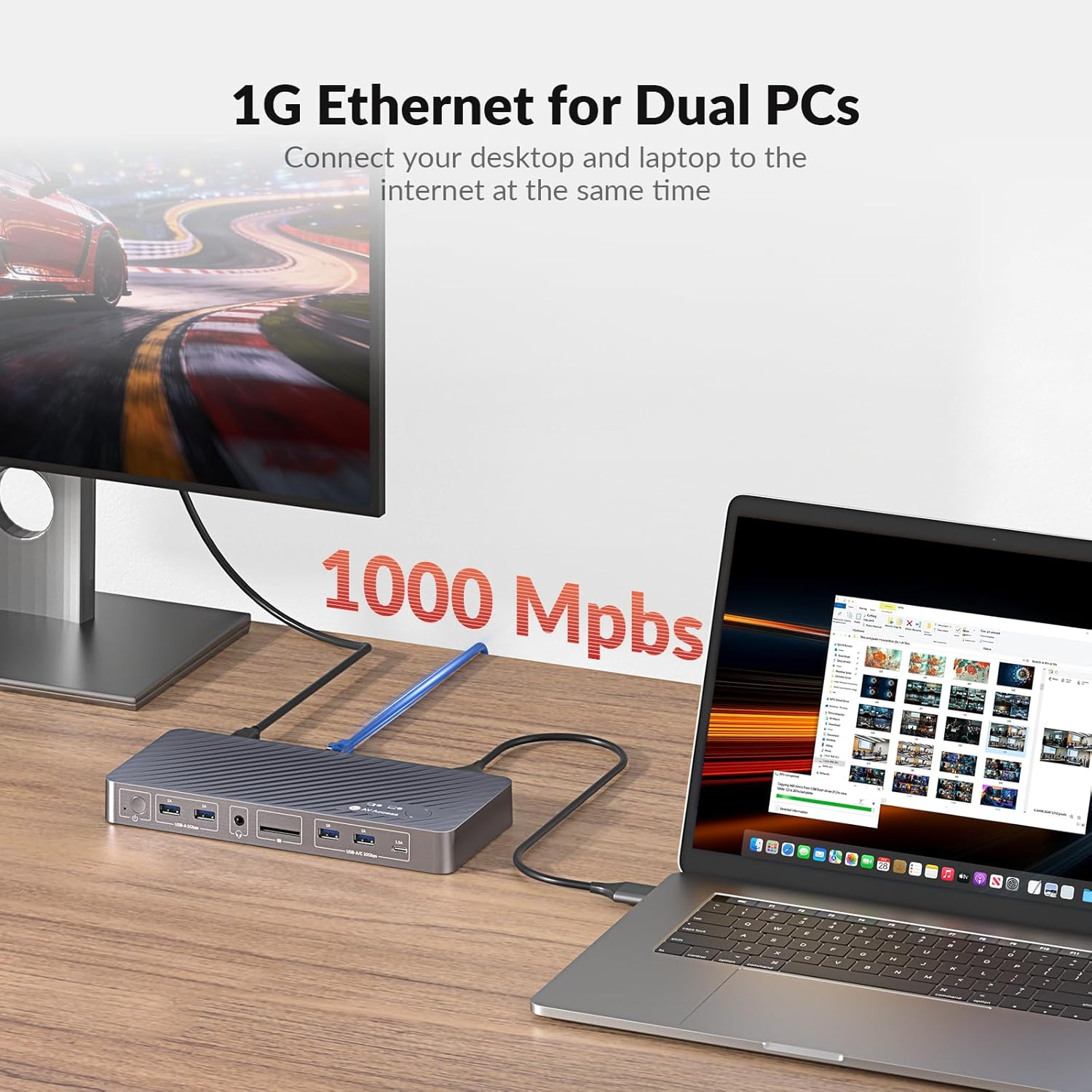
【100W PD & Always-On Gigabit Ethernet】 Featuring 100W USB C Power Delivery, it keeps your MacBook at full charge during intensive tasks. 👍The always-on Gigabit Ethernet ensures both connected computers remain online simultaneously, preventing network dropouts during KVM switching for continuous downloads and updates.
【EDID Emulation for Flawless Switching】 Utilizing advanced EDID emulation technology, this KVM docking maintains consistent monitor resolution and display arrangement when switching between computers. This eliminates screen flicker, black screens, and re-detection, delivering a stable and professional visual experience.
🚩【Important Notes】 1. For MacBooks with M1 or M2 processors, only one external monitor is supported (one of the displays will go black when two monitors are connected). 2. For MacBooks with M3 processors, dual external monitors are supported only when the laptop lid is closed.
$289.99