
Related Products

VisionOwl Large Portable Monitor...

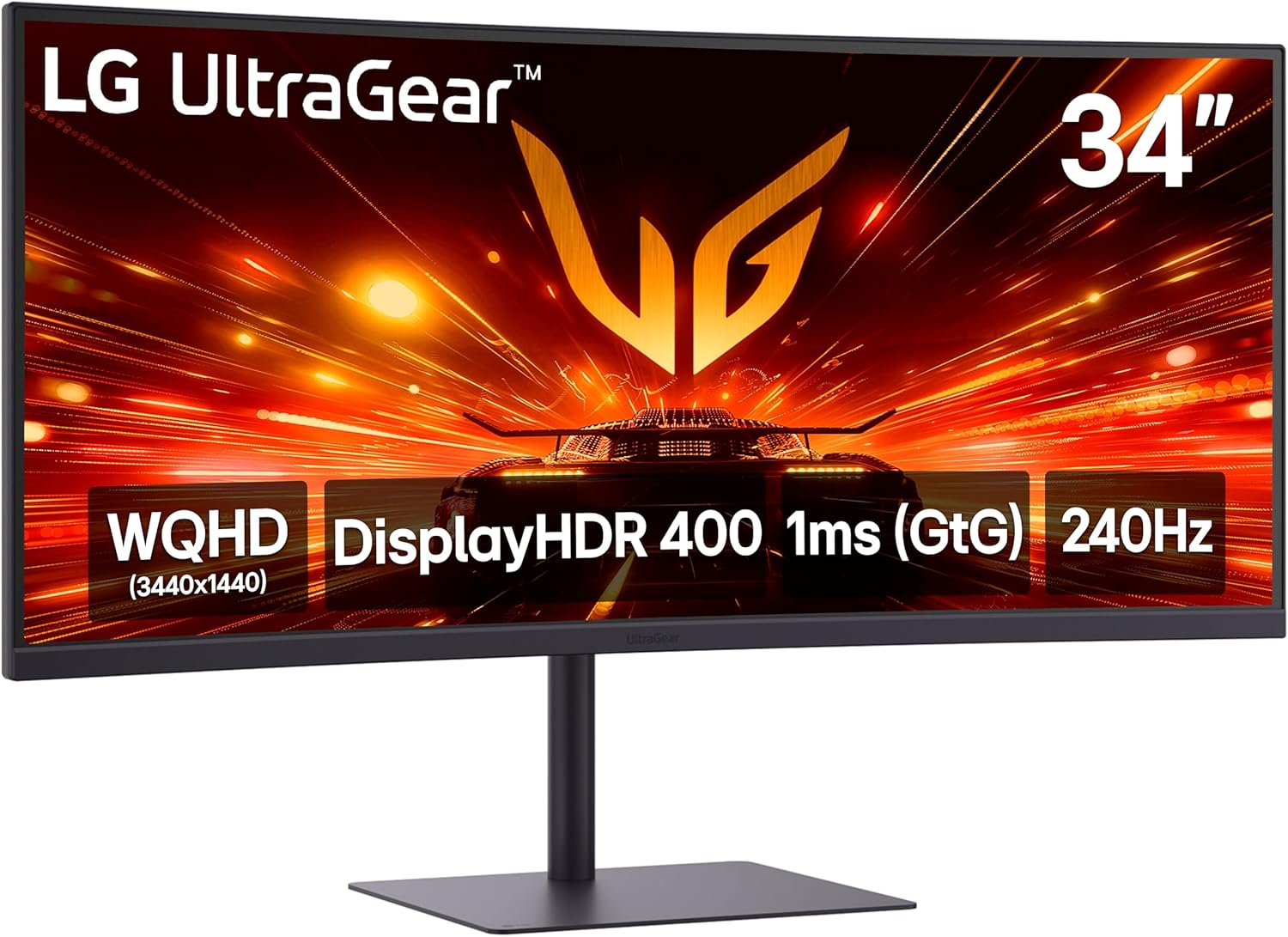
LG 34G630A-B 34-Inch Ultragear...
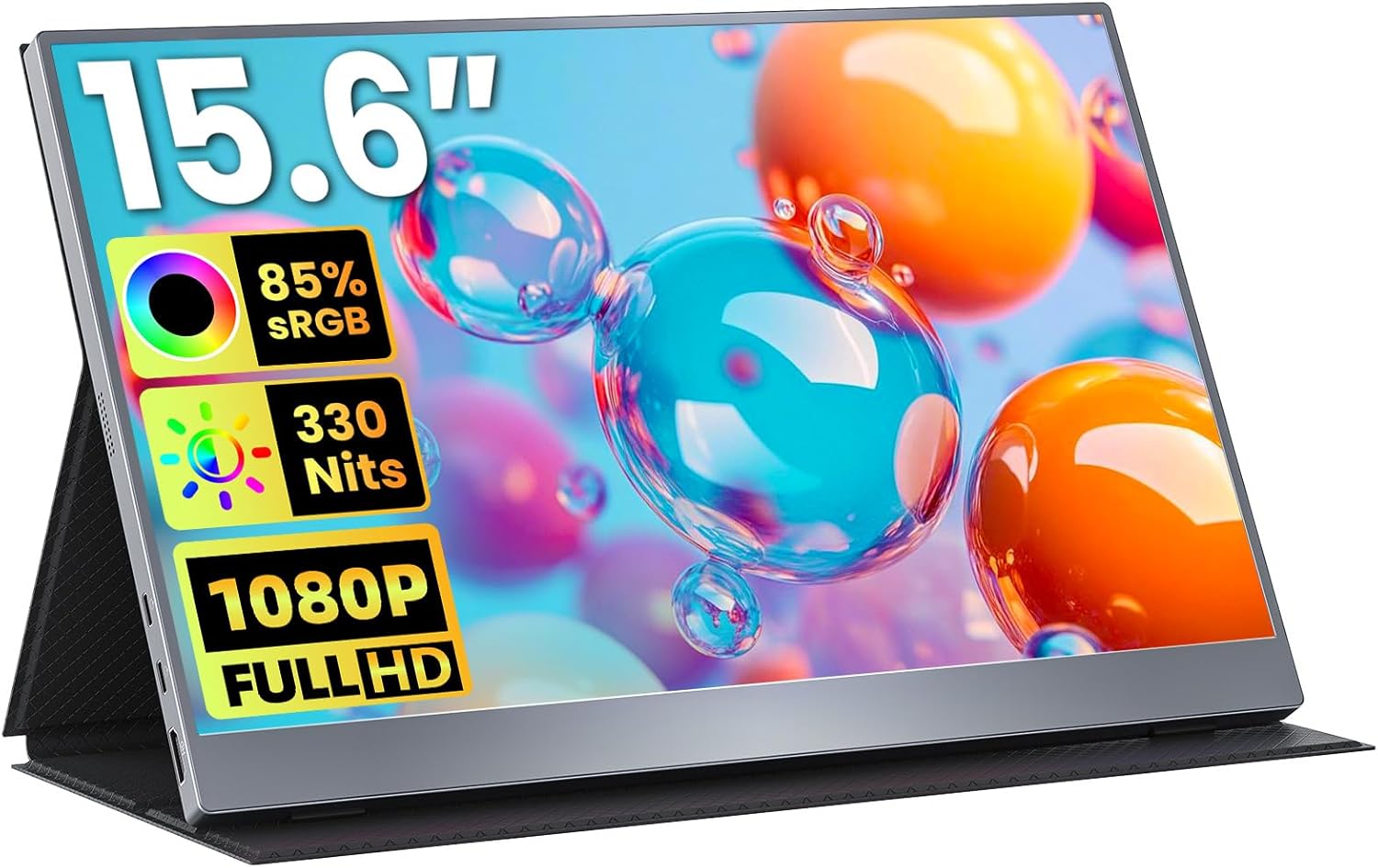
Portable Monitor 15.6 inch FHD...

15.6inch Portable Monitor,1080P...


Product description
 BenQ DesignVue Designer Monitor PD2730S|27″ 5K 2000:1 98% P3 Thunderbolt 4 Designer Monitor
Pixel Precision Makes Inspiration Come Alive
Empower Your Photorealistic Art  5K Ultra High Resolution
View every detail with more workspace. With 77.8% more pixels than 4K monitors, 5K resolution shows more high-definition content in full detail.
 218 Pixels Per Inch
Experience Pixel-Level Sharpness. 218 PPI packs 218 pixels per inch, delivering sharper edges, smoother textures, and unmatched clarity.
 Dark Tone Reproduction
PD2730S delivers precise dark tones, natural light transitions, and immersive storytelling—bringing creative visions to life with unmatched clarity.
 2000:1 High Contrast
A 2000:1 contrast ratio delivers deeper blacks and fine details, ensuring lifelike textures, rich materials, and compelling visual precision.

Color Management
Always Accurate and Consistent Colors
Ensures lasting color accuracy across displays, empowering creators to craft authentic designs.

Palette Master Ultimate
Achieve Precise Color Matching with a Calibrator
Effortless calibration with Palette Master Ultimate—follow visual menus for software calibration.

Display ColorTalk
Intuitive Color Matching Without a Calibrator
Display ColorTalk matches colors between MacBook and monitors with no calibrator needed.

AQCOLOR
Colors You Can Trust
AQCOLOR delivers out-of-box precision with an avg. Delta E≤2, 98% P3 coverage, and corner uniformity

Nano Matte Panel
For Color Management & Eye Comfort
TÜV certified reflection-free for eye comfort, ideal for color-managed workflows.
1 Color Management
2 Palette Master Ultimate
3 Display ColorTalk
4 AQCOLOR
5 Nano Matte Panel

Thunderbolt 4
All-in-One Thunderbolt 4 Connection
Transfer images, videos, data at 40Gbps, deliver up to 90W power, and support 2 5K or an 8K monitor.

Daisy Chain
Daisy Chain
The Daisy chain extends your workspace to dual 5K monitors, thanks to high-speed transfer.

Built-in KVM
Built-in KVM
Control two systems with one keyboard and mouse using the built-in KVM switch
1 Thunderbolt 4
2 Daisy Chain
3 Built-in KVM

Display Polit 2
Enhance Convenience and Flexibility
Display Pilot 2 lets you organize ICCsync, Color Modes and Desktop Partition for flexible workflows.

Wireless Hotkey Puck
Simplified Monitor Controls
Offering quick shortcuts and easy brightness, contrast, and volume adjustments.

ICCsync
Ensures Color Consistency
ICCsync auto-syncs ICC profiles between Mac and BenQ monitors when switching color modes.

M-book Mode
Mac Device Color Matching
M-book Mode matches colors with Mac and MacBook Pro. *Mac and MacBook are trademarks of Apple Inc.

iKeyboard Control
Integrated MacBook Controls
Control brightness and volume with your Mac keyboard. *Only for Mac devices using Display Pilot 2.
1 Display Polit 2
2 Wireless Hotkey Puck
3 ICCsync
4 M-book Mode
5 iKeyboard Control
 Pivot 90°
  Swivel 30°/30°
  Tilt -5°~20°
  150mm Height Adjustment
Why does my BenQ PD monitor not look bright enough?
“Uniformity Compensation” is enabled by default to ensure consistent brightness and color across the screen. To achieve this, the monitor’s maximum brightness is slightly reduced.
Can I increase the brightness?
Yes. You can go into the OSD menu and turn off “Uniformity Compensation” to unlock the monitor’s maximum brightness.
What happens if I turn off Uniformity Compensation?
Brightness will increase, but screen uniformity may slightly decrease. This is usually fine for everyday use, but for color-critical work, it’s recommended to keep it enabled.
RETINA-LIKE 5K RESOLUTION: Experience 5120×2880 clarity with 218 PPI, delivering ultra-sharp details and smooth gradients. View details with more workspace and 77.8% more pixels than 4K monitors.
ACCURATE & RELIABLE COLOR MANAGEMENT: 98% P3 and 2000:1 contrast ensure precise color accuracy with deep blacks and vibrant tones, perfect for VFX and visual storytelling across platforms.
MAC-COMPATIBLE THUNDERBOLT4: Seamlessly delivers up to 90W power, 40Gbps transfers, and supports two 5K or one 8K display when used with Thunderbolt 4 certified cables.
EYE-COMFORT NANO MATTE PANEL: Diffuses ambient light, making it ideal for color-managed workflows. Its TÜV certified reflection-free feature enhances eye comfort during extended design sessions.
WORKFLOW-BOOSTING KVM SWITCH: Control two systems with one keyboard and mouse using the built-in KVM switch. Easily switch systems via wireless Hotkey Puck for enhanced efficiency.
$1,126.45