
Related Products


Govee Smart Plug, WiFi Plugs Work...

Bluetooth SIG Mesh Wireless Hub...





Product description

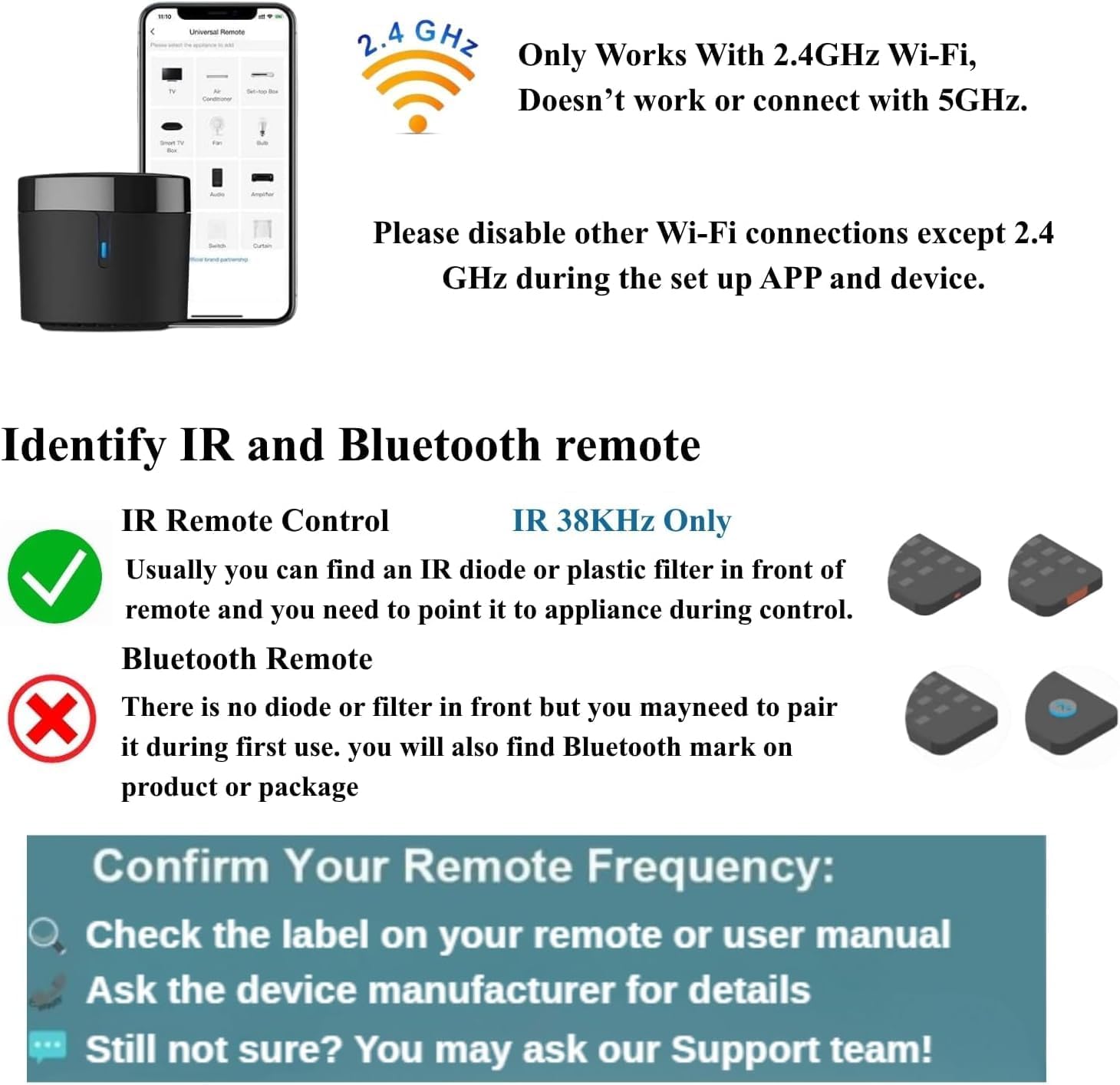
 Is the remote control IR/Bluetooth?
Rm4 Mini Works with IR 38kHz controlled devices only.
RM4 Mini supports 2.4GHz Wi-Fi only. It does not support 5GHz Wi-Fi or a mesh router.RM4 Mini Works with IR 38KHz-controlled devices only. It does not work with RF or Bluetooth control devices.Please use a good 5V 1A adapter to power on the RM4 Mini. Otherwise, it will not work at all.The signal range is about 8m(line-of-sight only). Must have 1 for each room(IR signal can’t pass through the wall).
RM4 Mini Requirement
What’s Required?
RM4 Mini supports 2.4GHz Wi-Fi only. It does not support 5GHz Wi-Fi or a mesh router.RM4 Mini Works with IR 38KHz-controlled devices only. It does not work with RF or Bluetooth control devices.Please use a good 5V 1A adapter to power on the RM4 Mini. Otherwise, it will not work at all.The signal range is about 8m(line-of-sight only). Must have 1 for each room(IR signal can’t pass through the wall). 

Install BroadLink from Google Play or the App Store.Open BroadLink, sign up, and select your region.Or log in with your existing account. 
Go to the home page on APP, tap “Add device,” and follow the instructions.Disable mobile data traffic, select the device AP and stay connected to it. 
Choose your home Wi-Fi (2.4Ghz Wi-Fi only) and input the correct Wi-Fi password.The Wi-Fi password should contain no more than 32 characters. 
In BroadLink APP, tap “Add Voice Assistant”.In Google/Alexa/IFTTT App, enable the skill/service named “Broadlink”, link account and discover devices.
How do I remove older Wi-Fi connections from my phone, except for 2.4 GHz?
To delete saved Wi-Fi networks (keep only 2.4GHz):
Android:
Settings → Network & Internet → Wi-Fi → Saved NetworksTap the network → Remove/Delete
iOS:
Settings → Wi-Fi → My Networks → tap (i) → Forget This Network
Extra settings (turn off):
Auto-connect to best Wi-Fi: OFFDual-channel acceleration: OFFNetwork connection type: Always ask
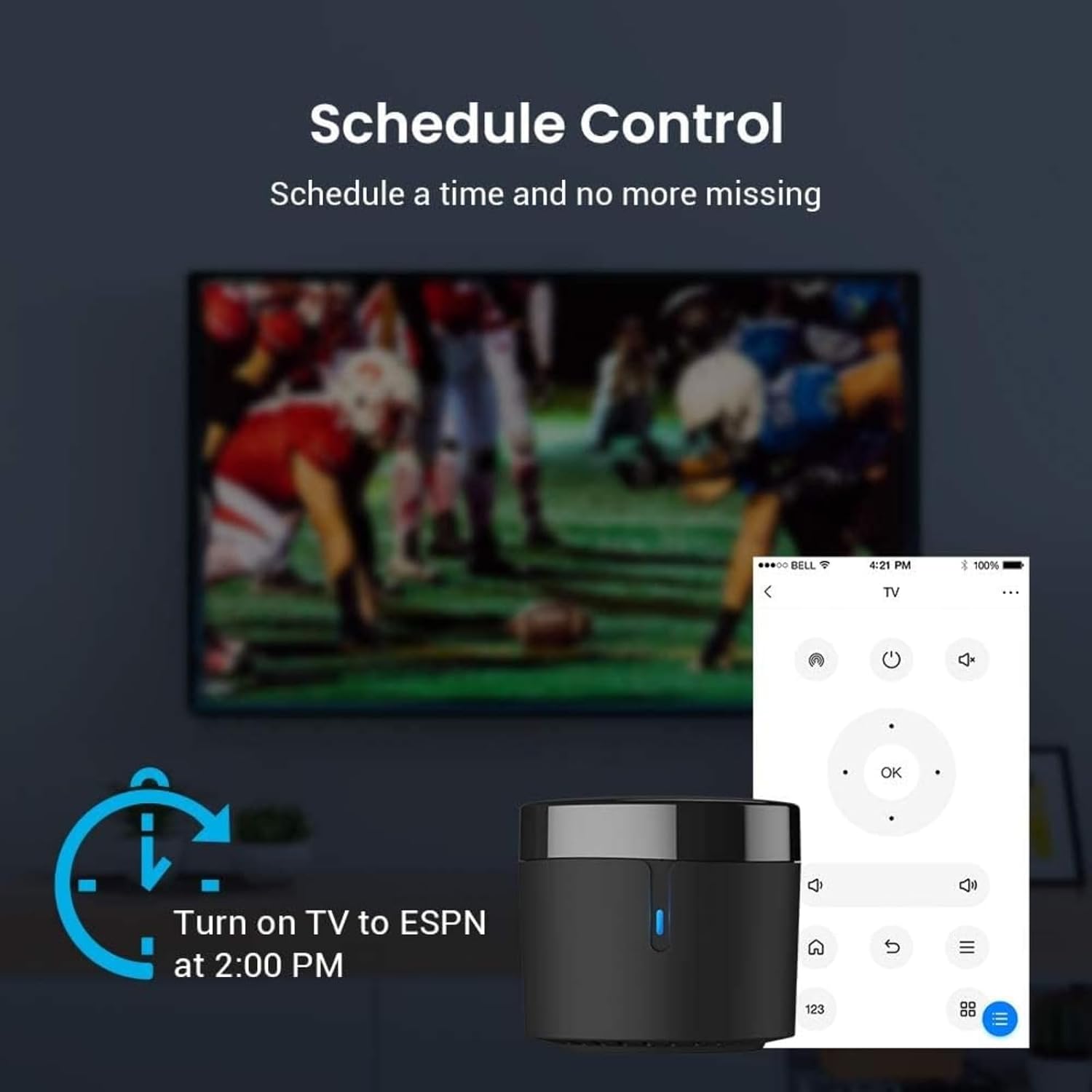
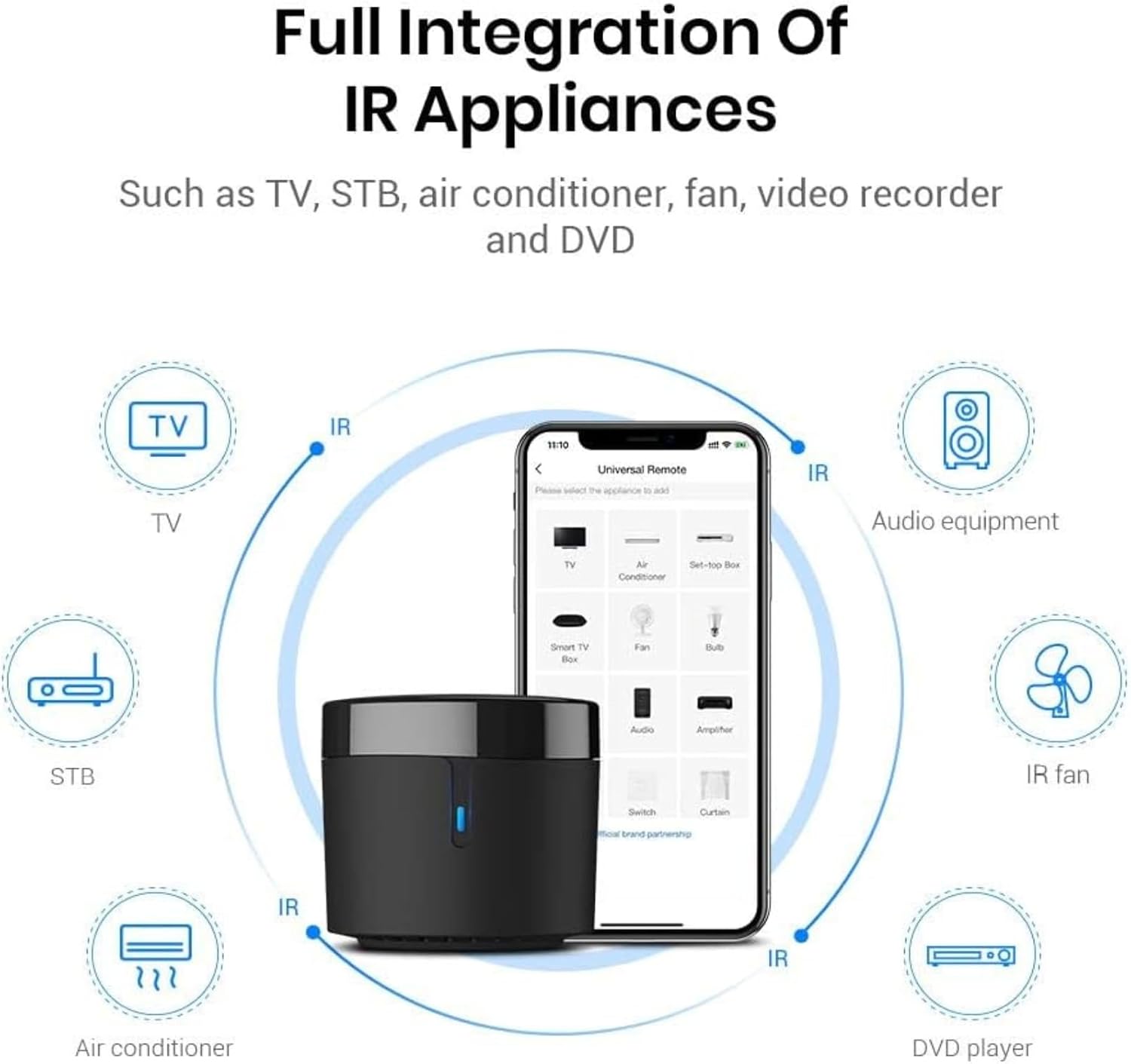
Supports over 50,000 IR 38kHz controlled devices, including TVs, set-top boxes, air conditioners, fans, VCRs, DVD players, and much more. Bluetooth and RF devices are not supported. The cloud-based device library is continuously updated, so your RM4 mini remains compatible with new devices. If certain cloud data is not available, you can manually program your devices and program buttons. Note: The RM4 mini only supports a 5V 1A adapter.
The BroadLink app offers an improved user experience for configuration and scene creation compared to IHC. If you own an Android smartphone with a built-in IR transmitter, you can test the control of your IR devices with the BroadLink app before purchasing our product. Note: The RM4 mini only supports 2.4GHz WiFi (not 5GHz) for configuration in the app. Please disable other Wi-Fi connections except 2.4 GHz during the set up APP and device.
Broadlink RM4 Mini works with Alexa to control your TV, set-top box, air conditioning, and fans by voice command. With Google Home, you can use voice control for your air conditioner. Make sure your devices can be controlled remotely from external networks. In the apps Amazon Alexa, Google Home, or IFTTT, activate the BroadLink function or BroadLink service, link your account, and search for devices.
Easily monitor the temperature and humidity in your room by connecting an external USB cable for temperature and humidity sensors to the RM4 mini. The BroadLink app shows you this information immediately. Enjoy effortless setup with FastCon technology: Simply add your first FastCon device to the app, and any new FastCon devices you turn on will be automatically detected and added without additional configuration.
The RM4 mini is easy to set up – just use a 5V 1A adapter and connect it to a 2.4GHz Wi-Fi network (not compatible with 5GHz). For optimal performance, make sure there are no obstacles between the RM4 mini and your device, as IR signals require a clear line of vision. Need help? Our technical support is available 24/7.
Original price was: $27.54.$25.99Current price is: $25.99.