
Related Products

Hubitat Elevation Home Automation...

Aqara Presence Sensor FP2, mmWave...

Gateway Wi-Fi Remote Control Fingerprint...


BroadLink IR/RF Smart Home Hub-WiFi...


Product description
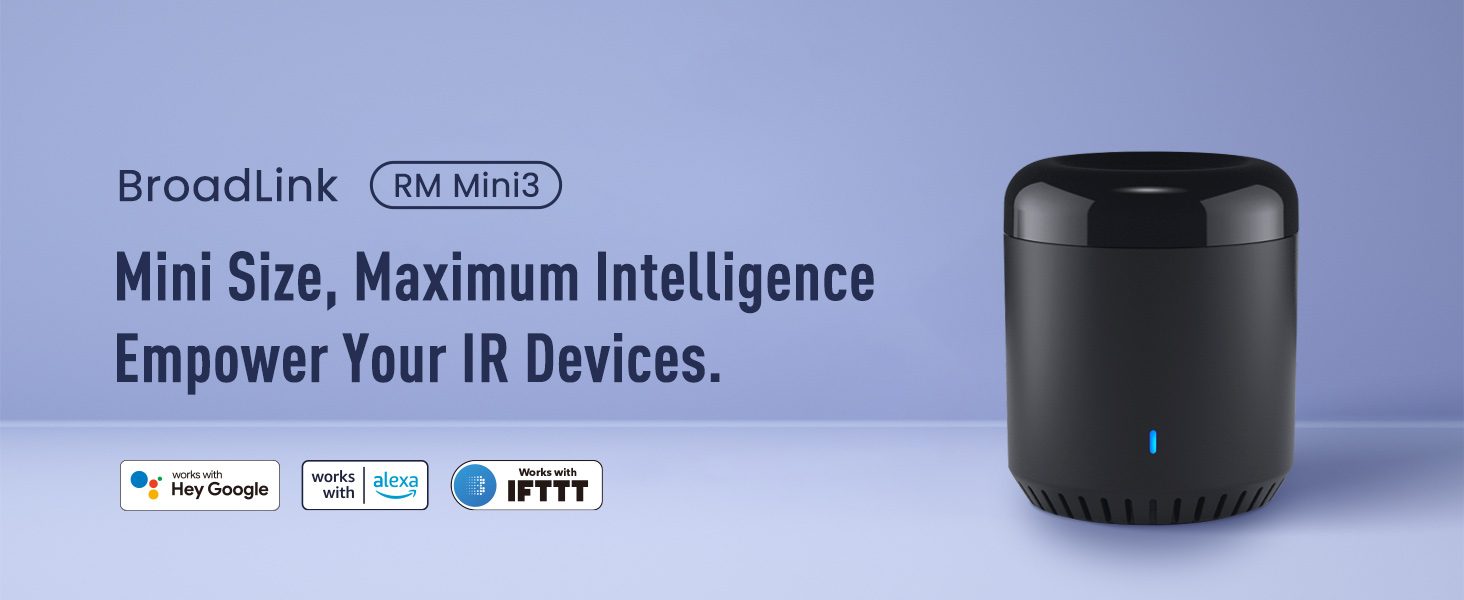
IR Universal Remote, control your IR 38KHz devices.
Say goodbye to multiple remotes and hello to an organized smart home.
RM mini3 turns your smartphone into a universal remote and integrates control of home automation devices in one easy-to-use app BroadLink.
 Remote Control via APP
Control your home’s IR devices from anywhere, anytime with the Broadlink APP.
 Make your life more convenient
When paired with Alexa/Google Assistant, you can control your device with hands-free voice control.
 Smart routines, perfectly timed
Create custom schedules to sync IR devices like audio systems, TVs, or ACs with your daily rhythm.
 Control multiple appliances with one button
Customize different scenes with one-click option for sleep scene, morning scene, away scene and more
1 Remote Control
2 Voice Control
3 Setup Routines
4 Preset Scenes


1 Share With Family 2 TV Control In APP 3 Works With IFTTT 4 Schedule a Timer 5 Healthy Sleeping
The video showcases the product in use.The video guides you through product setup.The video compares multiple products.The video shows the product being unpacked. video Merchant Video
All Remotes in BroadLink APP, including Fan, Lamp and etc.
Easily set up and control all infrared devices via the app. Create and manage scenes to suit your lifestyle.
If you have an Android phone with a built-in IR transmitter, you can test compatibility by using the app’s built-in function to send infrared signals from your phone.
Note: RM mini3 only supports 2.4 GHz (NOT 5 GHz) Wi-Fi to configure in the app.
HOW TO USE?  Download APP
Search for “BroadLink” on Google Play or scan the QR code on the user manual.
Register an account and log in to the Broadlink APP.
 Add device
Go to the home page on APP, tap “Add device” and follow the instructions.
Disable mobile data traffic, select the device AP and stay connected to it.
 Connect Wi-Fi
Choose you home Wi-Fi (2.4Ghz Wi-Fi only), input correct Wi-Fi password.
The Wi-Fi password should contain no more than 32 characters.
 Link with Alexa
In BroadLink APP, tap “Add Voice Assistant”.
In Google/Alexa/IFTTT App, enable the skill/service named “Broadlink”, link account and discover devices.
BroadLink Smart Home
Add to Cart
Add to Cart
Add to Cart
Add to Cart
Add to Cart
Add to Cart
Customer Reviews
4.1 out of 5 stars 1,969
4.3 out of 5 stars 3,130
3.9 out of 5 stars 1,642
4.2 out of 5 stars 624
4.0 out of 5 stars 418
4.1 out of 5 stars 104
3.2 out of 5 stars 293
Price
$19.99$19.99
$25.99$25.99
$44.99$44.99
$29.99$29.99
$49.99$49.99
—
$29.09$29.09
Model
RM mini3
RM4 mini
RM4 pro
RM4 mini S
RM4 pro S
LB26R1
Starter Kit
Function
Control IR appliances
Control IR appliances
Control IR, RF appliances
Control IR appliances
Control IR, RF appliances
Wifi controlled RGB Lighting
Smart Lighting Kit
Remote Control
✔
✔
✔
✔
✔
✔
✔
Voice Control
✔
✔
✔
✔
✔
✔
✔
Support Sensor Cable
✘
✔
✔
✔
✔
✘
✘
USB Cable Type
Regular Power Cable
Regular Power Cable
Regular Power Cable
Temperature Humidity Sensor
Temperature Humidity Sensor
No Cable
No Cable
Why can’t it connect to the APP / Wi-Fi ?
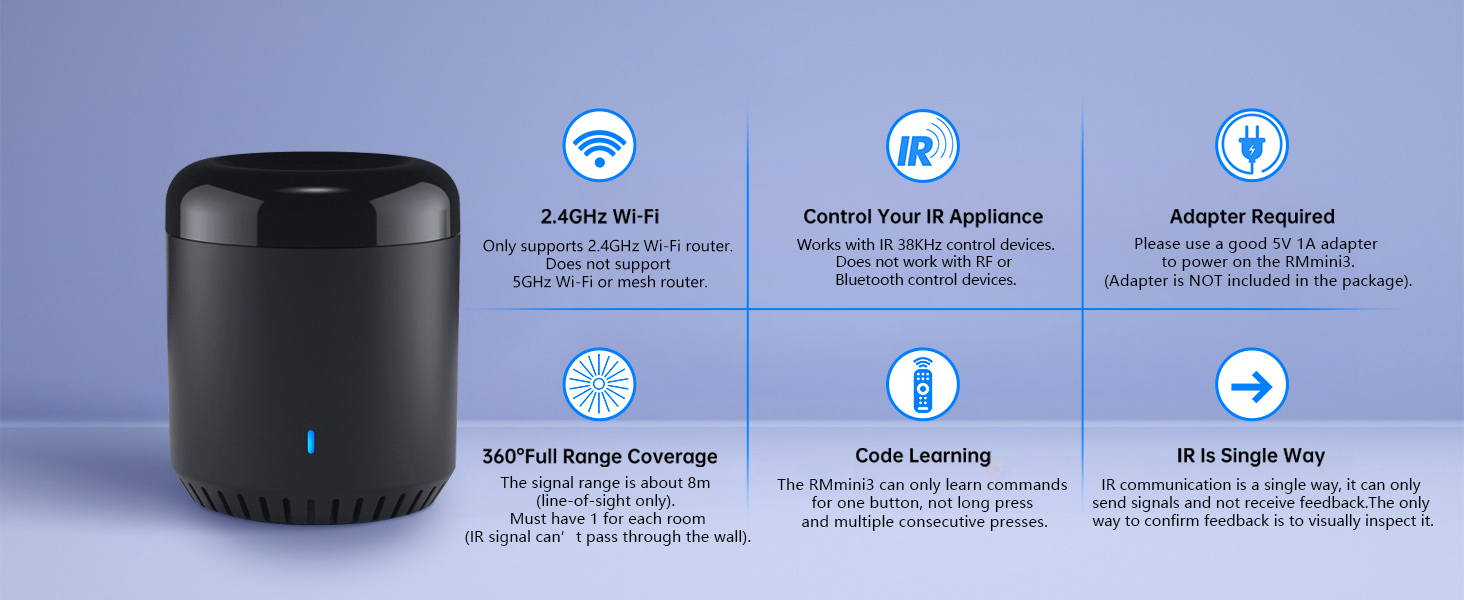
Broadlink RM mini3 only support 2.4 GHz Wi-Fi for configuration, does not support 5 GHz or mesh router.
Please check whether the frequency in the router setting is 2.4GHz, and make sure the length of Wi-Fi password does not exceed 32 characters.
Broadlink database list doesn’t have my AC model, what should I do?
Sorry there is no option available for your appliance.
Please choose “Learn remote” to create a remote, tap the buttons on the original remote to let the RM mini3 learn the commands. Then you will be able to control the appliance after learning.
Is my appliance compatible with the RM mini3?
RM mini3 supports IR 38KHz control devices, does not support Bluetooth or RF. Please check the manual of your appliance or consult the manufacturer to confirm.
How to tell if my remote is infrared or Bluetooth
1) Infrared remote has an infrared emitter (crystal head) on the top of itself, you need to point the emitter at the device when use it;
2) Bluetooth remote does not have an infrared emitter, and it usually needs to be matched before first use.
It can’t control my IR device stably, what should I do?
The IR signal can’t go through the wall, please check and make sure the device is close to your appliance and there is no obstacle in between.
Support 50,000+ IR(38KHz) controlled devices such as TV, Set-up Box, A/C, Personal Video Recorder, DVD, receiver and more. Supported devices library is constantly being updated by the cloud so your RM Mini3 is always compatible with newer devices. Large IR database that over 98% IR remote function. Option to program your devices features if certain cloud data is unavailable.
Control IR appliances with BroadLink App anywhere anytime. Set up timers to turn on/off appliances at a specific time or customize scenes with multiple devices. Turning your basic home devices into smart devices and making life smarter and more convenient. (Note: Please download the latest Broadlink App – BroadLink. The previous app e-Control does not work with Alexa.
Compatible with Alexa to voice control your TV, STB, Air Conditioner and Fans; Compatible with Google Home to voice control your Air Conditioner.
Enable and schedule features on a daily basis and customizable for your needs. The RM Mini3 only supports 5V 1A adapter and 2.4 GHz (not 5 GHz) Wi-Fi for configuration in the App, does not support mesh router.
Please note: IR signals can only be received in the absence of obstacles, please make sure there are no obstacles between the RMmini 3 and your device. One-Year Warranty. Video Guide are available on our Amazon Brand Store and YouTube.
$19.99