
Related Products


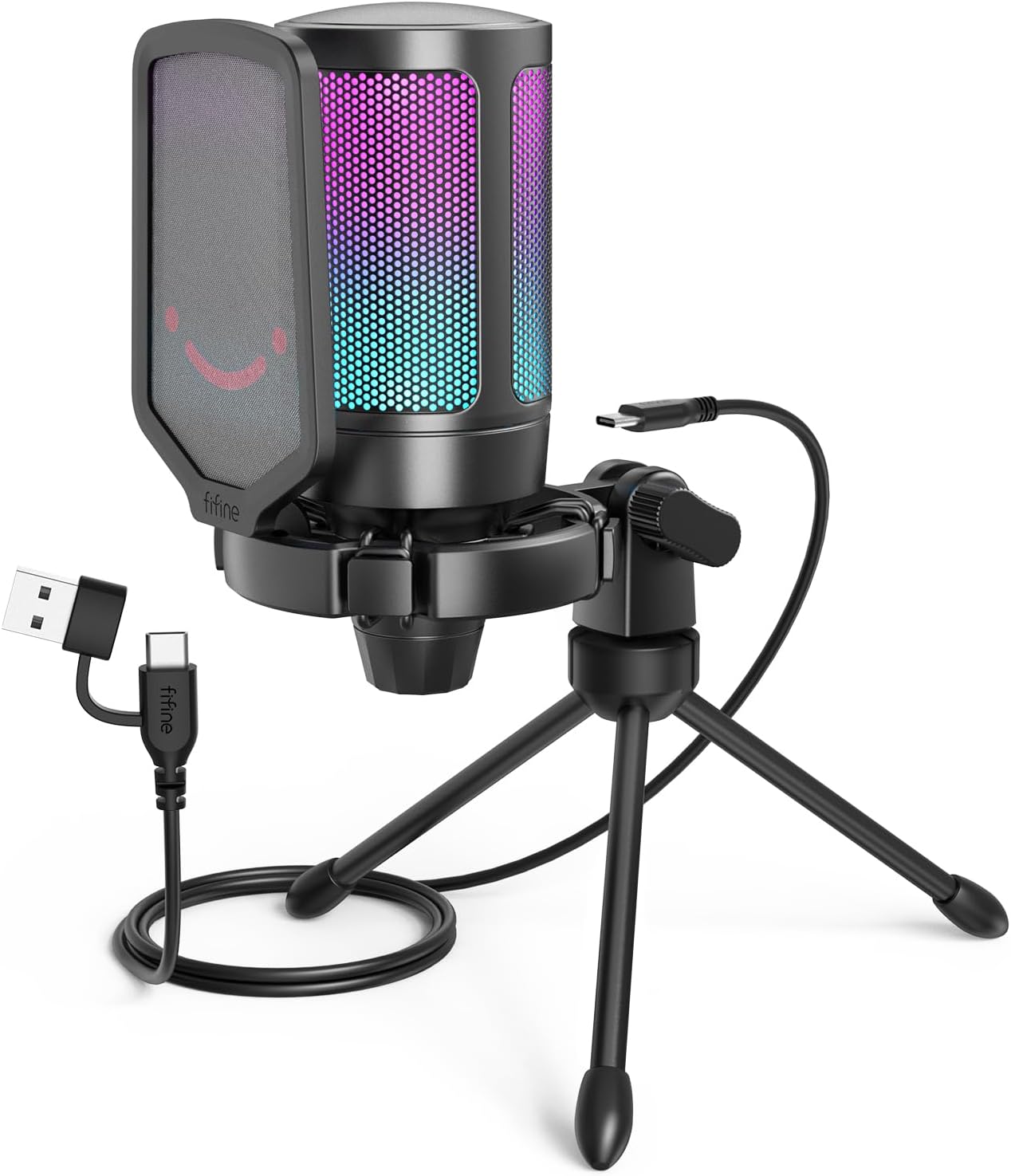
FIFINE Gaming USB Microphone for...

NEWDERY for PS5 Controller Charger...


Product description
AR Mate

Explore Smarter. Play Harder.
 Supercapacitor Power for Endless Gaming
Built with a supercapacitor that recharges in seconds, Armate delivers safe, stable, and long-lasting power—so you can game without downtime.
 Connect & Play
Seamlessly dive into your immersive AR adventure.
(No complex setup or jailbreaking required!)
 Area Expansion
Explore up to 17 km — a must-have for AR gamers!
Catch Pokémon, spin stops, and hunt monsters from a distance.
Play from the couch and enjoy AR gaming effortlessly!
 Smart Roaming
Set your roaming area size and movement speed, and ARmate will automatically move across the map. Hatch eggs, collect items, and increase encounters — all hands-free.
 Quick Caught & Fast Spin
Boost game efficiency, complete tasts effortlessly, and spin supply stops quickly for more support and rewards.
 Hunting Fun Upgraded with Controller Support
Pair ARmate with a XB 1 controller for a more immersive hunting experienece in Monster Hunter Now!
Include ARmate × 1, Wrist Strap × 1, Type-C Charging Cable × 1, Quick Start Guide (Card) × 1 Supported Systems Auto Catch & Spin: Android & iOS 17.0 or later GPS-related Features: iOS 17.0 or later Bluetooth Version 4.0 or above Battery Capacity 580 mAh Usage Time Up to 26 hours Charging Time Approximately 60 minutes Weight 45 grams Size 62 × 22 × 30 mm
Brook Product Comparison
Add to Cart
Add to Cart
Add to Cart
Add to Cart
Add to Cart
Customer Reviews
3.4 out of 5 stars 73
3.5 out of 5 stars 119
4.2 out of 5 stars 1,039
3.6 out of 5 stars 321
3.5 out of 5 stars 121
Price
$80.00$80.00
$80.00$80.00
$79.00$79.00
$49.99$49.99
$44.99$44.99
Color
Black
Black
White
Black
Black&Purple
Battery Life
Up to 26 hours
Up to 38 hours
120hr
240hr
158hr
Bluetooth Version
4.0 or above
4.0 or above
4.0 or above
4.0 or above
4.0 or above
Application Support
✔
✔
✔
✔
✔
Battery Display
✘
✔
✘
✔
✘
AR Games Support
✔
✔
✘
✘
✘
GPS Feature
✔
✔
✘
✘
✘
Pocket monster Auto Catch
✔
✘
✔
✔
✔
Does AR Mate support background operation while the phone screen is off?
Yes. AR Mate continues to run seamlessly even when your phone screen is off or minimized, saving battery while keeping your character active in-game.
Can I customize roaming patterns or routes, not just speed?
Absolutely. The Brook ARmate app lets you adjust both roaming speed and movement patterns. This gives you greater control, allowing efficient coverage of specific areas or farming routes.
How does Xbox controller support enhance gameplay?
By pairing with an Xbox One controller via Bluetooth, you gain precision manual control on top of automation. This hybrid playstyle lets you switch between hands-free roaming and real-time control whenever needed.
Does ARmate work with iOS only?
Yes, ARmate is designed exclusively for iOS devices and works through the official ARmate App available on the App Store
What kind of the AR Games that I can use ARmate for ?
ARmate supports Pocket Monster GO Monster Hunter Now and Pikmin Bloom You can auto walk auto catch and fast spin through the App.
Pokémon GO Auto Catcher Style Accessory for iOS – Designed for Pokémon GO–type gameplay on iPhone, enabling auto catch and auto spin actions to reduce repetitive tapping during outdoor play
Hands-Free Auto Catch & Auto Spin – Automatically performs common in-game actions such as catching and spinning points, helping players progress efficiently while walking, commuting, or exercising
Smart Roam for AR Games – Supports automated in-game movement for AR titles, assisting activity progress without constant screen interaction
App-Controlled Speed & Distance – Adjust roaming behavior and movement speed through the Brook AR Mate iOS app, supporting extended play sessions with coverage up to 17 km
Controller Support – Seamlessly connects with Bluetooth game controllers, including Xbox-style models.
Package Includes – AR Mate device, wrist strap, USB-C to USB-C charging cable, user manual, thank card, and exclusive Brook keychain
EXCLUSIVE NOTE FOR iOS 27 OR LATER: For users running iOS 27 and above, we recommend turning on Airplane Mode before updating your location to ensure optimal connection success. (Earlier iOS versions do not require this step.)
$80.00