
Related Products
Portable Monitor 15.6 inch FHD...


New! Sceptre 34-inch Prime Monitor...
LG 34G630A-B 34-Inch Ultragear...




Product description


1 Ergonomic Stand
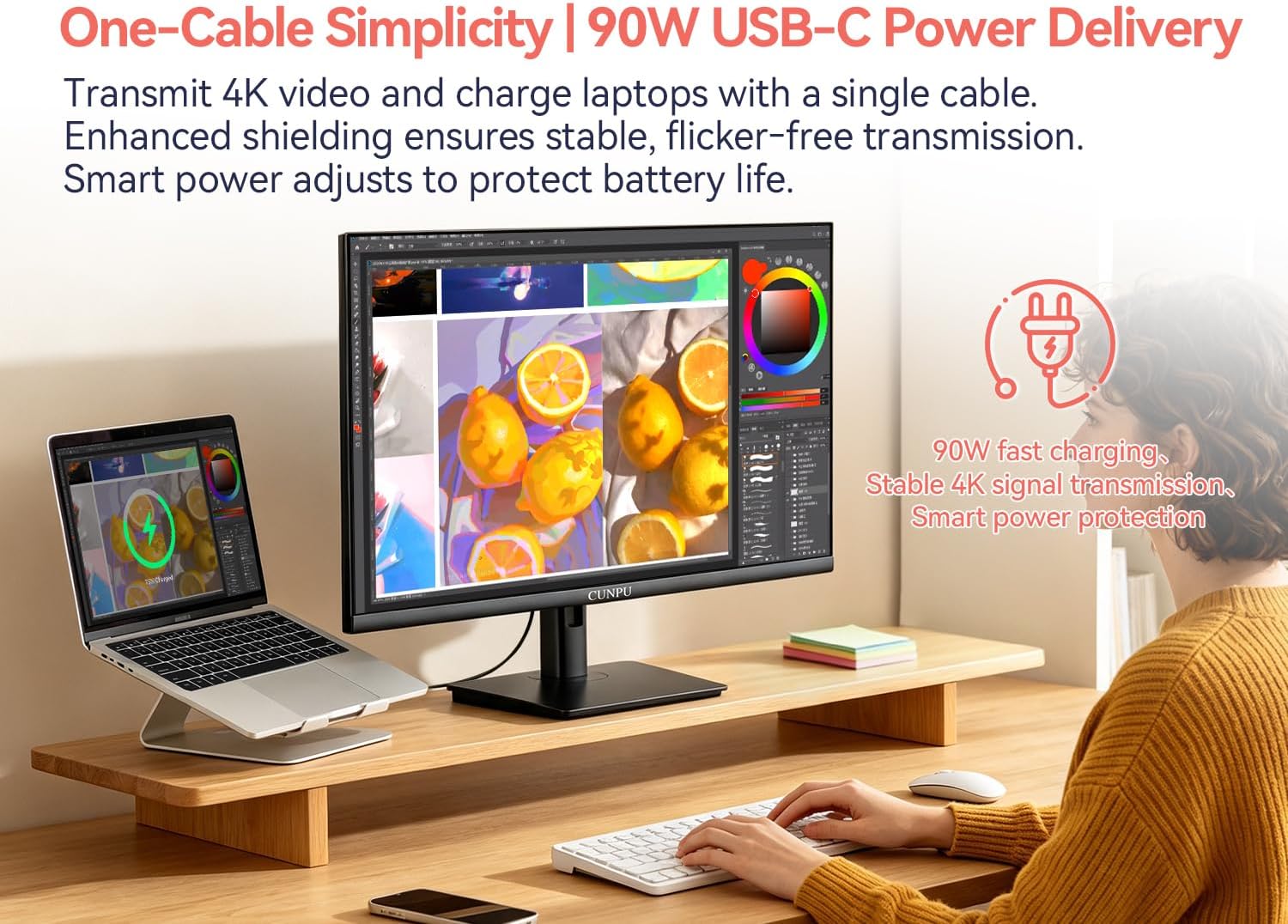
2 Fast Charge For Laptop
3 Stable 4K Singal
4 One Cable Connection
5 UHD Resolution


1 4K 120Hz
2 True Color
3 High Brightness & HDR400
4 Immersive Contrast
5 PIP & PBP

Can my computer support 4K at 120Hz on this monitor? Do I need to upgrade my device?
4K 120Hz requires HDMI 2.1 or DP 1.4 with DSC. Check your GPU: RTX 30/40, RX 6000/7000, or Arc A-series have it. Older GPUs still get 4K 60Hz – no problem.
Can the USB-C port charge my MacBook (or Windows laptop) while displaying video? Is 90W enough?
Yes – but there’s one key thing to check: your laptop’s USB‑C port must support DisplayPort Alt Mode (DP Alt Mode) for video output.
How to check if your laptop supports DP Alt Mode?
Look for a “DP” icon next to the port. Check online specs for “DisplayPort Alt Mode”. Most 2016+ MacBooks and premium PCs (Dell XPS, HP Spectre, Lenovo Yoga, Surface) support it. Unsure? Message us your model.
Is 90W enough for my laptop?
90W is plenty for MacBook Pro 16″, MacBook Air, Dell XPS, HP Spectre, Lenovo Yoga, and most productivity laptops – it will keep them charged under heavy use. For high‑end gaming laptops that require 150W+, it may charge slower.
Do VRR, ALLM, and HDR work automatically when I plug in my devices?
VRR/ALLM & HDR require enabling on BOTH monitor OSD and your device (PC/PS5/Xbox). HDMI 2.1/DP 1.4 required. Check settings if not working.
Stunning 4K 120Hz Visuals – 4× Clarity of FHD: Crisp 3840×2160 resolution delivers razor-sharp details, while 120Hz refresh rate ensures buttery-smooth motion – whether you’re gaming, scrolling through documents, or watching high-frame-rate videos. HDMI 2.1 and DP 1.4 unlock full 4K 120Hz performance without compression. VRR and ALLM support reduce screen tearing and input lag for a more responsive gaming experience.
One-Cable USB-C Solution – 90W Power Delivery & Stable Signal: Single USB-C cable handles 4K video, data, and 90W laptop charging – all at once. Advanced shielding ensures stable signal with no flicker or dropout. Smart power distribution adjusts charging rate to protect your battery. (Requires DP Alt Mode on your laptop – check your device specs.)
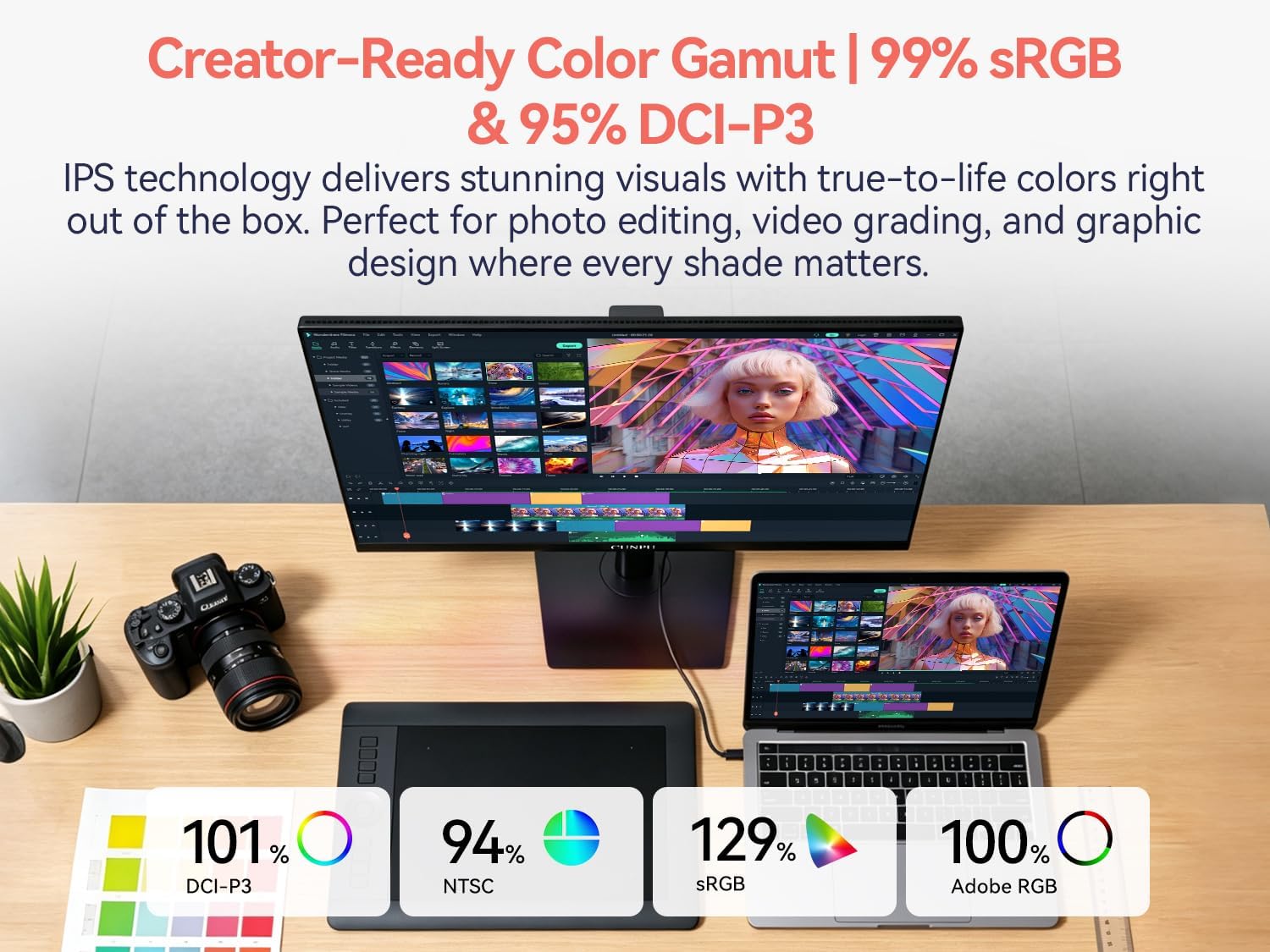
True-to-Life Color & High Brightness: Covers 99% sRGB and 95% DCI-P3, delivering accurate, vibrant colors right out of the box. IPS panel maintains consistent hues from every angle – perfect for photo editing, video grading, and graphic design. 550 nits brightness ensures clear visibility even in sunlit rooms, while 1500:1 contrast ratio produces deeper blacks and richer highlights for immersive HDR performance
Ergonomic Stand & Full Connectivity: Tool-free height adjustment lets you raise or lower the screen to your eye level – sitting or standing. Tilt, swivel, and pivot (90° rotation) add extra flexibility for coding, design, or portrait mode viewing. Equipped with HDMI 2.1 ×2, DP 1.4 ×1, USB-C (90W PD) ×1, USB-A ×2, and Audio Out – connect gaming consoles, laptops, external drives, and more.
Multi-Tasking & Gaming Ready: PIP (Picture-in-Picture) and PBP (Picture-by-Picture) let you display two inputs side-by-side – work on your PC while monitoring a console, or compare projects without switching cables. HDR, VRR, and ALLM require enabling on both monitor OSD and your connected device (PC/PS5/Xbox). HDMI 2.1/DP 1.4 required for full features. All ports included – no adapter needed.