

Related Products

cocopar Portable Monitor 15.6 Inch...
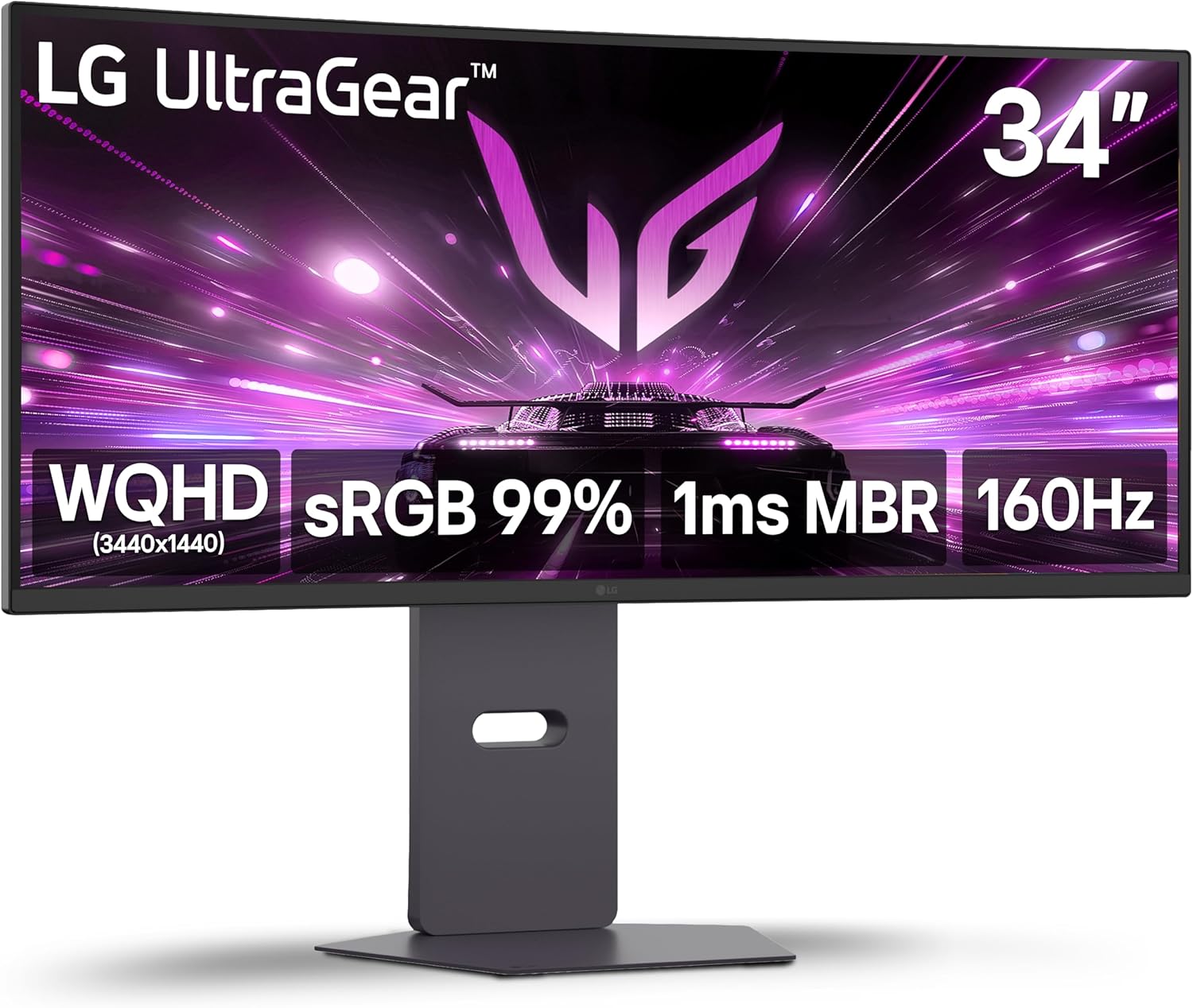
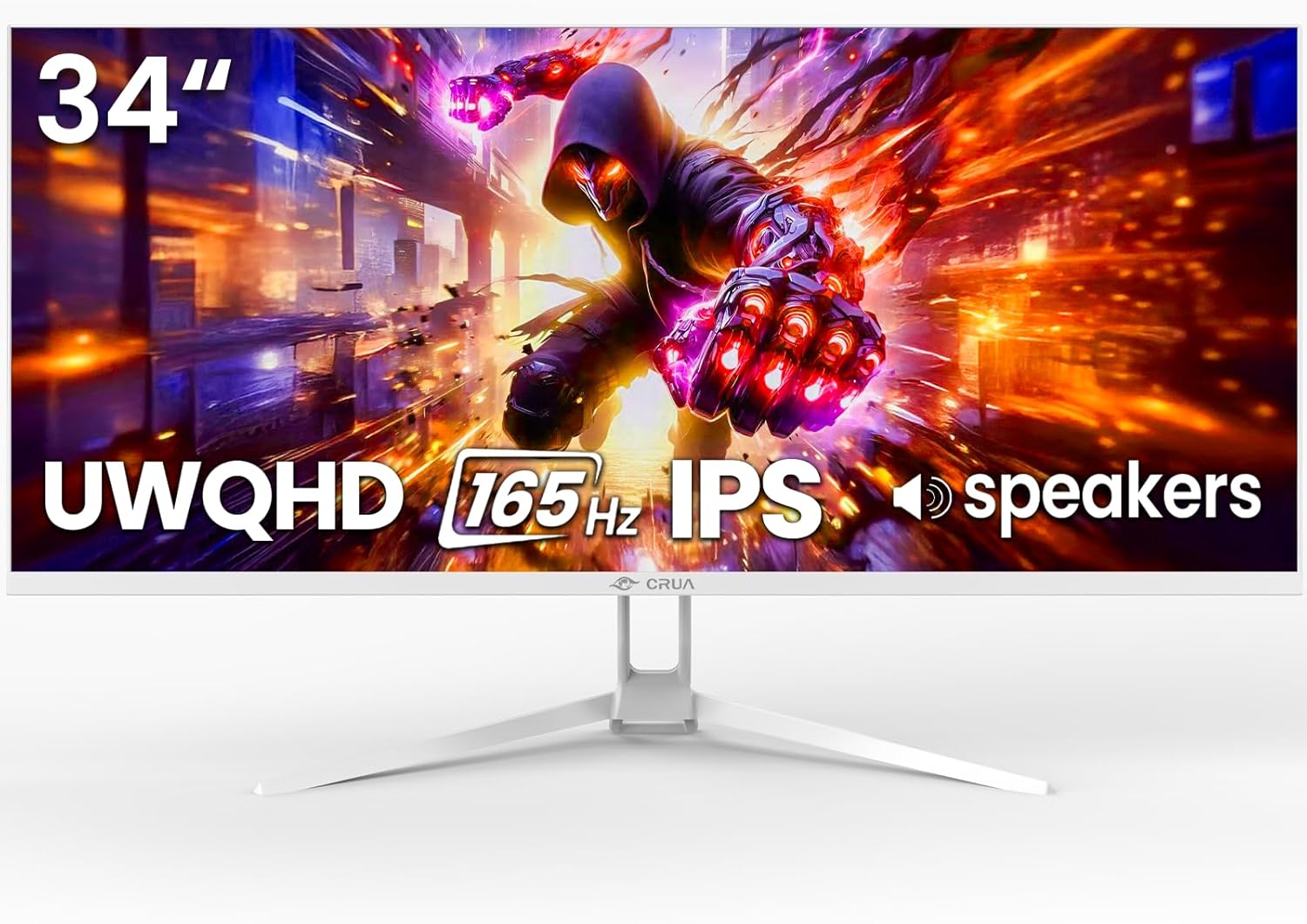
CRUA 34” White Gaming Monitor,...

VisionOwl Large Portable Monitor...


Dell UltraSharp U4323QE 43″ Class 4K UHD LED Monitor – 16:9 – Black, Silver Monitor with USB Hub, Cleaning Kit
The Dell U4323QE UltraSharp display features a native resolution of 3840 x 2160 with a 60 Hz refresh rate, as well as coverage for 95% of the sRGB color gamut. It also features In-Plane Switching (IPS) technology, support for 1.07 billion colors, a 16:9 aspect ratio, an anti-glare coating with a 3H hardness rating, a static contrast ratio of 1000:1, a typical brightness level of 350 nits, an 8 ms response time in normal mode, and a 5 ms response time in fast mode. Using the 178° horizontal and vertical viewing angles, it is possible to watch content from virtually any position. Audio can also be output using the dual 8W speakers.
Physical Specs:
- Features and Design | Designed for more
- Meet the monitor designed for more. More seamless productivity. More connectivity than ever. More considerate of the environment.
- Quadruple view | Conquer your tasks with up to four partitions
- Expand your productivity by organizing your display in up to four unique FHD partitions via Internal Multi-Stream Transport (iMST) when connected to a single PC. No external software or DisplayPort splitter needed.
- Connect up to four PCs | Master multitasking and collaboration
- Work on four different PCs using a single keyboard and mouse. KVM and Auto KVM enable seamless switching from one PC input to another.
- Share content from multiple PCs simultaneously in a huddle setup.
- Elevate your workspace | Quick-access ports:
- Enjoy the convenience of front-facing, pop-out USB-A and USB-C (15W charging) ports to connect your peripherals. When you are done, just pop the ports back in to maintain a clean look.
- Comprehensive connectivity:
- Connect your devices to a single monitor through a whole range of ports, from HDMI to multiple USB-A and USB-C ports. Power your laptop with a single USB-C cable to transmit data, audio and video while delivering up to 90W of power. The RJ45 (1Gbps) provides a fast and stable network connection.
- Adapted to you | Built for comfort:
- Tilt, swivel, and adjust the monitor to your ideal height for a comfortable setup all day long. Clear sound is conveniently built in with integrated dual 8W speakers.
- Jumpstart productivity:
- Switch on your USB-C connected laptop at the push of a button with the power sync feature.
- Excellent screen performance | Enjoy the view:
- Experience clarity and definition with 4K resolution.
- Easy on the eyes:
- Optimize eye comfort with ComfortView Plus, reducing potentially harmful blue light while delivering excellent color accuracy.
- Improved Dell Display Manager | Modern Intuitive User Interface:
- New modern user interface for ease of use and personalization of features with Menu launcher.
Features
- sRGB
- Anti-glare
- ComfortView Plus
- Security Lock
- Cable Lock Slot
- Stand Lock
- Low Blue Light
- PowerNap
Increase your productivity using a display with multi-system connectivity, four unique Full HD partitions via iMST, ComfortView Plus, and more with the Dell UltraSharp 42.51″ 4K Monitor
The Dell U4323QE features two DisplayPort 1.4 inputs, two HDMI 2.1 inputs, a USB-C input/output that supports DP 1.4, USB 3.2 Gen 2, and 90W of power delivery, three USB-C 3.2 Gen 2 inputs, a USB-C 3.2 Gen 2 input/output with 15W of charging power, four USB-A 3.2 Gen 2 ports, one of which supports 2A of charging power, a 3.5mm audio output, and an RJ45 network jack.
Expand your productivity by organizing your display in up to four unique Full HD partitions via Internal Multi-Stream Transport (iMST) when connected to a single PC. No external software or DisplayPort splitter is needed.
Connect your devices to a single monitor through a whole range of ports, from HDMI to multiple USB-A and USB-C ports. Power your laptop with a single USB-C cable to transmit data, audio, and video while delivering up to 90W of power. The Gigabit RJ45 port provides a fast and stable network connection.
Control and work across multiple network- or USB-connected PCs and monitors with a single keyboard and mouse. Transfer files effortlessly between devices. Scale management across your entire fleet of Dell displays, docking stations, and client peripherals with streamlined firmware updates and enhanced command-line interface features.
