
Related Products

Handheld Game Console 5 Inch Screen,...
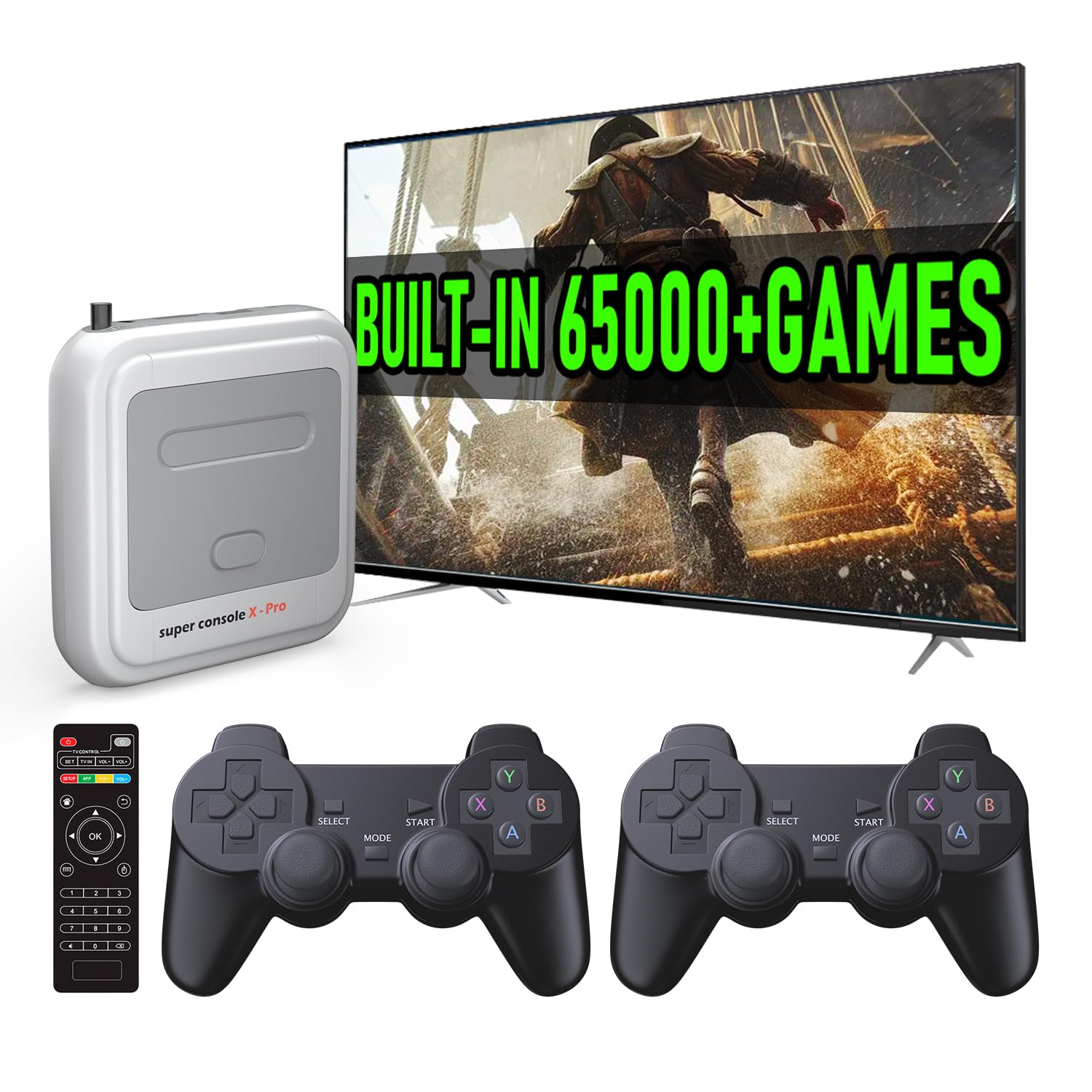
Kinhank Super Console X Pro with...




Product description
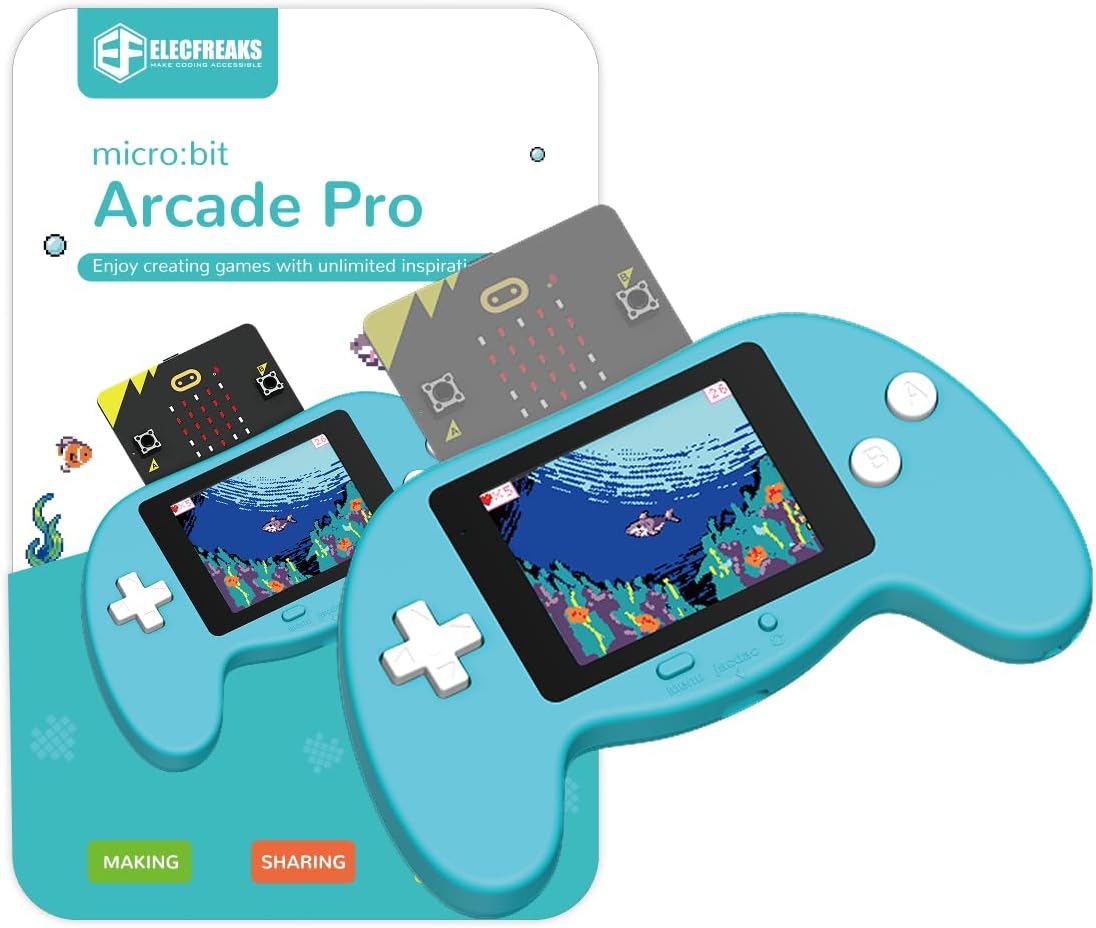
microbit makecode Arcade Pro —- Creating Games is Better than Playing Games 

Microsoft MakeCode Arcade WEBSITE: “arcade.makecode.com” 
Don’t worry about the difficulty of game coding,Learning materials are available for free.
Microsoft MakeCode Arcade WEBSITE:”arcade.makecode.com”
Wiki Tutorial: “wiki.elecfreaks.com/en/microbit/arcade/microbit-arcade-pro/microbit-arcade-pro-kit/”
Wiki Cases:”wiki.elecfreaks.com/en/retroarcade/”
2-IN-1: Game & Control 
Graphical programming to make games

The microbit arcarde pro can control our ELECAREAKS microbit car!
 Support MakeCode Graphical
Creativity and self-expression are encouraged through the creation of custom game sets, characters, and storylines.
 Rich Case Resources
The official website provides a wealth of game programming codes and tutorials, making it easier for children to get started.
 Jacdac Extension Interface
For the Jacdac system that Microsoft launched, it can be more perfectly adapted to the operation of the Jacdac system.
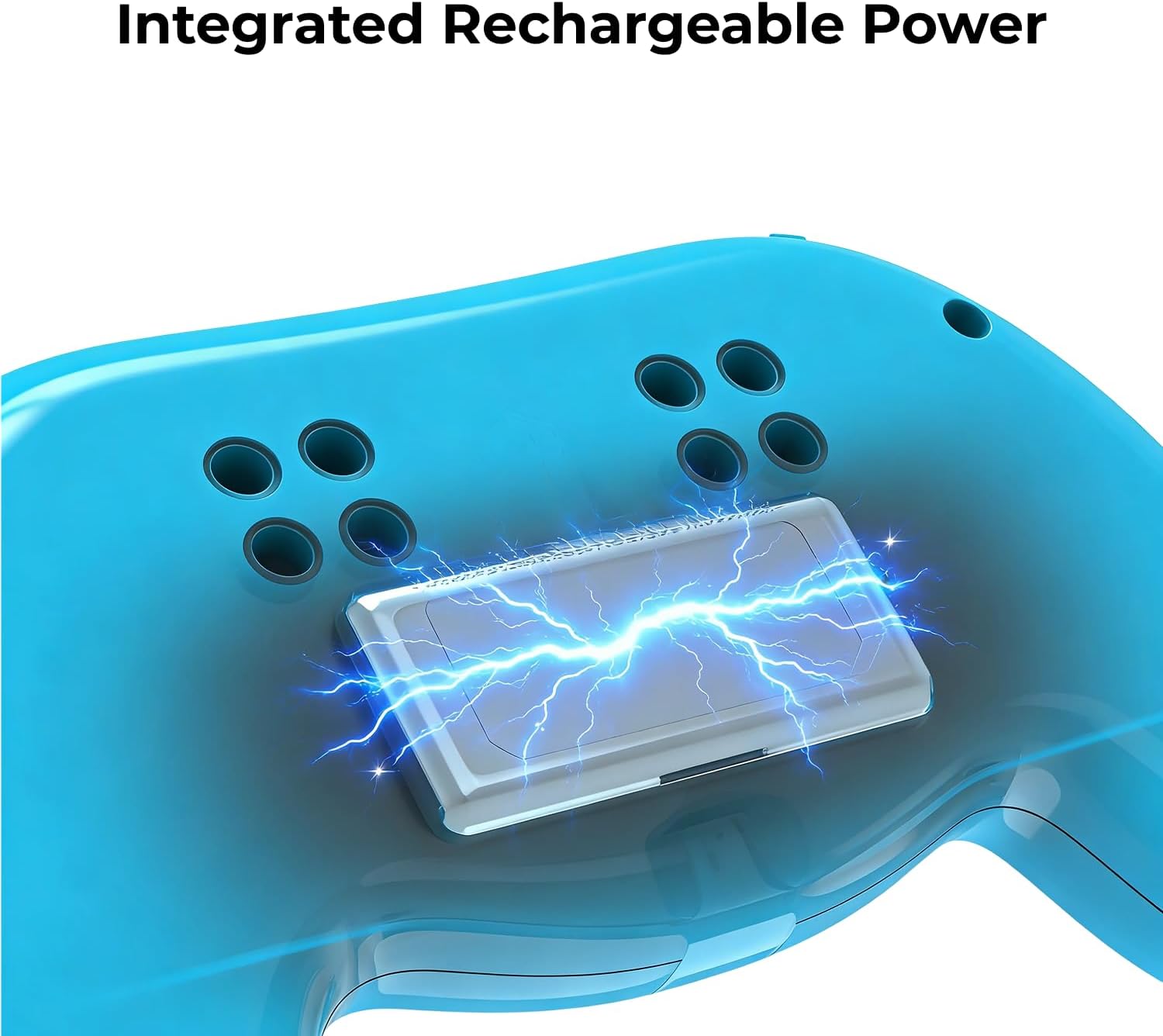
 Built in Rechargeable Battery
The micro: bit Arcade Pro has a built-in lithium battery that can be used for a long time without affecting its performance in class.

Basic Specifications
Basic Specifications micro:bit Arcade Pro Product Dimensions 140mm (L) × 82mm (W) × 21mm (H) (excluding micro:bit main board) Product Weight 102g (including battery and case) Interface Type Type-C, micro:bit, jacdac Display Type TFT LCD Display Display Specification 240 × 320 Screen Size 2.4 inches Power Supply Lithium Battery Power Supply Charging Voltage 5V Charging Current 1A Maximum Operating Voltage 4.2V Rated Operating Voltage 3.7V Minimum Operating Voltage 3.5V jacdac Supply Voltage 4.2V Maximum Current of jacdac 1A Charging Time One hour
【Comprehensive Upgrade】(1) The microbit arcade pro features a more aesthetically pleasing design, no longer an exposed electronic board, and adopts a gentle blue color that is more pleasing to the eye. (2) It adopts an ergonomic design for a better feel. (3) A larger screen size, integrating a 240×320 TFT color screen, provides a better visual experience.
【2 Functionality and 1 Extension】The micro:bit Makecode Arcade Pro can not only create games but also remotely control micro:bit cars, bringing us more experiences and fun. The micro:bit Makecode Arcade Pro can not only make games but also remotely control microbit cars, bringing us more experiences and fun. In addition, for the Jacdac system that Microsoft launched, we have added an expansion interface for Jacdac sensors, enriching creativity.
【STEM Educational Gift】During the process of programming learning, You can use the Makecode graphical programming language to customize game characters, various game scenes and plot designs, which can quickly develop computational thinking skills.
【Rich Free Tutorials Materials】(1)The bountiful guides of lessons and projects on the MakeCode website inspire users to keep exploring. (2)Wiki Tutorial Get: Wiki Tutorial Get: Pls enter “wiki.elecfreaks.com/en/microbit/retro-arcade/microbit-retro-arcade-pro” to learn. (3)Strong Technical Support—Pls click “elecfreaks” amazon store and click “Ask a question” to email us!
【Tips】The microbit Retro Arcade Pro requires a micro:bit V2 motherboard to function! However, our product does not initially include a micro:bit motherboard,it must be purchased separately!
$39.90