
Related Products


Epson Lifestudio Pop Full HD Personal...

Epson Lifestudio Pop Plus 4K PRO-UHD...

Native 1080P Projector with WiFi...

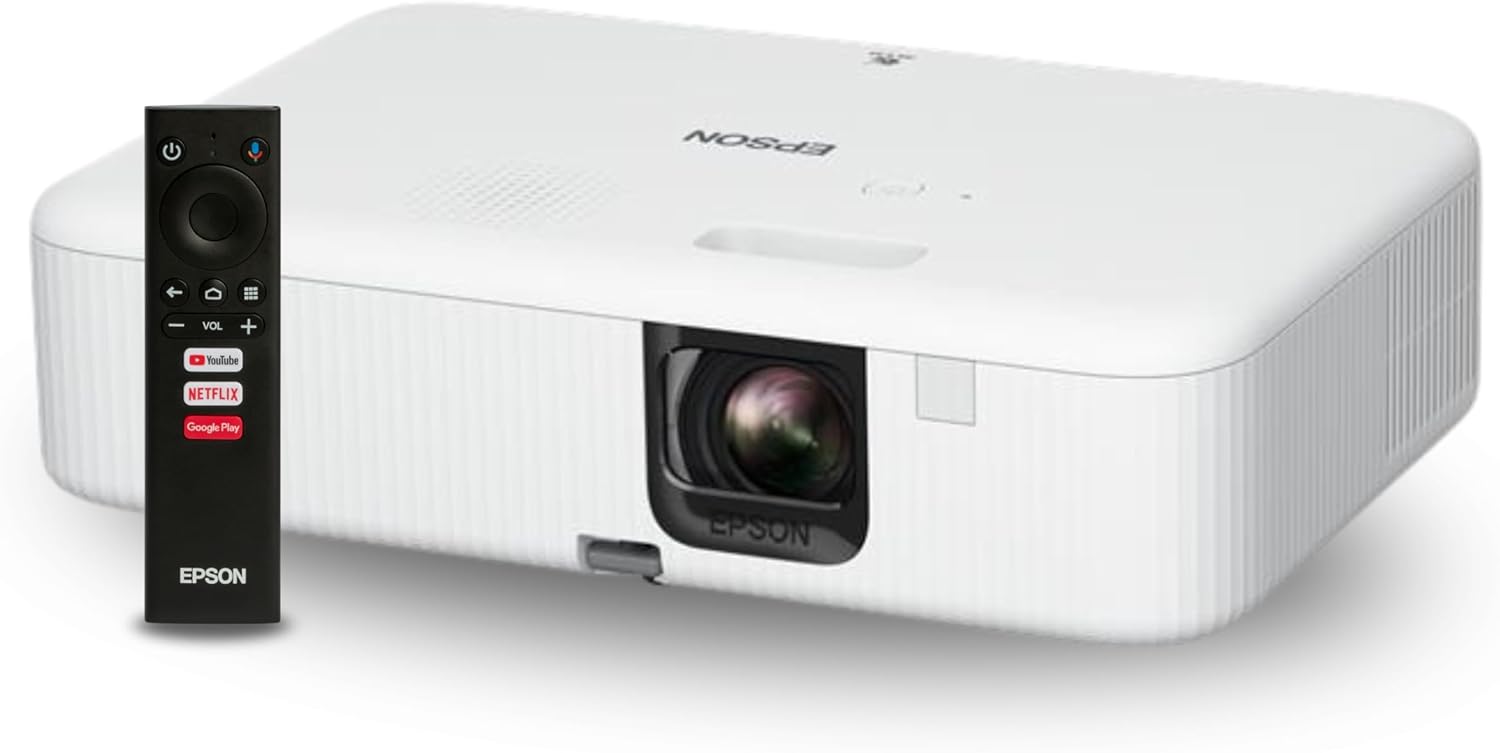
Epson EpiqVision Flex CO-FH02 Full...


Product description

Eyoyo Pocket Mini 1D Bluetooth barcode scanner with Bluetooth, 2.4G Dongle Wireless, and Wired 3-in-1 Connection Modes. And with stronger decoding capability and long transmission range features.meanwhile, completely mini pocket size and only 35g/1.23oz weight making this Bluetooth more portable. What’s more, mini size but equipped with a 650mAh high capacity rechargeable battery, easily works 5 hours after 2 hours fully charged. With the auto-off feature, the scanner lasts up to 10 days, even with scanning 1000 barcodes daily uses, eliminating the need for frequent battery charging. Ideal for organizing and cataloging your barcodes, no matter if you run a book store, online store, a sales shop, or work in a warehouse. Pls Note: Can’t scan 2D code, can’t scan 1D code from the screen. Only support scan 1D code printed.
Features:
1. Wired and wireless dual mode freely switching.Support 2.4G dongle wireless & Bluetooth wireless & USB wired three types of connection ways.In obstacles environment, 15m/49ft transmission distance(2.4G Transmission Mode). In obstacles environment, 20m/66ft transmission distance (Bluetooth transmission mode).
2. Only weight 35g/1.23oz, mini size, and portable carry.
3. Support Windows XP, Win7, Win8, Win10 operating system PC, Android, IOS devices
4. Support normal mode, storage mode, and switch freely.
5. 650mAh rechargeable battery can use up to 8H continuous scanning time, only need 2H to charge. Standby time is up to 30 days.
6. 16MB Large capacity storage, safe and reliable. Under offline scanning mode can store barcodes of more than 100000pcs.
7. The sound and vibration can be turned off.Support hide/add custom prefix/suffix digits.
8. Support Bluetooth HID protocol, SPP protocol, and BLE protocol (Bluetooth Transmission Mode).
9. Rich symbologies supported.
10. Adopting imported trigger buttons, long life, fitting perfectly in your hand for comfortable use.
Package Including:
1x Eyoyo 1D barcode scanner, 1x USB Charging Cable, 1x 2.4G USB Dongle, 1x Manual
QA
1. If some barcodes cannot be scanned and some barcodes can be scanned, how should I solve the problem?
Answer: Under normal circumstances, by factory default, some barcode types of some of our code systems are turned on, but some barcode types of some code systems are turned off by default. You need to find the corresponding barcode from our accompanying manual based on the barcode type and scan the enabled setup code.
2. Why can’t I scan my QR barcode?
Answer: Our barcode scanner is a 1d barcode scanner. It only supports scanning printed 1D barcodes. It does not support any 1D codes, QR barcodes on the electronic screen, or printed QR barcodes. For example, common QR barcode types: QR, Micro QR, Data Matrix, Micro Date Matrix, PDF417, and Micro PDF417 are not supported for scanning.if you need the 2d barcode scanner, you can buy this ASIN: B07S9W7NYD, B08DKSYW3Z, B0BQC3Y96M
3. The item won’t pair or work with the computer.
Answer: Please make sure there is no problem with your computer’s USB port. After confirming, follow the steps below to connect to the computer.
A. Start the scanner and scan the”2.4G Wireless Pairing Mode” set code. (Page 20 of the user manual)
B. Scan the “Match the Receiver” set code so that enter into the pairing state. (Page 20 of the user manual)
C. Plug the USB Dongle Receiver into the computer, If pair successfully, you will hear a beep. The blue light on the top will always be on.
D. Run Microsoft Word or Notepad on the computer, and put the cursor in the blank field. When you use the barcode scanner to scan the barcode, you will see that the barcode will be uploaded to the location of the cursor.
4.Why the Product stopped scanning?
A.The battery may be low or depleted. Please use the original charging cable to charge the device for 3–4 hours.
B.Using a high-power adapter for long periods may damage the charging IC of the barcode scanner. Please make sure to use a 5V 1A charger along with the original charging cable to charge the device safely.
C.The barcode type may be incompatible, or the barcode may be of poor quality. Please refer to the user manual to confirm that the barcode type is supported, and scan the corresponding setup code to enable it. Please make sure print the barcode clearly.
D.Internal components may have become loose or damaged during transportation. If the device has been subjected to strong impact, please contact Eyoyo support or consider replacing the scanner.
5.Why the scanner was not compatible with my app, software, square program?
A. Our Bluetooth barcode scanner supports three Bluetooth transmission protocols: Bluetooth HID, Bluetooth BLE, and Bluetooth SPP. Please ensure your app, software, or program supports the protocol. Our factory default is Bluetooth HID. If you prefer a different protocol, please refer to pages 18-19 of the manual for detailed instructions.
B. We do not support custom software such as Square:
Due to Square’s proprietary communication protocol, this scanner currently does not support integration with Square systems.

Why Product does not pair with customer’s PC?
Answer: Our scanner supports multiple connection modes (Bluetooth, 2.4G wireless, USB wired).
If the scanner has been previously paired with another device, it may not enter pairing mode automatically. please reset the scanner .
Refer to the user manual, section “9. Pairing Mode Setting” , pages 16-20.

**Bluetooth Wireless Connection:**
To easily activate Bluetooth and connect directly with your phone, tablet, or PC, simply press the scan button for 8-10 seconds. This device is compatible with Windows, macOS, Android, iPhone, and more. It works seamlessly with common software applications such as Word and Excel.
**Transmission Distance:**
– Up to 50 meters (164 feet) in a barrier-free environment
– Up to 20 meters (66 feet) in an environment with obstacles

**2.4G Wireless Connection:**
To connect the scanner, simply plug the 2.4G dongle into your computer.
**Note:**
If the 2.4G connection is lost unexpectedly, please refer to the manual for instructions on reconnecting.
**Transmission Distance:**
– Up to 30 meters (98 feet) in a barrier-free environment.
– Up to 15 meters (49 feet) in an environment with obstacles.

**USB Wired Connection:**
The eyoyo scanner connects directly to a computer via a USB cable, allowing for seamless transmission of barcode data. Additionally, the USB connection can be used to charge the scanner. It is compatible with Windows, macOS, Linux, and other operating systems. The length of the USB cable is 1 meter (3.28 feet).

**Compatible Operating Devices:**
This device is suitable for connecting to smartphones, tablets, iPhones, and iPads. It is also compatible with laptops, PCs, computers, and POS systems.
**Compatible Operating Systems:**
It works well with Android, iOS, Windows XP/7/8/10, Mac OS, Linux, and more.
**Compatible Software:**
This device is ideal for running common software applications such as Word and Excel.

**Excellent Compatible Barcode Type:**
Easily scan most of the 1D barcodes on paper. It does not support any 1D codes, QR barcodes on the electronic screen, or printed QR barcodes. For example, common QR barcode types: QR, Micro QR, Data Matrix, Micro Date Matrix, PDF417, and Micro PDF417 are not supported for scanning.
**1D code:**
Codabar, Code 11, Code93, MSI, Code 128, UCC/EAN-128, Code 39, EAN-8, EAN-13, UPC-A, ISBN, Industrial 25, Interleaved 25, Standard25
**Especially code: **
some damaged barcode, some distorted barcode, some colorful barcode, some reflective barcode, and so on.

**Upload Modes:**
1. **Instant Upload Mode:**
In this mode, the barcode data is uploaded to your device instantly as you scan each barcode.
2. **Storage Mode:**
In this mode, all scanned barcodes are stored in the scanner’s built-in memory. You can upload the stored barcode data later by scanning a specific code.
Ideal for Portable Use in Anywhere tracking inventory

Amazon Book ReSeller, Bookstore, Library

Warehouse and Distribution

Retail Scanners

E-commerce
Add to Cart
Add to Cart
Add to Cart
Add to Cart
Add to Cart
Customer Reviews
4.7 out of 5 stars 5
4.6 out of 5 stars 15
4.3 out of 5 stars 160
4.2 out of 5 stars 162
4.3 out of 5 stars 71
4.3 out of 5 stars 365
Price
$299.99$299.99 $79.99$79.99 $69.99$69.99 $41.99$41.99 $46.99$46.99 $41.99$41.99
Model Number
EY-F1 EY-041 EY-045 EY-009LC EY-023C EY-2877C
Connection Method
WiFi, Cellular & Bluetooth Connectivity Bluetooth & 2.4G Wireless & USB 2.0 Wired Bluetooth & 2.4G Wireless & USB 2.0 Wired Bluetooth & 2.4G Wireless & USB 2.0 Wired Bluetooth & 2.4G Wireless & USB 2.0 Wired Bluetooth & 2.4G Wireless & USB 2.0 Wired
Barcode Type
1D/ISBN/2D/QR 1D/ISBN/2D/QR 1D/ISBN/2D/QR 1D/ISBN Code 1D/ISBN Code 1D/ISBN Code
Mute the Sound
✓
✓
✓
✓
✓
✓
Battery capacity
5050mAh 2500mAh 1200mAh 650mAh 1500mAh 1000mAh
Offline Storage Mode
✓
✓
✓
✓
✓
✓
Device Supported
iPhone/Android Phone/Smartphone/iPad/Tablet/Computer/Laptop/POS iPhone/Android Phone/Smartphone/iPad/Tablet/Computer/Laptop/POS iPhone/Android Phone/Smartphone/iPad/Tablet/Computer/Laptop/POS iPhone/Android Phone/Smartphone/iPad/Tablet/Computer/Laptop/POS iPhone/Android Phone/Smartphone/iPad/Tablet/Computer/Laptop/POS iPhone/Android Phone/Smartphone/iPad/Tablet/Computer/Laptop/POS
Continous Scanning Mode
✓
✓
✓
✓
✓
✓
ON/OFF Button
✓
✓
✓
(none)
✓
✓
Widely Application
Book Reseller/Warehouse/Library Book Reseller/Warehouse/Library/Supermarket Book Reseller/Warehouse/Library Book Reseller/Warehouse/Library Book Store/Library/Retail Book Store/Library/Retail
Super Mini Pocket 1D Scanner – Product Positioning: This scanner has a compact pocket-sized design and weighs approximately 35g (1.2oz), making it suitable for portable use in environments such as bookstores, online retail operations, retail shops, warehouses, and similar settings.
3-in-1 Connection Options: Supports switching between 2.4G wireless, Bluetooth, and USB wired modes. Under open-line (no barrier) conditions, the transmission distance is up to 30m (98ft) in 2.4G mode and up to 50m (164ft) in Bluetooth mode.
1D Barcode Scanning Support: This scanner is compatible with a range of common 1D symbologies, including UPC/EAN, Code 39, Interleaved 2 of 5, Code 93, Code 128, Codabar, Industrial 25, and Matrix 25, among others. It is designed to read barcodes that are damaged, distorted, printed in color, or on reflective surfaces.
Please Note: This scanner is designed for printed 1D barcodes only. It does not support scanning 1D codes from phone or computer screens, glass surfaces, or other digital displays. It also does not support 2D QR codes (printed or on-screen). This device is not compatible with Square POS or Square Register systems.
Compatibility: This scanner can connect to laptops, PCs, POS systems, smartphones, tablets, iPhones, iPads, and other compatible devices. It supports the following operating systems: Windows XP, 7, 8, 10, 11; macOS; and Linux.
Battery: Powered by a 650mAh rechargeable battery. A full charge takes approximately 2 hours and provides up to 8 hours of continuous scanning time. With the auto-off feature enabled, the scanner can operate for up to 10 days under typical usage of approximately 1,000 scans per day, reducing the frequency of recharging.
Multiple Configuration Options: Eyoyo wireless barcode scanner supports instant upload and storage mode; supports hiding or adding custom prefix/suffix digits; supports character deletion; supports adding keyboard keys (TAB, CR, LF, etc.) to scanned data; and supports auto continuous scanning mode.
User-Friendly Design: The scanner’s beep volume can be adjusted or turned off. It also supports vibration feedback as an alternative to audible alerts, allowing users to confirm a successful scan without sound.
Application Scenarios: This barcode scanner can be used in various settings, including retail stores for inventory checks, warehouses for goods management, events for attendee registration, libraries for book borrowing and returning, and logistics for package tracking.