
Related Products


Razer BlackWidow V4 Mechanical...


Redragon M612 Predator RGB Gaming...






Product description
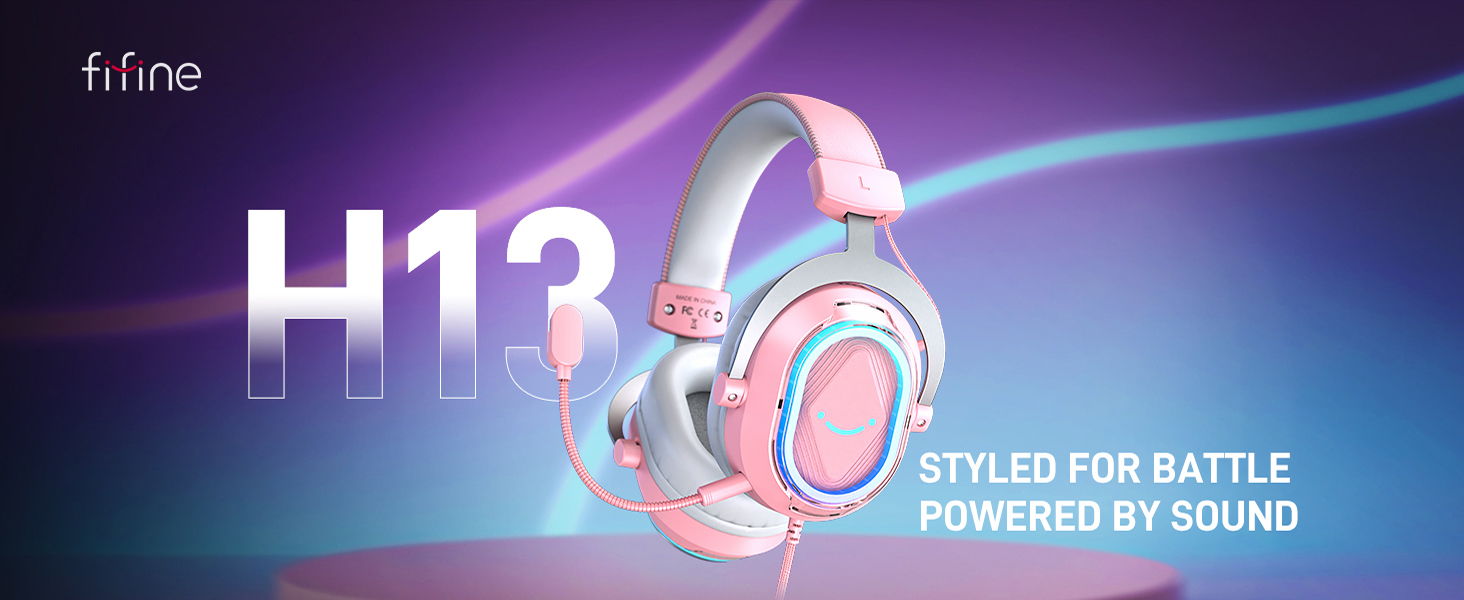


1 Headset for Gaming
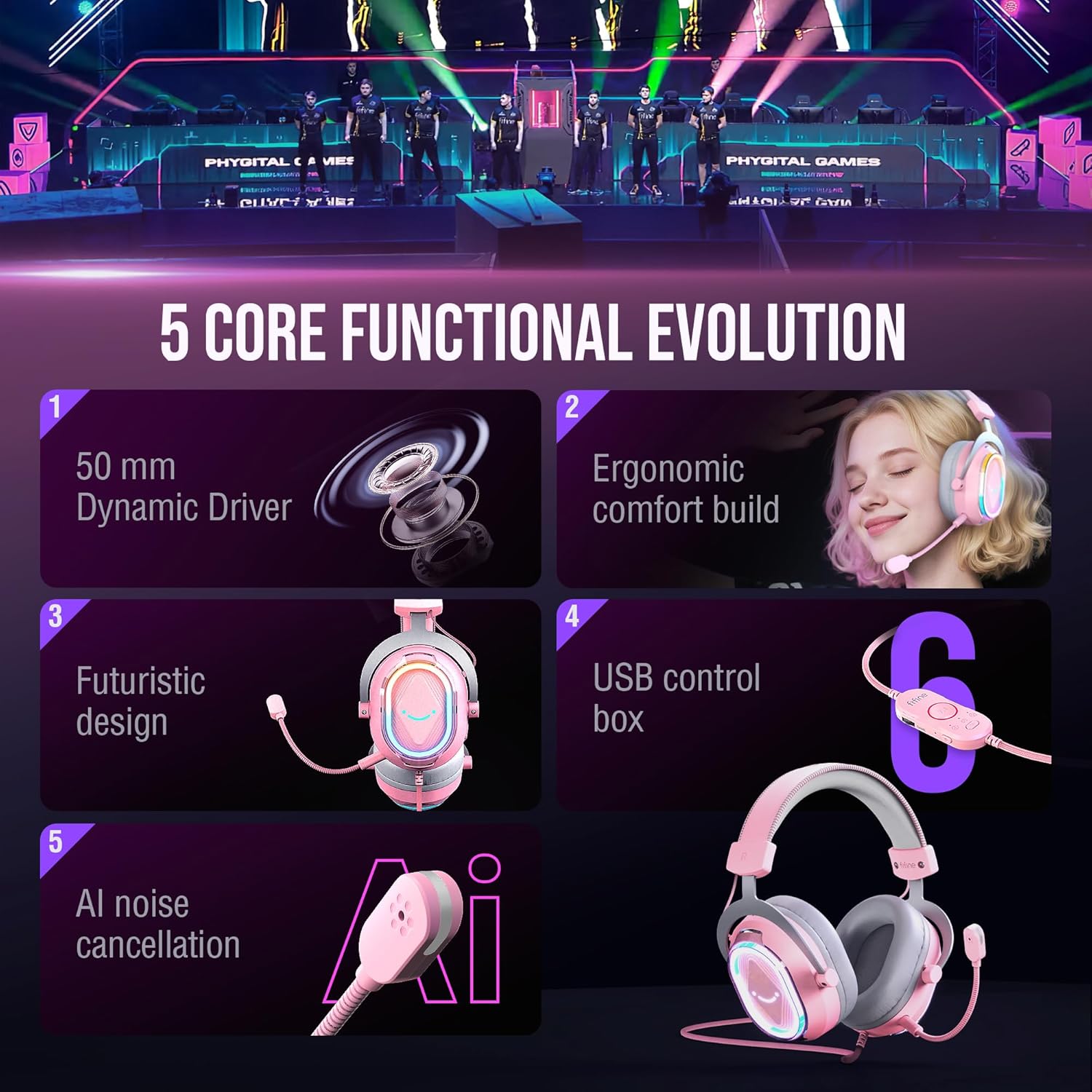
2 50mm Dynamic Drivers
3 Noise Canceling
4 Wide Compatibility


1 Dynamic RGB
2 Ergonomic Design
3 Noise Canceling Mic
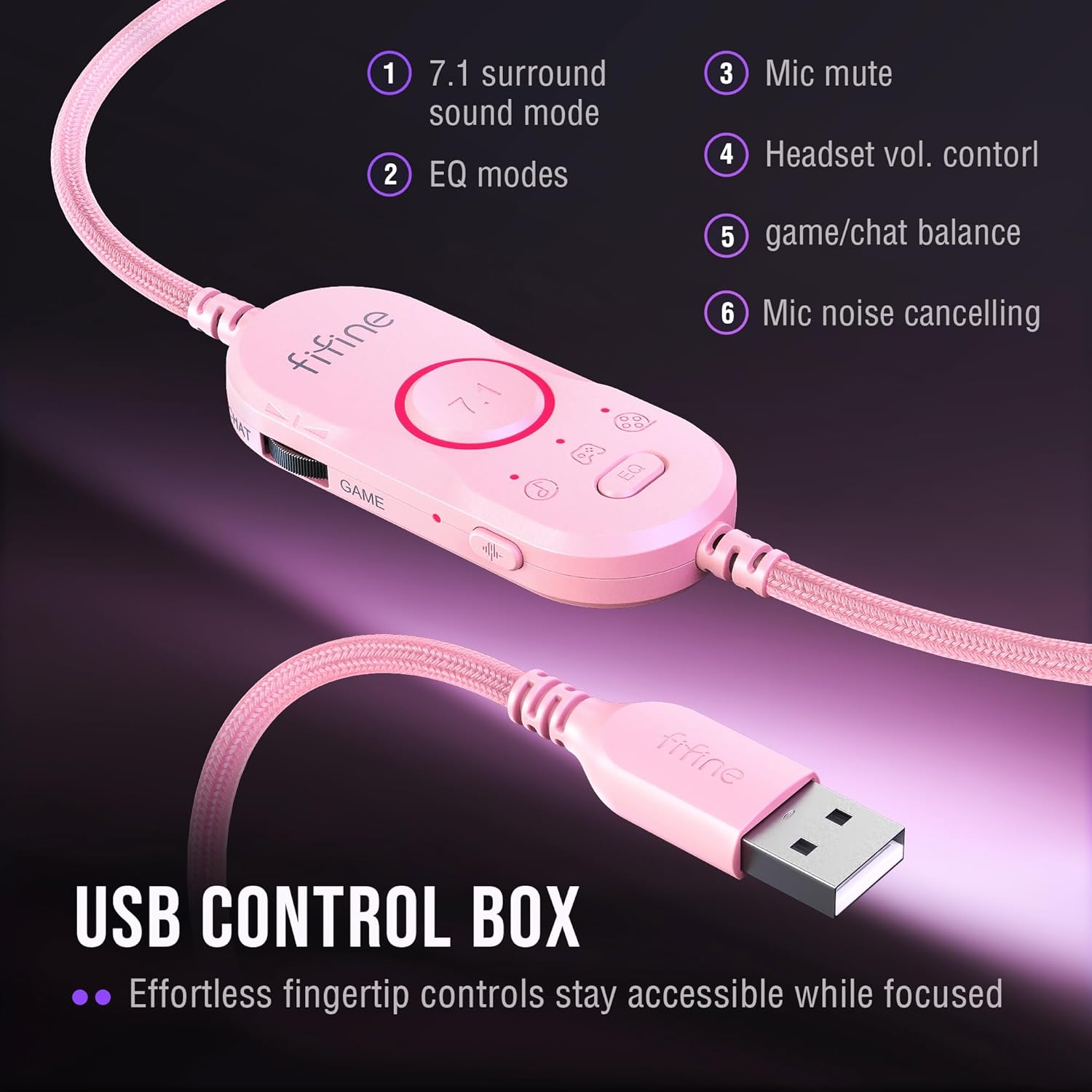
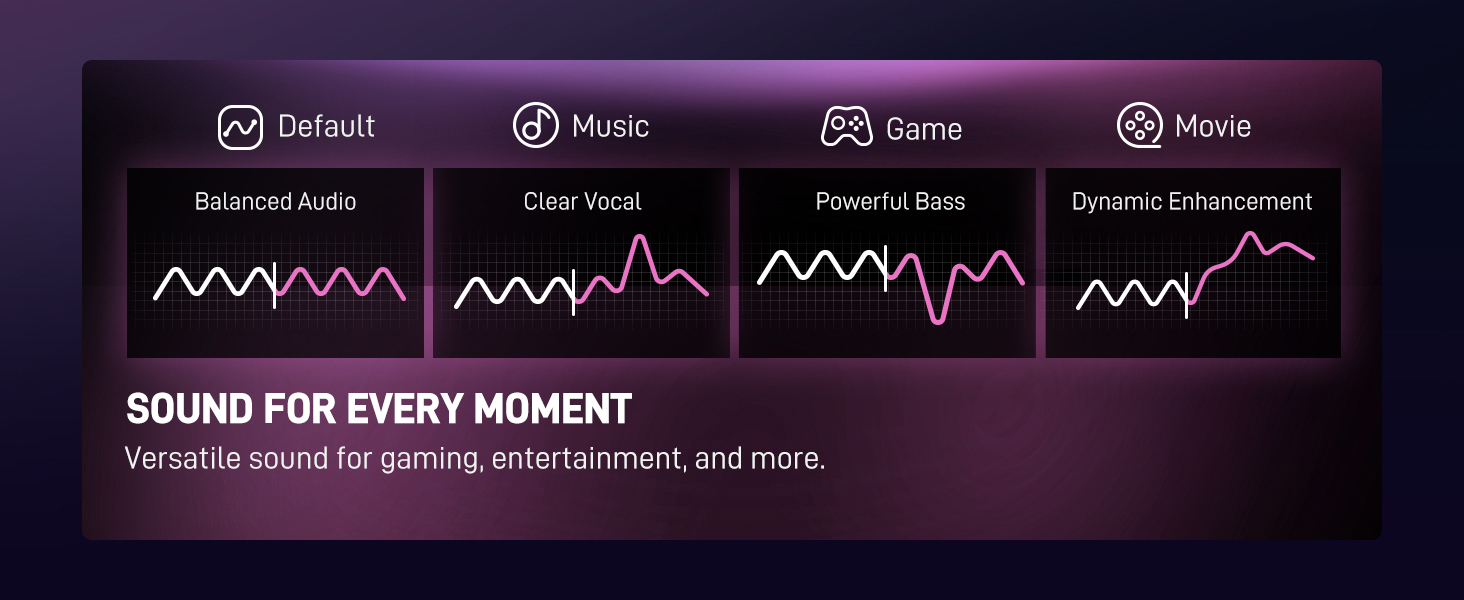
4 4 EQ Modes
USB Gaming Headset-H13P
FIFINE Headset/Headphone
Game/Chat Balance
EQ control
Controllable RGB
Active NC Mic
32Ω±15%
Impedance
32Ω±15%
7.55ft (2.3m)
Cable Length
7.55ft (2.3m)
Gaming/Streaming
Suitable for
Gaming/Streaming
Game/Chat Balance
EQ control
Controllable RGB
Active NC Mic
32Ω±15%
Impedance
32Ω±15%
7.55ft (2.3m)
Cable Length
7.55ft (2.3m)
Gaming/Streaming
Suitable for
Gaming/Streaming
Game/Chat Balance
EQ control
Controllable RGB
Active NC Mic
32Ω±15%
Impedance
32Ω±15%
7.55ft (2.3m)
Cable Length
7.55ft (2.3m)
Gaming/Streaming
Suitable for
Gaming/Streaming
Game/Chat Balance
EQ control
Controllable RGB
Active NC Mic
32Ω±15%
Impedance
32Ω±15%
7.55ft (2.3m)
Cable Length
10ft (3.15m)
Gaming/Streaming
Suitable for
Gaming/Streaming
Open Back Headset-H19P 
USB Gaming Headset-H13BP 
USB Gaming Headset-H13WP 
3.5mm/USB Headset-H9P 
What type of connectivity and ports does the Fifine H13 offer? Does it compatible with Xbox?
The Fifine H13 gaming headset connects to the PC, Laptop,PS4/PS5 via USB-A. Not compatible with Xbox.
What type of microphone does the Fifine H13 headset have?
The Fifine H13 headset has a detachable omnidirectional mic, which features active noise cancellation to block ambient noise. The mic with a built-in indicator light provides a clear mute reminder.
How to control the RGB lighting effects on the H13 headset?
You can control the RGB lighting through the buttons on the back of the headset.Click to switch between 11 preset RGB lighting effects, and you can also long press the button to turn off the RGB lighting effect.
How to switch th EQ modes of the gaming headset?
You can find the EQ mode switch key on the USB control box, and click to switch from the default mode to game mode, music mode and movie mode. Long press the switch key to switch to the default mode.
How to turn up the volume level of the gamer headset?
You can find the volume control roller on the USB control box. Turn the wheel towards the “+” / “-” to turn up or down mic volume via the USB control box of gaming headset or computer setting.
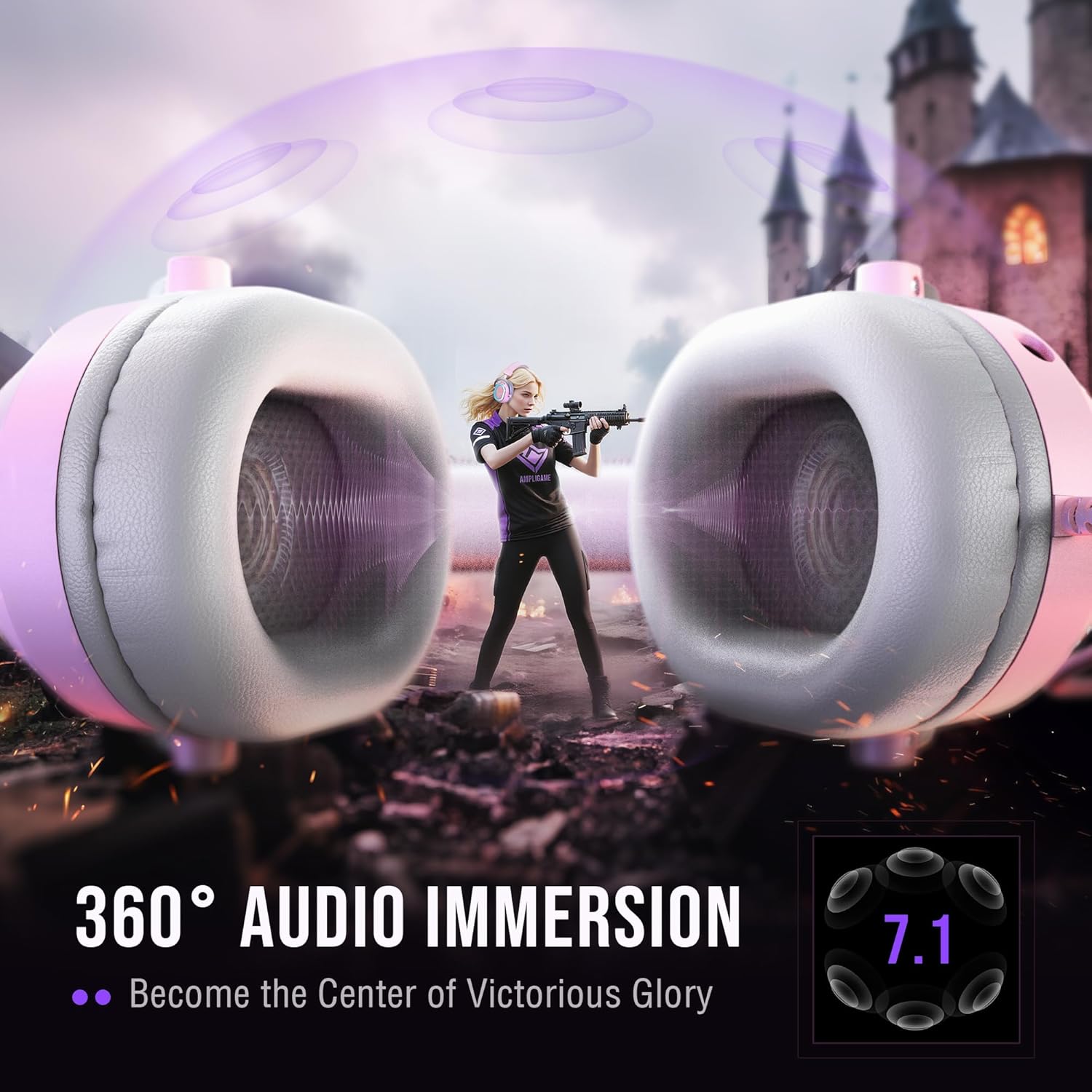
Immerse yourself into the stereo sound to enjoy the meticulously crafted audio, Fifine H13 gaming headset delivers 360° audio with 7.1 virtual surround technology,offering you better audio experience of the game. You can hear footsteps from all directions clearly, allowing you to stay ahead of the game take the win.
Equip with a detachable noise-cancelling microphone, aujust it to the best angle to start an team communication with Fifine H13 usb headset. Open AI noise-cancelling function to eliminate environmental noise and delivers accurate battlefield information to your teammates. One-touch mute with LED indicator prevents communication errors and enhances team coordination.
The pink gaming headset with vibrant RGB lighting combines rhombus chassis design and transparent casing,radiating a futuristic look. One tap to change 11 static or dynamic RGB light effects with to match your mood or setup. The illuminated smiling-face logo transforms it into a stylish desktop piece. If you need more light effects,customizing your own RGB light effects via Fifine Genie software
Skin-friendly protein leather cushions with memory foam conform to your ears, distributing pressure evenly. This PS5 headset ensures a secure fit for any headsize with adjustable headband, staying perfectly in place during your game fights. The ergonomic ear cups fully enclose ears, protecting ears and blocking background noise without discomfort during long sessions.
The wired over-ear headset features a universal USB connector for seamless plug-and-play compatibility across PC and Laptop and compatible for Mac OS/Windows, and also compatible with PS4, and PS5 consoles. This usb gaming headset delivers enhanced audio performance for elevated gaming experiences.
$56.99