
Related Products


Hubitat Elevation Home Automation...




Product description


My fingerprint didn’t work well on the smart door lock or the lock sometimes failed to unlock.
Please place your dry and clean fingers at the center of the recognition area to ensure alarger area is scanned. If issues persist, proceed to add a new fingerprint or reset the keyless entry door lock.
Why can’t I lock the door?
Check if you turn the Interior Knob to Passage Mode that Passage Mode is unlock Mode,you can’t lock the door no matter how. You need to turn to Normal Mode which you can use the APP to lock the door or it will auto lock in 5s.
How to pair the fingerprint door knob with APP? How can I share or add a member if I don’t know the account?
Download the app for the smart door knob. Then enable the Bluetooth and Location permission. You need to touch the fingerprint-recognized area to activate the smart door lock. New members should download the app and sign up which is the account.
What can I do when the battery of my Smart Lock dies?
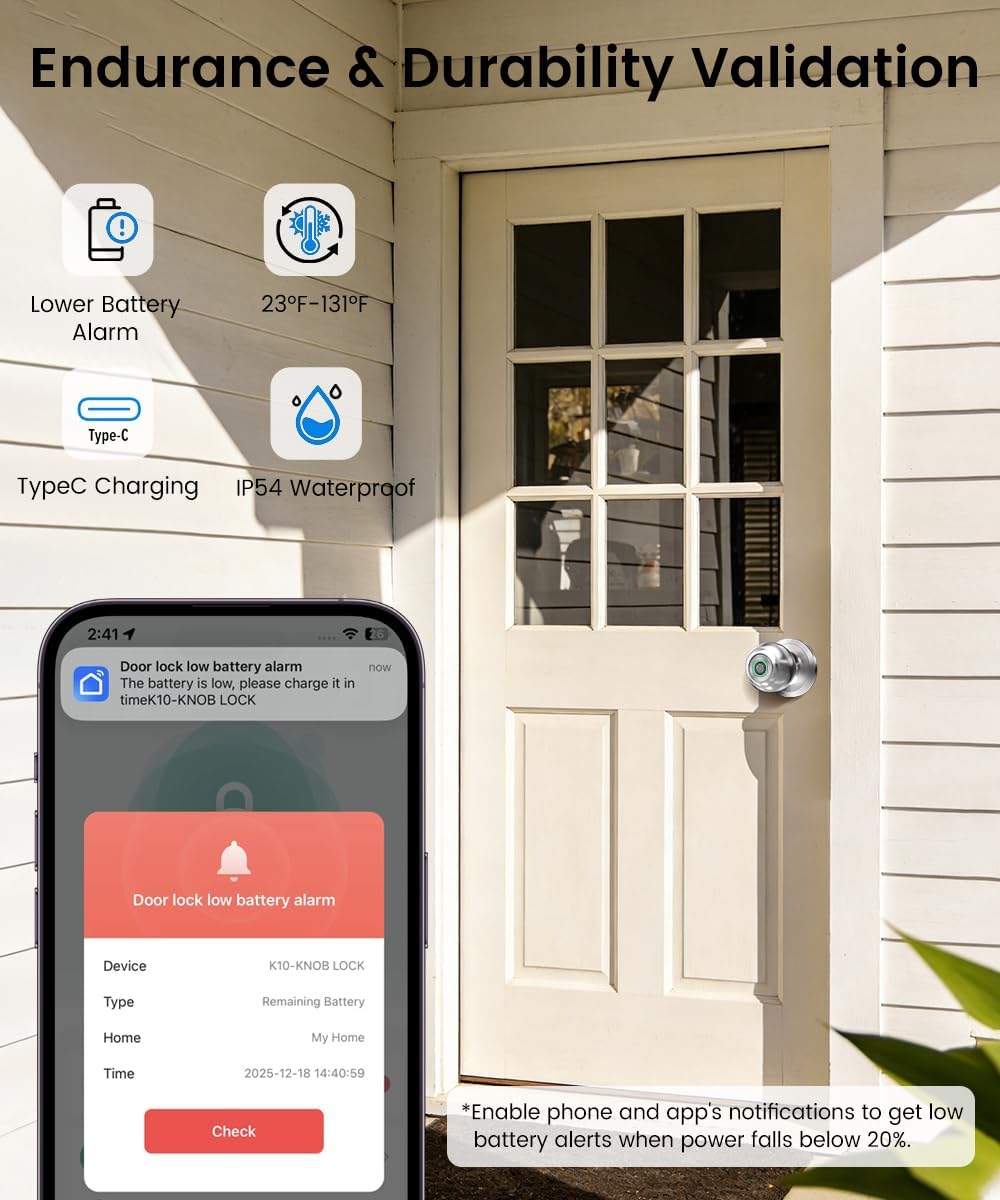
Before installation, please charge the lock for at least 3 hours. If the battery dies power the lock temporarily via its USB/Type-C port or use the backup key.Enable low-battery alerts in the app to receive warnings below 20%.
Can I use the remote control function to unlock the door?
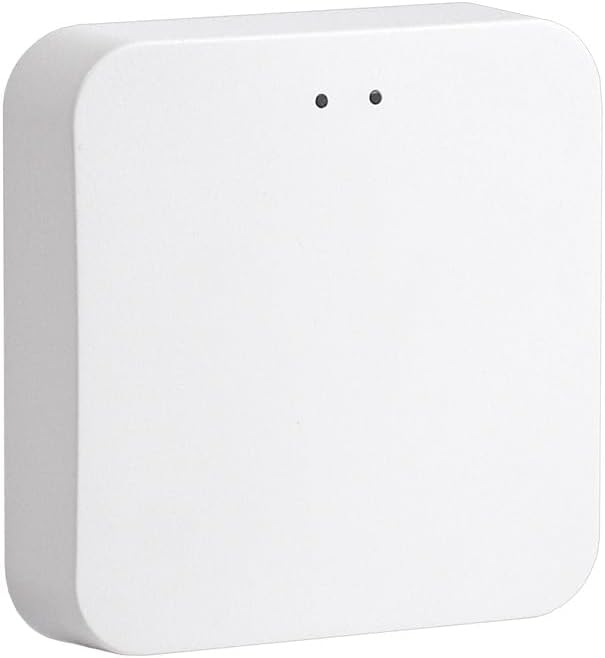
The remote unlock can only be done by connecting the gateway, customers need to purchase the gateway separately.
[Secure Your Home with Smart Door Lock] Our upgraded fingerprint door lock offers easy unlocking options using your unique fingerprint or APP to your home. This smart door Knob provides the option of using mechanical keys for entry, offering added peace of mind in case of emergencies.
[3-In- 1 Keyless Entry Door Lock for Bedroom] The smart lock for bedroom offers various operating modes to suit your needs, now with upgraded convenience in mode selection. Switch the thumbprint door knob’s convenience of Passage Mode, the standard operation of Normal Mode(5s auto lock), the fingerprint door knob’s privacy of Privacy Mode, or the quietness of Silent Mode, you can easily customize the lock settings by rotating the thumb turn to match your smart home lifestyle. This smart door knob is not suitable for doors with weather strips installed.
[Convenient App Control of finger print door knobs] Easily set fingerprints, check access records, and share or add access with family members in the APP. App Control should be within Bluetooth Range. If you want remote control of the smart door lock, you need to purchase a gateway separately.
[Worry-Free Smart Door knob] The smart lock for bedroom doors adds an extra layer of security to your home. Whether you’re looking for a door knob with lock for your apartment or a smart home device to keep your home secure, our upgraded fingerprint door lock has what you need. The bedroom door lock is built in a rechargeable battery with a 1-year battery life that can be charged by a USB Type-C power supply. Simply enable low battery notifications in the app. You will then receive alerts when unlocking your interior door knobs via the app while the battery is below 20%.
[Easy to Install & Last to use] Featuring easy installation, this smart door lock is also a reliable choice not only for homes but also for Airbnb, or apartments. The fingerprint lock installs easily with a screwdriver, and the biometric door lock is ideal for anyone who desires privacy. Tips: When install interior knob, both Exterior and Interior Knobs have to be inserted according to the ‘UP’ sign on the top so that they can stay in place. And the spindle bar is in the vertical position. The thumb turn adjustment arrow points to the center dot and the ‘UP’ sign, then the arrow is inserted upward on the mounting, you can use a little force to get the rear lock completely in.
Original price was: $163.99.$49.69Current price is: $49.69.