
Related Products


Power Strip, SUPERDANNY Surge Protector...

Logitech G502 Hero High Performance...





Product description

Tap,Glow, and Climb!
The video showcases the product in use.The video guides you through product setup.The video compares multiple products.The video shows the product being unpacked. Switch 2 Pro Controller Hall Effect Wireless Merchant Video
Choose Your Colors
The video showcases the product in use.The video guides you through product setup.The video compares multiple products.The video shows the product being unpacked. Switch 2 Pro Controller Hall Effect Wireless Merchant Video


1 Dynamic Light Streak Mode
2 Shoulder Buttons
3 Vibration Mode
4 Perfect Ergonomic Fit
5 Ergonomic Excellence
Glow fuels gaming nights 
Connection Method Instruction
From the HOME Menu, select Controllers, then Change Grip and Order.Press and hold Y + HOME for 3 seconds and 4 LED lights flash quickly. The LED(s) becoming stable, pairing finishes.If you are not connecting for the first time, you can click HOME Button to connect successsfully.
The video showcases the product in use.The video guides you through product setup.The video compares multiple products.The video shows the product being unpacked. Switch 2 Pro Controller Merchant Video
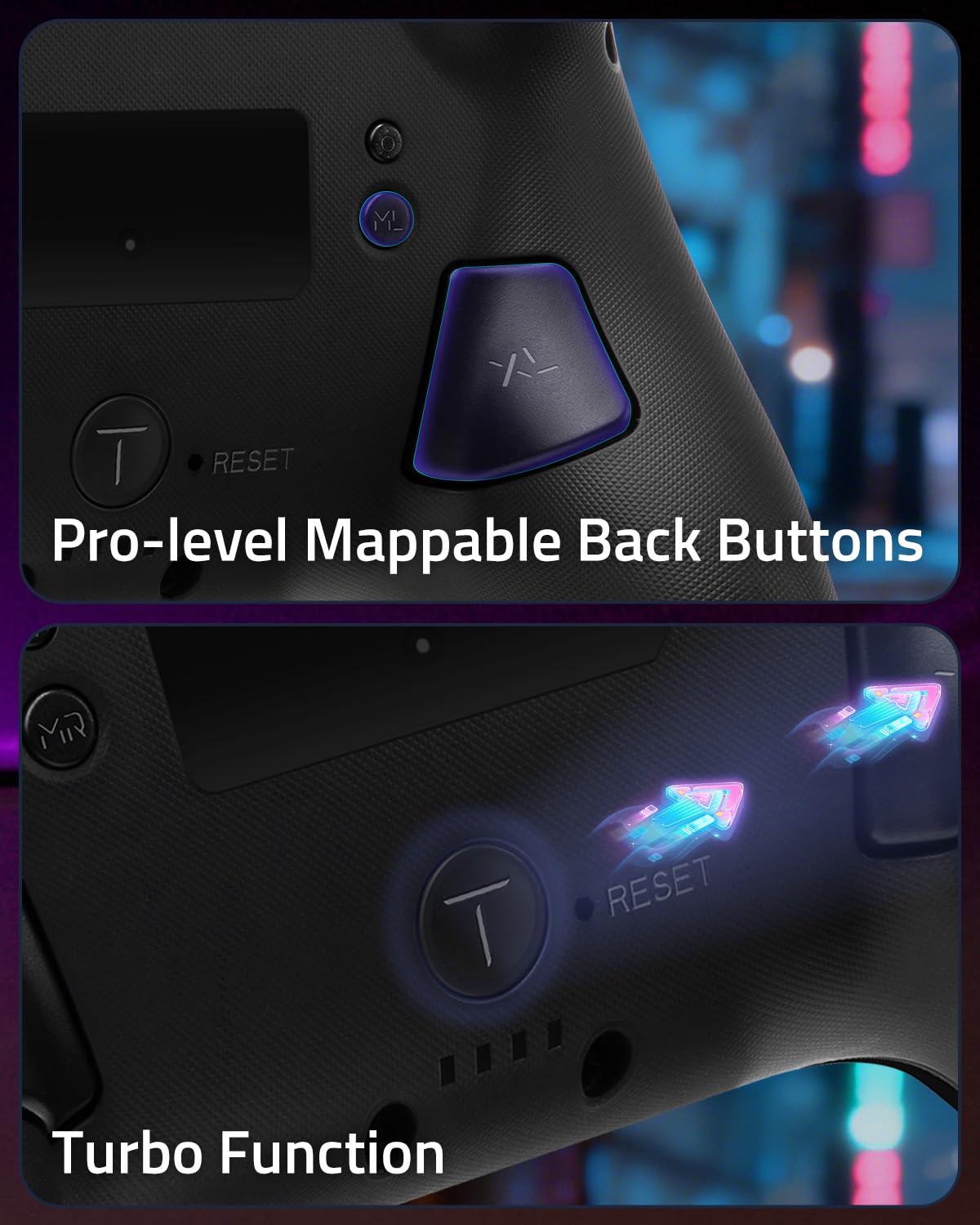
Mapping Function Instruction
Press and hold “MR” Button, then input the single button (A/B/X/Y/L/R/ZL/ZR/+/-/D-pad Button and L/R joysticks) you want to map;The controller will have the vibration cue after loosing “MR” Button, and then press “XR” Button to trigger Programmable Buttons.The mapping function can also be achieved by using the ML Button as described above.)
The video showcases the product in use.The video guides you through product setup.The video compares multiple products.The video shows the product being unpacked. Switch 2 Pro Controller Merchant Video
Turbo Function Instruction
Press and hold “T” Button + one of the Function Button (A/B/X/Y/L/R/ZL/ZR/D-pad Button).1st: Manual TURBO Function (Press and hold to launch continuously).2st: Automatic TURBO Function (Automatically continuous launch).3st: Clear TURBO Function.
The video showcases the product in use.The video guides you through product setup.The video compares multiple products.The video shows the product being unpacked. Switch 2 Pro Controller Merchant Video
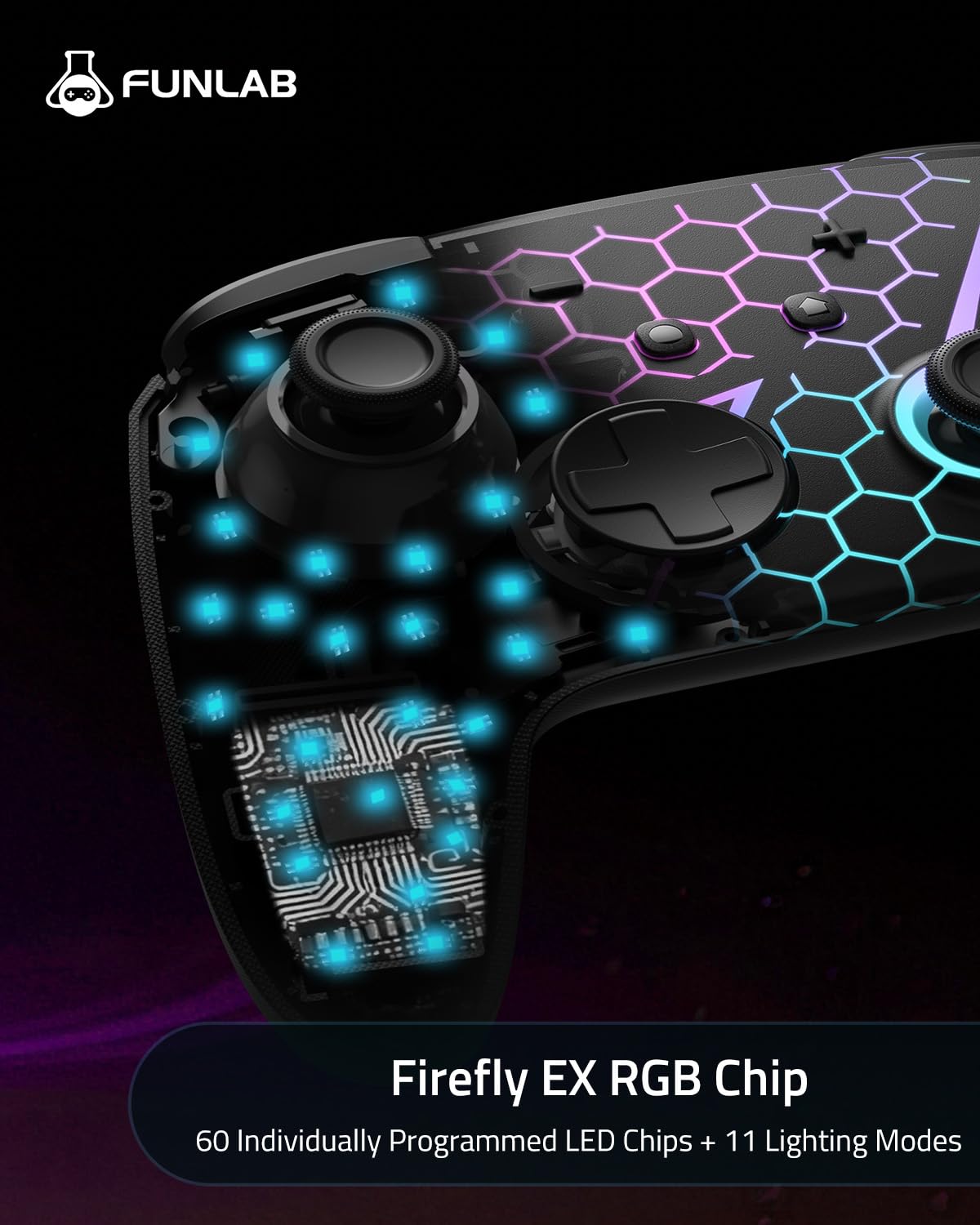
How to change the LED colors and the lighting modes?
A.Press Light Button:Always-on Mode.
B.Press Light and “+” Button:
1st:breathing light mode; 2nd:quick flash mode; 3rd:vibration lighting mode
C.Light Off Mode:Press and hold Light Button for 3s.
What are the advantages of the hall effect joystick?
A. No drift: No mechanical wear, no drift, stable and precise.
B. Long life: Non – contact, no friction or wear, no long – term issues.
C. Sensitive response: Fast, accurate, little delay, better experience.
How to calibrate the joystick of this switch gamepad?
A.HOME Menu – System Settings – Scroll down the menu on the left-hand side – Select Controllers and Sensors.
B.Select Calibrate Control Sticks – Tilt the joystick that you want to calibrate.
C.Follow the on-screen prompts to verify the joystick.
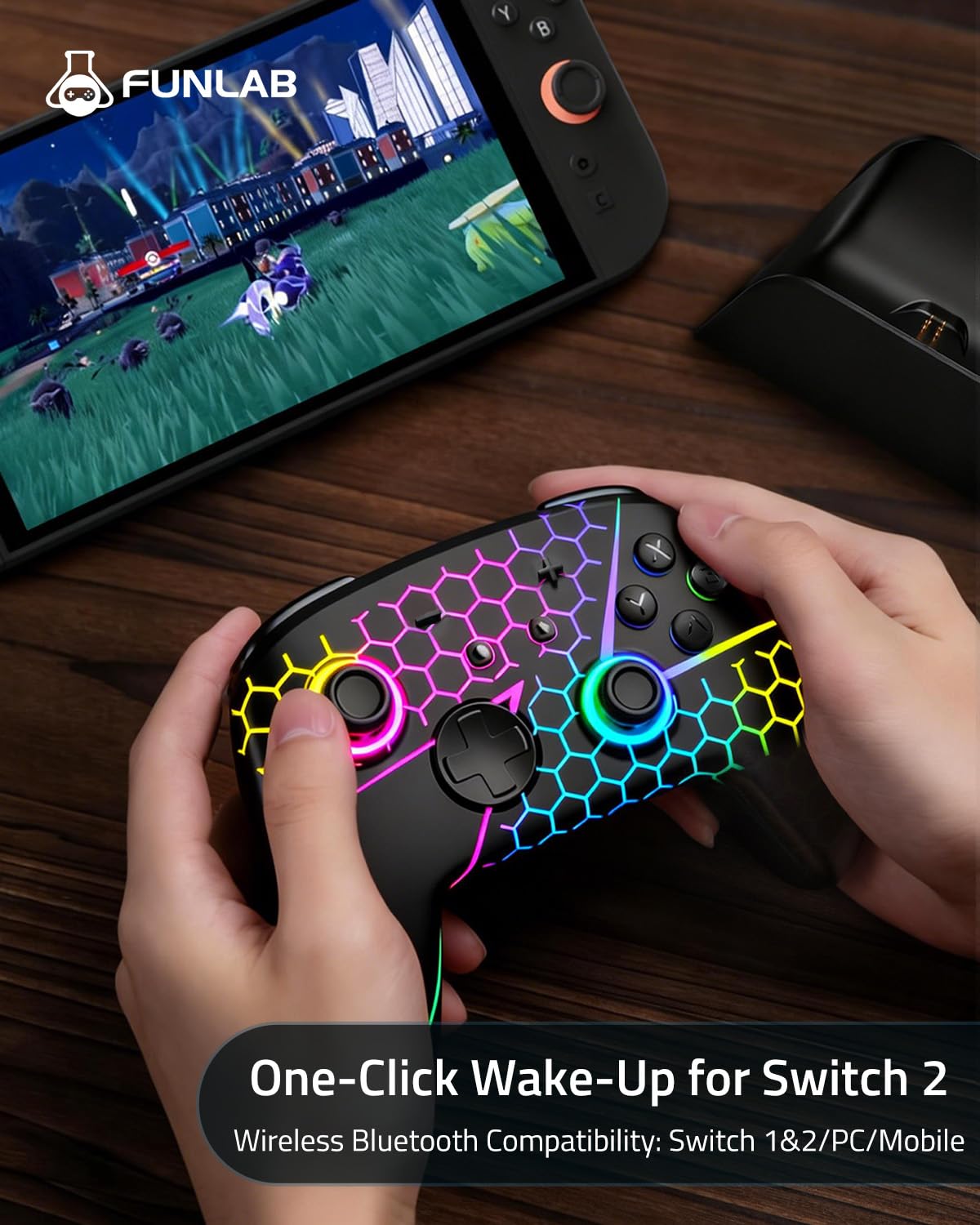
Does this Switch pro controller have the function of waking up the Switch 2?
Yes, our pro controller is compatible with Switch 2 and can wake up Switch 2. You can watch our tutorial video [One-click Wake Up Switch2] which you can find in the manual or the AMZ listing. Follow the steps in the video to activate this function.
Is the battery life sufficient for long gaming sessions?
Yes, the FUNLAB Firefly Switch Controller’s battery provides up to 12 hours of continuous playtime, perfect for long gaming sessions.
Vibrant, Reactive RGB Lighting: This switch 2 pro controller features 7 vivid LED colors, 8 dynamic glow modes, and 4 key lighting effects react to your moves, bringing your setup to life and making every play feel visually thrilling
Pro-Level Precision, Zero Stick Drift: Dominate every match with advanced Hall Effect joysticks. Unlike standard controllers that wear out, our electromagnetic sensors deliver ultra-smooth, pinpoint accuracy that stays drift-free for life
Versatile Features: The hall effect pro controller includes vibration adjustment, macro settings and Turbo function. You can set up complex game actions according to your preferences, significantly enhancing the flexibility and efficiency of your gameplay
Back Paddle Buttons: Our wireless switch controller can edit and define some buttons you want and enhance the gaming experience and meet the needs of hardcore competitive players
Customizable via KeyLinker App:Take total control with the dedicated app. Remap any button, set up complex Turbo & Macro commands, and fine-tune motor vibration or RGB lighting patterns to match your mood. Compatible with Switch 2/1/OLED, ensuring your pro controller grows with your gaming journey
One-Button Wake: FUNLAB Pro Controller compatible with Switch 2 featuring one-click wake-up, you can go from the couch to the ocean in seconds—no tedious syncing required! No additional operations are required, just follow our tutorial video [One-click Wake Up Switch2] which you can find in the AMZ listing
Original price was: $39.99.$35.14Current price is: $35.14.