
Related Products


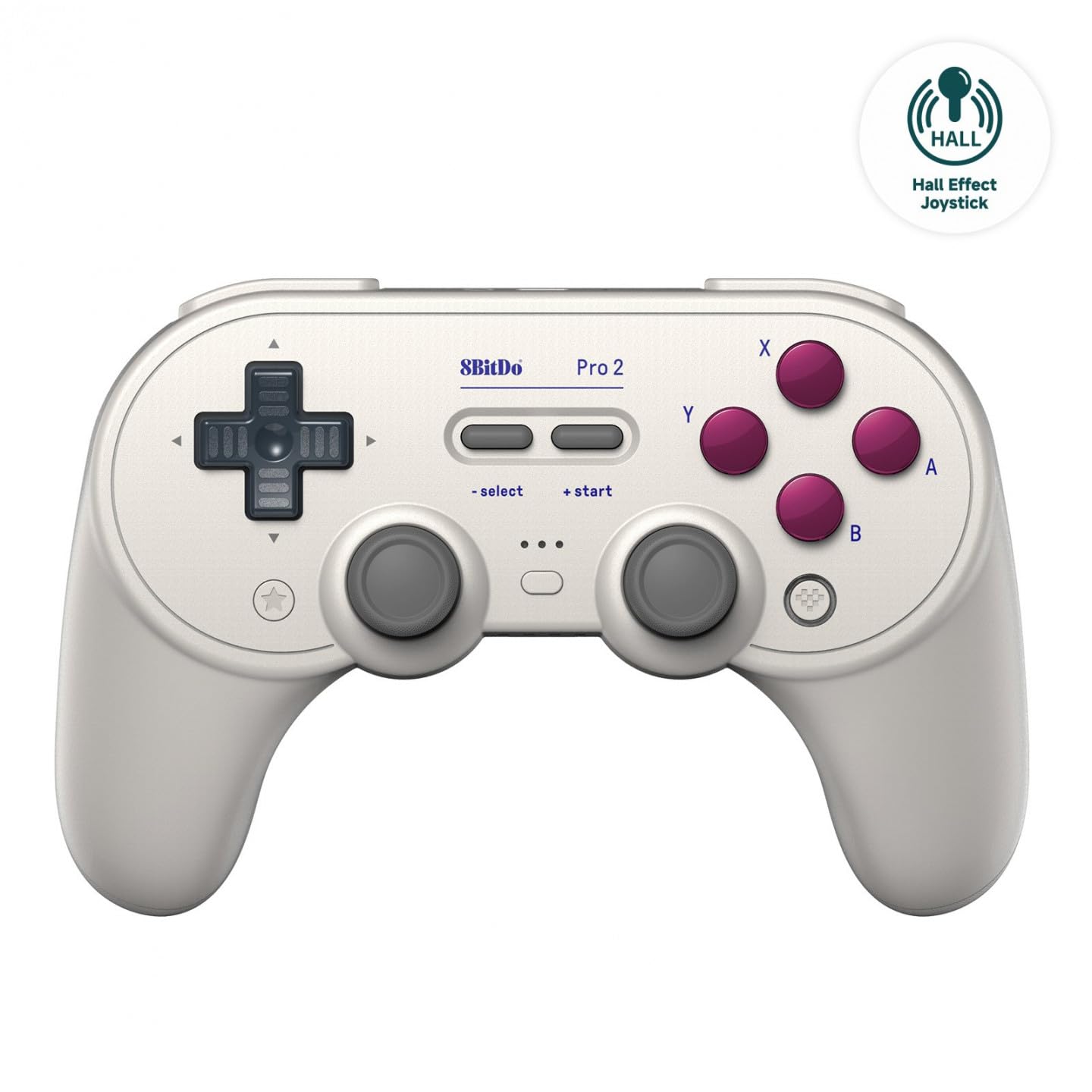
8Bitdo Pro 2 Bluetooth Controller...




Product description
Switch 2 Wake-up–Exclusive to GuliKit New Release Game Controller

NOTE: Please follow SPECIAL pairing method for Switch 2 wake-up
Please check the uploaded video for pairing guide and
make sure to update to latest firmware on our site.
A. Set controller to NS mode, turn it on, hold pairing
button for 2 seconds, indicator flashes quickly to start
pairing.
B. Set Switch 2 into sleep mode first( black screen),
press HOME button on Joy-Con to wake screen, next
enter controller pairing interface and get paired.
(Pairing by regular way without setting Switch 2 into
sleep mode first will cause only paired but with no
Switch 2 wake-up support.)
Discover 3 Key Benefits

Patented GuliKit Hall Effect Joysticks
Deliver anti-drift & exceptional 2200-level high precision control.

Multi-frequency Vibration Motor
Provide rich haptic feedback based on game scenarios like Racing Game.

Zero-power Standby
Extends battery life and reduces battery anxiety, perfect for on-the-go use.
More Attractive Reasons to Choose It

Semi-auto Turbo/Full-auto Turbo Function A/B/X/Y/R/ZR

Built-in Gyro for More Immersive Game Experience

Since the controller’s functions need to be set according to personal preferences and are applicable to different platforms, here are the troubleshooting suggestions: 1. Clear all controller settings and reset them based on your new needs to prevent forgotten special game settings from affecting the experience of other games. 2. For the Switch2 wake-up function, our controller has a special pairing method; please refer to our operation guide video in detail. 3. After switching to a different platform, adjust the back of the controller to the corresponding mode before re-pairing. 4. For Bluetooth connection, ensure no plugins are blocking it for smooth connection.
Product Color Options

NOTE FOR WIRELESS CONNECTION:
Q: Why is there delay for Bluetooth wireless connection to computer with the controller?
A:1. If a Bluetooth adapter is used for connection between the computer and controller,please make sure there is no WIFI router or similar wireless devices close to the adapter to avoid signal intereferences.
2.Most Bluetooth adapters work as a simple wireless transmitter and receiver with Bluetooth driver installation requested on computer, and the driver calls the computer’s CPU for computation. So delay may occur when CPU is occupied much,or there is issue with the adapter,driver itself or different driver versions.
Add to Cart
Add to Cart
Add to Cart
Customer Reviews
4.3 out of 5 stars 344
4.3 out of 5 stars 344
4.0 out of 5 stars 207
Price
$29.99$29.99 $47.03$47.03 $29.99$29.99
Switch 2 Wake Up
YES NO YES
JOYSTICK
HALL EFFECT ANTI-DRIF HALL EFFECT ANTI-DRIF TMR MAGNETIC JOYSTICK
STICK PRECISION
2200 2200 4000
VIBRATOR TYPE
Dual-rotor Vibration Motors GuliKit Maglev Motor,HD / SUPER HAPTIC / ROTORY Dual-rotor Vibration Motors
TRIGGERS
DIGITAL HAIR TRIGGER DIGITAL HAIR TRIGGER HALL EFFECT
AUTO-PILOT GAMING
/ 10 MINUTES /
PROTECTIVE CASE
YES YES /
ADJUSTABLE JOYSTICK SENSITIVITY
NO YES YES
NON-PHYSICAL ABXY BUTTON SWAP
NO YES YES
INSTANT SWITCH 1 / 2 WAKE-UP:Elves 2 is the first third party controller to support Switch 2 wake-up. Make sure to follow the SPECIAL pairing method for Switch 2 wake-up: 1. Set controller to NS mode, turn it on, hold pairing button for 2 seconds, the indicator flashes quickly to start pairing. 2. Set Switch 2 into sleep mode first( black screen), press HOME button on Joy-Con to wake the screen, next enter the controller pairing interface and get paired. (Pairing by regular way without setting Switch 2 into sleep mode first will cause only paired but with no Switch 2 wake-up support.) Please follow the uploaded pairing video for reference. (Please make sure to update to latest firmware.)
RETRO-INSPIRED CONTROLLER WITH MODERN TECHNOLOGIES:Inspired by the classic controller, the Elves 2 features its retro shape which offers excellent ergonomics for comfort, and more of modern technologies like dual Hall effect thumbsticks, vibrations, six-axis gyro motion control, etc for modern games.
SMOOTH ANTI-DRIFT HALL EFFECT JOYSTICKS: Engineered with GuliKit leading-edge Hall Effect electromagnetic thumbsticks,anti-friction stick ring, this gamepad delivers anti-drift durability and exceptional 2200-level high precision control.
BROAD COMPATIBILITY WITH ULTRA-FAST SPEED: Compatible with consoles Switch 2, Switch, Switch Lite, Switch OLED, Windows, iOS, Steam Deck,ROG Ally / X handhelds and Android devices, ideal choice for multi-platform gaming. Supports ultra-fast lag-free wired (1000Hz on PC only, No cable Attached) and low latency Bluetooth wireless (730Hz) connection. (Not compatible with Sega Genesis,Mega Drive,Sega Saturn).
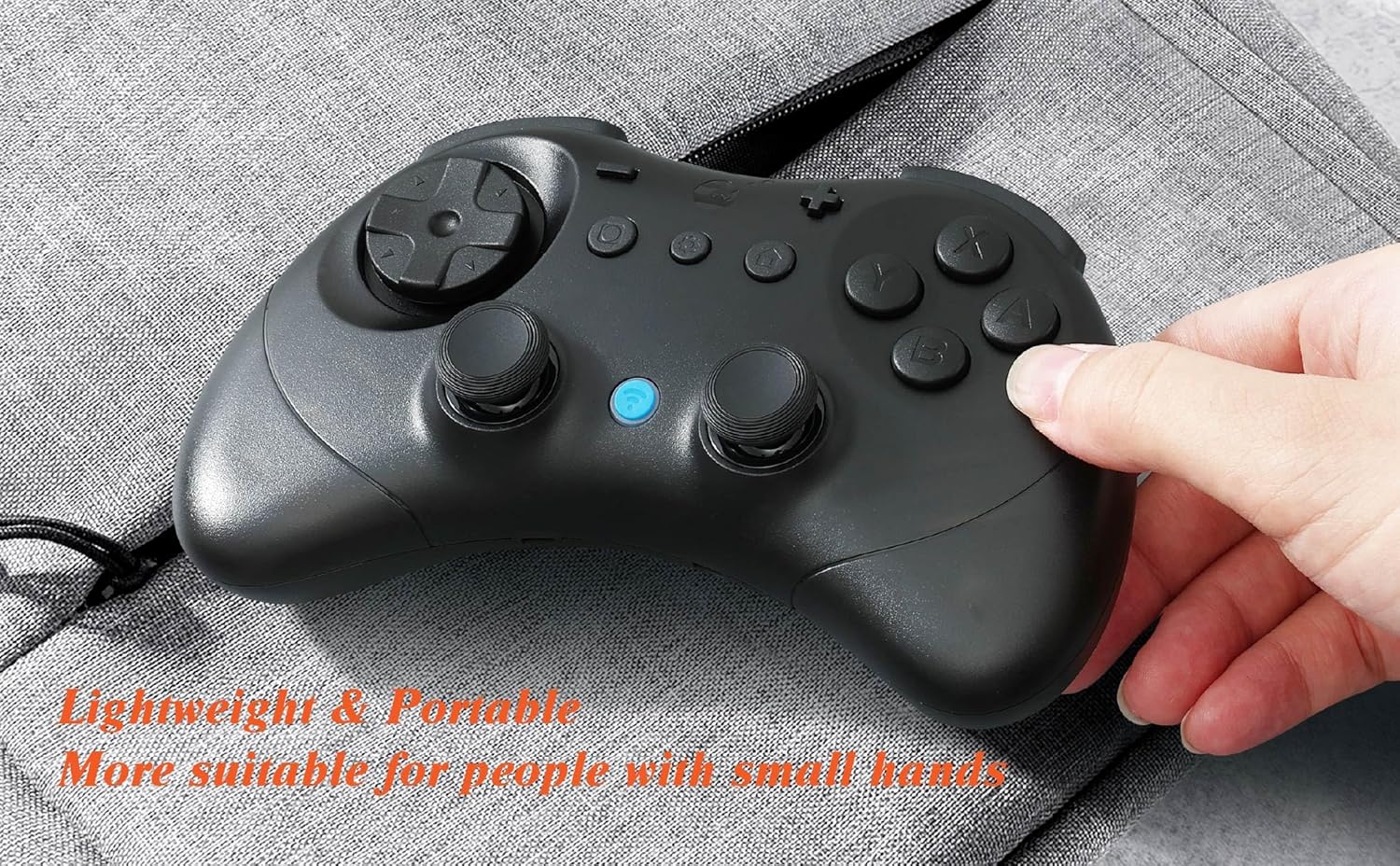
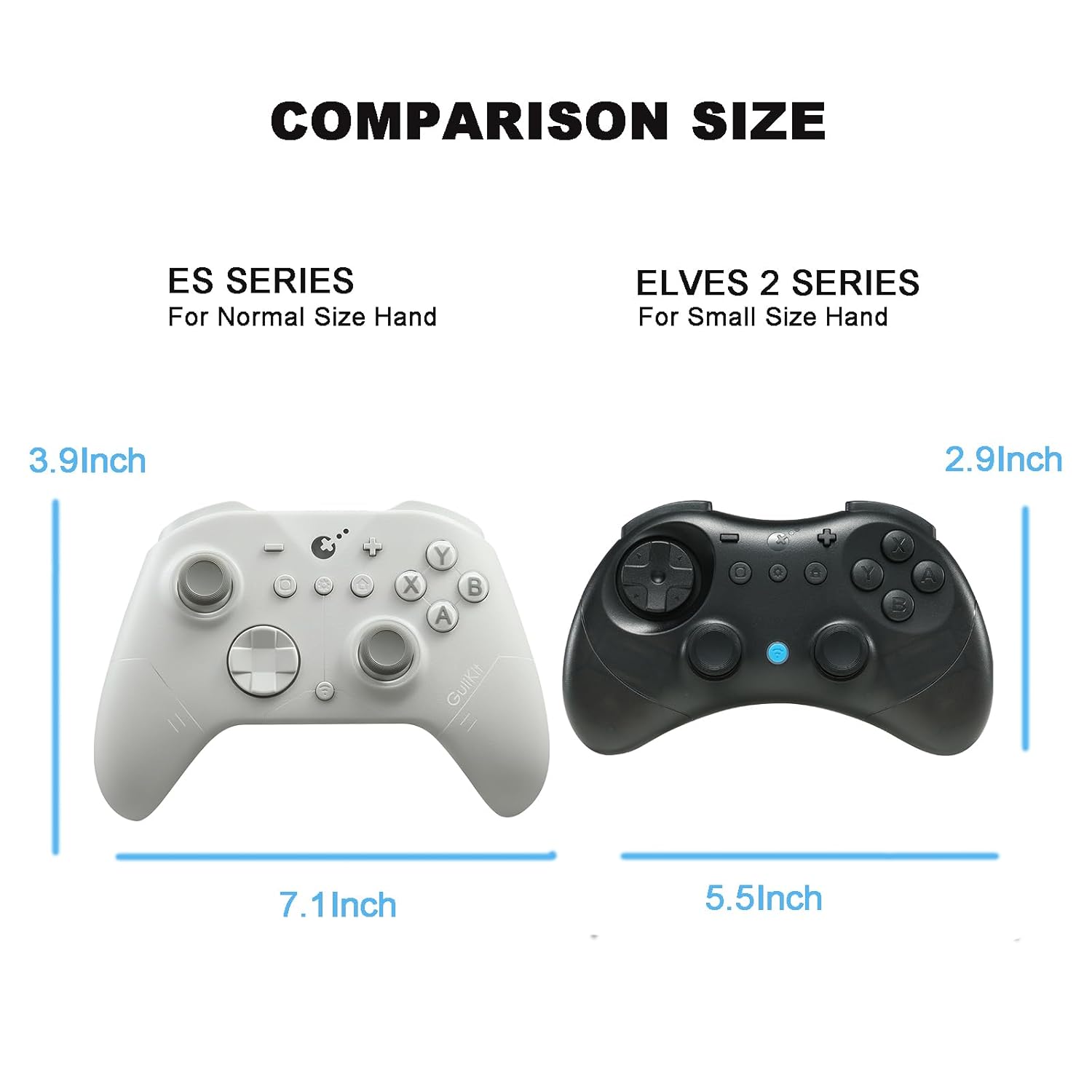
ADVANCED FEATURES FOR PRO GAMERS: Classic floating D-pad for fighting games,tactile digital triggers,compact(5.9×3.9×1.2inches more suitable for people with small hands)and lightweight(6.3oz)body, stick deadzone on/off, Turbo, 800mAh 20 hours rechargeable battery, portable carrying case for gaming on the go.
NO-HASSLE PURCHASE: Package includes elves 2 controller, protection case, instruction manual. (No cable included) Fast customer support within 24 hours. (especially the switch 2 wake-up method)
NOTE: Why is there delay for Bluetooth wireless connection to computer with the controller? 1. If a Bluetooth adapter is used for connection between the computer and controller,please make sure there is no WIFI router or similar wireless devices close to the adapter to avoid signal interference. 2.Most Bluetooth adapters work as a simple wireless transmitter and receiver with Bluetooth driver installation requested on computer, and the driver calls the computer’s CPU for computation. So delays may occur when CPU is occupied a lot, or there is an issue with the adapter,driver itself or different driver versions.
NOTE: Please make sure to update to latest firmware of the elves 2 controller & your game console, if you encounter disconnection issues.
Since the controller’s functions need to be set according to personal preferences and are applicable to different platforms, here are the troubleshooting suggestions: 1. Clear all controller settings and reset them based on your new needs to prevent forgotten special game settings from affecting the experience of other games. 2. For the Switch2 wake-up function, our controller has a special pairing method; please refer to our operation guide video in detail or contact us at any time. 3. After switching to a different platform, adjust the back of the controller to the corresponding mode before re-pairing. 4. For Bluetooth connection, ensure no plugins are blocking it for smooth connection.
$29.99