
Related Products

UGREEN NAS DH4300 Plus 4-Bay Desktop...


Samsung P9 Express microSD Express...





Product description


Tired of running out of storage space on your iPhone, iPad, or Android device?
Do you have to reluctantly delete precious travel photos, 4K videos, important work documents, or favorite music just because your device’s memory is full?
This Dual-Interface iPhone Portable Flash Drive is here to solve your storage worries. No app download required, plug-and-play, with 30MB/s high-speed transfer and universal device compatibility, delivering a convenient, secure, and high-capacity mobile storage solution tailored for you!
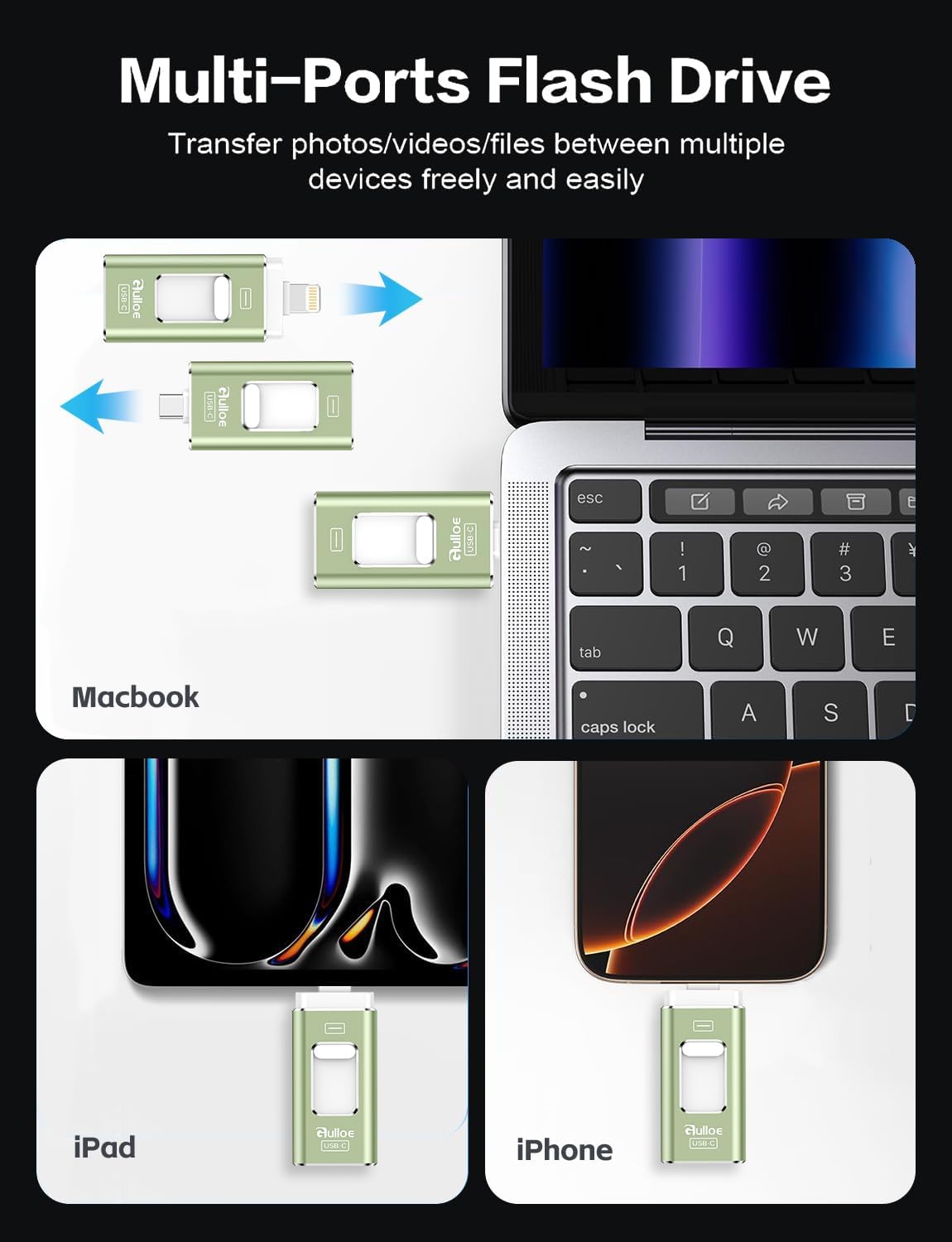
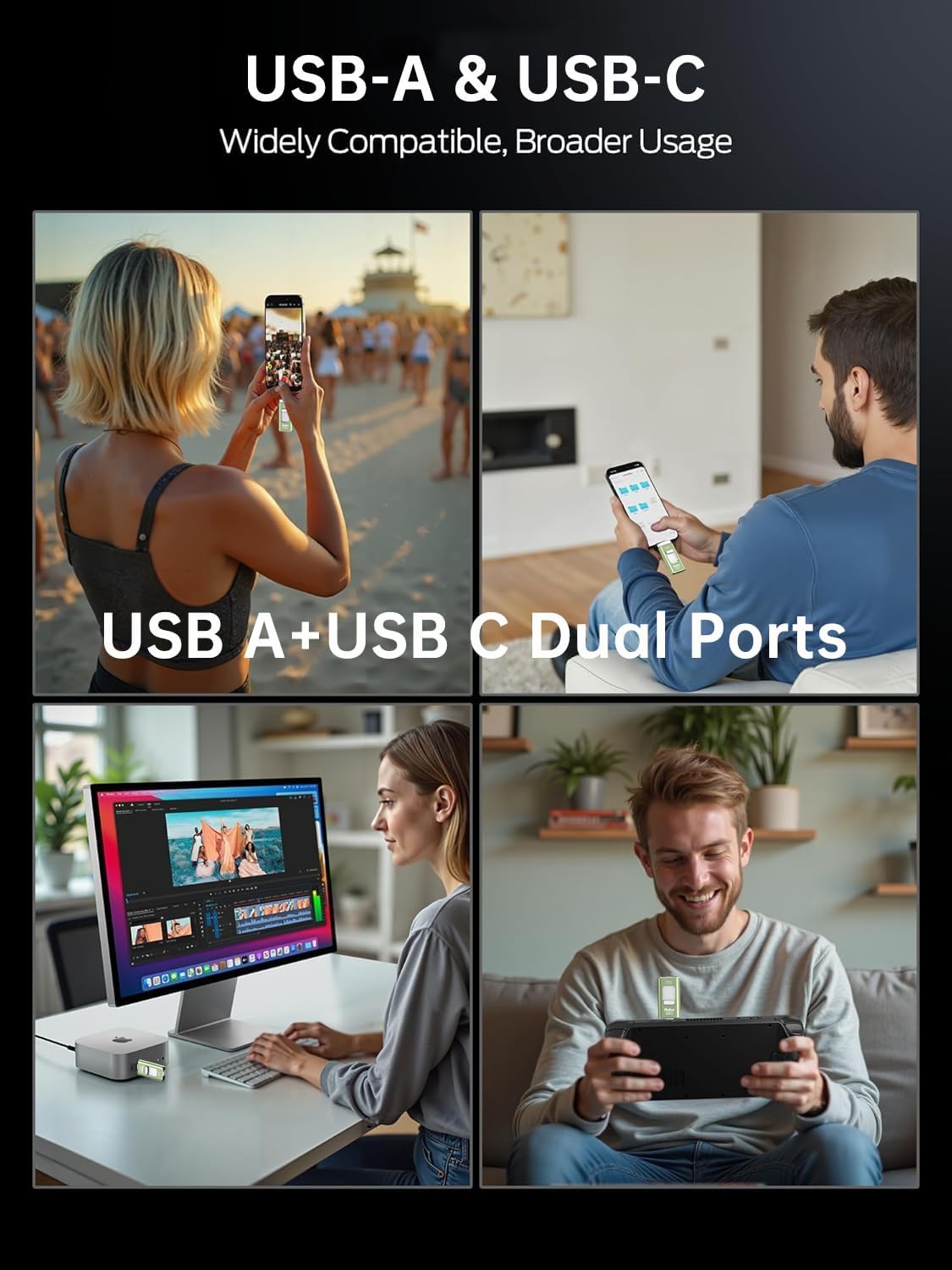
Designed specifically for multi-device users, this external storage drive features USB-C and USB-L dual ports, eliminating the need for extra adapters. It seamlessly works with the full range of iPhone 17/16/15/14 series, as well as Android smartphones, iPad Pro/Air tablets, and Windows/Mac computers. Whether you’re shooting vlogs with your iPhone, storing photos on your Android phone, designing on your iPad, or transferring files between computers, just plug it in and enjoy instant cross-device data sharing. Say goodbye to “device isolation” and tedious operations, file transfers have never been faster or easier.
With a high read/write speed of 30MB/s, large file transfers are incredibly efficient! A 1GB 4K video can be transferred in just about 30 seconds, putting an end to the long waits of traditional storage devices. Back up travel photos to your computer on the go, quickly sync shooting materials from your camera to your phone for editing, or access work documents across devices in seconds, greatly boosting your daily productivity and workflow. No more deleting cherished travel memories, your child’s growth moments, or frequently used apps, keep your device lightweight and enjoy unrestricted storage for daily use, travel, work, outdoor shooting, and more.
Safety and portability are also top priorities! Crafted with high-quality flash memory chips, it delivers stable performance, resisting accidental shocks and collisions to fully protect your data from loss. No internet connection is needed, whether you’re traveling to remote areas, camping outdoors, or working in a network-free environment, you can store and access files anytime, anywhere with peace of mind. Its slim, compact, and lightweight design fits easily into your pocket, wallet, or camera bag, making it effortless to carry, take your important files with you wherever you go and expand storage on demand.
How to Transfer in iPhone iPad?
Requires iOS 13 and Higher: Simply insert the flash drive into your iPhone iPad, then go to the “Files” app, Click back to “Browse” and find the flash drive named “Untitled”, Move photos videos and files to your iPad or iPhone as needed.
How to transfer in Android Phones?
Android phones need to support OTG, and flash drives can be found in the “File Manager” of most Android devices.
Universal Compatibility 1) Compatibility iPhone 17 Series/ iPhone 16 Series/ iPhone 15 Series/ iPhone 14 Series/ iPhone 13 Series/ iPhone 12 Series/ iPhone 11 Series/ iPhone SE Series/ iPhone X Series/ iPhone 8 Series/ iPhone 7 Series/ iPhone 6S Series. (Tip: Please upgrade your phone version to iOS 13 or higher if necessary) Universal Compatibility 2) Compatibility iPad Pro 12.9-inch (1st to 6th generation series)/ iPad Pro 11-inch (1st to 4th generation series)/ iPad Pro 10. 5-inch/ iPad Pro 9. 7-inch/ iPad Air (5th gen)/ iPad Air (4th gen)/ iPad Air (1st gen/2nd gen)/ iPad (5th to 10th generation series)/ iPad mini (6th gen) (5th gen)/ iPad mini 4/ iPad mini 3/ iPad mini 2. (Tip: Please upgrade your phone version to iOS 13 or higher if necessary) Universal Compatibility 3) Compatibility Android smartphones (Need to open OTG function). Also support computers and other devices with USB-C Ports. Example: Samsung Galaxy/ Huawei/ Xiaomi/ OPPO etc. (Tip: Micro USB port phone devices are not supported) Kindly Note 1. Media files downloaded from iTunes or other third-party applications cannot be transferred or viewed. These files are protected by digital rights management (DRM) Kindly Note 2. If you’ve previously used iCloud, you’ll need to download files to your iPhone/iPad first, then copy them to the iPhone external storage. Kindly Note 3. Phone cases may interfere with the connection between your device and the USB flash drive, causing the phone to fail to recognize it. If this happens, do not assume the drive is faulty, simply remove the case and try again. Kindly Note 4. Your phone powers external devices only while the screen is on, if the screen turns off, power supply stops, which means the flash drive won’t be recognized. (Pro Tip: To ensure smooth transfers, especially for large files, set your phone’s screen to “Never Sleep” in settings) Kindly Note 5. For Flash Media Devices : • 1 megabyte (MB) = 1,000,000 bytes, • 1 gigabyte (GB) = 1,000,000,000 bytes. Actual usable capacity may differ. A portion of the stated capacity is reserved for formatting and system functions, so it’s not available for data storage. Kindly Note 6. Read speeds of up to 30MB/s, write speeds lower. Results based on internal testing, actual performance may vary depending on your device, settings, and configurations.
【High Capacity & Effortless Backup】This Compatibility iPhone USB storage flash drive easily handles today’s larger 4K videos, high-resolution photos, and phonebook. Easy backup frees up space instantly, so you’ll never miss capturing important moments. Perfect for iPhone, iPad, Android and PC users. (Note: For iPhone/iPad No App Required; For Android only Needs OTG Enabled, No Extra App.)
【Blazing Fast Transfers Anywhere】Equipped with upgraded high-speed chips, this portable phone external storage flash drive lets you transfer massive files in seconds—no WiFi, no data cables needed. Save time when sharing photos or moving large video projects, whether you’re traveling, working, or creating content.
【Universal Compatibility with Dual Interfaces】Featuring USB-C, USB-L, USB ports adapter, this Compatibility iPhone photo storage stick connects seamlessly with iPhone/iPad devices, Android OTG phones, laptops, and tablets. No iCloud fees, no internet required—just plug in and move files freely between your phone, computer, and other devices.
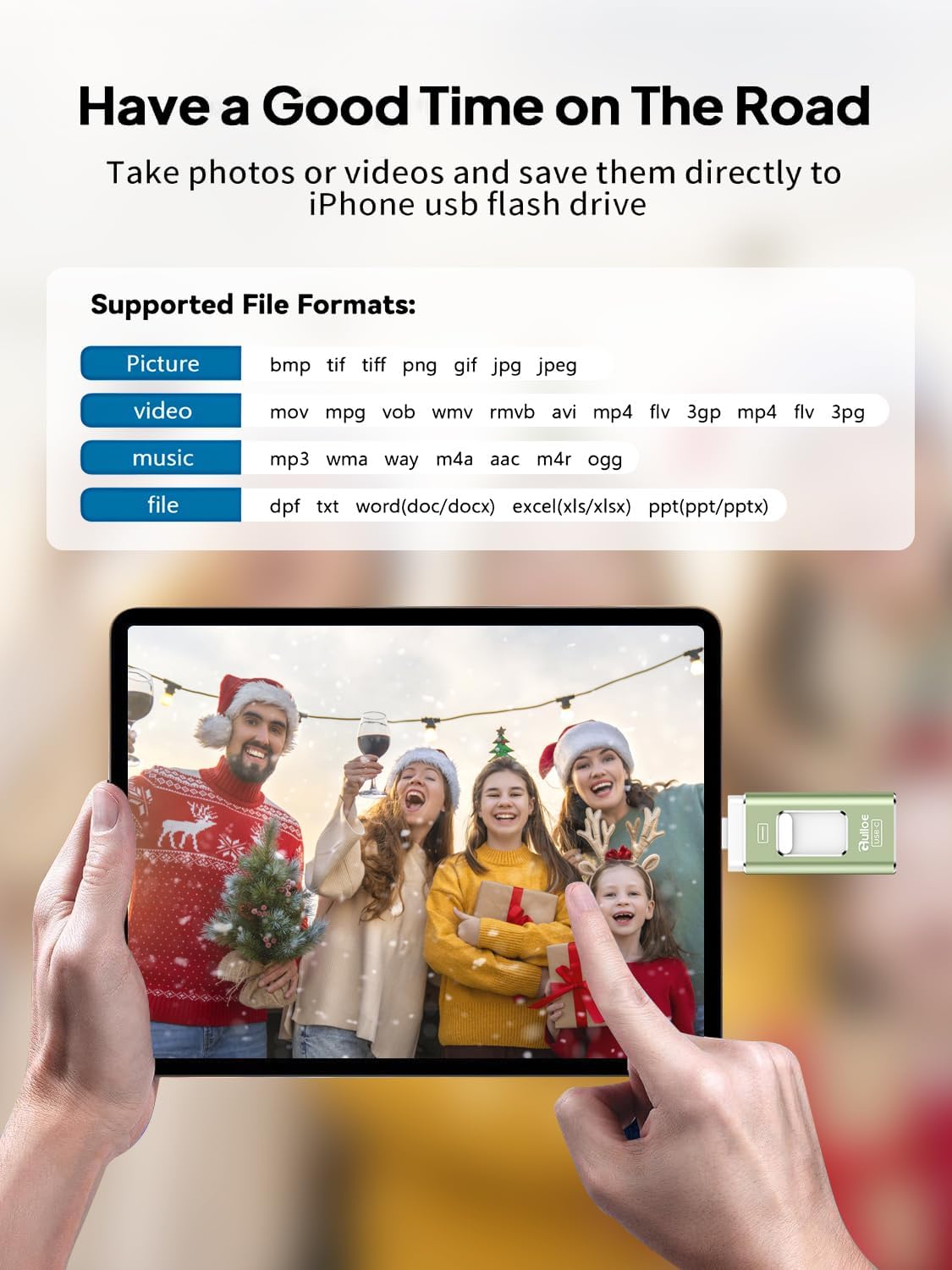
【Easy to Backup, Enjoy Anywhere】Easy to use, plug and play. With just one click, you can quickly back up videos, photos, contacts, and documents, eliminating tedious copying and pasting. Simply plug in your iPhone, iPad, or Android phone. Files are saved directly to the iPhone storage, freeing up valuable space. You can also share files directly from the photo stick for iphone to social media with one click, instantly sharing moments with friends and family.
【How to Transfer in iPhone iPad】Requires iOS 13 and Higher: Simply insert the flash drive into your iPhone iPad, then go to the “Files” app, Click back to “Browse” and find the flash drive named “Untitled”, Move photos videos and files to your iPad or iPhone as needed.
【How to transfer in Android Phones】Android phones need to support OTG, and flash drives can be found in the “File Manager” of most Android devices.
【Kindly Note】The phone case may prevent the proper connection between a phone and a usb flash drive, which could result in the phone being unable to recognize the usb flash drive. In this situation, please do not conclude that the usb flash drive cannot be used, remove the phone case and try again.
【Kindly Note】1) For Flash Media Devices, 1 megabyte = 1 million bytes; 1 gigabyte = 1 billion bytes. Actual useable capacity may vary. Some of the listed capacity is used for formatting and other functions, and thus is not available for data storage. 2) Up to 30MB/s read speed, write speed is lower. Based on internal testing; performance may be lower depending on the host devices and user’s settings and configurations.
Original price was: $25.00.$23.50Current price is: $23.50.