
Related Products


Epson Lifestudio Pop Full HD Personal...


Epson Lifestudio Pop Plus 4K PRO-UHD...




Product description


Notice:
To extend the product’s service life, please charge it first before testing as soon as you receive the product.
When you encounter the following situations during testing, do not assume the product is not working:
Issue 1: When testing a wired camera, the device is set to wireless signal detection mode, but there is no alert.
Explanation: This is normal. Because the camera transmits signals via a wired connection, the detector cannot pick up any signal.
Issue 2: When testing a wireless camera, the device is set to wireless signal detection mode, but there is no alert.
Explanation: This is because the camera is not operating and therefore not transmitting any signal. As a result, the device cannot capture any wireless signal, and no alert will be triggered.
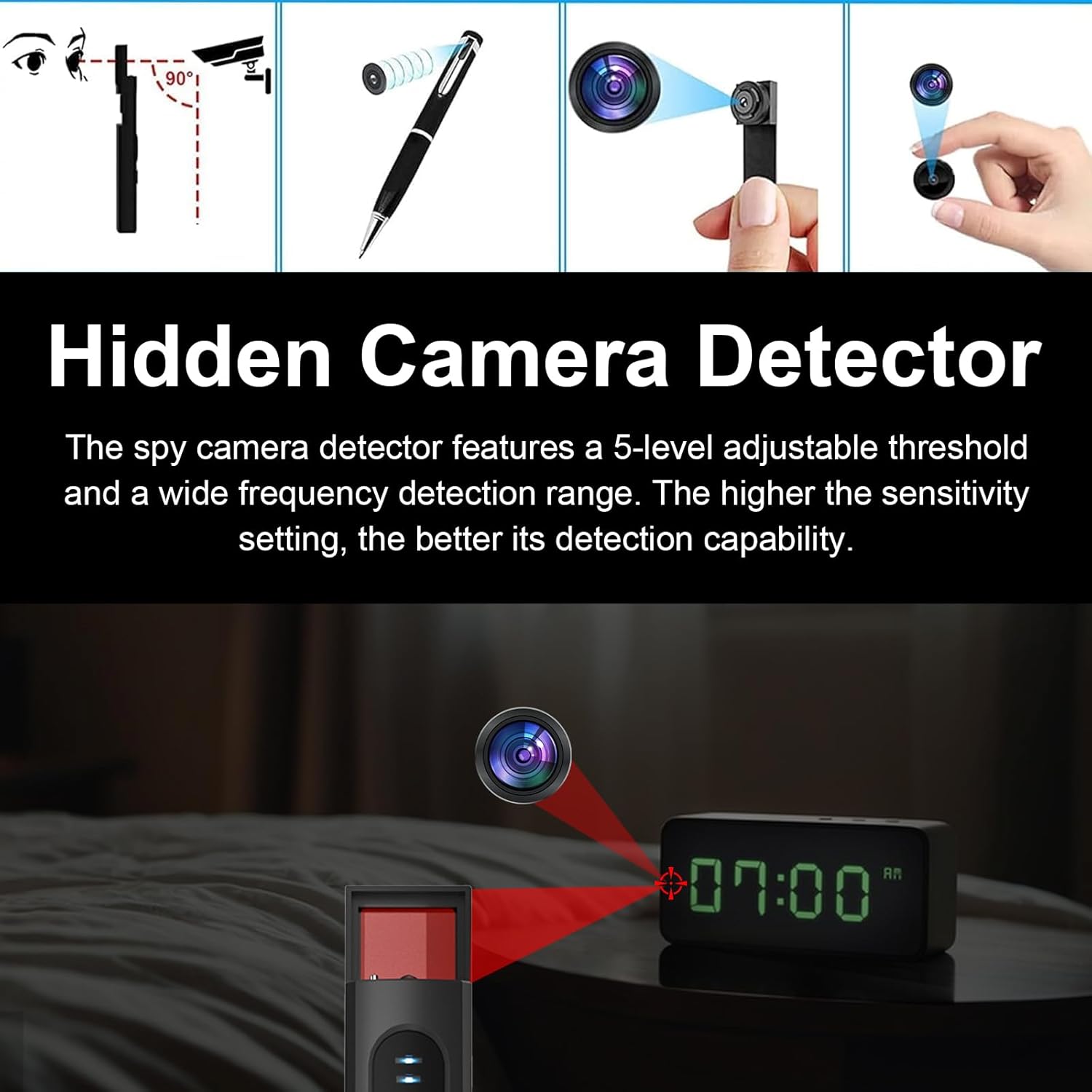
Summary: When you need to test the camera, the correct method is to switch the detector to the pinhole lens detection mode (do not use the wireless signal detection mode), and then view the reflection point through the optical filter on the device.
Wireless Signal Scanning – Operating Details and Procedures
1. Turn off all lights in the room
2. Draw the curtains to reduce interference from natural light
3. Shut down any electronic devices that may cause interference
4. Turn on the wireless signal scanner
5. Hold the device and move it slowly, observing changes in signal strength
Key areas to focus on: socket holes, switch panels, smoke alarms, air conditioning vents, behind decorative paintings and clocks, bathroom vents, edges of mirrors, gaps in furniture, power adapters
Microporous Lens Inspection – Operational Details and Procedures
1. Turn off all the lights in the room.
2. Draw the curtains to reduce the interference of natural light.
3. Use the LED scanning light built into the device.
4. Shine the light from different angles at the suspicious area.
5. Observe through the filter on the device to see if there are any pinhole reflection points.
Suspicious point confirmation: Conducted multiple scans at different angles to detect any changes in the suspected location.
Magnetic Field Inspection – Operational Details and Procedures
1. Turn off electronic devices that may cause interference.
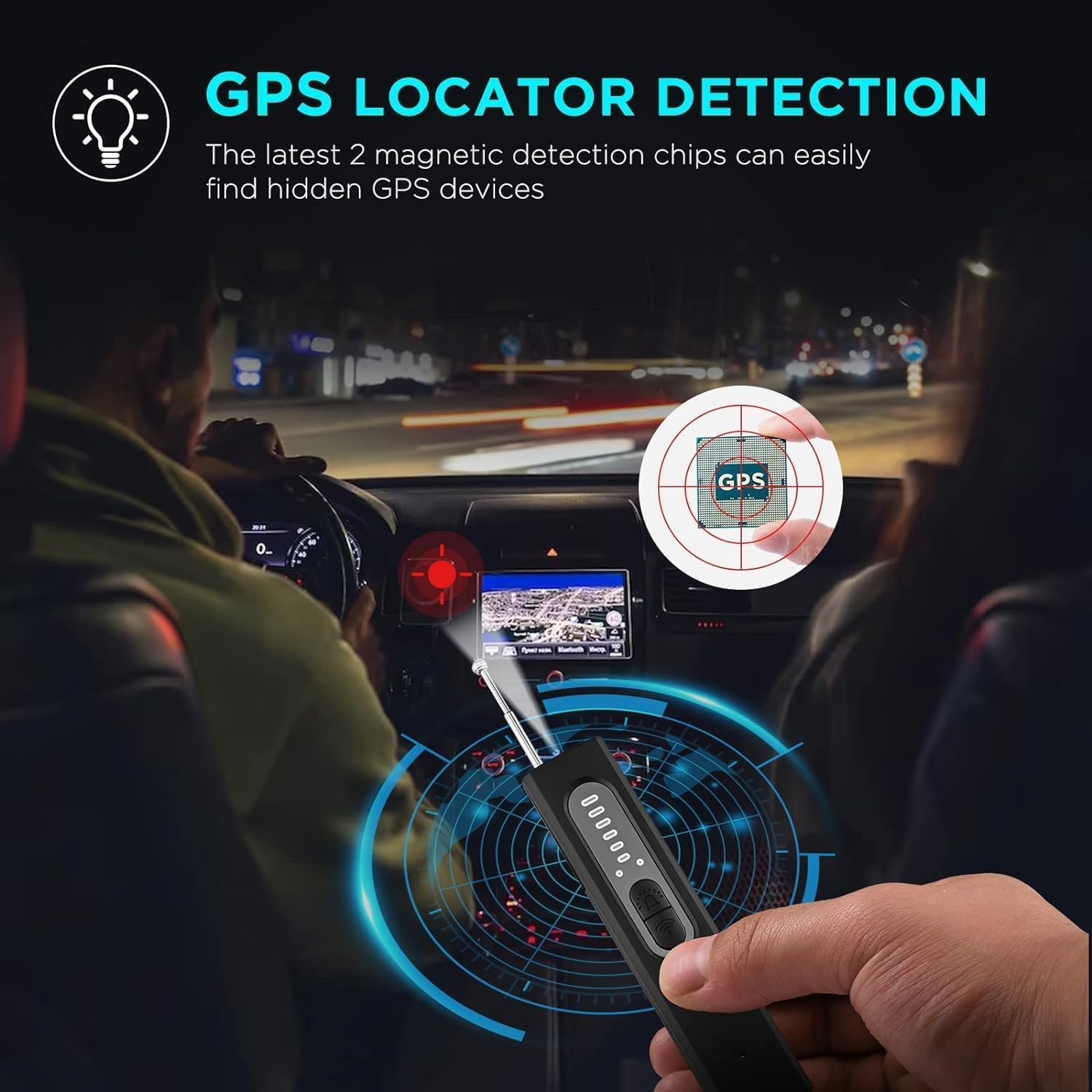
2. Turn on the magnetic field detection and pull out the sensing antenna.
3. Move the handheld device slowly and observe the changes in signal strength.
When the device senses the magnetic field, it will emit an alarm sound or the lighting will turn on.
【Wireless device detection mode】Before detecting, please turn off cell phone/router/other wireless device to reduce interference. Adjust the device to blue light,The device moves slowly to detect wireless eavesdropping and stealing devices. When the signal light blinks and there is an audible prompt, it indicates that the emission source is detected. The brighter the signal indicator, the stronger the transmitting source signal.
【Micro pinhole lens detection mode】 : when the red lights on the back of the device are lit, the eyes slowly look for the red spots through the filter on the device. If there are red dots, you need to see if they are reflected by the pinhole lens. 【Note】: Camera Detector & Camera Lens Finder to discover hidden pinhole cameras with direct visual inspection with infrared laser scanning,No alarm alerts.
【Magnetic Field Detection Modes】The device is adjusted to green light for magnetic field detection. When the device is moved slowly at close range, it will emit both audio and visual alerts upon detecting a GPS tracking device. The detection efficiency depends on the magnetic field strength and size of the object, helping to ensure robust privacy protection in both personal and professional settings.
【Portable & Easy Operation】Light weight, small size, it is very easy for you to put this bug finder into your bag or your pocket,whenever, suitable for various places, such as hotels, conference rooms, bathrooms, locker rooms, residences, offices, examination places.Built-in rechargeable battery.
Original price was: $39.96.$26.69Current price is: $26.69.