
Related Products

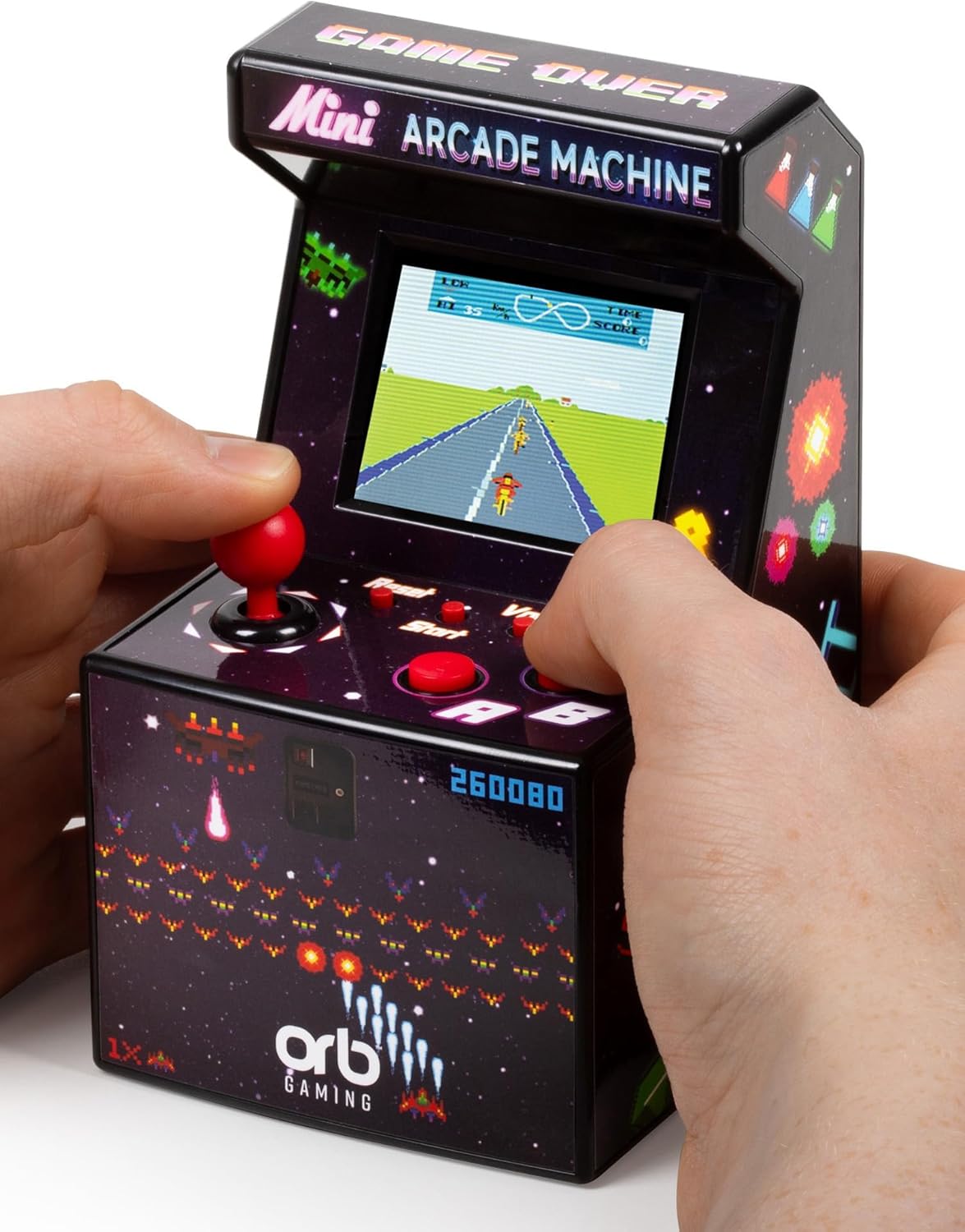
Mini Arcade Machine, 240 Built-in...

Handheld Game Console, Retro Mini...




Product description

Game List:
01.Classic brick game;
02-08.Other modes of brick games;
09.Tanks Battle;
10.Racing game;
11.Bounce ball;
12.Shooting game;
13.Barriers to Bounce ball;
14-15.Fill the shooting game;
16-23.Various reverse brick games

Game screen display

How to choose/start the game?
The numbers 01-23 displayed at the top of the screen are the sorting numbers of the game. Different numbers correspond to different games. Use the ROTATE key to select the game corresponding to the numbers. After selecting the numbers, press the S/P key to start the game. Number 01 is a classic brick game. It is recommended for beginners to start playing this game.

How to choose game speed/difficulty/mode?
The speed/difficulty/mode can only be set before the game starts. The SPEED in the upper right corner of the screen represents speed, LEVEL represents difficulty, and the numbers below the screen represent mode. After selecting the number (game), do not start yet. Press the Right key to select the game’s Speed; Press the Left key to select the difficulty level of the game; Up/down keys to select mode.

Game operation instructions:
01.Classic brick game: Left/right click to control the direction, ROTATE key to rotate the direction of the blocks, move, rotate, and place various blocks automatically output by the game, so that they are arranged into a complete row or multiple rows and eliminate scores.
02-08.Various modes of brick game: The operation method is the same as “01-Classic brick game”.
09.Tank Battle: Up/Down/Left/Right arrow keys to control direction, ROTATE key to fire bullets.
10.Racing: Control the direction with the left and right direction keys, and accelerate with the ROTATE button.
11.Pinball: The left/right arrow keys control the direction in which the ball pops up, and the ROTATE key increases the movement speed of the fastball.
12.Shooting: Left/right click to control direction, ROTATE key to fire bullets.
13.Obstacle Pinball: The left/right direction keys control the direction, and the ROTATE key increases the movement speed of the fastball.
14-15.Supplementary shooting: Left/right click to control direction, ROTATE key to fire bullets.
16-23.Reverse brick game: The blocks are output from the bottom of the screen and then moved up. ,The operation method is the same as “01-Classic brick game”.

How to turn on hidden game mode?
After turning on the brick game console, press and hold the SOUND key, press the RESET key once, and then press the ROTATE key 2-5 times until the screen displays letters before releasing the SOUND key. If it is not displayed, repeat the above operation again. In this game mode, the letter I is the Snake game.
Hidden mode Game List: A. Tank Battle, B. Pinball, C. Shooting, D. Obstacle Pinball, E-F. Racing, G-H. Stuffing Shooting, I. Snake, J. Frog Crossing the River, K-Z. Various brick games.
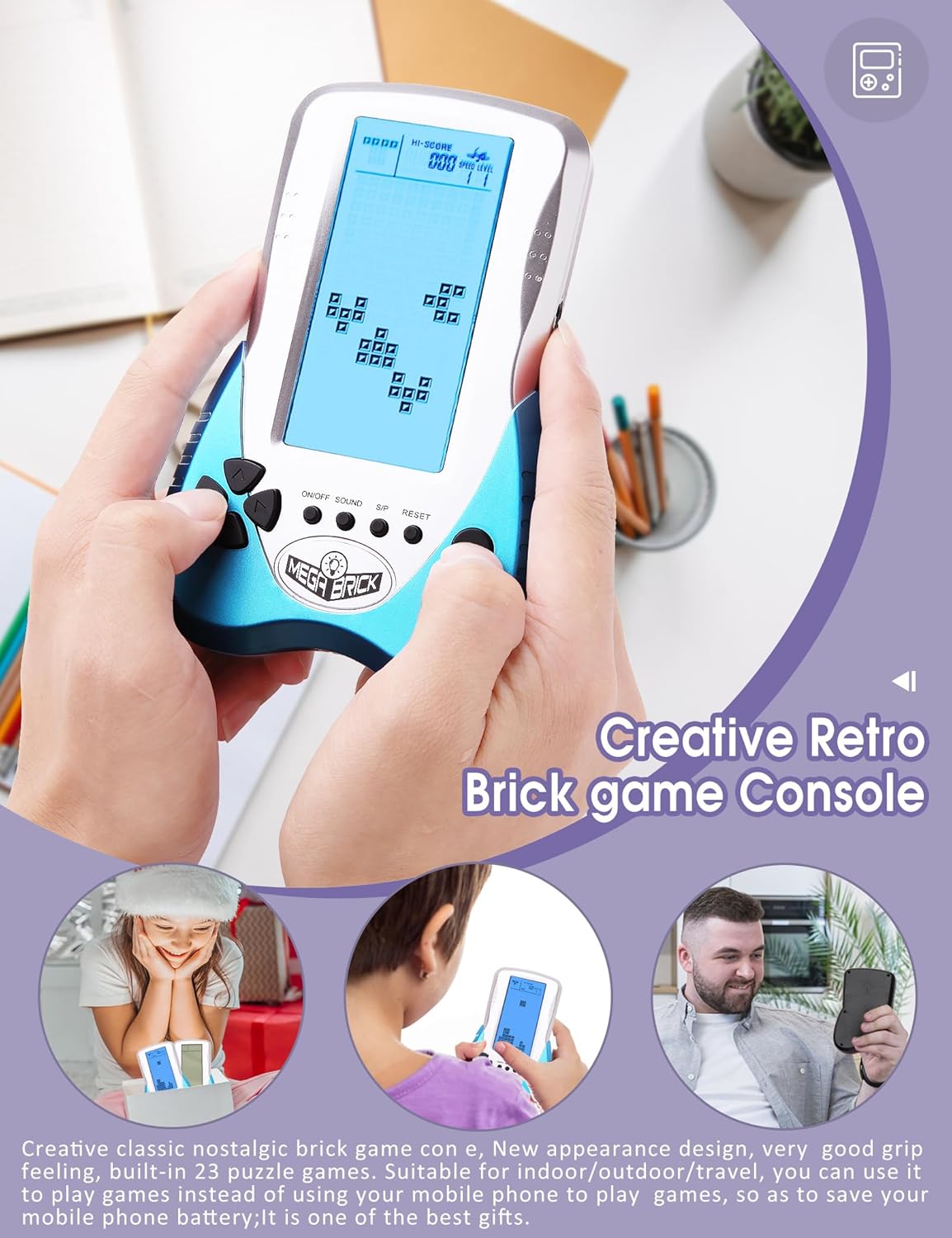
Creative classic nostalgic brick game console, New appearance design, very good grip feeling, built-in 23 puzzle games. Suitable for indoor/outdoor/travel, you can use it to play games instead of using your mobile phone to play games, so as to save your mobile phone battery;It is one of the best gifts.
Built-in 23 classic puzzle games, each game has a different difficulty and level to choose from, and the speed of the game can also be adjusted; The number 01-23 displayed at the top of the screen is the sort number of the game. Different numbers correspond to different games. Use ROTATE button to select the game corresponding to the number. The number 01 is a classic brick game, and it is recommended that the novice start playing this game.
Large blue backlit screen, the screen brightness can be adjusted to suit your playing games in different environments; short press the brightness adjustment touch key to turn on or off the backlight, long press the brightness adjustment touch key to adjust the backlight brightness;
Support dual power supply mode. Lithium battery can be recharged repeatedly (included), energy saving and environmental protection; you can also use 3 AAA batteries (not included), it is easy to buy, you can play with the battery, convenient and fast; you can plug in headphone. A game without sound has no soul, plug in headphone, you can hear the sound without disturbing others;
The game can be paused and shut down, and you can continue to play next time without starting over. First press the S/P button to pause, then press the ON/OFF button to turn off the screen (don’t turn off the power button), next time you turn it on, you can continue playing at the last time.
$23.90