
Related Products



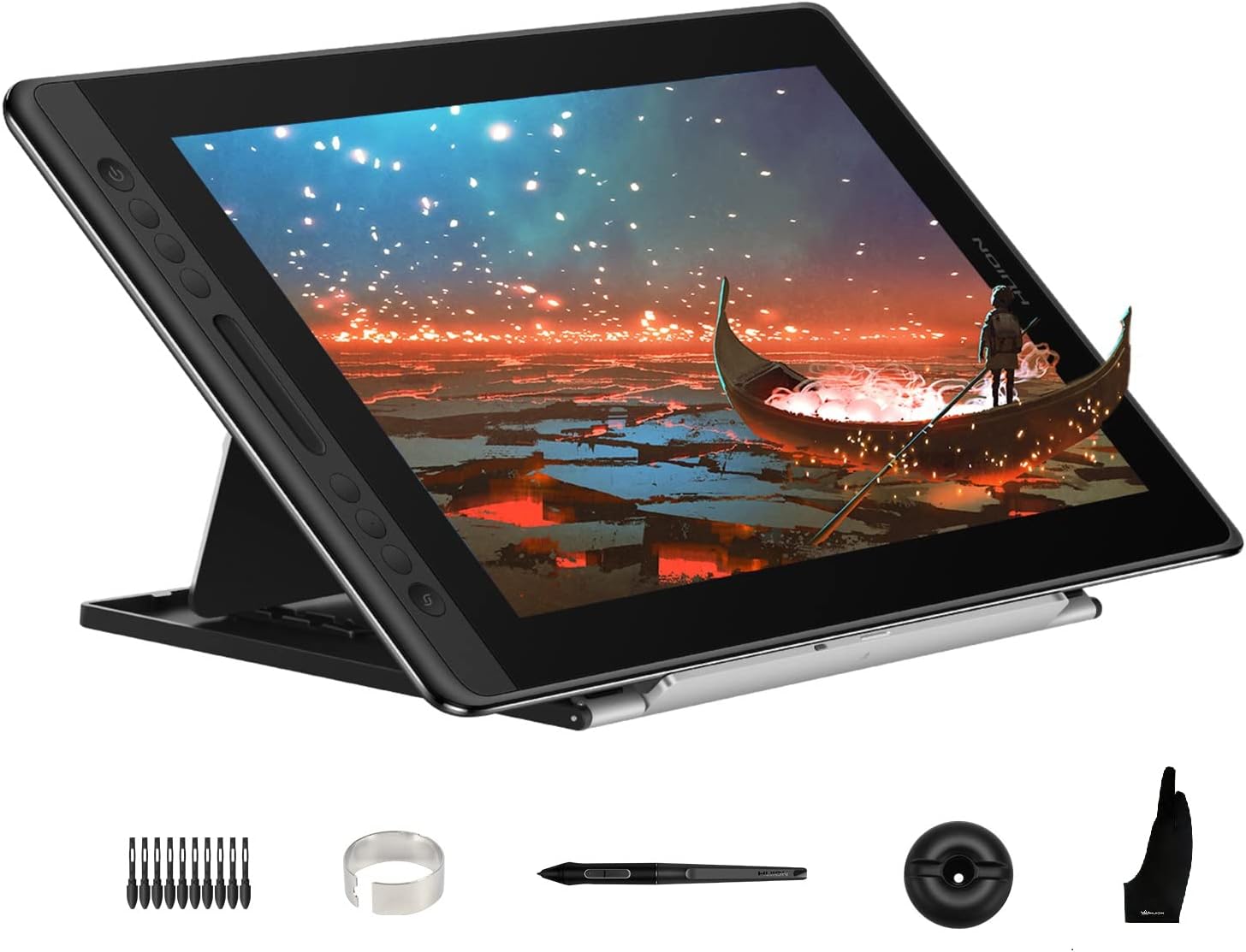
HUION KAMVAS Pro 16 Drawing Tablet...

XPPen Upgraded Artist13.3 Pro V2...


Product description
The video showcases the product in use.The video guides you through product setup.The video compares multiple products.The video shows the product being unpacked. HUION H950P Drawing tablet

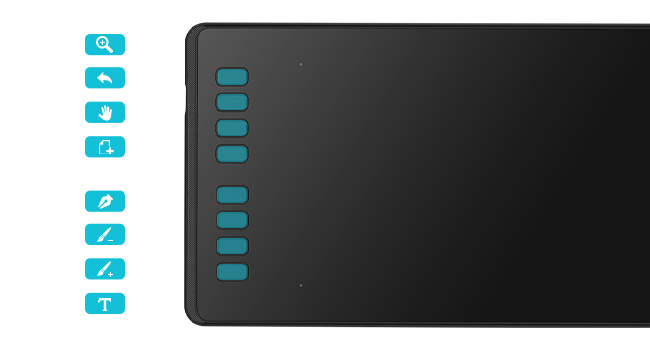 Set Your Own Graphics Tablet
8 programmed shortcut key designs. You can set single keys and multiple combinations of keys to make it easy for your fingers to master your favorite shortcuts and speed up your work/study efficiency.
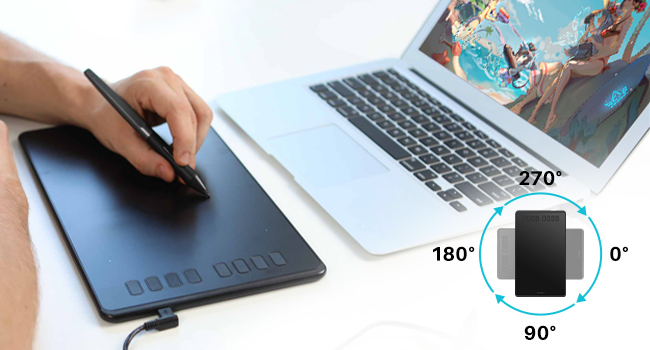 Support for Left-handed Mode
The tablet still supports the left-handed mode. And also supports a selection of angles from 90° to 270°, which can be freely adapted to your work area.
The H950P is a Great Choice!
Huion drawing tablet H950P is compatible with a wide range of devices, such as computers, laptops, android phones, and tablets, and it is also compatible with a wide range of systems and almost commercially available software, which can meet most of your needs, such as drawing, distance teaching/learning, note entry, designing, and editing videos, etc.
It is a handy tool and very valuable. Whether you are a student or a teacher at school, an editor or a designer, a master painter, or a novice painter, the H950P is a great choice!

Easy to use! 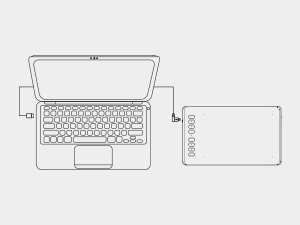 Step 1
Plug the USB cable into your Inspiroy H950P drawing tablet and computer.
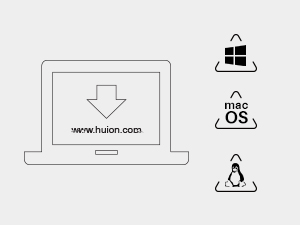 Step 2
Download and install the Huion driver on your computer.
*For Mac: installing the driver, requires Security and privacy settings.
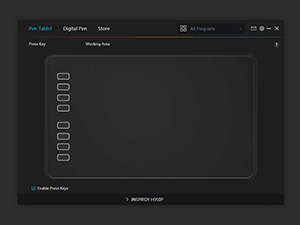 Step 3
Restart your computer and follow the user manual to set up the shortcut keys, pen buttons, and working area, and then you’re ready to go.
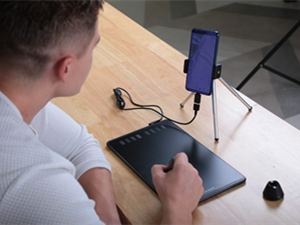 Step 4
Start your work/study!
[16384 Pen Pressure] Upgraded to 16384 levels of pressure sensitivity, the stylus provides you with ultimate precision and control. With no charging needed, the battery-free stylus makes it easy for beginners to create. The side buttons of the pen help you switch between pen and eraser instantly.
[Customize Your Workflow] The 8 easy accessable press keys on the H950P drawing tablet for pc can be customized to your favorite shortcut so that your creative work become smoother and more efficient. You also can change the shortcut setting for different apps in Huion driver.
[Compact and Portable] H950P digital drawing tablet uses a compact design with 0.3 inch in thickness and 1.76 lbs in weight, making it easy to carry between home, work, class and wherever you go. It is a perfect computer graphics tablet for limited desktop.
[Multi-OS Compatibility] Inspiroy H950P graphic drawing tablet works with Mac, Windows and Linux PC as well as Android smartphone or tablet (OS version 6.0 or later). It is also available for left-handed user.
[Intuitive Mouse Alternative] H950P drawing tablet with pen makes a great mouse replacement. With this pen tablet, you can sign document, freehand draw, take digital note and do all of the functions of a mouse but better. It helps do precise work and save your wrist from strain.
[Versatile Digital Canvas] Huion Inspiroy H950P is not only a digital drawing pad, but also a writing pad, signature pad or track pad for your tablet, laptop and desktop. It works well with most creative softwares like Photoshop, SAI, Medibang Paint, as well as many other applications and platforms for online education or remote work like OneNote, Microsoft Whiteboard, Zoom, etc.
[Gifts for Artist Beginner] Huion H950P digital art tablet is a great gift for those who are getting started drawing, painting or photo editing with their computer. Draw or write with a digital pen is much more natural and intuitive than using a traditional mouse.
$49.99