
Related Products

cocopar Portable Monitor 15.6 Inch...

HUANUO Dual Monitor Stand, Fully...
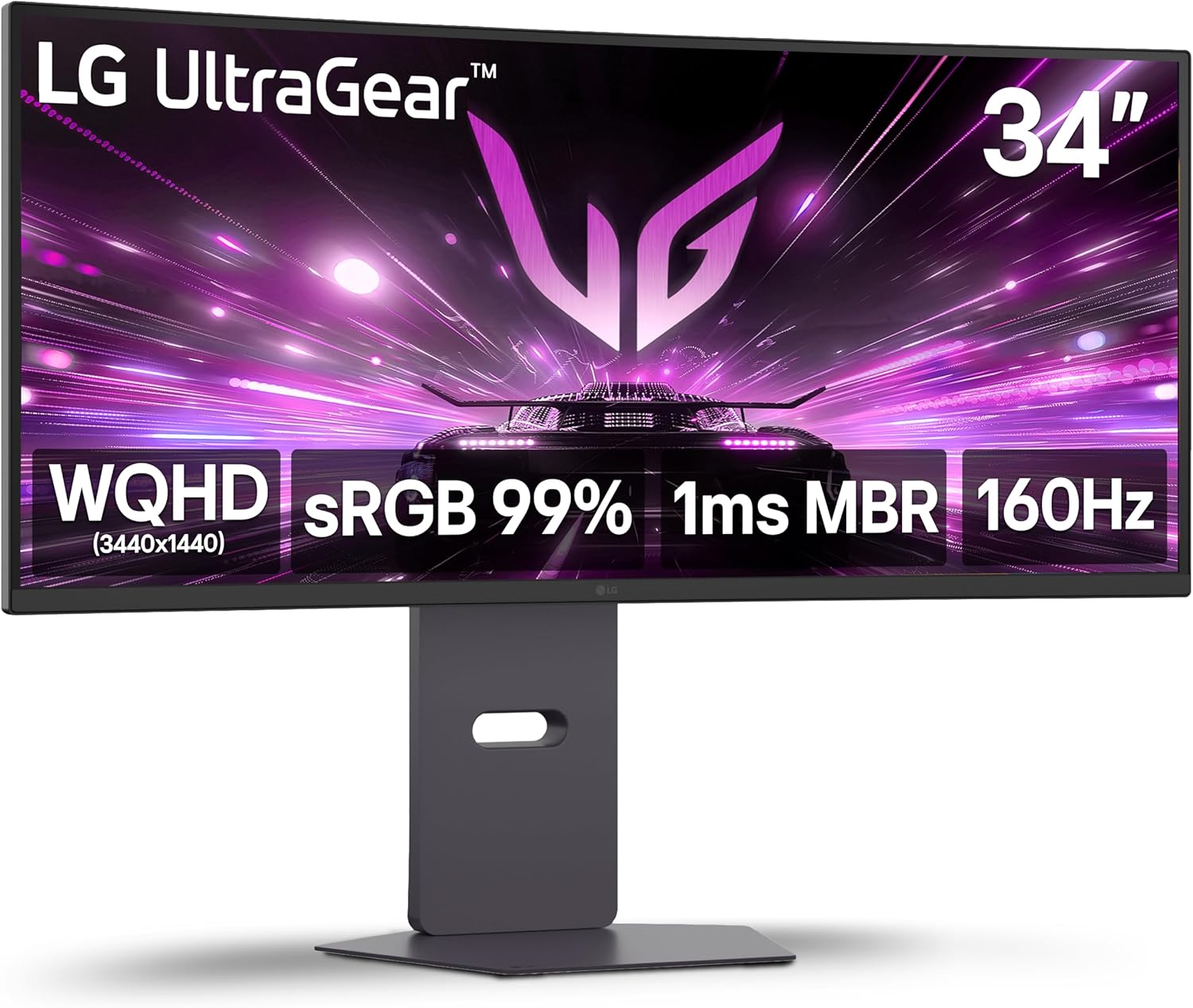
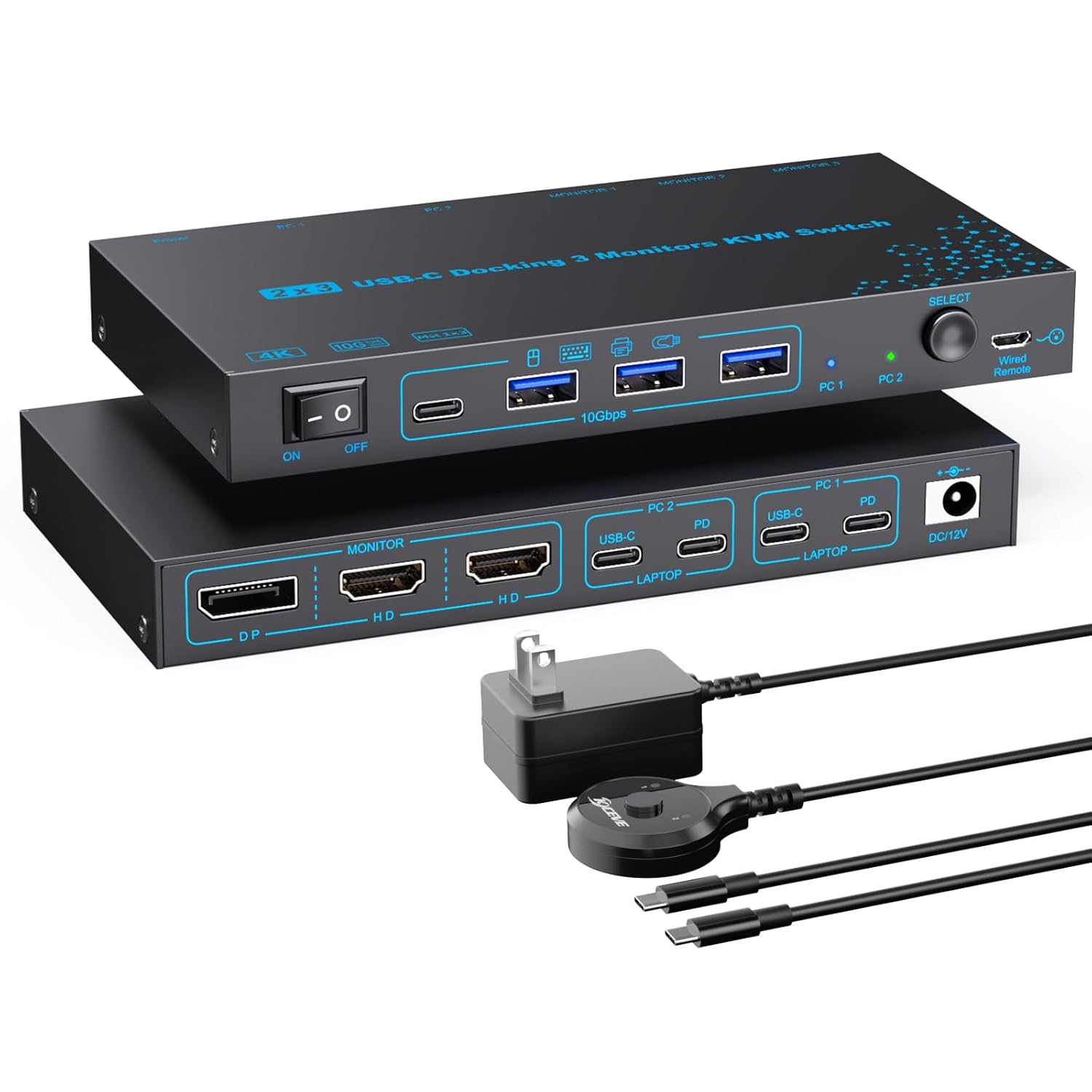
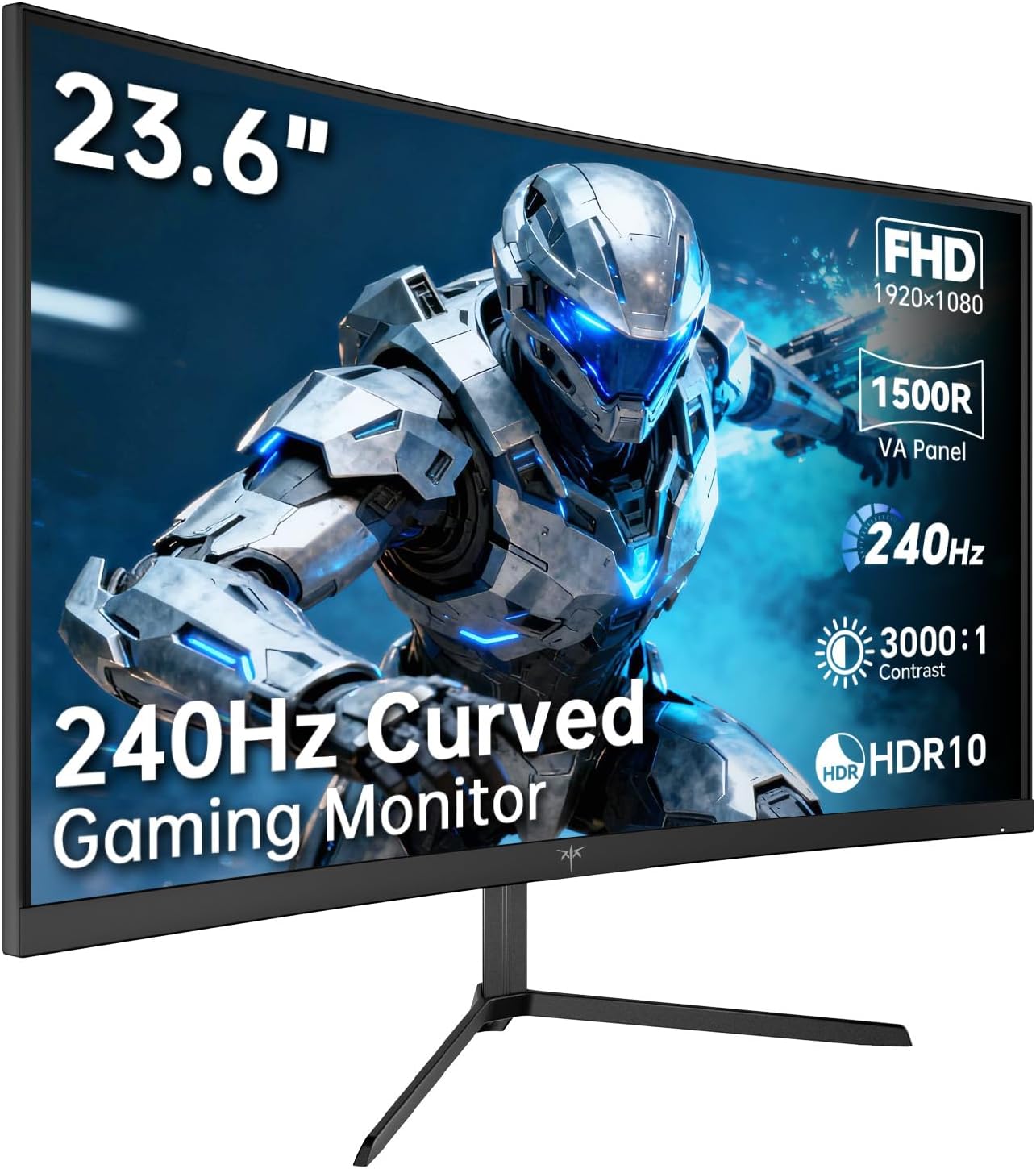
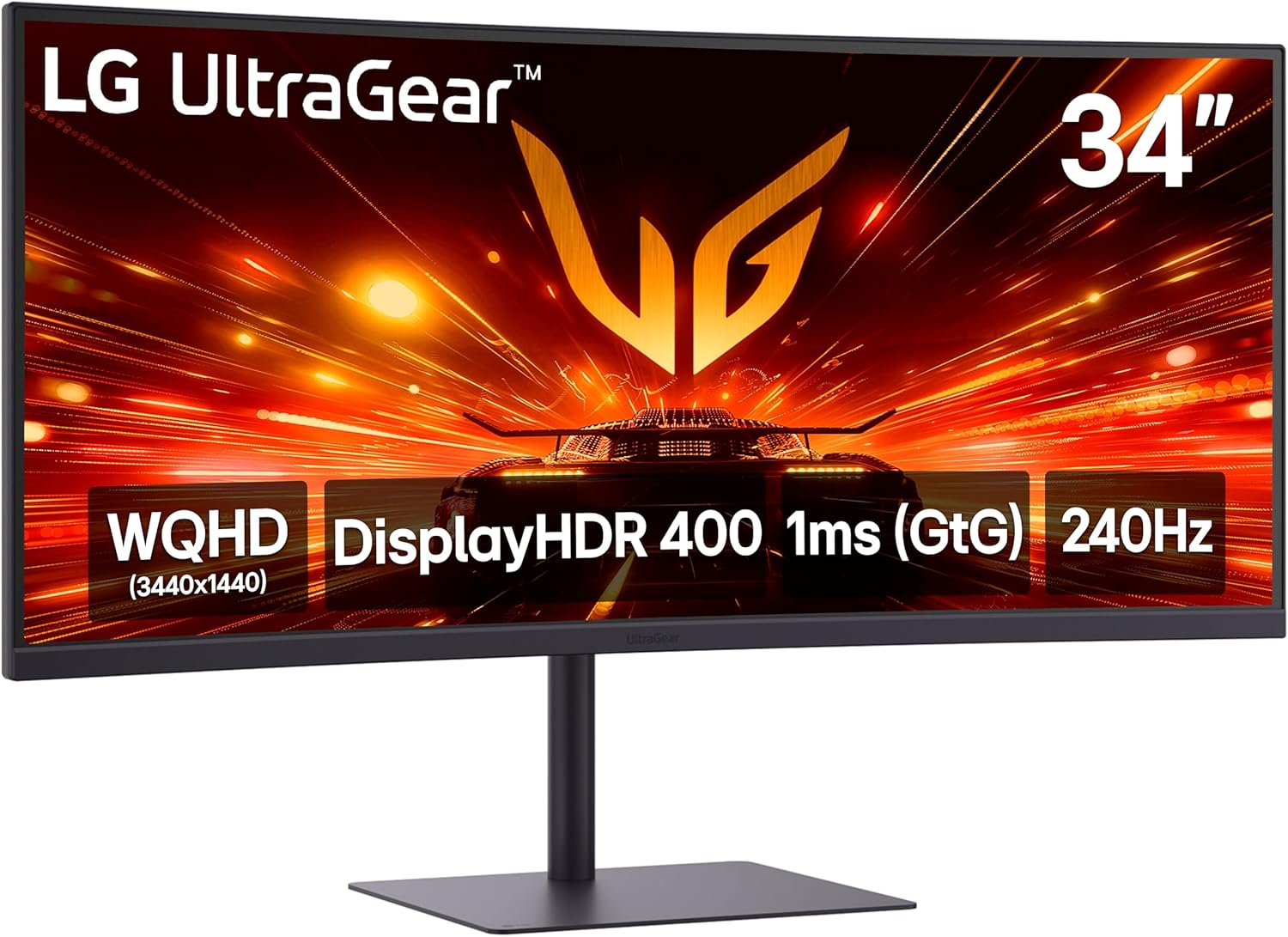
LG 34G630A-B 34-Inch Ultragear...


Product description


1 USB-C Connect Laptop
2 HDMI Connect Laptop
3 USB-C Connect Phone
4 USB-C Connect Mini M4
5 Compatible Phones


1 Portable Computer Monitor
2 Mobile Monitor for Laptop
3 Portable Screen for Work
4 Portable Gaming Monitor
5 Traval Monitor for Laptop
Why isn’t the touch function working with my HDMI connection?
If you use an HDMI or (Mini) DP cable for video, the touch signal requires a separate data connection. Please also connect the included USB-C to USB-C cable from your computer to the monitor’s Type-C port to enable touch functionality.
Why does the touch response appear on my laptop screen instead of the portable monitor?
Windows: Go to Control Panel > Hardware and Sound > Tablet PC Settings > Setup to map touch to the portable monitor.
macOS: Touch input works on the screen where the cursor is located; move the cursor to the portable monitor to use touch.
Which devices support the touchscreen function?
Touch is supported when the monitor is connected to Windows/macOS computers and mini PCs.
It’s not supported when connected to smartphones, tablets, gaming consoles (PS5, Xbox, Switch), TV sticks, or when using a capacitive stylus pen.
What should I do if there is “No Signal” when using a USB-C to USB-C connection?
Make sure your laptop’s USB-C port supports Thunderbolt 3/4/5 or DP Alt Mode.
Make sure you’re using the original USB-C to USB-C display cable provided in the package, as some USB-C cables do not support video transmission.
Why does the screen flicker, look dim, or restart when I increase brightness?
This indicates insufficient power supply. The monitor requires more power at higher brightness levels. To ensure stable performance, please connect the monitor to a wall outlet using a power adapter (5V/2A) that meets the required specifications.
【Turn Your Devices into Touch Devices】This 15.6-inch portable monitor supports responsive 10-point capacitive touch and works with both Windows and macOS. Simply connect through a full-function USB-C port to enjoy power, video, and touch with a single cable. For devices with USB-C 3.1 DP Alt Mode or Thunderbolt 3/4, use USB-C to USB-C; for others, use HDMI + USB-A to USB-C + power cable. No additional drivers required.
【1080P FHD IPS Touch Display】Portable monitor featuring a 1920×1080 Full HD resolution and IPS panel, this touchscreen portable monitor delivers vivid colors, sharp details, and a wide 178° viewing angle. Ideal for gaming, entertainment, work, and streaming. Eye-care technology with blue light reduction and flicker-free design helps reduce visual fatigue during extended use.
【Slim, Lightweight & Travel Ready】Portable travel monitor designed with portability in mind, this ultra-thin monitor is easy to carry and fits effortlessly into backpacks or luggage, making it perfect for business trips, travel, study, home office, or on-the-go gaming. A great second screen solution for students, professionals, and frequent travelers.
【Versatile USB-C & HDMI Connectivity】The monitor equipped with a standard HDMI port and full-featured USB-C interface, this portable screen works seamlessly with laptops, desktops, MacBooks, phones, gaming consoles, and more—offering flexible connection options for different devices and scenarios.(Note: This monitor does NOT include a power adapter. Please prepare a compatible power source or USB-A power supply.)
【Built-in Kickstand & Dual Speakers】The IBW portable touchscreen monitor features an integrated adjustable kickstand that lets you set the screen at comfortable viewing angles for work, entertainment, or presentations. It also includes dual built-in speakers that deliver clear, enhanced audio for movies, meetings, and gaming.
$89.99