
Related Products

Media Remote Control for Xbox One...


Product description
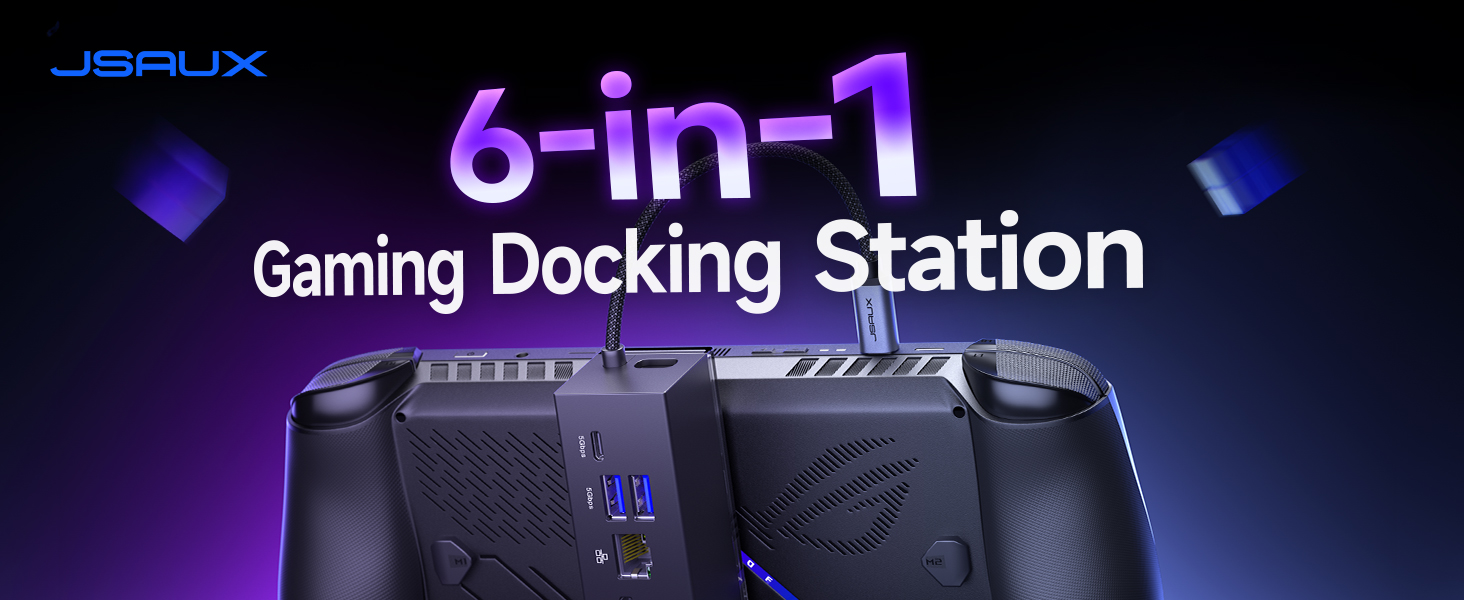
JSAUX 6-in-1 Docking Station and PD 100W Charger 
What You Get: 1× Docking Station HB0609, 1× 100W Charger, 1× USB C to USB C Cable, 1× European Plug Adapter, and 1× UK Plug Adapter
What are the dimensions of the Docking Station HB0609B?
Dock Size: 120 × 37 × 33 mm (4.72″ × 1.46″ × 1.30″). Standbase Size: 103 × 75 mm (4.06″ × 2.95″).
Which monitors are not compatible?
These models may not be compatible: Samsung Monitor LG32G73TQSNXZA / 65″ Sony Bravia K65XR80 / Samsung UE50NU7400U 50″ 4K Ultra HD Smart / LG UM7180PVB.
How do I enable Turbo Mode on the ROG Ally (X)?
To enable Turbo Mode, press the Control Center button on the left side of your ROG Ally (X) and switch to Turbo. This mode uses 25W for maximum performance, and when plugged in, it boosts to 30W for better framerates.
Then how to enable 30W Turbo Mode?
For 30W Turbo Mode, a 100W PD CHARGER is essential. It ensures the dock can handle the increased power demand for optimal performance.
Why does my ROG Ally (X) stop charging at 80%? How do I charge to 100%?
Battery Care Mode limits charging to 80% to extend battery life. To charge to 100%, open the MyASUS app, go to Customization, turn off Battery Care Mode, and enable Instant Full-Charge Mode, which will take effect for 24 hours.

Interface Parameters
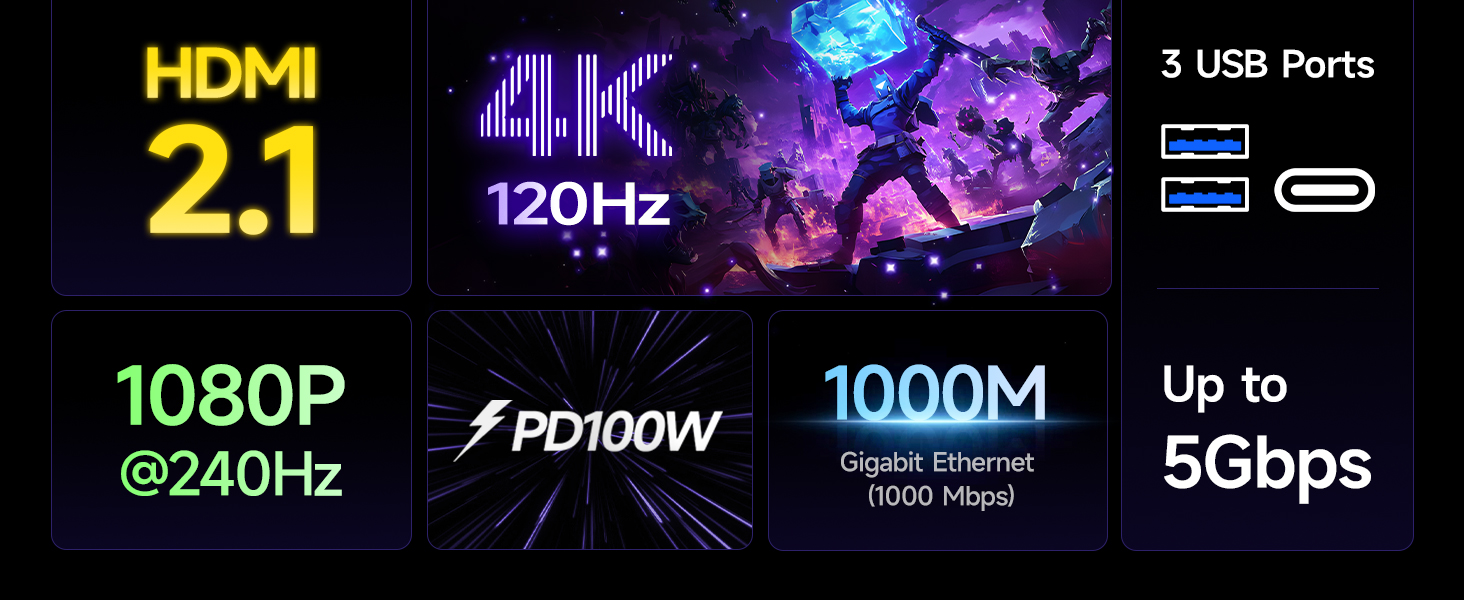
* 1x USB C port for connecting to the handheld device * 1x USB C 3.2 Gen 1 (5Gbps) * 2x USB A 3.2 Gen 1 (5Gbps) * 1x Gigabit Ethernet (1000 Mbps) * 1x HDMI (4K@120Hz /1080P@240Hz) * 1x USB C (PD 100W input)
6-in-1 Docking Station for Handheld: Experience enhanced gaming with 4K@120Hz or 1080@240Hz HDMI output, Gigabit Ethernet, USB C PD charging, USB C 3.2 Gen 1, and dual USB A 3.2 Gen 1 ports
Included 100W PD Charger: Supports full-speed charging for major handheld consoles. Charging limits follow each device’s max input: Steam Deck (up to 45W), ROG Ally / Ally X (up to 65W), and Legion Go (up to 65W). Fully supports ROG Ally / Ally X’s 30W Turbo Mode
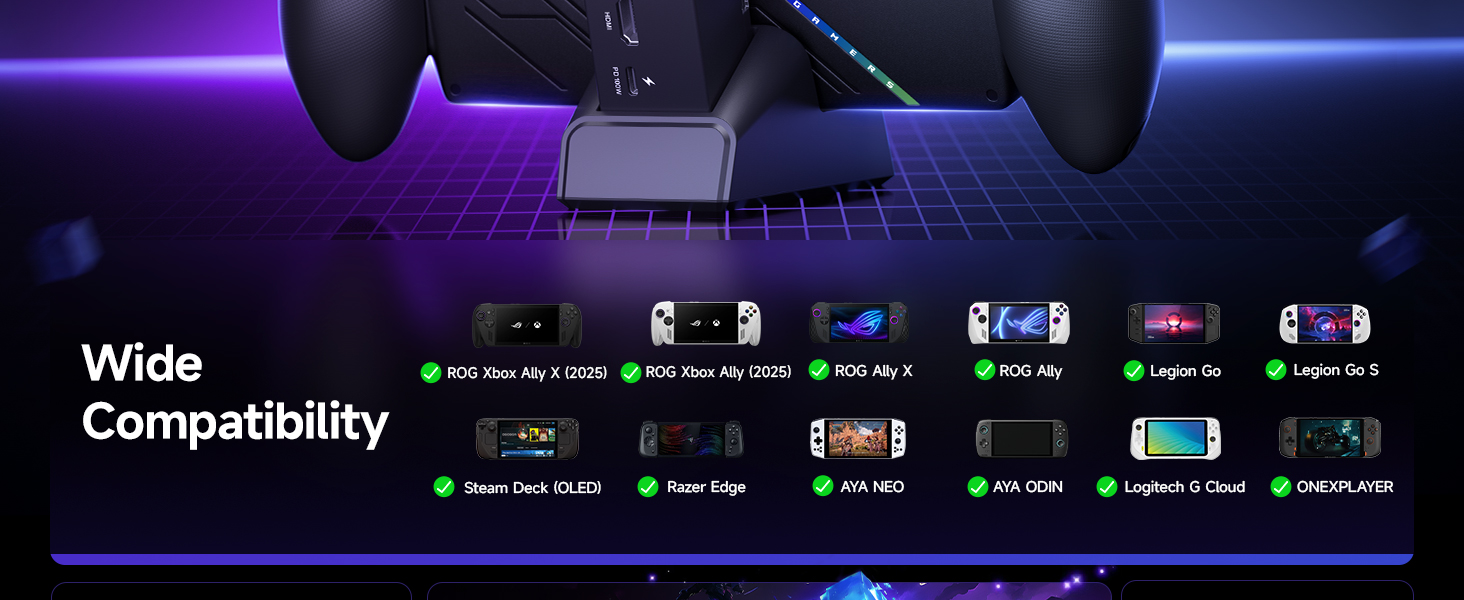
Compatibility: Compatible with ROG Xbox Ally X (2025) , ROG Xbox Ally (2025), ROG Ally X, ROG Ally, Steam Deck, Legion Go, Legion Go S, Razer Edge, AYA NEO, AYA ODIN, Logitech G Cloud, and ONEXPLAYER.
Modular Docking Station: The JSAUX docking station offers dual functionality. Use it with your handheld console docked or detach the base for a standalone stand setup. The included silicone pad improves grip, enhances stability, and adjusts viewing angles for a better gaming experience. Plus, you can personalize the dock by inserting a custom card between the front cover and the base. Simply remove the cover, insert your card (3.00″ × 1.13″ × 0.01″), and snap it back on. Custom cards not included
What You Get: 1× Docking Station HB0609, 1× PD 100W Charger, 1× USB-C to USB-C Cable, 1× European Plug Adapter, and 1× UK Plug Adapter
$59.99