
Related Products




Product description
Add to Cart
Add to Cart
Add to Cart
Add to Cart
Add to Cart
Add to Cart
Customer Reviews
3.6 out of 5 stars 910
3.7 out of 5 stars 111
3.6 out of 5 stars 171
3.7 out of 5 stars 106
3.7 out of 5 stars 56
3.7 out of 5 stars 106
Price
$89.99$89.99 $365.99$365.99 $116.99$116.99 $129.99$129.99 $309.99$309.99 $129.99$129.99
Emulators
60+ Emulators 45+ Emulators 70+ Emulators 70+ Emulators 400+ Emulators 70+ Emulators
Pre-installed Games
117,000+ Games 16,000+ Games 65,000+ Games 100,000+ Games 96000+ Games 100000+ Games
Systems
EmuELEC 4.5/Android 7.1 no data
EmuELEC 4.6/Android 9.0 EmuELEC 4.5/Android 9.0 Supported Windows 7 and above system EmuElec 4.5/Android 9/CoreE


COMMON TROUBLESHOOTING STEPS
Q1:What to do if the product doesn’t work when hooked up?
(1)Please remove the TF card and then restart the device to check whether the product can enter the Android system.
(2) If the product can enter the Android system, the problem can usually be solved by restoring the system
(3) If the recovery system cannot solve the problem, we will send you with a new TF card.
Q2:How to fix the no sound problem?
Please go into Retroarch and look at the sound options, and in the foreground click on start to look at the sound options.
Q3:How to solve the problem that the controller is not recognized?
To test the USB, plug the mouse into the USB port,if the mouse lights up red it is ready to use.Handle test method, plug the handle into the
computer to see if it can be recognized.To change the mode of the joystick, press and hold the MOOD button.Please do not hot plug and unplug.
Q4:How to solve the emulator crash problem?
Usually, a game can be opened by more than one emulator, so when one emulator doesn’t,run the game well or crashed, please solve this problem by changing emulators,please refer to the instruction manual for specific setting steps.
Q5:How to use the handle correctly?
(1) Put two 1.5V AAA standard batteries into the battery compartment of the controller and the controller will enter the search state automatically.At this time, the red indicator light will continue to flash, indicating that it is searching for pairing.(Please make sure the USB receiver is connected to the S2 host before powering on)
(2) When the first gamepad is connected successfully, the flashing red light will turn into a solid red light which indicating that the main controller is paired successfully.When the gamepad of the second player is connected successfully, the flashing red light will turn into a solid yellow light which indicating that the second controller is paired successfully.

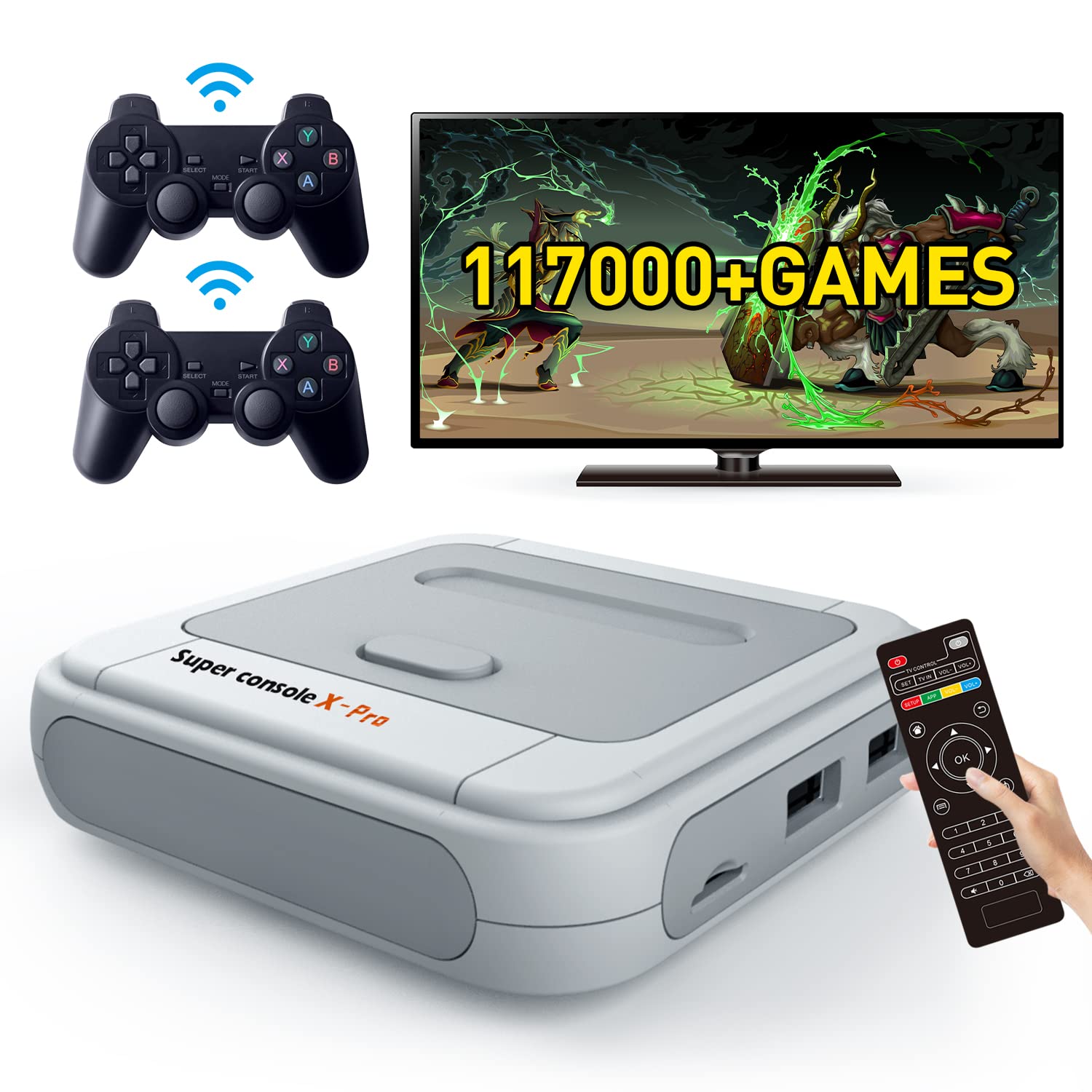
Super retro console is with upgraded S905X chip, solved the problem of frame drop,can run 64bit emulators well.Bring you better gaming experience.
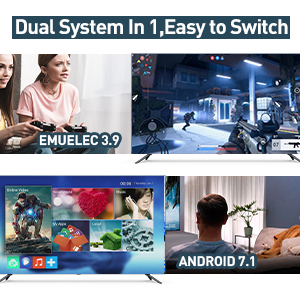
Super console x video game emulator console is with game system and video system,easy to set up,plug and play.And easy to switch between 2 systems.You can enjoy gaming fun/watch TV or browse information by this all in one game console.

Kinhank super console supports 4K(720P/1080P) UHD output,AV/HD connection,compatible with TV/monitors/projectors,higher-definition picture quality brings you a better visual experience.

Kinhank classic games console support connection to the network by LAN&WIFI. You can use this wireless retro game console to download retro games or watch online TV easily.
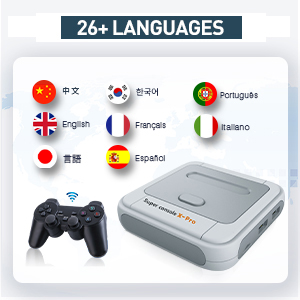
Super console x retro gaming console support 26+ languages, such as English, Spanish, Russian, French, Portuguese, Russian, Japanese, Korean and other languages, you can switch different languages according to your needs.
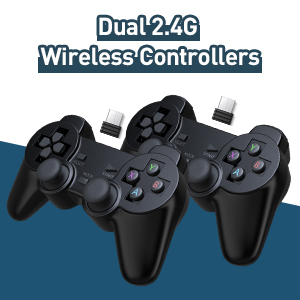
Kinhank game consoles with built in games comes with 2 wireless game controllers, the connection distance of the controller is 8-10 meters, so you can enjoy retro video games on your comfortable sofa.

Upgrade super console x pro retro game console has excellent heat dissipation performance,prevent chip temperature from getting too high,so you can enjoy long time gaming fun with family or friends without overheating problem.It will bring a lot of fun to your spare time or family and friends gathering.

DUAL SYSTEMS IN 1 – Kinhank retro gaming console combines TV and gaming functions into one device. Supports Wifi/LAN connection,allow you play games, download apps, search the web, and watch online TV by just one device. Perfect for both entertainment and everyday use.
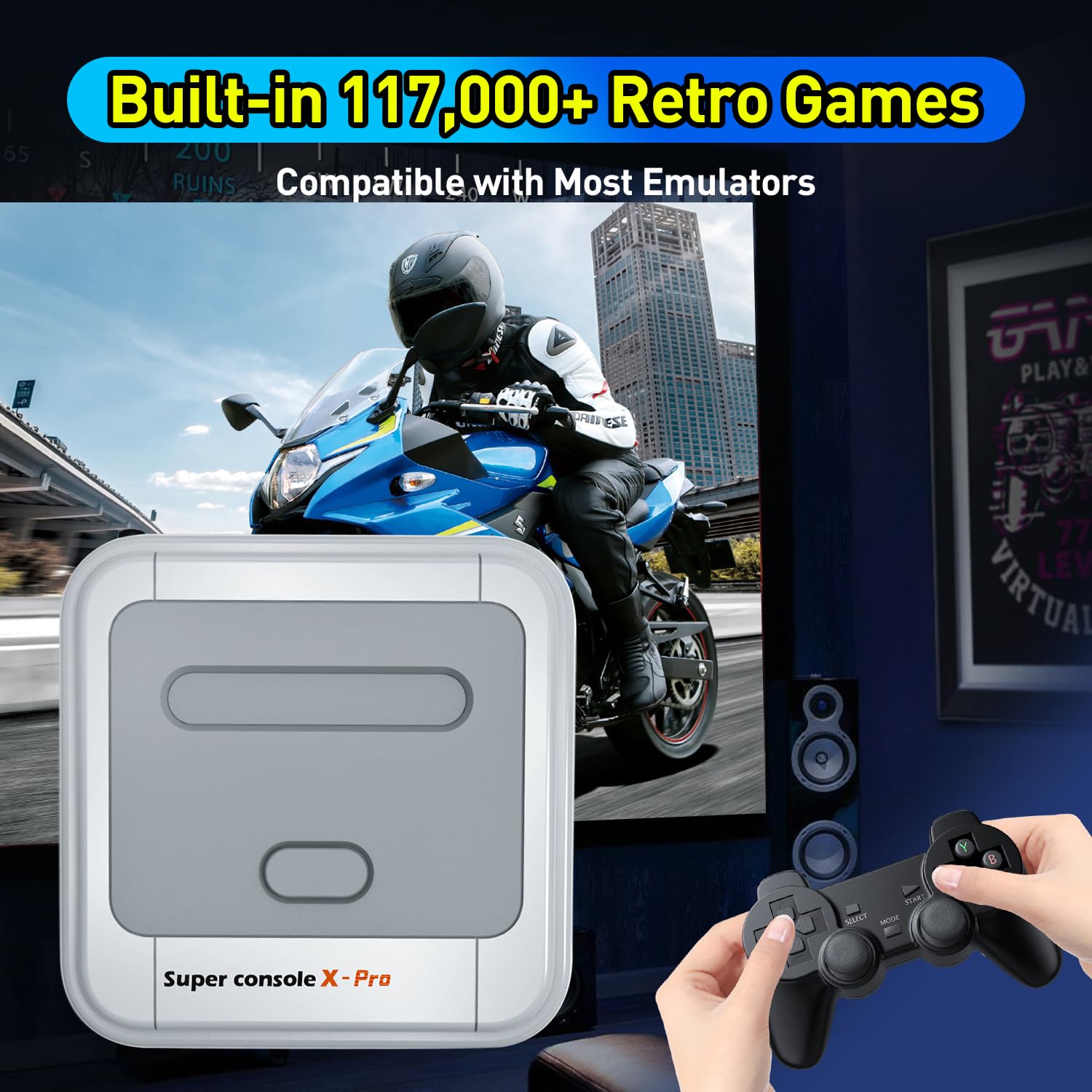
RICH CLASSIC GAMES –Super Console X PRO emulator console is Pre-loaded with 70+ emulators and 117,000+ retro games. Also supports save game progress,add/delete games by yourself at anytime.
SUPERIOR GAMING PERFORMANCE-Powered by an upgraded S905X chip and open-source Linux system for smooth, lag-free gameplay. Even runs 64-bit games with ease, smooth gaming experience for more fun with your family and friends.
4K HD DISPLAY-Kinhank all in one game console is easy to setup,almost plug and play.It supports HD/AV(1080P/720P) output,you can enjoy HD gaming experience on your 4K TV.With two 2.4GHz wireless controllers featuring an 8–10 meter range, so you can play retro games on the comfortably couch with family and friends.
MULTIPLAYER FOR UP TO 5 PLAYERS -Kinhank video game console supports 26 languages and up to 5 players at the same time,ideal for family gatherings, parties with friends, and holiday celebrations.If any issue,we are here to help.
$99.99