
Related Products

GravaStar Mercury K1 75% Wireless...


Keychron C2 Full Size Wired Mechanical...

Redragon M810 Pro Wireless Gaming...


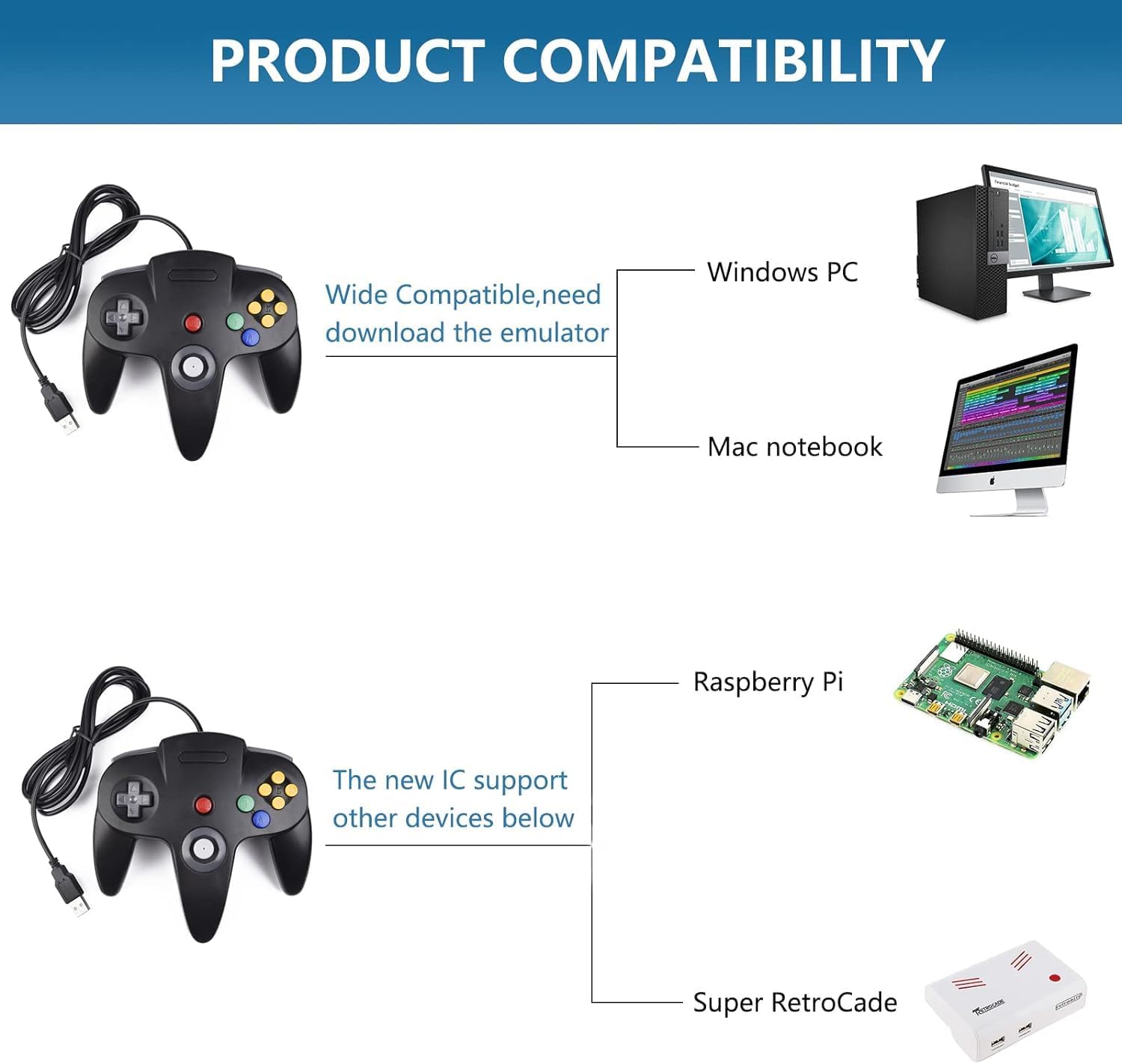


Supported game device with usb port:
PC Computer, Notebook/Laptop Computer(Not for iPad)
Raspberry Pi ,Raspberry Pi 1 Model B, Model A, Raspberry Pi 1 Model B+, Raspberry Pi 2,Raspberry Pi OS, Raspberry Pi 3 Model B+, Raspberry Pi 3, Raspberry Pi Zero.
Support game Emulator:
Project 64,OpenEmu,MegaN64,Mupen64,Mupen64Plus FZ,RetroArch,ClassicBoy and SixtyForce etc.
1)Mupen64Plus FZ is one of the newer N64 emulators.
2)RetroArch is one of the better N64 emulators
3)SixtyForce is the best option for emulating the N64 console natively in Mac OS X.
How to Map Controller Buttons on Mac for N64 Gaming
1.) Head to the official OpenEmu website to download the emulator
2.) Plug your USB controller into any available port on your Mac. macOS will automatically detect it within seconds.
3. )Open the “OpenEmu” Emulator > Preferences > Controls.
This is where you assign physical buttons to on-screen actions.
4.) Assign Your Input Device :Under “Input Device”, select the option” Generic USB joystick”
5.)Redefine USB controller’ buttons ( D-pad、SELECT、START、B、A、C button、Joystick — define)- confirm, and Choose Emulator Rom file (game) -START-Play computer games.
Specification:
Connection: USB port
8-Way directional Pad,precise 3D analog stick
Compatible with all versions Windows and Mac OS X system
Approximately 6ft. cable
NOT Compatible with Android Box and Steam games
Package included:
1* N64 USB controller
√ Note: If your controller can’t successfully recognized in the front USB port on your device, please insert it into USB port located at the back of the computer.
🎮【N64 Emulator Controller 】Works for Windows PC, Linux ,Mac and Raspberry Pi . Specifically designed for playing classic old retro N64 games on computer or laptop. This controller has a USB Plug and only support USB connection(Not for Analogue 3D console)
🎮 【Compatible with Raspberry Pi】Compatible with Raspberry Pi 3+ and running Retro pie, but you need to build raspberry pi with a retro gaming system. You must manually set the buttons and directionals within the emulator you’re using, and the controller not automatically assigns buttons/directional axes.
🎮 【Supported Operating system】Windows 98/2000/ ME/XP/Vista/Win 7/8/8.1/10/11 or later,or Mac running OS X,Mac OS X and macOS. Support most N64 classic retro games, such as Legend of Zelda: Ocarina of Time, Majora’s Mask, and Super Mario 64, Super Smash Bros,Mario Kart and Racing Games.
🎮【Classic Design 】Tight and accurate analog control,the controller features 10 function buttons (including Left and Right shoulder functions and Z-trigger). The cord is approx. 1.7 meters (6ft), standard USB 2.0 port for wired USB connection.
🎮【Multi-Function for favorite gift 】Third party controller, Not support N64 Rumble Pack and memory cards. Notice: Only for Desktop/Notebook/Raspberry Pi, not support Switch Games and N64 System Console.Notice: please download the Game emulator first before start the games, you can download the emulator “Project64” on PC and “OpenEmu”on MAC.
Notice: If the controller can’t successfully recognized on your device, please first insert the controller into your device, then open the game emulator.
$19.99