
Related Products

Sanyun SW208 3″ Active Bluetooth...


Pyle Wireless Bluetooth Streaming...


MZEIBO Sound Bar for Smart TV,80W...



Product description


Troubleshooting: No Sound or Low Volume in PC Mode
1. Check Windows Sound Settings:
Click the speaker icon in your taskbar.
Make sure the volume is up and the correct speaker “S2” is selected as the playback device.
2. Check Physical Connections:
Ensure the USB cable is firmly plugged directly into a computer USB port (not a hub).
3. Test the Speaker:
Turn the speaker knob clockwise to ensure its volume is turned up.
4. Try a Different Port/Device:
Plug the USB cable into a different USB port on your computer.
If possible, test the speaker on another computer to see if the problem persists.
5.Check Application Volume:
Ensure the volume is turned up in your specific application (e.g., media player, browser, game).

Troubleshooting: No Sound in Bluetooth Mode
1.Make sure the USB cable is plugged into a wall charger or power bank. It will not enter Bluetooth Mode if plugged into your computer.
Wait for the “Bluetooth Mode” voice prompt. If not heard, press the “M” button to switch to it.
2. Connection & Pairing:
Check that the speaker “S2” is connected to your device. Go to your phone/tablet’s Bluetooth settings and confirm the speaker “S2” is listed as “Connected”.
If not, select the speaker’s name “S2” from the list to pair.
3. Volume & Audio Output:
Rotate the speaker knob to increase its volume.
Also, turn up the volume on your phone or tablet.
Ensure the audio is playing through the speaker. Check your device’s sound settings to confirm.
4. Reconnect & Retry:
Turn your phone’s Bluetooth off and on again.
In Bluetooth settings, “Forget” the speaker and pair again from the beginning.
Restart the speaker by unplugging and replugging the USB cable.
Q&A
Q1:Does the PC speaker have built-in Microphone?
A1:No, it does not. You should connect the USB Cable to your device for power on both PC mode and Bluetooth Mode.
Q2:How to control the colorful light?
A2:Just tap the metal mesh everywhere to turn on/off the computer speaker.
Q3: How to switch the Playing mode?
A3: Just tap the “touch icon” on the back of the right end of the speaker to switch the PC mode or Bluetooth mode, you can hear the prompt when you tap the icon.
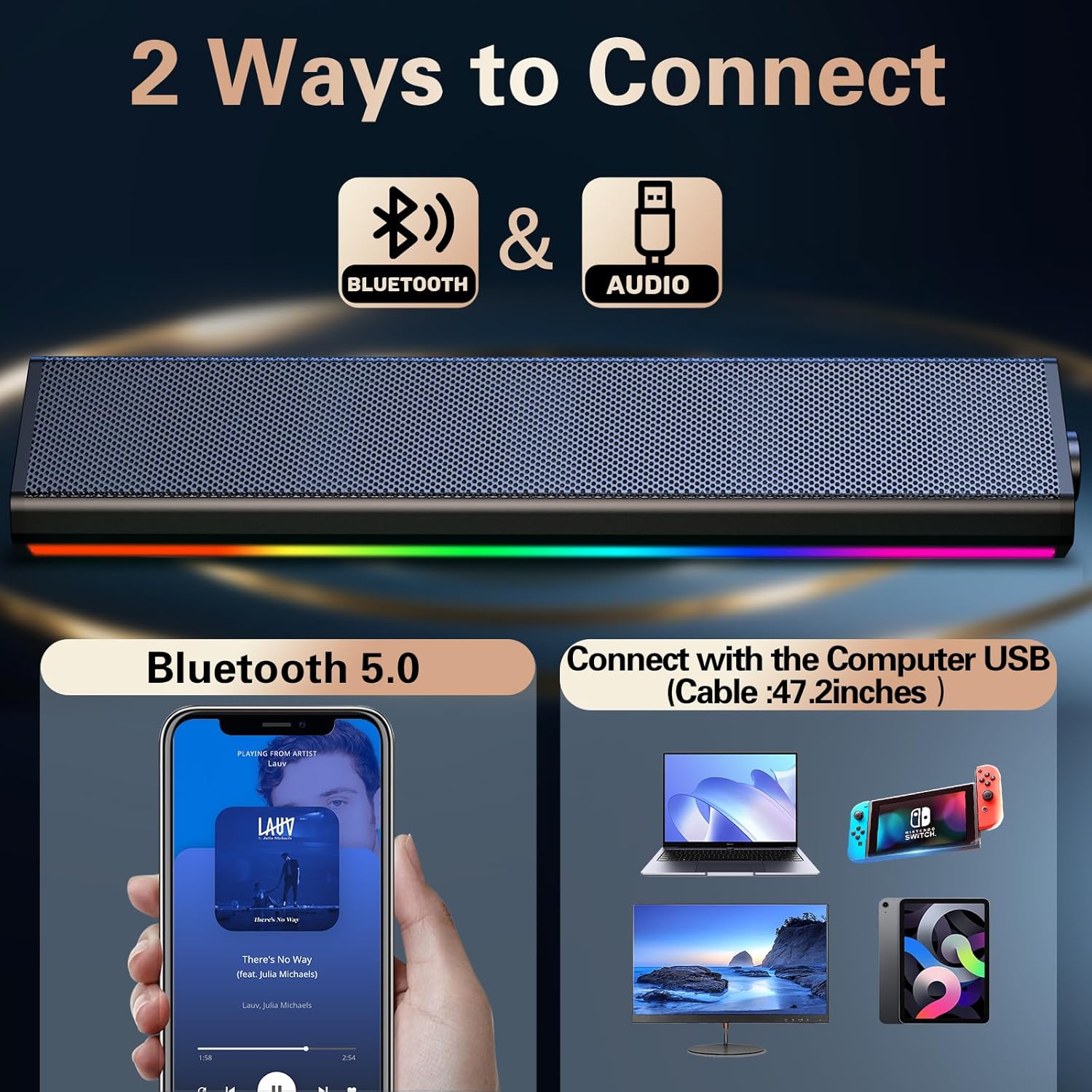
✅ 2 Ways for Audio: USB computer speakers for direct power and sound (Type-C adapter included) or Bluetooth computer speakers for wireless streaming. Perfect as PC speakers for desktop, laptop, or all-in-one monitor setups—requires USB power for all modes.(Please Note: Not have 3.5mm Aux Plug,only one usb plug for both power and audio.)
✅ 2 Touch Tech: For effortless operation, we are pioneering the use of dual-touch technology in computer speakers for the first time: lightly tap the front metal grille to control the light on/off, and gently tap the right end of the back to switch between PC and Bluetooth modes.
✅ Universal Compatibility: Works with most computers with a standard USB-A port or a functional USB-C port (with data and audio support). And bluetooth mode expanded applicability ,via pairing with phones/tablets by bluetooth to save device battery via external USB power sources.
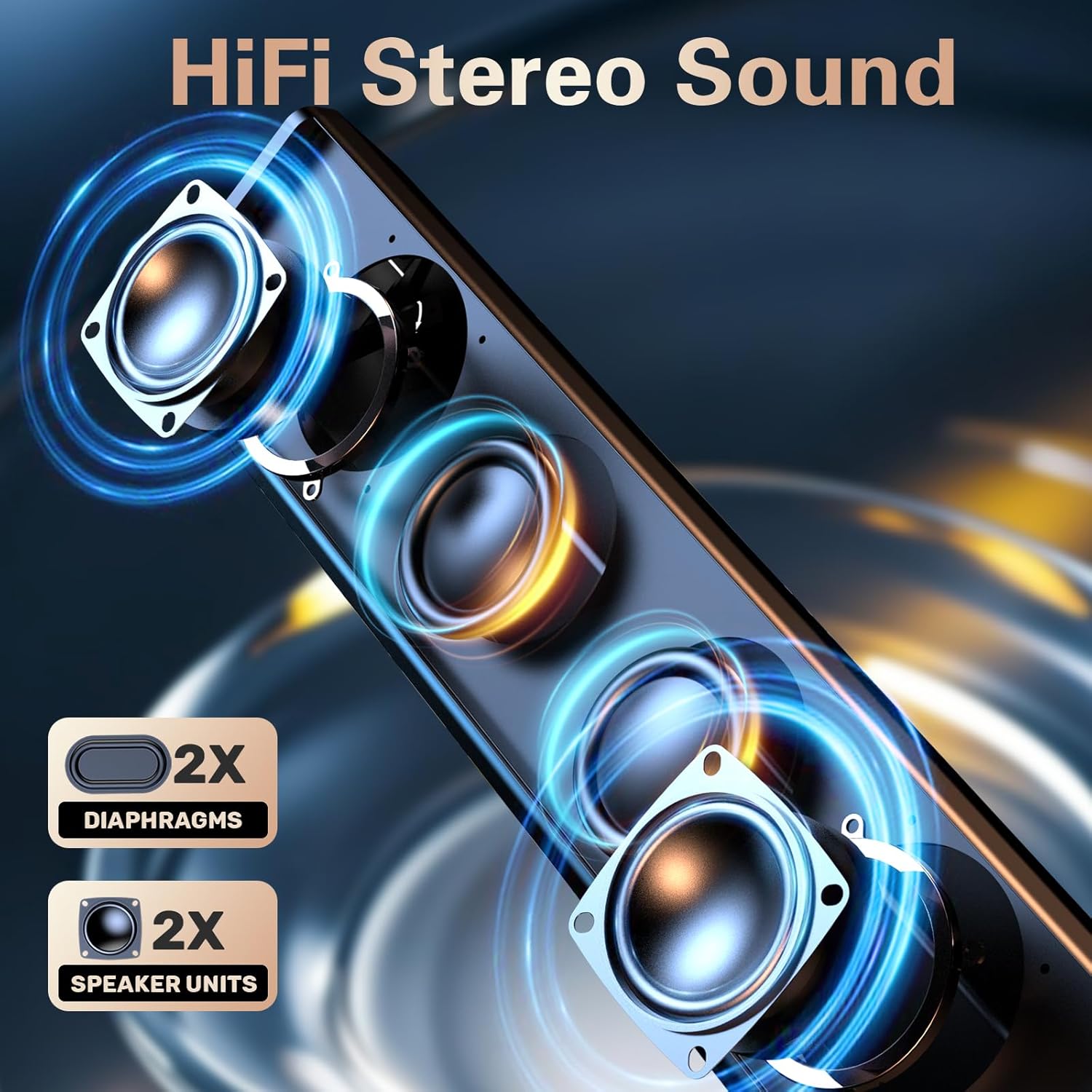
✅ All-in-One Simplicity: This versatile computer speaker delivers crisp, clear sound with easy-to-reach volume and lighting controls built into a single, sturdy unit. Perfect for enhancing your desktop PC, laptop, or tablet—ideal for movies, music, and gaming. It also works great as a PS4 ,PS5 speaker (please note: not compatible with Xbox systems).
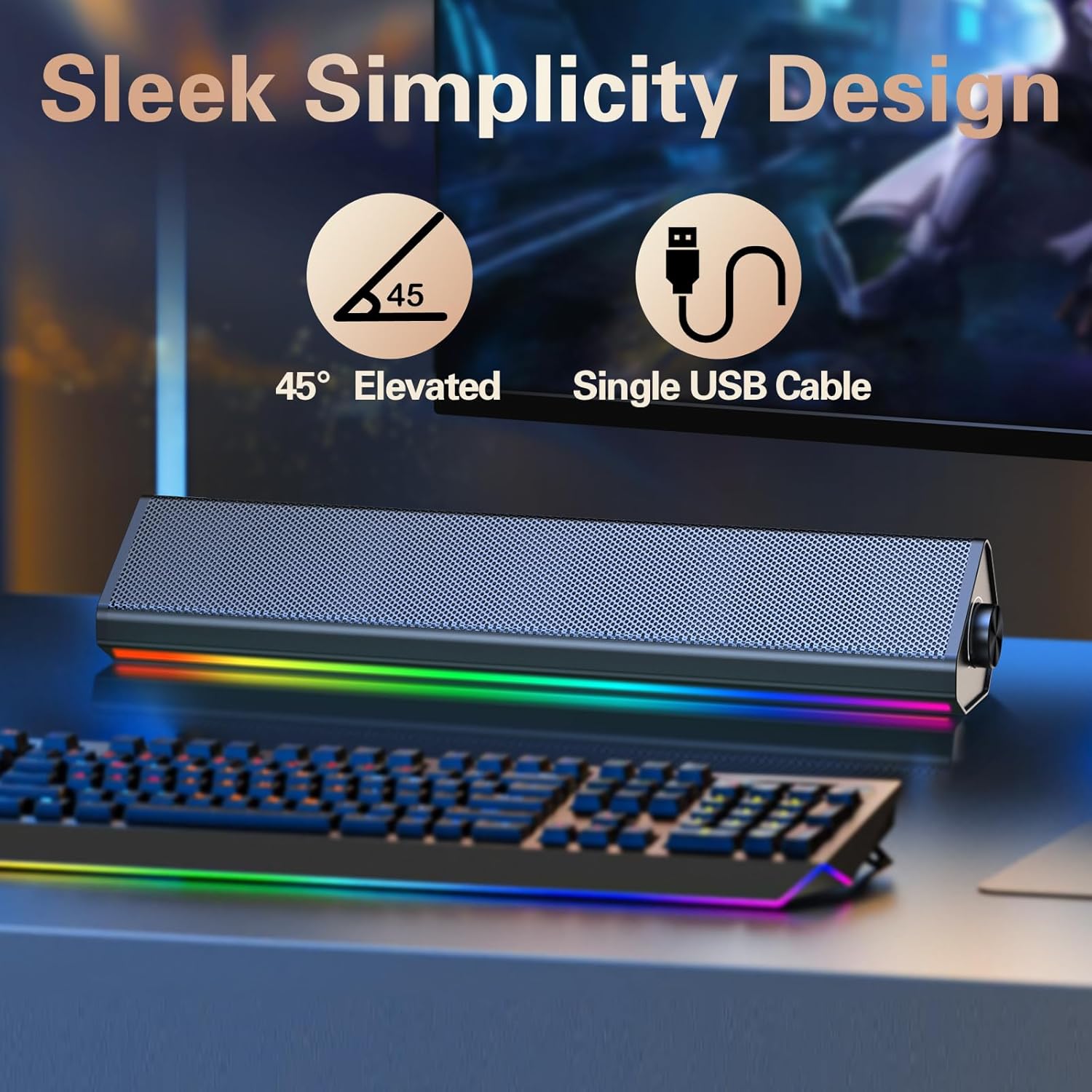
✅ Compact Space-Saving Design: Measuring L13.5xD2.6xH2.7inches, these sleek desk speakers fit neatly under monitors, optimizing your desktop or workspace without clutter.
$24.99