
Related Products
![[Projector 2026 Upgraded] Mini...](https://m.media-amazon.com/images/I/71IijQcEx4L._AC_SL1500_.jpg)

Epson EpiqVision Mini EF22 Portable...


Official Licensed Google TV Smart...
Mini Projector, Portable Projector...





Product description
The video showcases the product in use.The video guides you through product setup.The video compares multiple products.The video shows the product being unpacked. Magcubic Mini Projector


1 portable projector
2 Wifi6 & Bluetooth5.4
3 Auto Vertical Correction
4 Built-in Android 14


1 Small Space Big Vision
2 180 Degree Rotation
3 Built-in 5W Speaker
4 Universal Connectivity


1 Yoga Time 2 Home Theater 3 Ouddoor Night
Magcubic – Project Brilliance, Anywhere.
Add to Cart
Add to Cart
Add to Cart
Add to Cart
Add to Cart
Add to Cart
Customer Reviews
4.1 out of 5 stars 1,371
4.2 out of 5 stars 275
4.1 out of 5 stars 4,038
4.2 out of 5 stars 10,293
4.3 out of 5 stars 134
4.2 out of 5 stars 10,293
Price
$49.99$49.99
$99.98$99.98
$49.97$49.97
$53.99$53.99
$98.99$98.99
$54.99$54.99
Ansi Lumens
200ANSI
400ANSI
200ANSI
200ANSI
600ANSI
260ANSI
Display Resolution
Native 720P
Native 1080P
Native 720P
Native 720P
Native 1080P
Native 720P
Focus Mode
Manual Focus
Auto Focus
Manual Focus
Manual Focus
Auto Focus
Electric Focus
Voice support
No support
Voice Assistant
No support
Voice Assistant
Voice Assistant
Voice Assistant
Weight
350g/0.77LB
595g/1.31LB
350g/0.77LB
400g/0.88LB
1.4KG/3.1LB
560g/1.23LB
Soundbase Speaker
5W
5W
5W
5W
15W
5W
The Image is Tilted? Try the following steps to see if they help: 1. Ensure the projector is properly aligned and that the lens is facing the screen directly. 2. Navigate to Settings > Projection settings > Keystone Correction > Initial angle correction. 3. If the above steps don’t resolve the issue, manually adjust the keystone correction by going to Settings > Projection settings > Keystone Correction > Turn Off Auto Keystone Correction > Manual Down Keystone Correction If My App Crashes? 1. Try another Wi-Fi network and update the firmware. Go to Settings > About devices > Online upgrade 2. Check if your time zone is accurate via Settings > Date And Time Setting> Time Zone Selection 3. Clear data via Settings > My Apps > (App Name) > Clear Cache. 4. Reset the projector via Settings > Other Settings > Factory Reset Settings Can’t Connect to Wi-Fi? 1. Place the projector and your router within 16 ft / 5 m of each other. Test if other devices can connect to Wi-Fi. 2. Check if your time zone is accurate via Settings > Date and time Setting 3. Try a different Wi-Fi network or connect to your phone’s hotspot. 4. Try your router’s 2.4GHz and 5GHz settings. 5. Reset the projector by going to Settings > Other Settings > Restore factory settings. Projector Can’t Power On? 1. Check the Power Indicator: Ensure the power indicator light is on when the power cable is plugged in. 2. Try a Different Power Cable: Use another functional power cable to see if this resolves the issue. 3. Update the Firmware: If possible, update the projector to the latest firmware via USB drive. Automatically Shuts Down 1. Check for High Temperature Warnings: See if there’s a prompt indicating the projector has shut down due to high temperature. 2. Check the Fan Operation: Confirm whether the fan is running. If needed, open the projector and reconnect the fan cable. – If the fan is working, update the projector to the latest firmware via USB drive. – If the fan is not working, consider replacing it. Remote Control Is Not Work? 1. Replace the Batteries: Insert new batteries, ensuring the positive and negative poles are correctly aligned. Reversed polarity will prevent the remote from working. 2. Use a Wired USB Mouse: Connect a wired USB mouse to control the projector as an alternative. 3. Contact Support: If the issue persists, reach out to support for a replacement remote control Image Has Lines or Is Flashing 1. Restore Factory Settings: Go to Settings > Other Settings > Factory Reset to reset the projector to its original settings. 2. Update Firmware: Go to Settings > About Device > Online Upgrade to update the projector to the latest firmware version. 3. Check the Screen Cable: If the issue persists, carefully disassemble the device and gently move the screen cable. If the lines shift as the cable moves, the screen may be faulty and will likely need replacement. Projected Image Appears Burnt? 1. Check Fan Operation: Confirm that the fan is working properly and that hot air is being discharged from the exhaust port. Ensure nothing is blocking the machine’s heat dissipation. 2. Re-plug or Replace the Fan: If the fan isn’t working, you may need to disassemble the projector to re-plug the fan cable or replace the fan. 3. Inspect the Screen: If the above steps don’t resolve the issue, the screen may be faulty and will likely need replacement. How to Get a Squared Image? 1. Ensure the projector is properly aligned with the lens facing the screen directly. 2.Go to Settings > Projection Settings>Keystone Correction > Initial Angle Correction. 3. If needed, manually adjust by turning off Auto Keystone Adjust Picture Settings? The projector with Android 14 does not include Display settings for adjusting Brightness, Contrast, Hue, Saturation, or Sharpness within the Android system interface. However, when using HDMI or USB Drive mode, you can access these picture adjustment options by pressing the “MENU” button on the remote control.
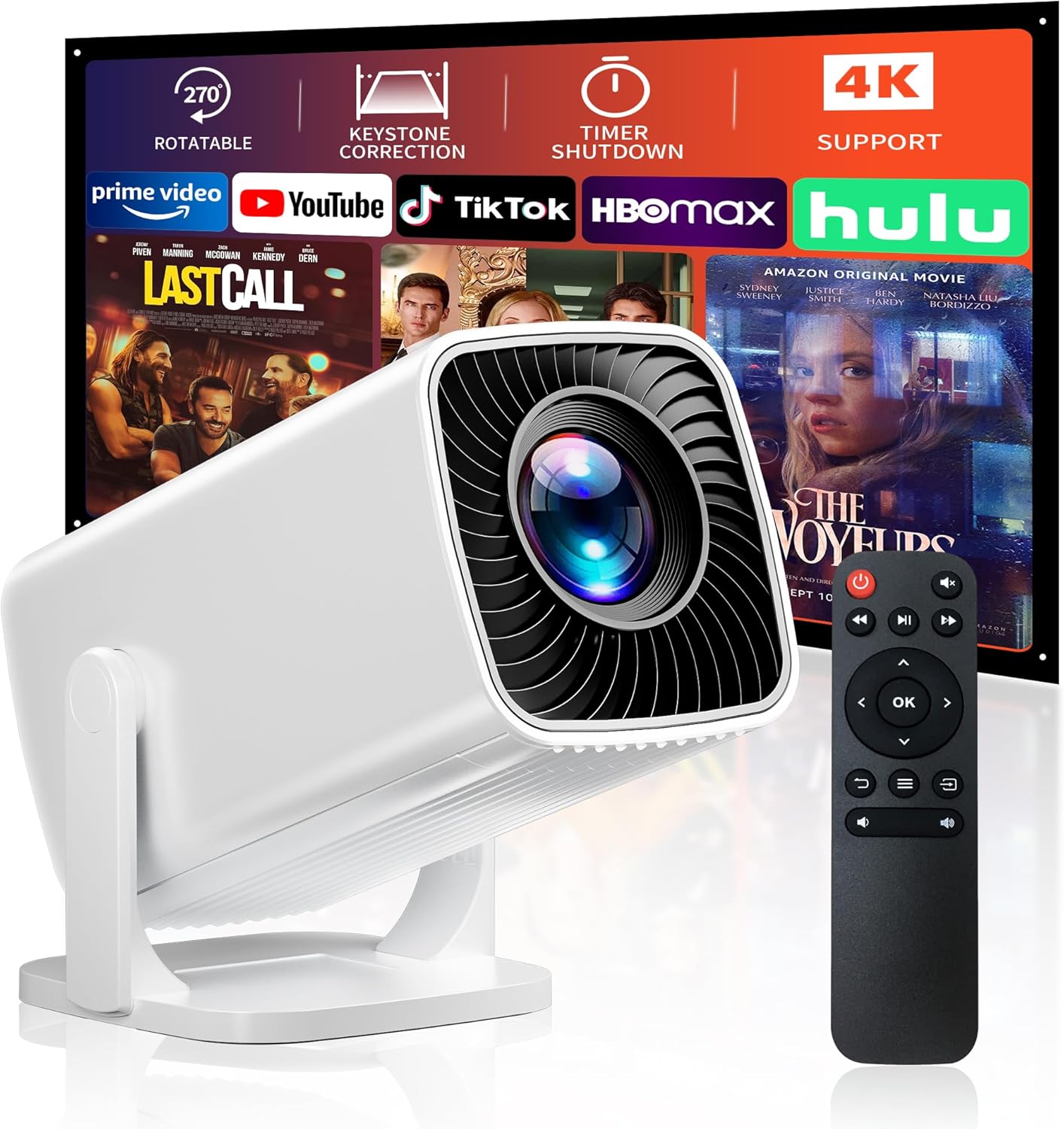
【Built-in Apps for Easy Entertainment】Enjoy movies, shows and videos through built-in apps. Powered by Android 14, this smart mini projector gives you convenient access to compatible entertainment without an extra TV stick. Keep the system updated for the best app experience
【Portable Design for Bedroom & Ceiling】This portable projector is easy to move between rooms or pack for a trip. Its 180° rotating design lets you aim the picture at a wall or ceiling for comfortable viewing from your bed or sofa
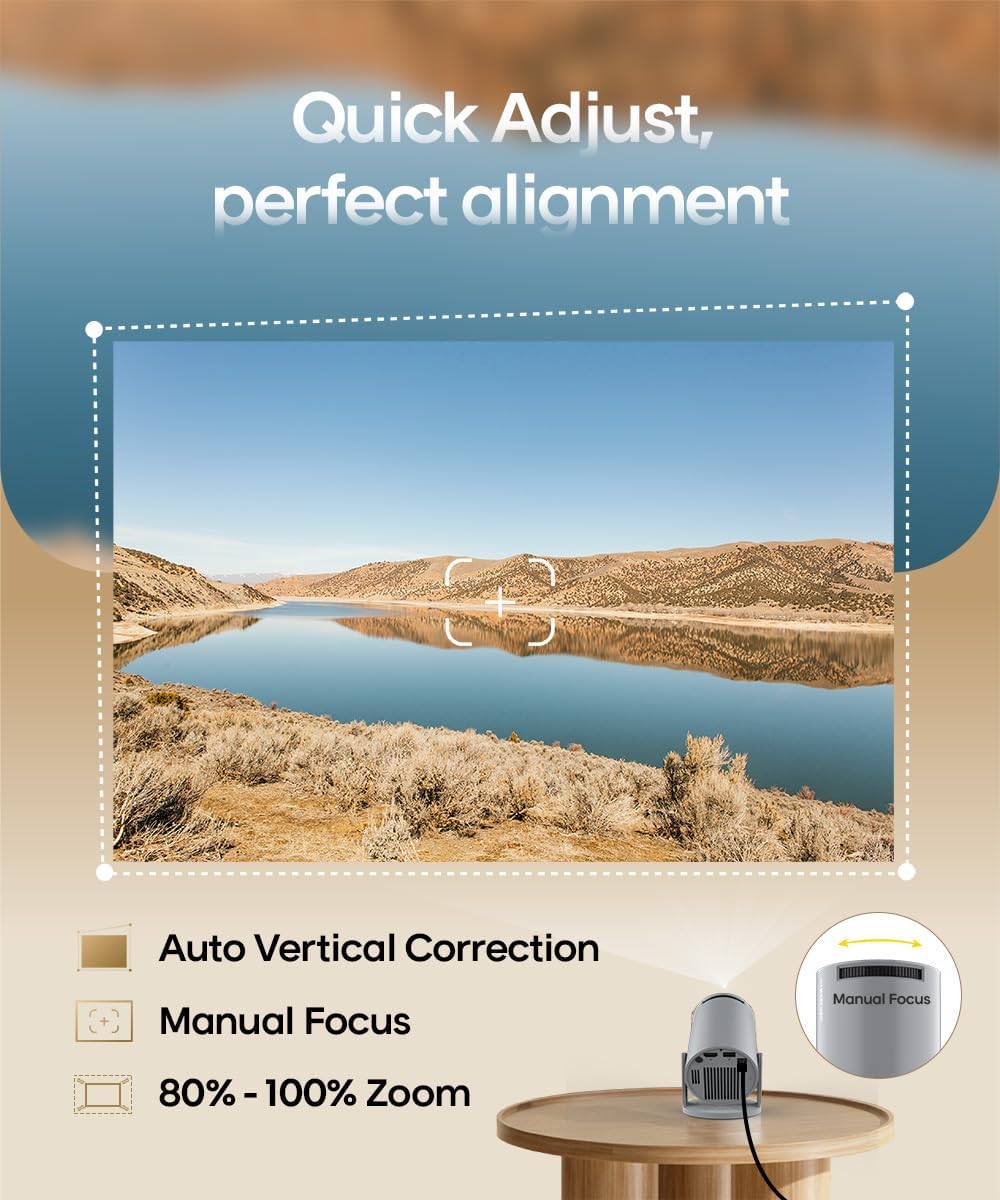
【Big-Screen Viewing Made Simple】Turn a bedroom or living room into your personal movie space. Automatic vertical keystone correction helps align the picture, while manual focus lets you fine-tune clarity. Place the projector on a stable surface, adjust the angle and settle in
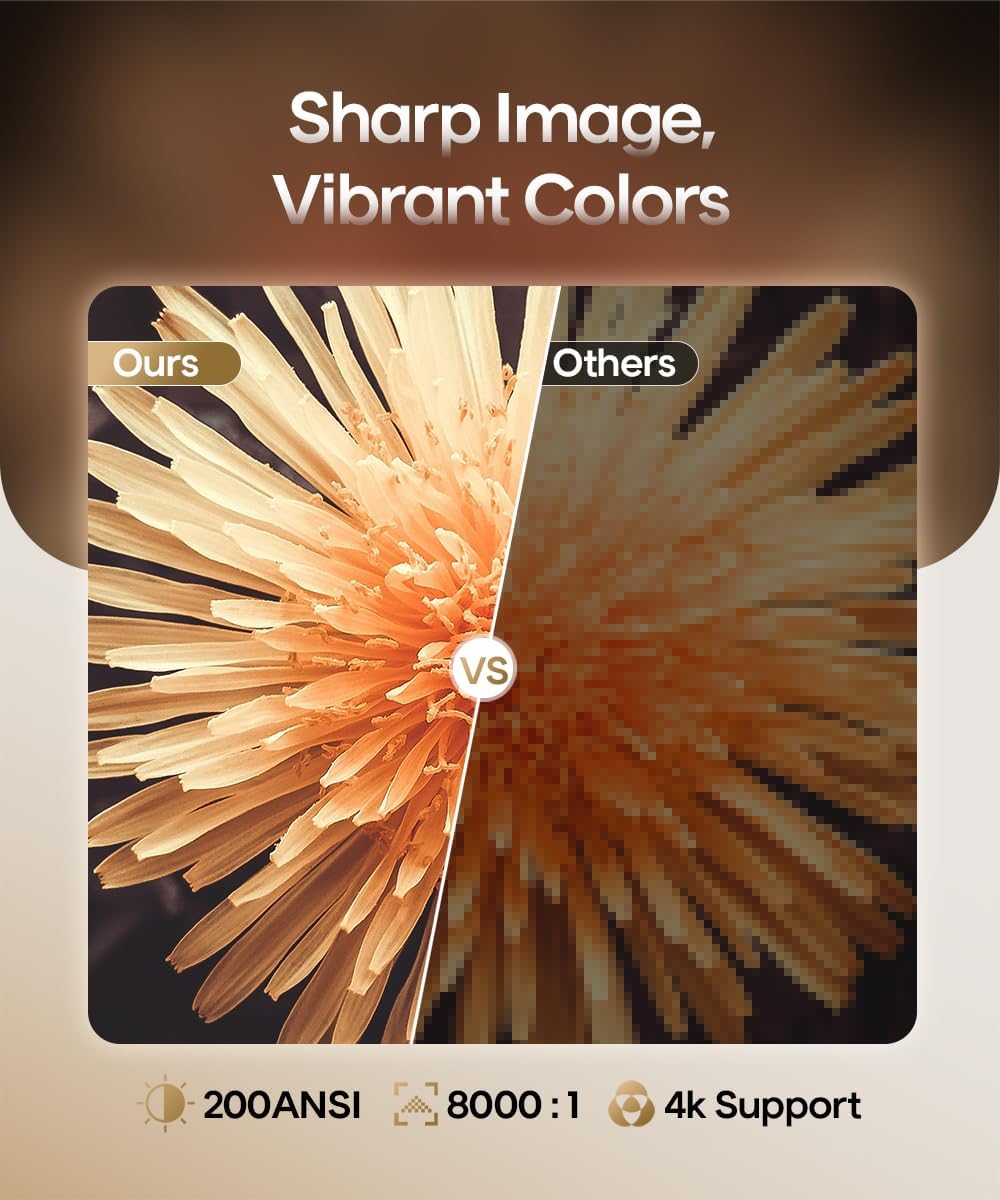
【Affordable Home Cinema for Casual Use】Enjoy everyday movies, shows and family entertainment without a big investment. With native 720P resolution, 4K video support and 200 ANSI lumens, this mini projector is an affordable option for a basic home cinema experience, best enjoyed in dark or dimly lit spaces
【WiFi 6, Bluetooth 5.4 & Built-in Sound】WiFi 6 supports convenient wireless streaming and screen mirroring from compatible devices. The built-in speaker provides everyday movie sound, while Bluetooth 5.4 lets you connect speakers or headphones for shared viewing or private listening
【Connect Your Everyday Devices】HDMI and USB connections give you more ways to enjoy your content. Connect a TV stick, laptop or game console through HDMI, or play videos from a USB drive for convenient big-screen entertainment
Original price was: $69.99.$49.99Current price is: $49.99.