
Related Products

Epson Pro EX9270 Wireless 1080p...


Brother Work Smart 1360 Wireless...

Aurzen EAZZE D1 Smart Projector...
Smart Projector【1000 ANSI/Compatible...





Product description


1 Android 14 System
2 Super Clear
3 Professional image
4 Big Images


1 Auto Focus
2 WiFi 6
3 Bluetooth 5.4
4 Versatile Connectivity


1 Mini Body
2 180°Rotation
3 Outdoor
4 Business
Magcubic: Project Your Imagination
Add to Cart
Customer Reviews
4.4 out of 5 stars 1,625
4.4 out of 5 stars 1,625
4.4 out of 5 stars 1,625
4.4 out of 5 stars 1,625
Price
$109.99$109.99
$99.99$99.99
$149.99$149.99
$169.99$169.99
Focus Mode
Auto Focus
Auto Focus
Auto Focus
Auto Focus
Auto Keystone Correction
6D Keystone
6D Keystone
6D Keystone
6D Keystone
Brightness
600ANSI
600ANSI
800ANSI
800ANSI
Speaker
15W Soundbase Speaker
15W Soundbase Speaker
15W Soundbase Speaker
15W Soundbase Speaker
WiFi Connection
WiFi 6
WiFi 6
WiFi 6
WiFi 6
Bluetooth Connection
5.4
5.4
5.4
5.4
Zoom
80%-100%
80%-100%
80%-100%
80%-100%
Weight
3.08lb
3.08lb
6.5lb
6.5lb
Display Resolution
Native 1080P
Native 1080P
Native 1080P
Native 1080P
FAQ
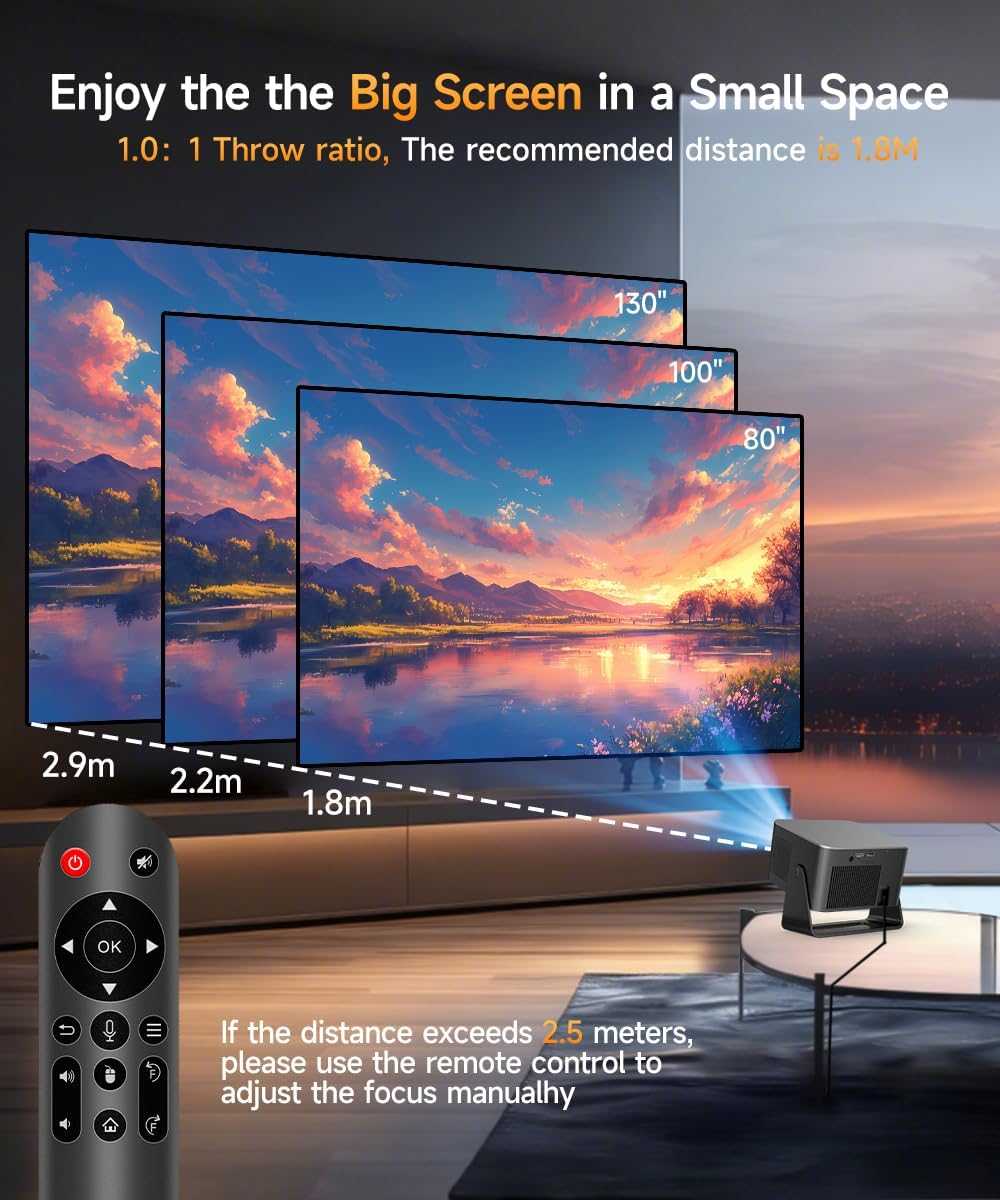
Why OTA Update Before Use? To ensure optimal performance and take advantage of our latest features and updates, please upgrade to the most recent software version before first use. You can do this by navigating to Settings > About device > Online upgrade. Is It Good for Daytime Use? Due to its brightness limitations, the projector is ideal for dark environments, such as a backyard at night, a campsite after sunset, a living room with closed curtains, or a bedroom with the lights turned off. Info on Streaming Services Due to the HDCP (High-bandwidth Digital Content Protection) agreement, screen mirroring may not function properly (no image or sound) when attempting to mirror content from certain apps, such as Amazon Prime Video, Hulu, and others. We recommend that you use a streaming device such as a Amazon Fire Stick or Roku. Activate Manual Focus? If the image appears blurry, use the electronic focus buttons on the remote control to adjust it until the picture becomes sharp. Also, make sure the projector is placed within the correct throw distance range. How to Get a Square Image? Automatic vertical keystone correction works best when the projector lens is directly facing the wall. If the results are unsatisfactory, follow these steps: 1. Place the projector on a flat surface and ensure the lens is perpendicular to the wall. 2. Navigate to Settings > Projection Settings > Keystone Correction > Initial Angle Correction. 3. If needed, disable the automatic keystone correction and make manual adjustments for optimal alignment. Adjust Picture Settings? The projector running Android 14 does not include Display settings for adjusting Contrast, Hue, Saturation, or Sharpness within the Android system interface. To adjust the brightness, go to Settings > Projection Settings > Device Mode and select your preferred mode. However, when using HDMI or USB Drive mode, you can access these picture adjustment options by pressing the “MENU” button on the remote control. Can’t Connect to Wi-Fi? 1.Keep the projector and router within 16 feet (5 meters). Check if other devices connect to Wi-Fi. 2.Verify time zone accuracy in Settings > Time and Date > Time Zone. 3.Try a different Wi-Fi network or use your phone’s hotspot. 4.Test both 2.4GHz and 5GHz bands on your router. 5.Reset the projector via Settings > Other Settings > Restore Factory Settings. Screen-Mirror iOS? 1.Ensure your device is updated to the latest version. You can do this by navigating to Settings > About device > Online upgrade. 2.Open the ScreenCast app. 3.Use AirPlay on your iOS device, making sure both devices are connected to the same Wi-Fi network. How to Use Air Mouse Remote? Some apps are designed for mobile devices and require the mouse mode to be activated for navigation. Follow these steps to enable the air mouse function: 1. Open the Bluetooth settings on your device. 2. Press and hold both the “Left” and “Right” buttons simultaneously to enter pairing mode. 3. Press the “Mouse” icon on the remote to activate the air mouse function. 4. Move your wrist to control the cursor using the air mouse feature. Unable to Pair BluetoothDevice 1.Update the firmware to the latest version. 2.Clear the Bluetooth records. 3. Restart the projector and try pairing again. 4.Connect another Bluetooth speaker or headset 5. Keep the projector close to the Bluetooth device, avoiding metal objects or walls between them. Note: Miracast and AirPlay use Wi-Fi connections, not Bluetooth. The projector only supports Bluetooth audio output devices (such as speakers or headphones), not phones or other transmitters.
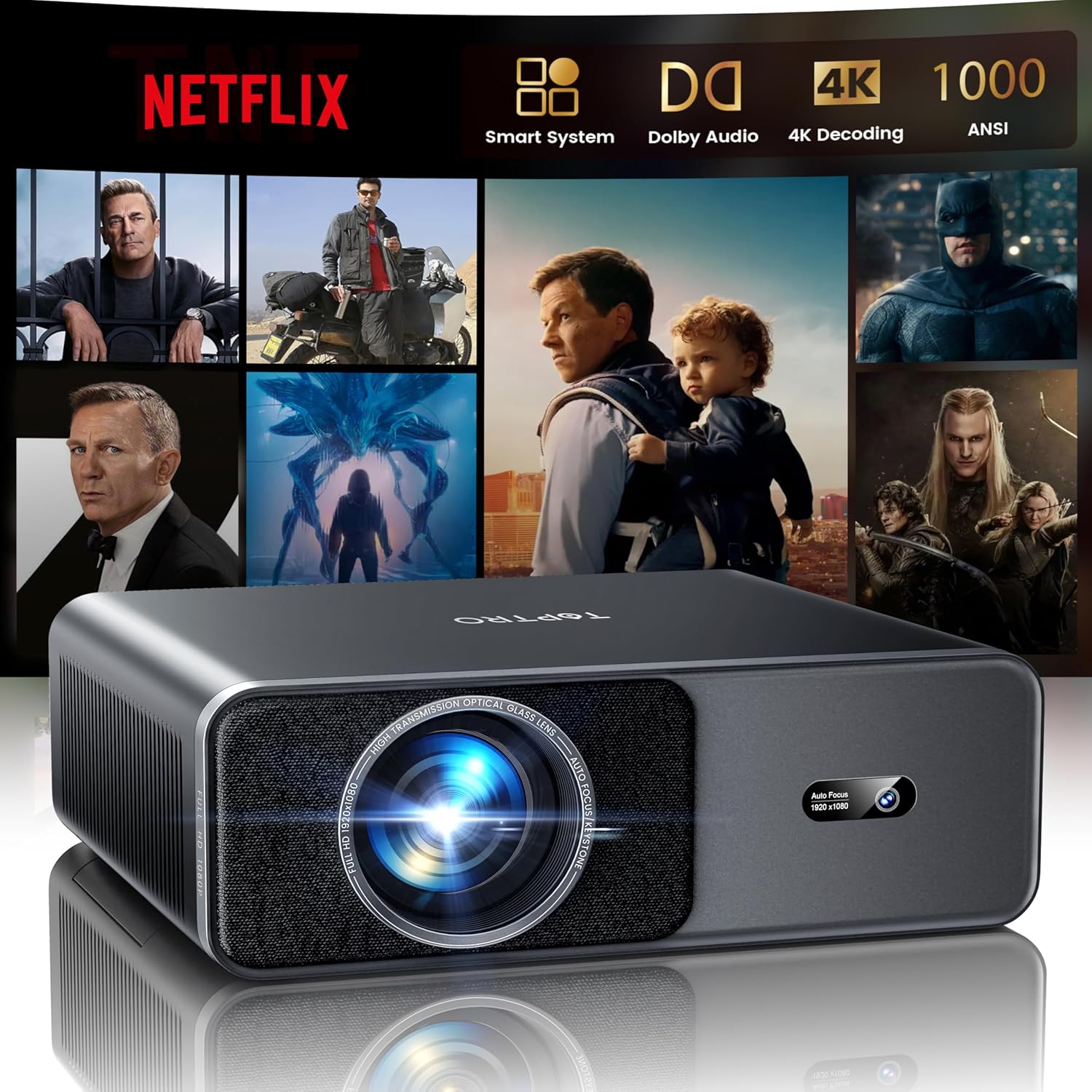
【Native 1080P & 8K Supported Home Theater Experience】Immerse in a true cinematic experience with this smart projector, featuring Native 1080P resolution and robust 8K decoding support. Every scene bursts with lifelike detail and sharp clarity, making it the perfect 4K home theater projector for movie nights. Enjoy vibrant, high-definition viewing anywhere—from your living room to under the stars as an outdoor movie projector
【600 ANSI Lumens Brightness & Vivid Image Quality】Experience crystal-clear images with 600 ANSI lumens of brightness, cutting through ambient light. This portable projector delivers vibrant colors and rich contrast, ensuring an immersive viewing experience. Ideal as a projector for bedroom cozy nights or a wireless projector for backyard cinema, it brings your 4K Ultra HD content to life with stunning visual fidelity
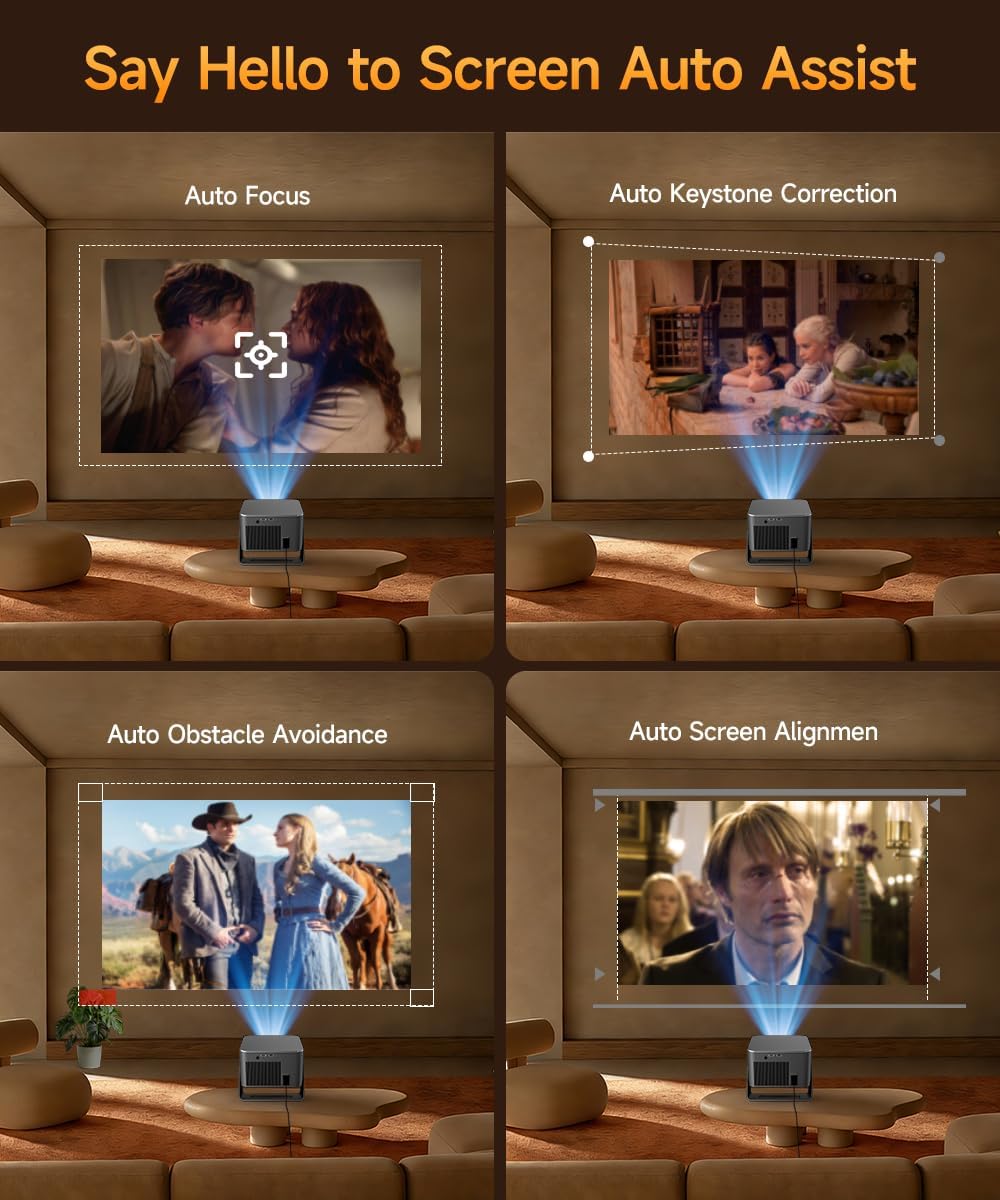
【Auto Focus, 6D Keystone & Auto Screen Alignment】Set up your perfect screen in seconds! This mini portable projector features intelligent Auto Focus, 6D Keystone Correction, Auto Obstacle Avoidance, and advanced Auto Screen Alignment. It automatically delivers a sharp, perfectly squared image on any surface, making the Magcubic projector ideal for ceiling projector or quick outdoor setup
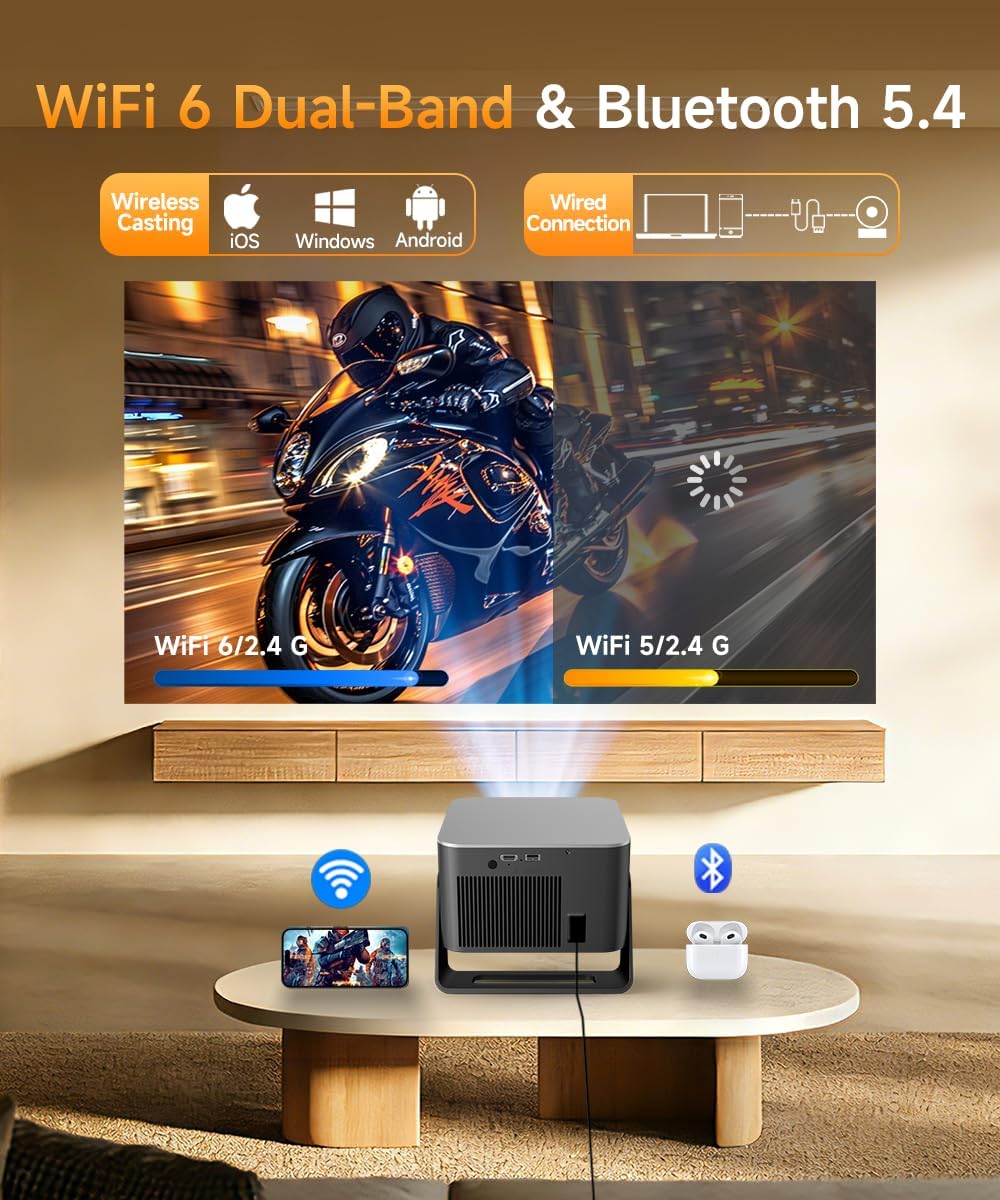
【WiFi 6, Bluetooth 5.4 & Built-in 15W Sound】Enjoy ultra-fast, stable streaming with advanced WiFi and Bluetooth connectivity (WiFi 6 & BT 5.4). The built-in 15W Hi-Fi stereo speakers deliver rich, room-filling sound, creating a truly immersive audio-visual experience. This Bluetooth projector is your all-in-one home theater projector, eliminating the need for extra speakers
【Advanced Air Mouse Remote for Effortless Control】Take full command with the innovative Air Mouse remote, a hallmark of the Magcubic projector series. It combines traditional button control with precise pointer navigation, making browsing apps and input text as easy as using a computer mouse. This intuitive control elevates the smart projector experience to new levels of convenience
Original price was: $159.99.$109.99Current price is: $109.99.