
Related Products


BUFFALO LinkStation 210 4TB 1-Bay...
BUFFALO LinkStation 210 2TB 1-Bay...




Product description


Fingerprint Setup Tip: Red/green flash = no fingerprint registered. Touching the sensor only activates the SSD. For your first setup, please try registering two fingerprints continuously, or scan the same finger twice. (Long-press to register—no blue LED? Unplug and retry)


1 MacBook
2 iPad
3 iPhone
4 Type C Smart Phone
5 Stem Deck
Why can other fingerprints still unlock the device after registering mine?
This meansthe fingerprint wasn’t registered properly. You may have only activated the SSD. Please follow the registration guide video to properly register your fingerprints.
The video guide says to scan the same finger twice. Can I register a different finger after the first one?
Yes, after the first fingerprint registers and the light turns green, immediately place and scan the second finger. A quick green flash means both fingerprints are successfully registered.
What do the different LED colors indicate?
Red & Green Flashing: SSD inactivated (fingerprint not registered), any fingerprint unlocks.
Red: SSD locked (fingerprint registered)/incorrect operation.
Blue: Fingerprint setup in progress.
Green: SSD activated/unlock/fingerprint registered.
Do I need to delete my fingerprints before returning the SSD?
Yes. Please make sure to delete all stored files and fingerprints before returning the product. This ensures your personal data remains secure
Is it normal for the fingerprint sensor to get warm during use?
Yes. It’s normal for the fingerprint sensor to feel warm during use, especially when the SSD is actively reading or writing data. This heat comes from both the sensor and high-speed data processing, and the aluminum housing helps dissipate it safely.
Secure Your Data with a Simple Touch: Unlock your iPhone Nano SSD instantly with fingerprint recognition—only registered fingerprints can access your files. Store up to 22 prints. No passwords, no apps, just a quick touch.
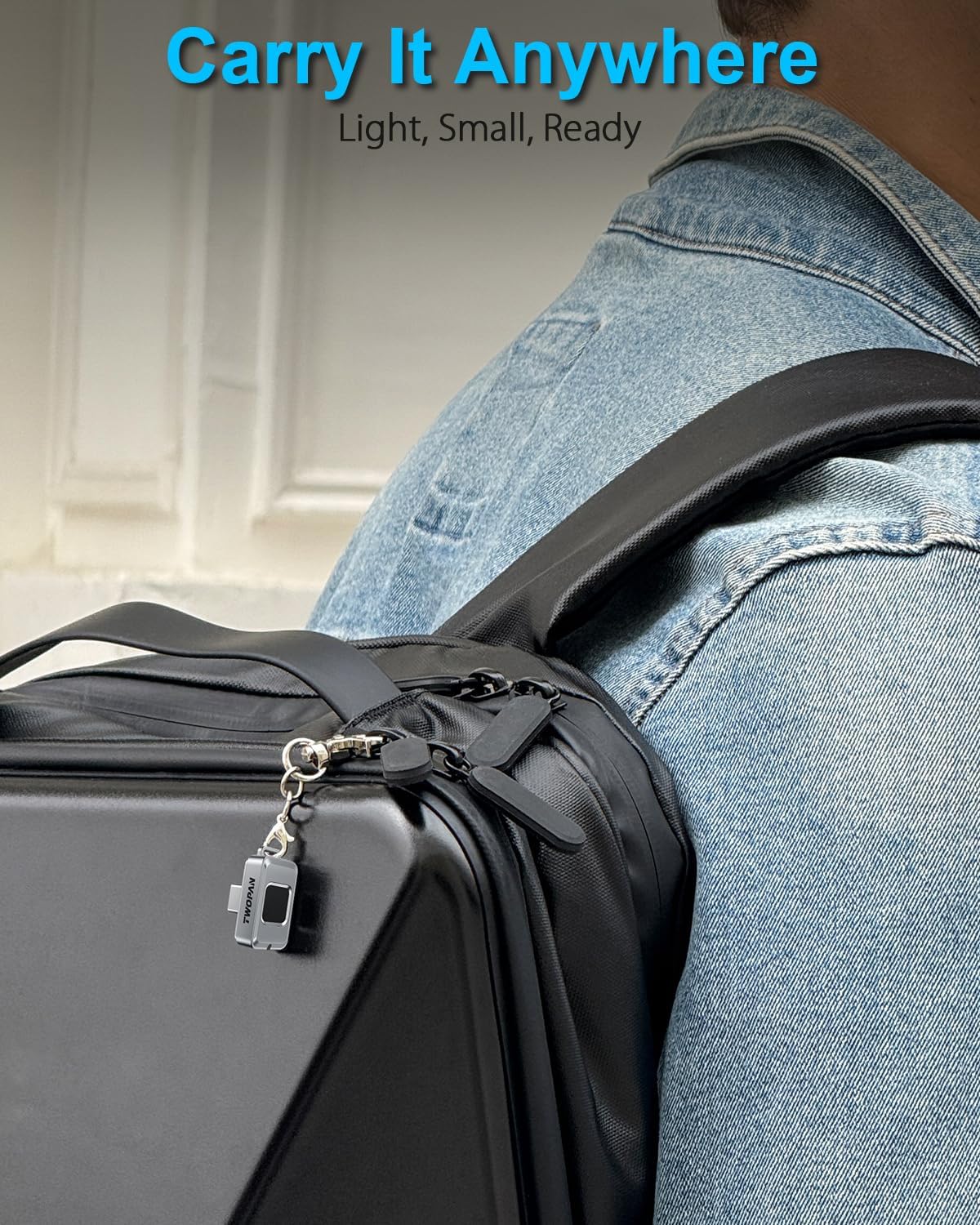
Ultra-Compact Design, Always Ready: Weighs just 5g and smaller than a stick of gum—slips into your pocket, wallet, or keychain. The featherlight yet durable shell makes iPhone external hard drive an easy everyday carry for travel, work, or backup.
Built for Everyday Adventures: Crafted with a resilient, shock-resistant housing that shields your data from bumps, dust, and splashes. Designed for those who need reliable external storage that keeps up with a busy, on-the-go lifestyle.
Smart Speed, Stable Transfers: With USB-C 3.1 Gen1, enjoy transfer speeds up to 450MB/s—fast enough for file backups, photos, and videos. Note: To protect the SSD hard drive’s tiny form factor, the nano ssd prioritizes stability and safe heat management over extreme speeds.
Heat Designed for Safety: It’s normal for the fingerprint sensor area to feel warm during heavy transfers, especially when reading/writing large files. The body of iPhone external SSD is engineered to dissipate heat safely, keeping performance steady and your data protected.
Why Other Fingers Unlocking Your Nano SSD:If random fingerprints work after setup, it usually means registration didn’t fully complete – you might have just activated the external hard drive instead. No worries, super easy to fix! Follow the short guide video on our product page for proper step-by-step enrollment, and it’ll lock down tight to only your prints in.
$89.99