
Related Products
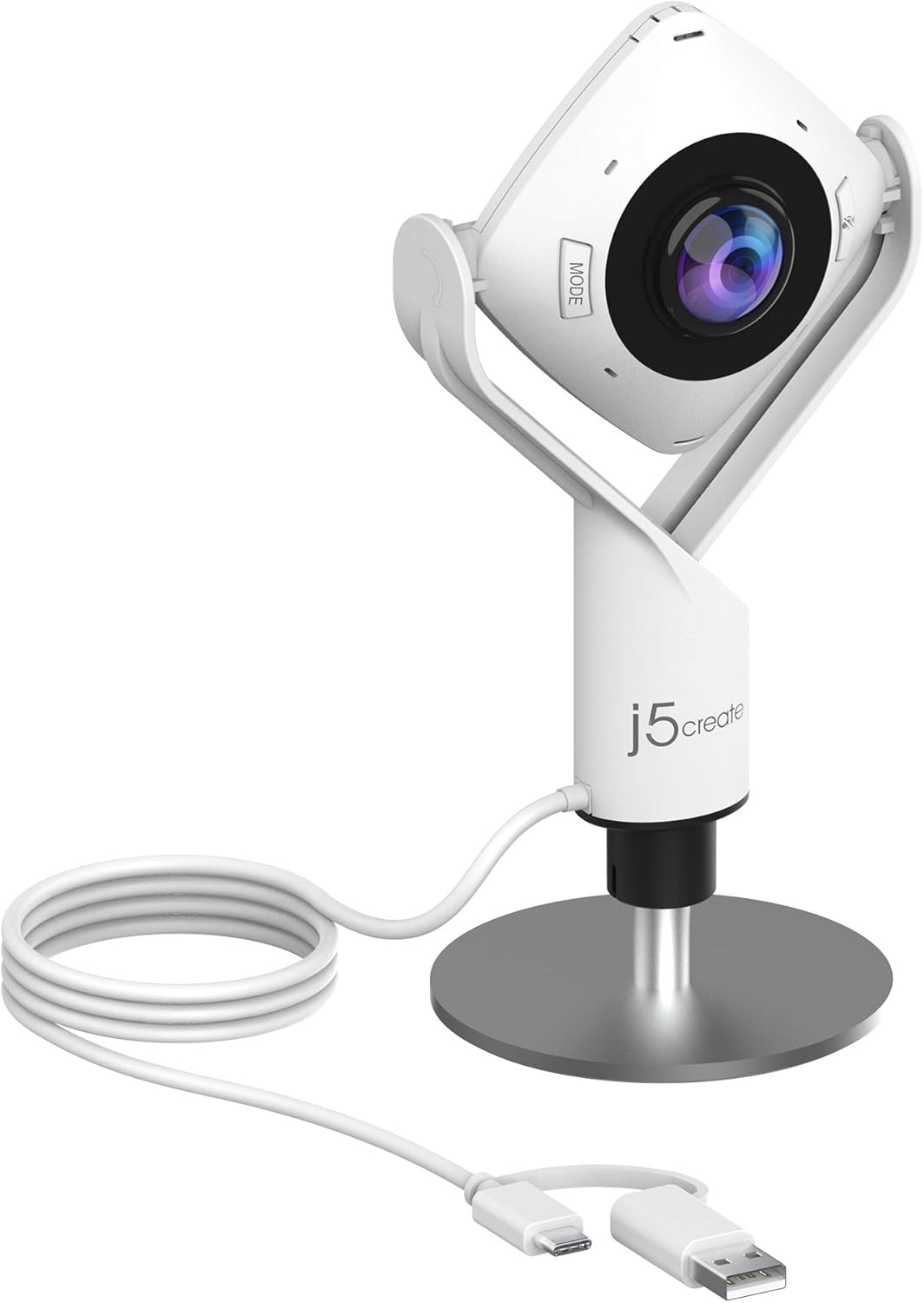
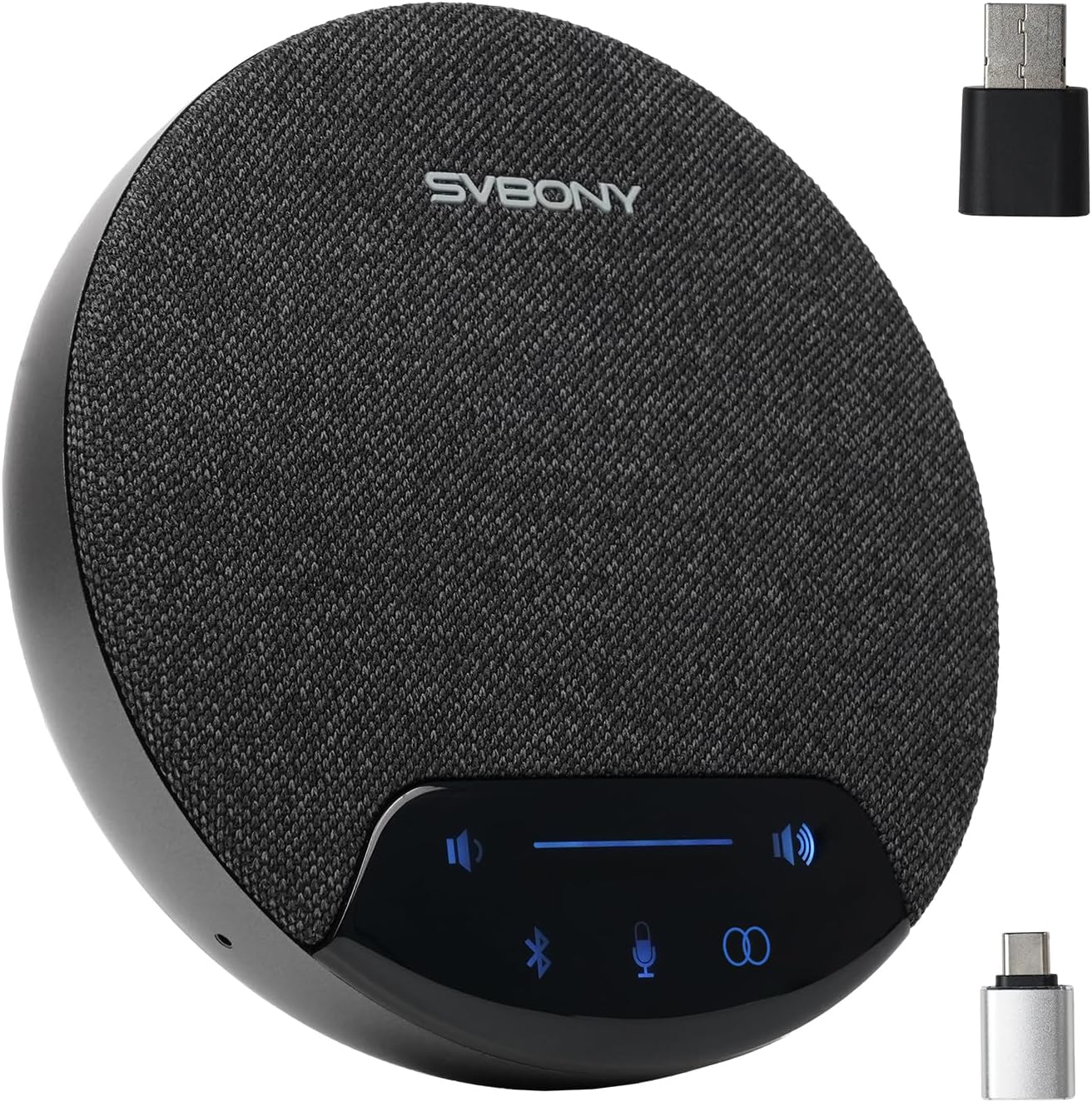

EMEET Conference Speaker and Microphone...
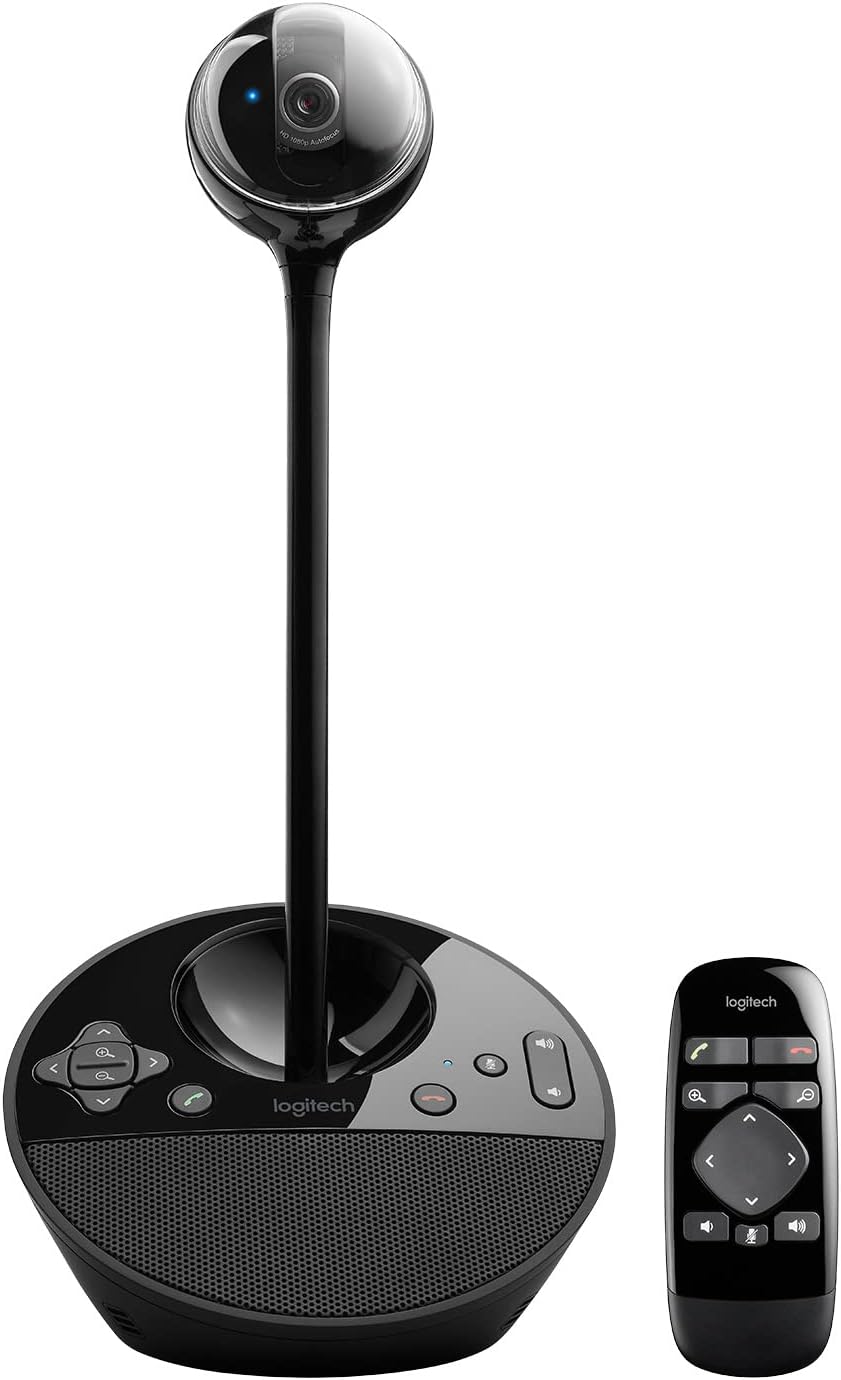
Logitech BCC950 Desktop Conferencing...


Product description

4K 8MP CMOS sensor delivers vivid and natural images with exceptional clarity and rich details.

4 built-in mics offer an impressive 360° coverage and an extended voice pickup radius of up to 16ft.

The Hi-Fi integrated conference speaker can clearly broadcast the voice of the remote participants.

120° FOV allows for a more inclusive and immersive experience ensuring all participants are visible.

You can place the webcam directly on a table or on a stand or tripod due to the 1/4” thread.
1 Premium 4K CMOS Sensor
2 4-MEMS-Microphone-Array
3 Premium Speaker
4 120° Ultra Wide Angle
5 Multiple Mounting Options

The video conference camera can automatically adjust to keep everyone in the best framing position.

The zoom function helps focus on specific important details, providing flexibility during team work.

Enabling pan and tilt after zooming provides users with precise control over the visual focus.

Swiftly disabling the camera and muting the microphones provides an essential privacy safeguard.

You can effortlessly customize parameters as you like and update the device firmware in NearSync.
1 AI-Powered Auto-Framing
2 5x Zoom
3 Pan & Tilt after Zooming
4 Security Controls
5 NearSync Operation
Auto-Framing
The C46 conference room camera utilizes proprietary face recognition technology to accurately frame both individual participants and groups. It automatically adjusts the frame as more participants join, ensuring everyone remains optimally positioned throughout the meeting.
4 Noise Cancellation Mics
The 4-element omnidirectional noise-canceling microphone array suppresses noise, cancels echo and reverberation, and highlights people’s voices, enabling distortionless sound even at high volumes.
5m/16ft Voice Pickup
The high-fidelity full duplex speaker ensures that every meeting participant (up to 15) can hear and be heard clearly, even up to 5m/16ft away from the base.
Plug & Play
Our USB conference camera boasts a driver-free design, providing a hassle-free plug-and-play experience with just a single USB cable. Setting up the device is incredibly user-friendly, ensuring effortless installation for users of all skill levels.
NearSync Software
Visit our website to download and install Nuroum NearSync for either Windows or Mac on your computer.Launch the NearSync application and navigate to the Device Update section.Select the firmware version you want to upgrade online, or choose a local file provided by our support team for a local update. (The latest version is: V1.100.0.8.R.240523)After the update, the device will restart and be recognized automatically. Please check if the current firmware version is the upgraded version

How do I activate and deactivate the auto framing function?
You can enable or disable the AI framing function using either the touch button located on the top of the conference camera or the remote control.
Is it necessary to download and install NUROUM NearSync on my PC before using the C46 video conference webcam?
No, the webcam has a plug-and-play feature. No additional software or driver required. However, we recommend using NearSync upon receipt to update to the latest firmware version (V1.100.0.6.R.240223) for optimized image and audio performance.
How can I disable noise cancellation? I’m a Yoga teacher and need background music for my courses.
Currently, the option to disable noise cancellation is not available. However, our team is actively working on releasing a new firmware that will include this feature to better suit your needs.
Is the power adapter required for using the all-in-one conference webcam?
No, the power adapter is optional and is primarily used to enhance the speaker volume. Upon plugging in the power adapter, the speaker’s power increases from 1.5W to 3W for an elevated audio experience.
What should I do if the all in 1 conference camera is not recognized by my PC?
If the circle light is ON, please write to us for further assistance or to request a replacement. If the light is OFF, try using another USB cable.
If the issue persists, ask for support and, if necessary, request a replacement.
NUROUM All-in-one Conference Webcam
Add to Cart
Add to Cart
Add to Cart
Customer Reviews
4.4 out of 5 stars 14
4.3 out of 5 stars 18
3.4 out of 5 stars 3
4.3 out of 5 stars 65
4.2 out of 5 stars 123
4.3 out of 5 stars 11
Price
$288.99$288.99
$189.99$189.99
$559.99$559.99
$79.99$79.99
$135.99$135.99
—
Max Resolution
4K
2K
1080P
1080P
1080P
1080P
Field of View
120°
120°
360°
90°
100°
122°
Non-Distortion Lens
✔
✔
✘
✔
✔
✔
Auto-Framing
✔
✔
✘
✘
✘
✔
Auto-Focus
✘
✘
✘
✘
✘
✔
Zoom Capability
X5 digital zoom
X5 digital zoom
X3
X1
X1
X5 optical zoom
Noise Cancelling Mics
✔
✔
✔
✔
✔
✔
Effective Pickup Distance
5m
5m
5m
3m
4m
8m
Connectivity
USB-A & Type-C
USB-A & Type-C
USB-A & Type-C
USB-A & Type-C
USB-A
USB-A & Power Adapter
4K UHD All-in-One Conference Webcam: C46 video conferencing system is equipped with a 8MP premium CMOS sensor delivering stunning visuals that capture every detail with exceptional clarity. The FOV 120° ensures everyone is included in the frame. Perfect for online conferences, meetings, and video chats with multiple participants. Experience hassle-free communication with the built-in high-quality microphone and speaker, allowing you to engage in clear, two-way audio without the need for additional devices.
Built-in optimized Speaker & Noise Reduction Mics: Featuring an optimized full-duplex speaker, the conference webcam ensures clear communication for up to 15 offline participants within 16ft from the base. The 4-element omnidirectional microphone array, enhanced by compressed neural network technology, suppresses background noise, cancels echoes, and highlights voices, providing distortionless sound even in high-volume scenarios.
AI-Powered Auto Framing & 5X Zoom: The C46 conference room camera employs self-developed face recognition technology for precise framing of single and multiple participants. With automatic frame adjustment as more participants join, it keeps everyone in the optimal position. Additionally, the camera offers up to 5x zooming capacity, allowing users to focus on essential details with remote control.
Easy Setup & Enterprise-Grade Privacy Protection: The computer camera is driver-free, offering a hassle-free plug-and-play experience with a single USB cable (a power adapter is provided for increased speaker volume). The remote control and top buttons provide convenient options to turn off the camera and mute the microphones. The round light ring displays the real-time status, ensuring user privacy is always under control.
Diverse Compatibility & Tailored Configuration: The USB webcam is compatible with desktop or laptop computers running Windows, macOS, Linux, or ChromeOS, the conference camera works seamlessly with popular VC platforms like Zoom, Teams, Google Meet, Webex, Hangouts, GoToMeeting and more. The Nuroum NearSync application facilitates firmware updates and allows customization of image settings such as brightness and saturation, available for both Windows and MacOS on Nuroum’s official website.
Original price was: $339.99.$288.99Current price is: $288.99.