
Related Products
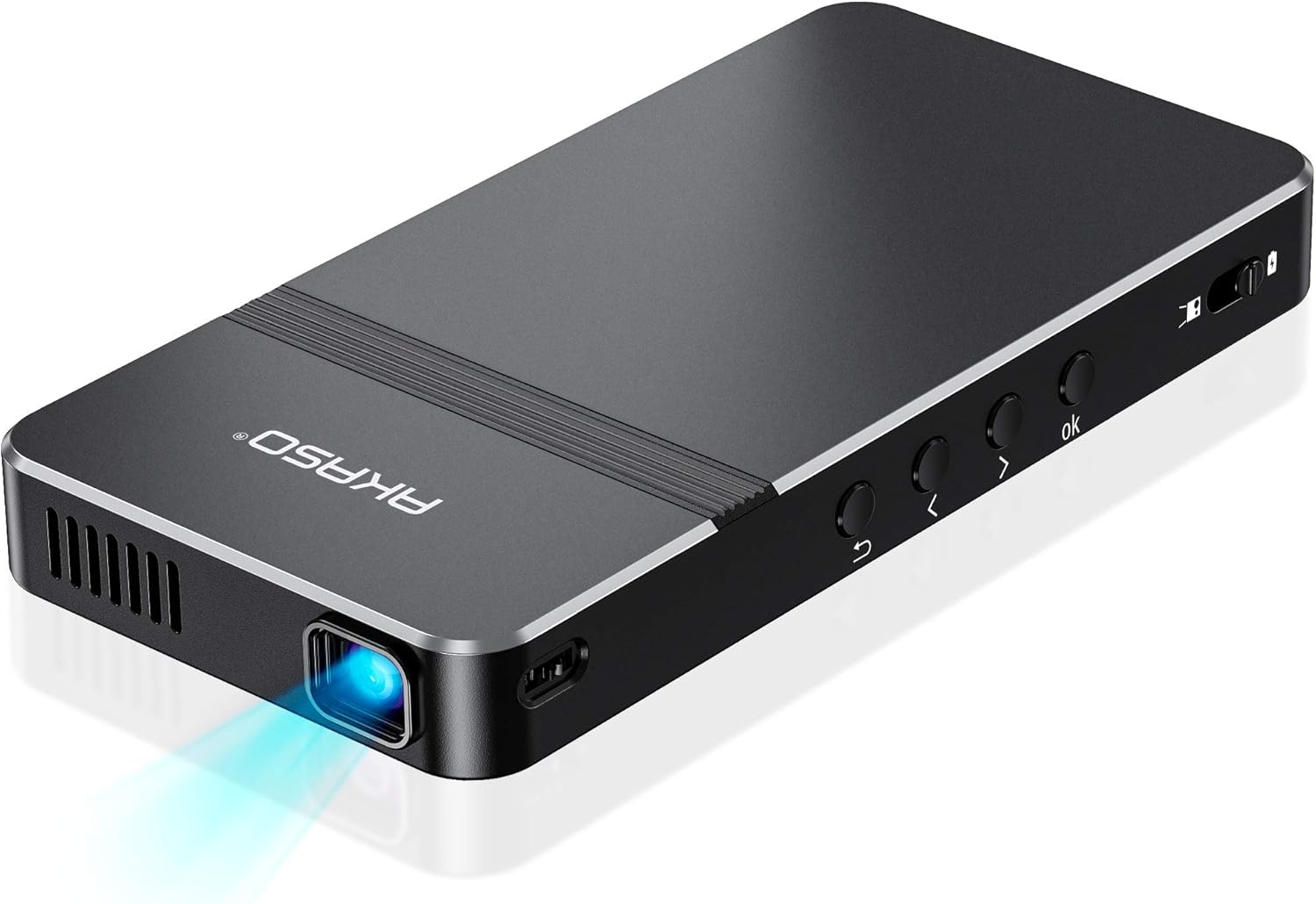


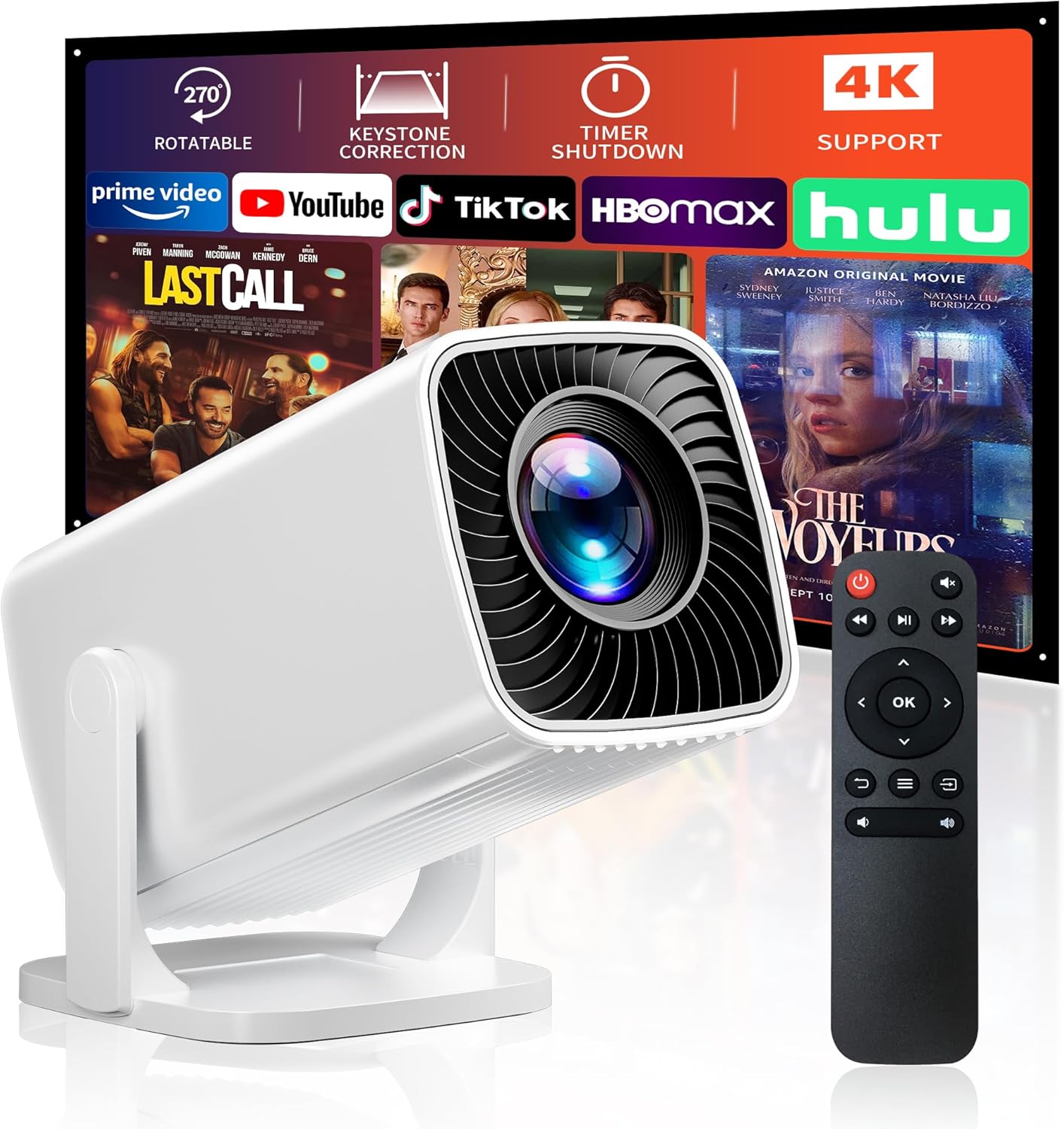
Mini Projector, Portable Projector...

StreamMaster Plus2 4K Laser Projector...


Product description
The video showcases the product in use.The video guides you through product setup.The video compares multiple products.The video shows the product being unpacked. L61Pro Projector with wifi and bluetooth


1 Your Best Choice
2 2026 AI Movin 2.0 System
3 True Smart Projector
4


1 Green Tech Quality
2 Native 1080P 4K Supported
3 AI Color Mode
4 Zoom 50%-100%
5 300″ Giant Screen
AI Projection Orientation Detection
360° Intelligently detects projection angle(front/rear/ceiling /side-mounted), and instantly corrects image alignment. Combines precision gravity sensors with AI processing to deliver perfectly oriented content from any position.
The video showcases the product in use.The video guides you through product setup.The video compares multiple products.The video shows the product being unpacked. AI Projection Orientation Detectio
AI Auto Focus
Smart Auto-Focus System Powered by high-speed sensors and AI algorithms, it achieves precise focus in just 3 seconds. Even in dynamic scenes or low-light conditions, it instantly locks onto details—delivering razor-sharp clarity in every frame.
The video showcases the product in use.The video guides you through product setup.The video compares multiple products.The video shows the product being unpacked. Auto focus projector
AI Auto Keystone Correction
Features ±45° adaptive adjustment, achieving seamless correction in just 0.1 seconds. Equipped with a high-precision gyroscope and AI algorithms, it dynamically tracks device orientation to deliver a perfectly rectangular image—even in complex environments.
The video showcases the product in use.The video guides you through product setup.The video compares multiple products.The video shows the product being unpacked. Auto Keystone correction
AI Auto Obstacle Avoidance
Multi-sensor fusion and AI algorithms precisely detect obstructions and correct the projection within 0.1s, maintaining optimal image quality.
The video showcases the product in use.The video guides you through product setup.The video compares multiple products.The video shows the product being unpacked. AI Auto Obstacle Avoidance
AI Auto Screen Alignment
High-precision sensors automatically detect screen edges, completing self-adaptive image adjustment in 0.1 seconds. Say goodbye to tedious manual calibration.
The video showcases the product in use.The video guides you through product setup.The video compares multiple products.The video shows the product being unpacked. AI Auto Screen Alignme


1 Upgraded Dual BT 5.2
2 Dolby Audio
3 WiFi6&Chromecast Built-in
4 Game Mode
5 Sealed Optical Design
Resolution Native 1080P and 4K Supported Projection Size 60″-300″/4-14FT Wireless WIFI 6/5G+2.4G & Bidirectional Bluetooth 5.2 Power Input 100V-240V & 50/60HZ Built-in Speakers 50W HiFi Speakers/Dolby Audio Supported Image Adjustment AI Auto-Focus & Keystone Correction & Zoom 50%-100% Supported Projection & Installation The projector supportfront and rear projection, it can be table mounted and ceiling mounted. To set the projection mode, go to the Setting. Click on the “Picture” and find “Projection Mode”, then you can press the up and down button to change to your desired mode. The L61Pro projector has a single-hole mount and requires a single-hole bracket for ceiling mounting. It features a standard 1/4-inch screw hole. Wake Up Function The L61Pro projector features a convenient wake-up function that can be activated through a compatible screen-casting app on your phone. To enable this feature, ensure the projector is powered on, then go to Settings > General & Privacy > Advanced Setting > Wake On Wireless on the projector’s homepage. Once activated, any device with Wi-Fi access can wake up the projector using a supported app. Please note that the app must support screen-casting to use this function AI Sound Balance To use this feature, go to the projector’s homepage and select Settings > Display & Sound > Auto Volume. When enabled, this function will automatically adjust sudden volume changes, ensuring a smooth and consistent audio experience. Sound Mode Adjustment The L61Pro Projector offers multiple sound modes, including Standard, Vivid, Movies, Music, News, and Sport. You can choose your preferred mode by navigating to Display & Sound > Sound Mode. Alternatively, to adjust sound mode during video playback, press the settings button on the remote control to quickly access this option. Video Mode Adjustment The L61Pro Projector offers various video image modes, including Standard, Vivid, Sport, Cinema, User, and Game. You can select your desired mode by going to Display & Sound > Video Picture Mode. If you’d like to switch modes during video playback, simply press the settings button on the remote control to access this option quickly. NOTE (Screen Mirror) Due to the mirroring protocol on Motorola and Google smartphones, direct screen mirroring from the projector is not supported. To connect, please use a Google Chromecast (not included) NOTE (APPS) L61Pro Projector is compatible with Netflix, YouTube, YouTube Kids, and Prime Video. In addition, for Disney+, Hulu, Plex, Vevo, FLTE, ToonGoggles, HelloKids, and Docubay can be downloaded in “My Apps”. Currently, only web versions of some apps are supported. To explore more apps, please visit the App Store and Open Browser. Please note: due to the limitations of YouTube TV, this app is not currently supported on this projector. NOTE 1. L61Pro projector is also compatible with Chromecast and Fire TV Stick (Ensure true 1080P resolution set on these devices). Please provide an external USB power source for them, as the projector’s USB port may not supply sufficient power. 2. Bluetooth technology is mainly designed for wireless connections of audio equipment to achieve sound data transmission. It does not support the wireless transmission function of image data. Warm Tips Many common issues can be easily resolved with the help of the user manual/E-manual. Additionally, you can reach out to the Lisowod Support Team directly through Lisowod web, email, or Amazon for assistance. We’re here for you, even if your order is outside Amazon’s return window. Don’t hesitate to reach out to us – we’re always ready to assist you.
[Smart Projector with Movin 2.0 OS – New Home Entertainment is Here] Powered by the exclusive AI Movin 2.0 OS and a quad-core A55 processor, the Lisowod L61Pro 2.0 projector delivers 75% faster app launches and smoother navigation than standard 1080P projectors. Immerse yourself in true 4K decoding with HDR10+ for breathtaking clarity and Hollywood-grade color contrast on massive 300-inch screens. All popular apps are pre-installed for instant entertainment without extra devices. Dual-band WiFi, Bluetooth 5.2, and built-in 35W Dolby stereo speakers provide a seamless, lag-free experience at home or outdoors.
[Official Licensed Apps Certified – All-in-One Smart Streaming, No Extra Devices Needed] Pre-installed with official licensed streaming apps (For Netflix, Prime Video, Disney+, YouTube, Apple TV+, and more), enjoy direct, stable, buffer-free entertainment—no extra TV stick, no complicated setup, no piracy risks. A true all-in-one smart entertainment hub built for premium, frustration-free viewing. Whether binge-watching indoors or hosting an outdoor movie night, this movie projector grants instant access to millions of movies, shows, and live channels—all without hassle.
[4K Support & 3000 Brightness – Cinema-Grade Clarity Day & Night] Witness ultra-sharp visuals with the L61Pro 2.0 4K projector, featuring native 1080P and 4K decoding support. With a 25000:1 contrast ratio, 3000 brightness, and 99% NTSC color gamut, this outdoor projector delivers vibrant, lifelike imagery—even in ambient light. Switch effortlessly between 6 AI-optimized picture modes (Sport, Vivid, Cinema, Game, Standard, User) to match any scene or preference without interrupting playback.
[50W Dolby Audio – Room-Filling Cinema Sound Without a Soundbar] Dual 50W Dolby Audio speakers tuned with AI Sound Optimization produce deep bass, crystal-clear dialogue, and immersive, distortion-free audio. Supports eARC & Bluetooth 5.2 for lossless, high-fidelity audio transmission to soundbars, external speakers, or wireless headphones. Outperforms standard 5W–10W phone projector speakers by up to 200%—one L61Pro 2.0 bluetooth projector delivers a giant screen and cinematic sound.
[2.4lb Ultra-Portable with Ergonomic Handle – True Grab-and-Go Cinema] At only 2.4lb with a built-in carry handle, the L61Pro 2.0 portable projector redefines portable projection. Its ultra-compact design fits easily in backpacks—ideal for camping, backyard movie nights, or moving between rooms. Built-in WiFi 6 and Chromecast support one-click casting from iOS and Android devices for effortless streaming. Enjoy big-screen entertainment anytime, anywhere, without sacrificing clarity or convenience.
[Reliable Quality & Support – Total Peace of Mind] This proyector features intelligent temperature detection and an enhanced cooling system that monitors heat in real time and auto-adjusts fan speed for stable performance and extended lifespan. The Lisowod team provides reliable after-sales support for worry-free use. Ideal for movie nights, gaming, and family entertainment, the L61Pro 2.0 projector with wifi and bluetooth transforms any space into a premium home theater. The Lisowod L61Pro 2.0 combines flagship brightness, intelligent ease-of-use, and true portability in a way that redefines what a smart projector can be.
Original price was: $499.99.$259.99Current price is: $259.99.