
Related Products

BONSEN Heavy Duty Paper Shredder,...

Aurzen EAZZE D1 Smart Projector...

Epson EpiqVision Flex CO-FH02 Full...


Laminator Machine 11X17 with 70Letter...




Product description
Phomemo M08F Portable Printer
The video showcases the product in use.The video guides you through product setup.The video compares multiple products.The video shows the product being unpacked. Phomemo M08F Portable Printer Merchant Video
Whether you’re traveling the world or on a business trip, Phomemo portable printer will be your ultimate partner.
With outstanding portability, easy setup, and exceptional print quality, our printer provides an excellent printing experience.


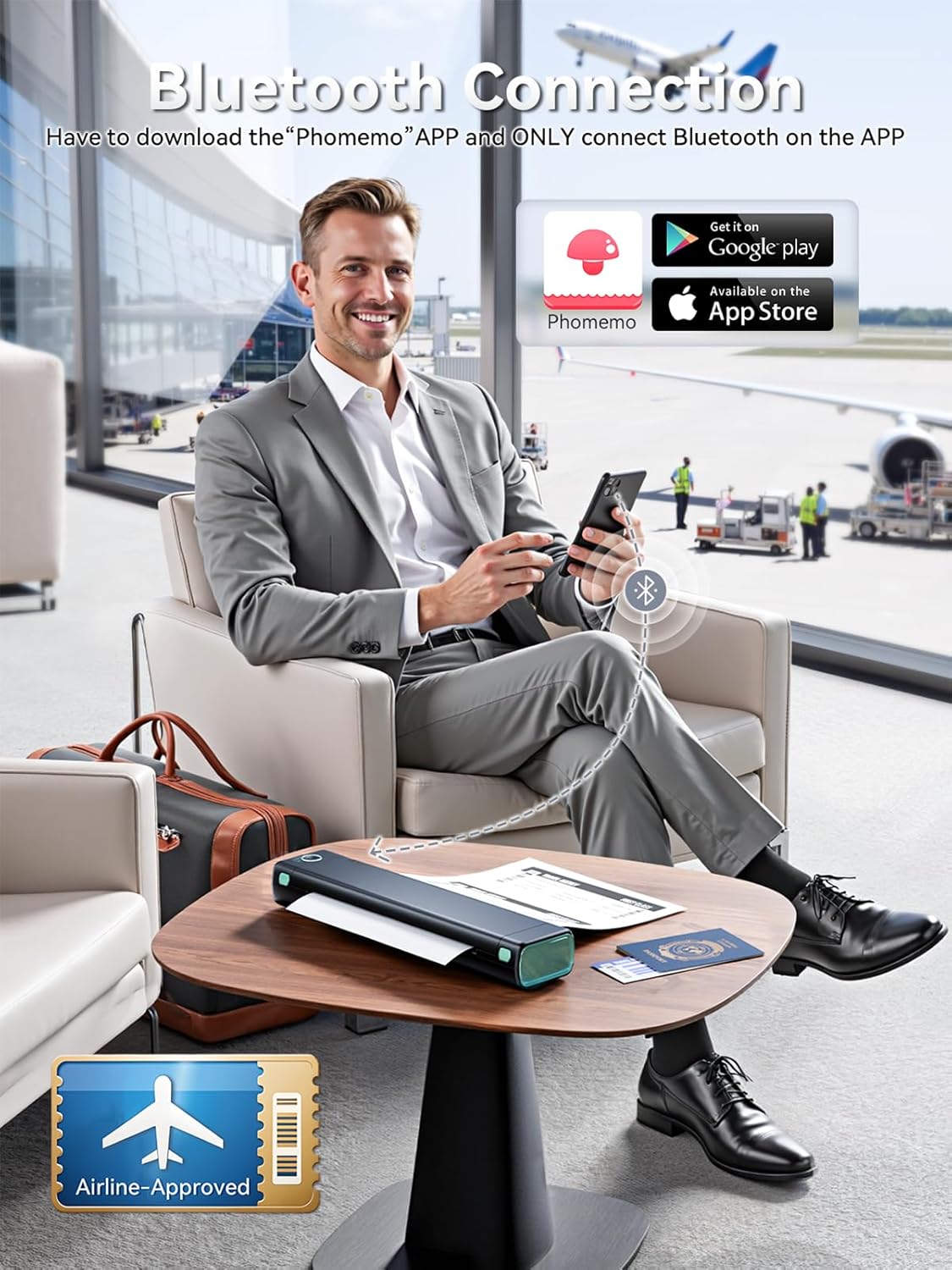
1 Bluetooth Connection
2 USB Connection
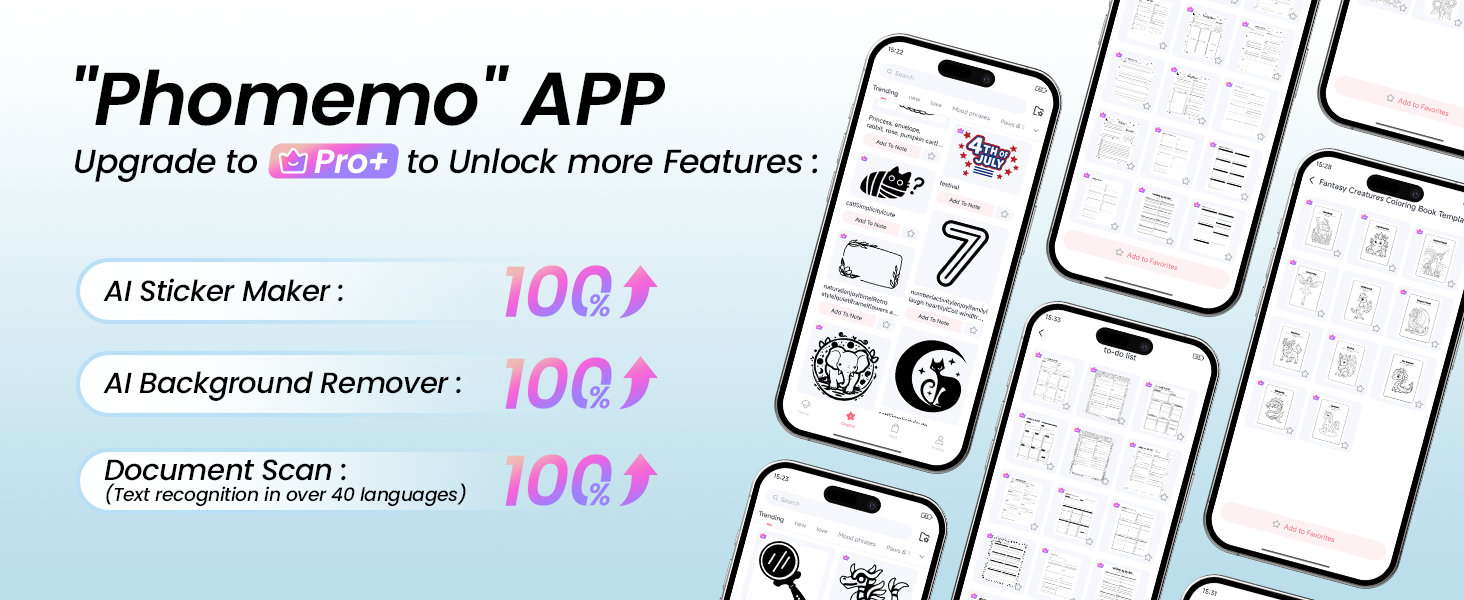
3 Powerful APP
4 Wide Compatibility
5 Phomemo AI
How to Use M08F on Phone, mac OS and Windows System? How to Use on Mobile Phone How to Print Via Bluetooth with Phone & Tablet
1.Download the APP “Phomemo” from App store or Google play
2.Turn on the portable printer and APP, Click the “printer” icon on the APP’s uper right to search the Bluetooth printer and connect.
3.Then start your Phomemo M08F portable printer printing travel
Attention: M08F Portable printer Bluetooth can’t support pair with Phone or tablet directly now, must be pair on the App”Phomemo”.
The video showcases the product in use.The video guides you through product setup.The video compares multiple products.The video shows the product being unpacked. How to Use on Mobile Phone Merchant Video
How to Print on mac OS Laptop
Download the driver from Phomemo official website (Please check your laptop or computer’s operation system before download the printer driver to maker sure the driver is correct)
After install the driver well, turn on the M08F portable printer and using the data cable come with the printer to connect Phomemo M08F thermal printer and your laptop, and start your M08F printer printing travel.
Attention: Phomemo M832 portable printer compatible with macOS 10.14 and above operation syetem
The video showcases the product in use.The video guides you through product setup.The video compares multiple products.The video shows the product being unpacked. How to Use on Mac OS Merchant Video
How to Print on Windows PC
Download the driver from Phomemo official website (Please check your laptop or computer’s operation system before download the printer driver to maker sure the driver is correct)
After install the driver well, turn on the M08F portable printer and using the data cable come with the printer to connect Phomemo M08F thermal printer and your laptop, and start your M08F printer printing travel.
Attention: Phomemo M08F portable printer compatible with Windows7 and above operation syetem
The video showcases the product in use.The video guides you through product setup.The video compares multiple products.The video shows the product being unpacked. How to Use on windows Merchant Video


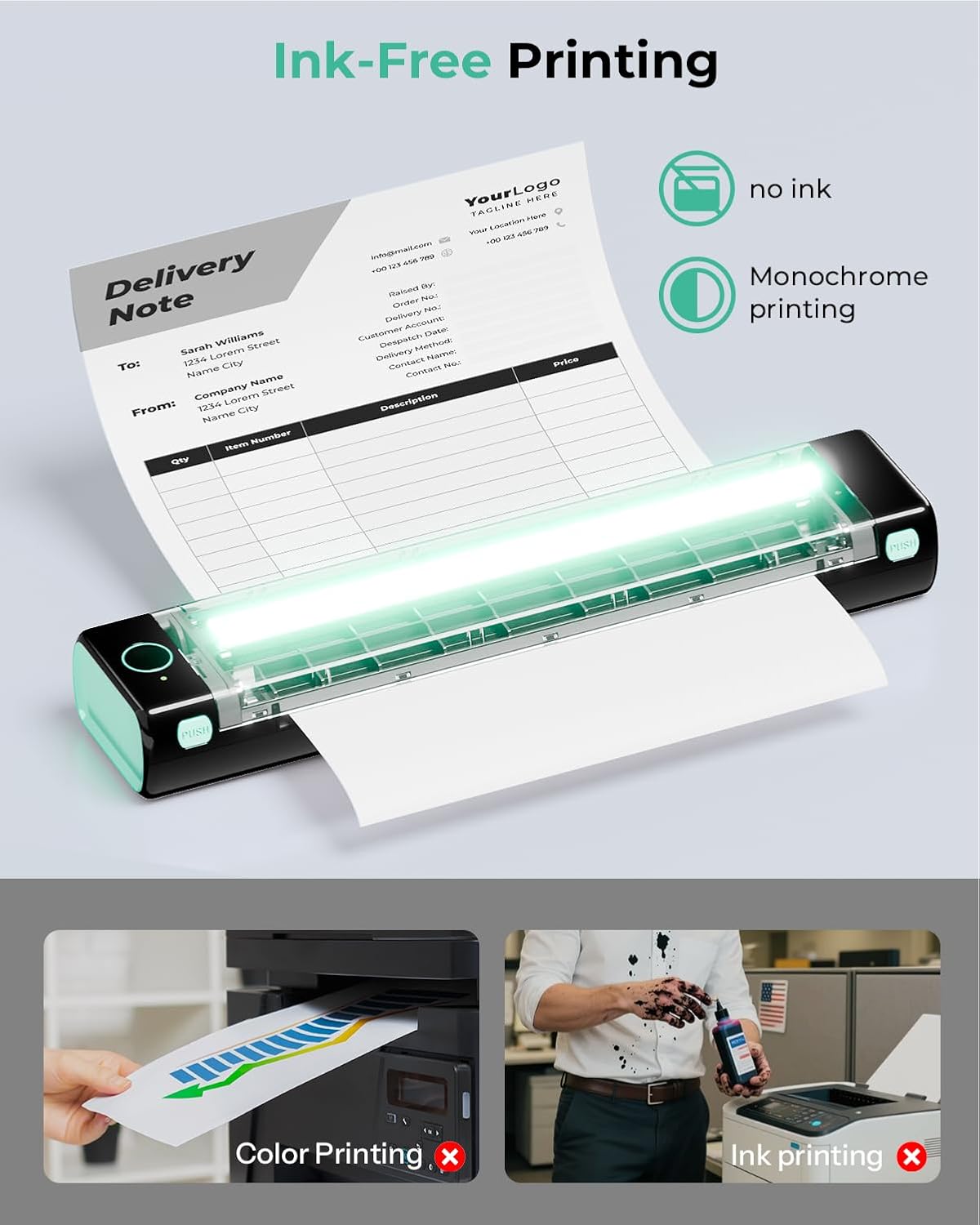
 Ink-Free Printing
1 High-Definition Printing
2 More Paper Size Using
3 Ink-Free Printing
4 Large Capacity
Phomemo M08F printer is the perfect choice for anyone who loves convenience! 
Looking for a unique and practical Christmas Gift? Look no further! Our portable printer is the perfect choice for anyone who loves creativity and convenience. Give the gift of endless possibilities with our versatile and compact printer.


1 Various Occasion
2 Car Printer
3 Office Printer
4 Travel Printer
5 Home Printer
Highly Recommended by Customers-M08F Thermal Paper & Thermal Portable Printer
Add to Cart
Add to Cart
Add to Cart
Add to Cart
Customer Reviews
4.3 out of 5 stars 3,668
4.6 out of 5 stars 2,599
4.3 out of 5 stars 158
4.2 out of 5 stars 128
4.2 out of 5 stars 1,674
4.4 out of 5 stars 381
4.6 out of 5 stars 2,599
Price
$89.99$89.99
$18.69$18.69
—
$119.99$119.99
$87.99$87.99
$99.97$99.97
$18.99$18.99
Quantity
1 Printer with case
100 Sheets
1 Printer
1 Printer
1printer+4 roll paper+case
1 Printer+1 Roll Thermal Paper
100 Sheets
Color
Black
White
Black
Black
Black
Black
White
Specificities
Inkless, Portable
Ordinary Thermal Printing
Inkless, Portable
Touch Screen
Inkless, Portable
Touch Screen, 2600mAh, 300DPI
Folding Thermal Printing
Printing Size
8.5x11in US Letter
8.5x11in US Letter
8.5x11in US Letter
8.5x11in US Letter
8.5x11in & A4 & Multiple sizes
8.5x11in US Letter
8.5x11in US Letter
Output Color
Black and White
Black and White
Black and White
Black and White
Black and White
Black and White
Black and White
Bluetooth Printer【Go Wireless by Bluetooth】Get the “Phomemo” app from Google Play or Apple Store to print via Bluetooth on your M08F Portable Printer for iOS and Android. (Note: All devices cannot be directly connected to Bluetooth and need to be used through the Phomemo app.)
Inkless Printer【Inkless Printing】Small Printer use thermal technology – don’t require ink, toner, or ribbons, no ink-related blockages and cleaning issues. And instead you only need to replace the thermal paper and you’re good to go, each thermal paper costs only $0.12, cheaper than traditional ink cartridges + paper. (Note: Phomemo Portable printer is a thermal printer and only supports thermal printing paper, not support regular copy paper)
Phone Printer【Strong Compatibility】Print PDF, Word, Images, Web from your phone—whenever, wherever. You can also use a USB cable to connect for computer printing; (PC devices only works with USB connection, needs to download the driver first: m08f.phomemo.com)
【How to Print on Phones】1.) Power on printer. 2.) Download the “Phomemo” from your app store. 3). Enable Bluetooth on your phone > return to the Phomemo app & and click to add device. 4.) Selected the M08F (for this model)- wait for one second you should be connected. It took not even 5 minutes to set up and print. **If pairing took too long – reboot the printer by holding the power button down then back on again & and return to the app to pair. It was so easy to set up.Go Wireless by Bluetooth
Perfect Gift : Phomemo portable thermal printer can print clear image, DIY drawings and Files. It’s perfect for busy professionals and school students. Come with a carry case, making it as a perfect gift and suprise for your families and friends.
Original price was: $128.99.$89.99Current price is: $89.99.