
Related Products

15.6inch Portable Monitor,1080P...

HUANUO Dual Monitor Stand, Fully...

VisionOwl Large Portable Monitor...

Portable Monitor 15.6 inch FHD...




Product description


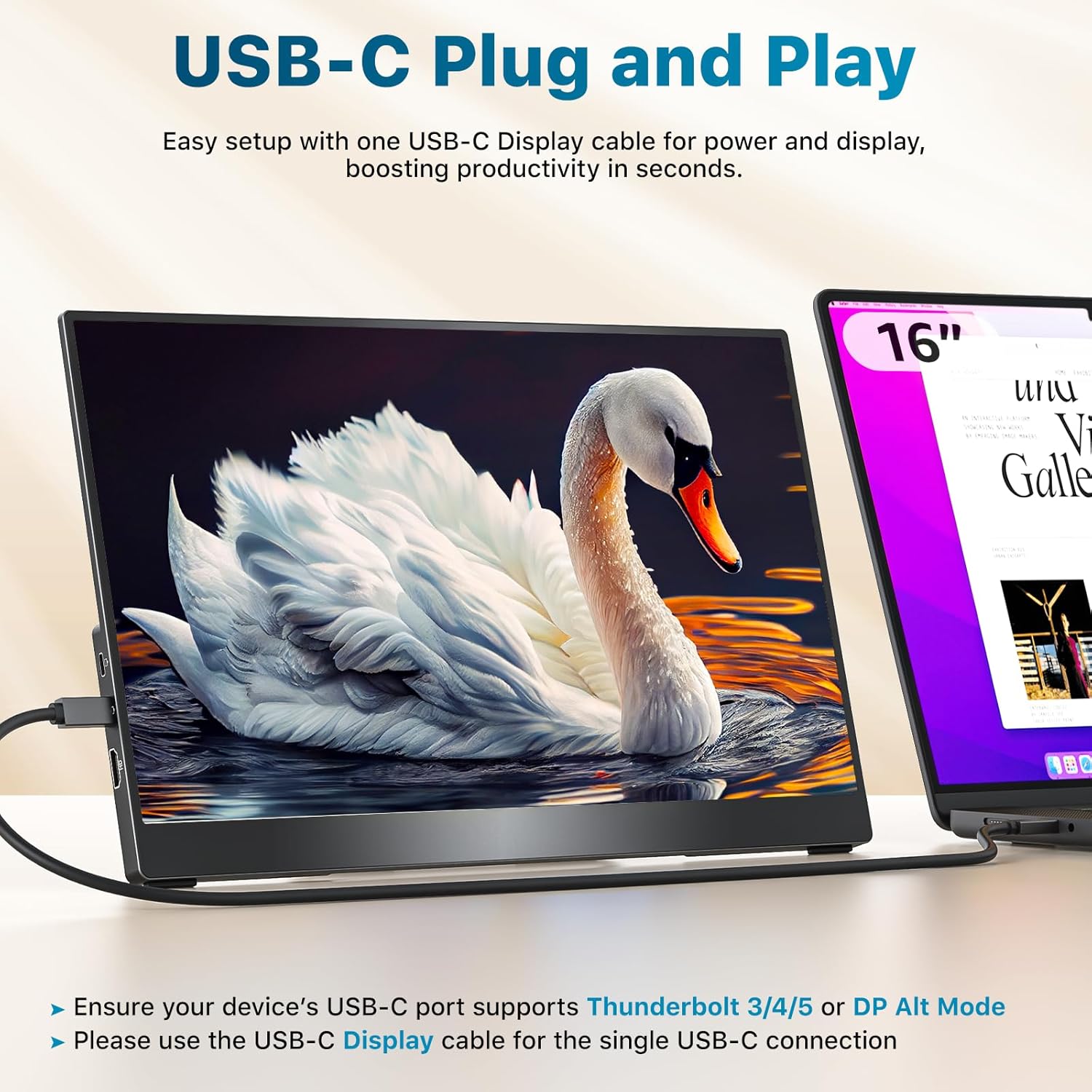
Single USB-C Plug & Play
Before connecting, check if your device’s USB-C port supports Thunderbolt 3/4/5 or DP Alt Mode.
You can find this information on the label next to the port or in your device’s specs.
The video showcases the product in use.The video guides you through product setup.The video compares multiple products.The video shows the product being unpacked. USB-C Connection- Plug & Play Merchant Video
HDMI Connection
Plug in both the HDMI cable and the power cable at the same time.
The HDMI cable only transfers the display signal, and the monitor needs power to work.
The video showcases the product in use.The video guides you through product setup.The video compares multiple products.The video shows the product being unpacked. HDMI Connection: HDMI cable and USB cable Merchant Video
Three Display Modes
The monitor supports three display modes: Extended Mode, Duplicate Mode and Portrait Mode.
It works for your various needs: a spacious workspace to juggle multiple tasks, easy screen sharing, or scrolling through long documents.
The video showcases the product in use.The video guides you through product setup.The video compares multiple products.The video shows the product being unpacked. three display modes Merchant Video
Monitor Flickering Troubleshooting
This issue is usually due to insufficient power supply. If it happens, try using a 5V3A power adapter, like the one we provide, to power the monitor.
The video showcases the product in use.The video guides you through product setup.The video compares multiple products.The video shows the product being unpacked. monitor flickering solution Merchant Video


1 Boost Productivity
2 Gaming Monitor
3 Elevate Teamwork
4 Entertainment
5 What’s in the box
What should I do if my monitor flickers?
Please make sure you’re powering the monitor by the original wall charger we provided in the package.
This monitor is compatible with NINTENDO SWITCH 2, but why isn’t it working when I connect them?
You’ll need to use the dock’s HDMI output to connect it to this monitor.
How do I connect my iPhone to the monitor?
1. iPhone 15/16 (Plus/Pro/Pro Max) works via USB-C with a USB-C display cable; also connect the monitor to power
2. iPhone before 15 with Lightning port needs Apple Lightning Digital AV Adapter
3. iPhone 16e doesn’t work with external monitors
My Android phone has a USB-C port, does this monitor work with my phone/tablet by the original USB-C to USB-C cable?
Only some series of Samsung phones(Galaxy S8/S9/S10/S20/S21/S22series; Galaxy Note8/9/10/20series; Galaxy Fold, Z Fold 2/3/4) work with the monitor by the original USB-C cable we provided. Other phones/tablets need an HDTV cable to work.
Why doesn’t it work when I connect the monitor to my devices with my own USB-C cable?
Please make sure the USB-C port on your laptop is a thunderbolt 3/4/5 port or supports display
There are two kinds of USB-C cables, USB-C charging cable and USB-C video cable (like the original one). Your own cable may be only a charging cable.
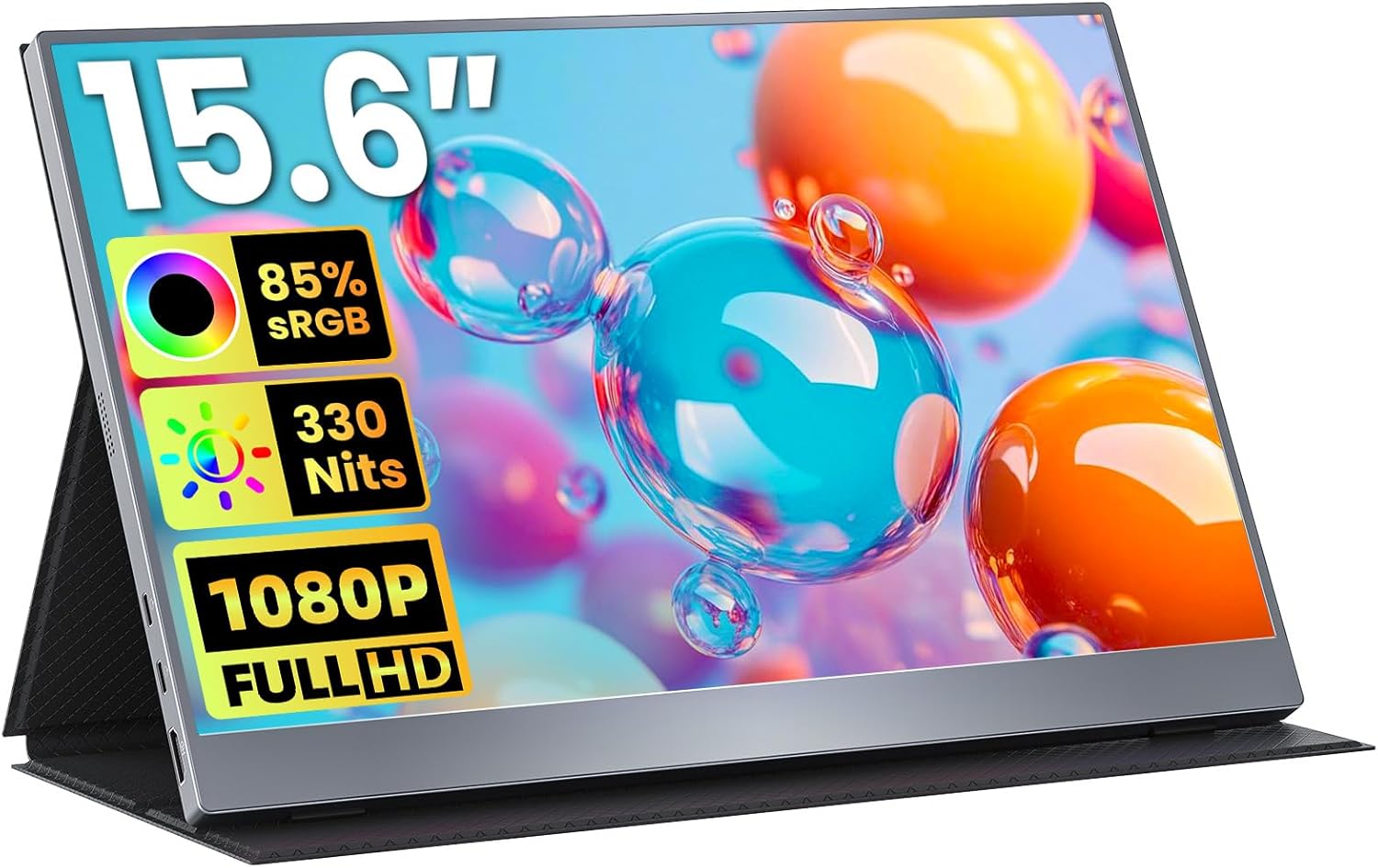
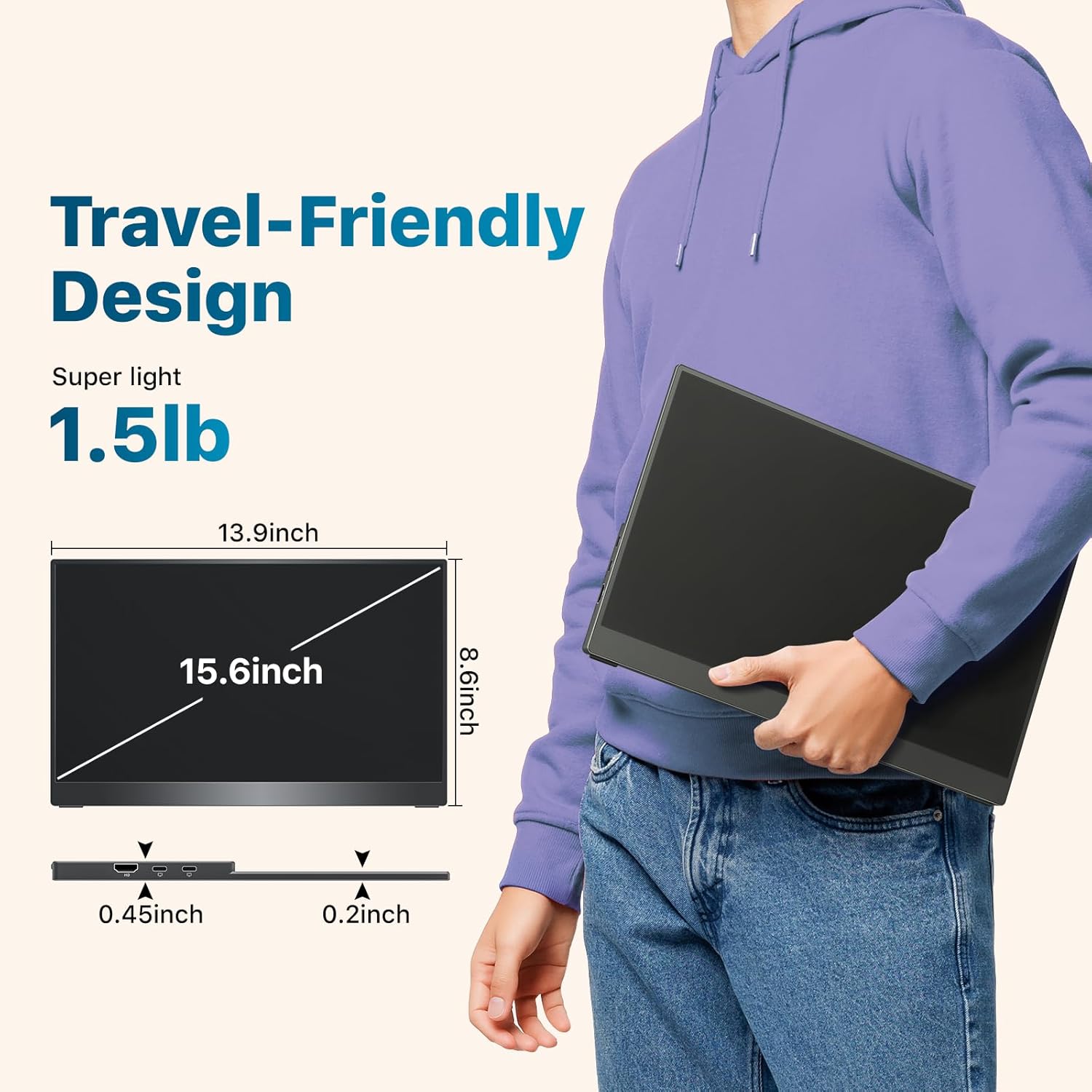
Lightweight & Travel-Friendly – At just 1.5lb, this ultra-slim, 3-side frameless monitor is easy to carry anywhere. Easily portable in a backpack and take it for work, gaming, presentations, or on-the-go entertainment.
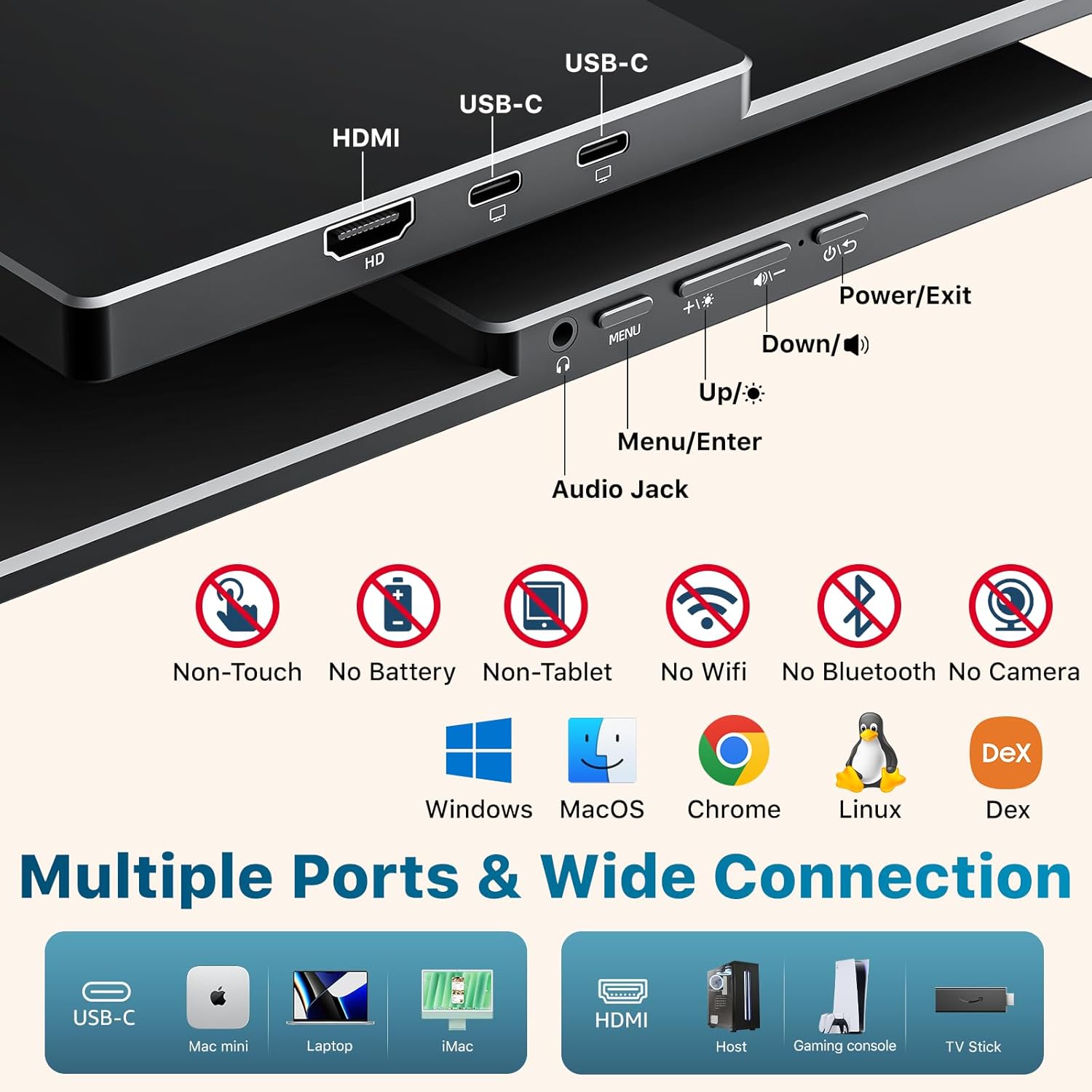
Broad Device Compatibility – Equipped with dual USB-C ports and an HDMI port, this portable monitor connects seamlessly to laptops, PCs, MacBooks, Surface, Xbox, PS4/5, and more.
Natural & Clear Display – This 15.6-inch portable monitor offers 1080P resolution with 88% sRGB and a 60Hz refresh rate. HDR support enhances clarity and contrast for everyday tasks, casual gaming, and media viewing.
Plug & Play – Get started instantly with a single USB-C display cable. (NOTE: Your device’s USB-C port must support Thunderbolt 3/4/5 or DP Alt Mode for this function.)
VESA Mountable & Integrated Kickstand – VESA-mountable for flexible mounting options or use the built-in kickstand for quick desktop setup.
Original price was: $109.99.$74.99Current price is: $74.99.