
Related Products


Wireless Gaming Headset for PS5,...


Product description
The video showcases the product in use.The video guides you through product setup.The video compares multiple products.The video shows the product being unpacked. PS5 Controller Charger Station
How to turn off the RGB LED lights?
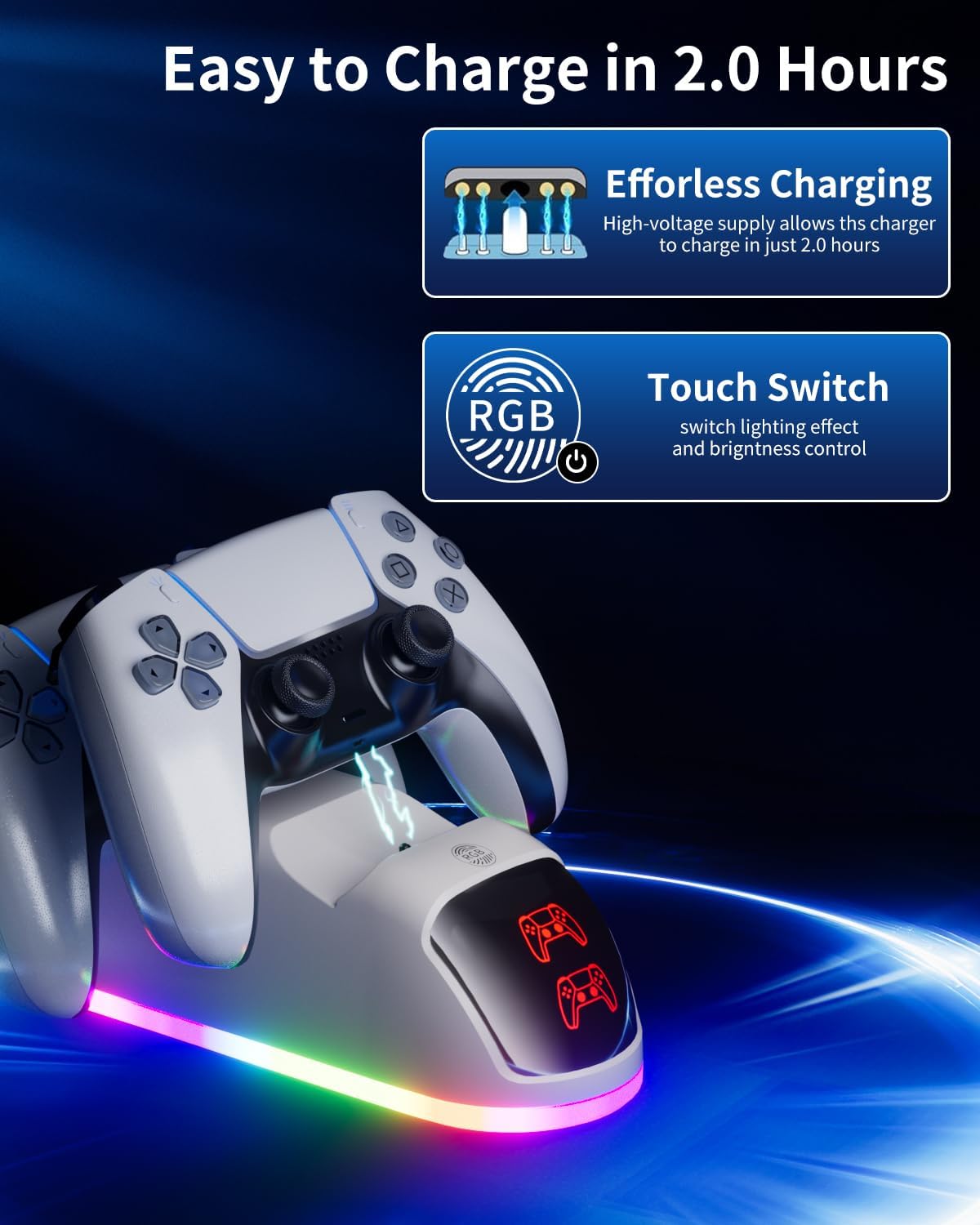
Press RGB Button can change the LED lights. Press and hold the RGB Button for 3 seconds to turn off the LED light.

The RGB key can change colors, as well as turn on and off 
Press RGB Button can change the LED lights. Press and hold the RGB Button for 3 seconds to turn off the LED light.

【RGB Button 10 LED Mode】: RGB Button One-touch control LED lights. Press RGB Button can change the lights, long press RGB touch key for 3 seconds turn the LEDs on or off. RGB lighting mode supporpower failure memory function.
【UPGRADED DESIGN】: Specifically engineered for DualSense PS5 controllers, this charger station combines modern style with cutting-edge functionality for gamers.
【SAFE FAST CHARGING】: Powered by advanced technology, it delivers rapid charging to your PS5 controllers safely and efficiently, minimizing downtime.
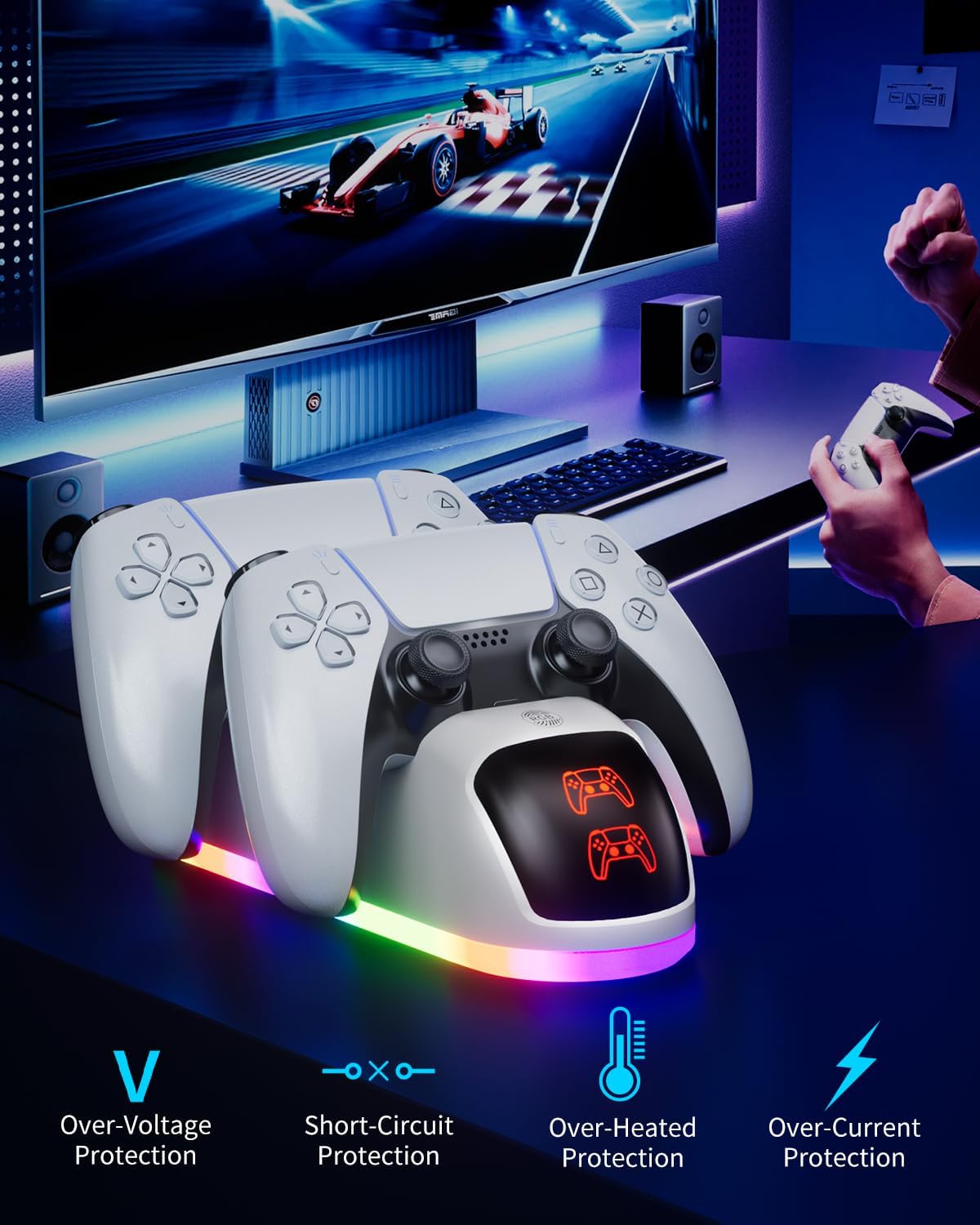
【OVERCHARGE PROTECTION】: Built-in safeguards prevent overcharging, protecting your DualSense controllers and ensuring long-term durability.
【PERFECT COMPATIBILITY】: Designed to seamlessly support all PlayStation 5 DualSense controllers, making it an essential accessory for PS5 owners.
【SLEEK & CONVENIENT】: Compact and stylish, this dock keeps your controllers organized and ready for action, elevating both form and function.
Original price was: $33.99.$9.99Current price is: $9.99.