
Related Products
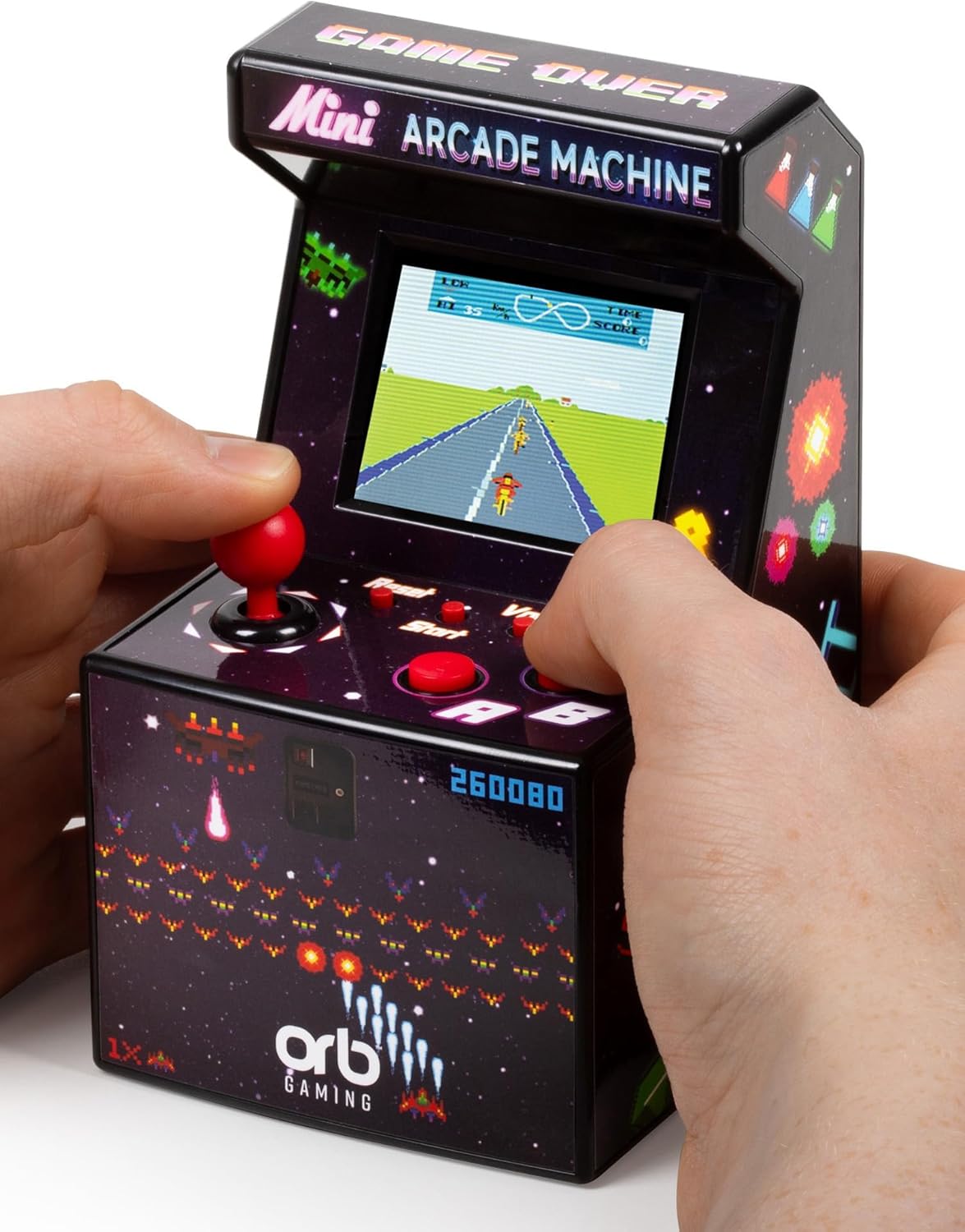
Mini Arcade Machine, 240 Built-in...


Trouble shooting steps
1.If the system freezes or glitches, please Power-on and press the RESET button to restore and restart the system. Or using different emulator core to start the same game.
2.If the console can’t be power-on, please charge it for one hour with 5V/1A adapter to check, remember using DC port to charge always, also please press the RESET button then to Power-on.
3.If the memory card can’t be recognized by system, please take out of memory card and plug it back into console to refresh card slot of console, remember using TF-OS slot always.
4.If the games have unresponsive controls, please use press SELECT+X to enter RetroArch menu to restore all default settings.
5.All shooting steps can be found by this manual, please read it carefully.
NOTE: No Nin10do-games, please prepare your own games if needed. ONE SD Card Version OS+GAMES, not TWO Cards. (there is one card slot empty)
3.5-in 640*480 IPS OCA LCD 4:3 screen full view angle display
3200mAh powerful battery built-in console out of box to play
Adopt high-performance quad-core 64Bit A53 CPU RK3326, Mali-G31 GPU, FPS perfect 60HZ operation
Comes with an exclusive all-in-one portable case provided by FINGEREVO, easy to take out to play anytime anywhere
Packlist: 1*R36S White, 1*Portable Case by FINGEREVO, 1*Earphone by FINGEREVO,1*Screen Protector, 1*USB-C Charge Cable, 1*Instruction.