
Related Products


My Arcade Atari Pocket Player Pro:...

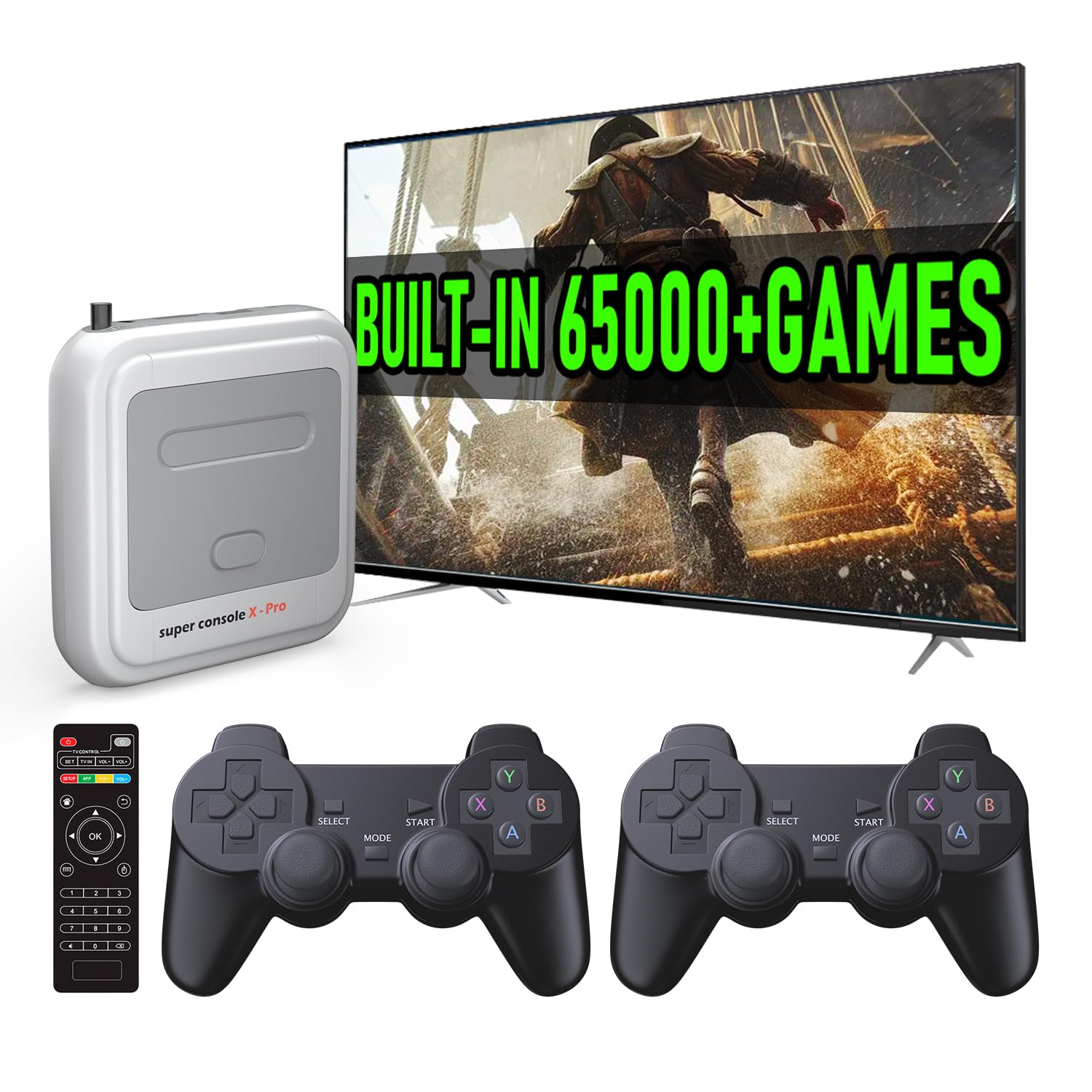
Kinhank Super Console X Pro with...



Brick Game description:
A:Tanks war: UP/DOWN/LEFT/RIGHT key control direction, ROTATE key to launch bullets.
B:Racing game: LEFT/RIGHT key control direction, ROTATE key to accelerate.
C:Memory challenge game: Remember up/down/left/right squares flashing position and the number of times, then press the UP/DOWN/LEFT/RIGHT keys according to the position and number of times.
D:Shooting game: LEFT/RIGHT key control direction, ROTATE key launch bullets.
E:Barriers to play ball: UP/DOWN/LEFT/RIGHT key control direction, ROTATE to speed up the ball movement speed .
F:Whack-a-mole game: According to flashing squares, then press the UP/DOWN/LEFT/RIGHT keys .
G:Fill the shooting game: LEFT/RIGHT key control direction, ROTATE key fired bullets
H:Mstching game: Press the UP/DOWN/LEFT/RIGHT key to make the following and the above box shape the same, then press the ROTATE key to collide.
I:Classic Block game: LEFT/RIGHT key control direction, ROTATE key to deformation.
J-Z:kinds of Brick game: LEFT/RIGHT key control direction, ROTATE key to deformation.
Button description:
1.ON/OFF : Press ON/OFF key to turn on or off the game.
2. ROTATE: Press ROTATE key to select games before to start,it takes action in the selected game.
3. SOUND:Press Sound key repeating to turn off or turn on the sound.
4. S/P (Start/Pause):Press S/P key repeating to start or pause the selected game.
5.RESET:Press RESET to reset the whole unit system.
6. UP/DOWN:Press UP/DOWN keys to select the pattern of the selected game before to start it.Press UP/DOWN keys to control the up/down direction in a selected game.
7. LEFT/RIGHT: Press LEFT/RIGHT keys to select the level(LEFT) and the speed(RIGHT) of the selected game before to start it.Press UP/DOWN keys to control the left/right direction in a selected game.
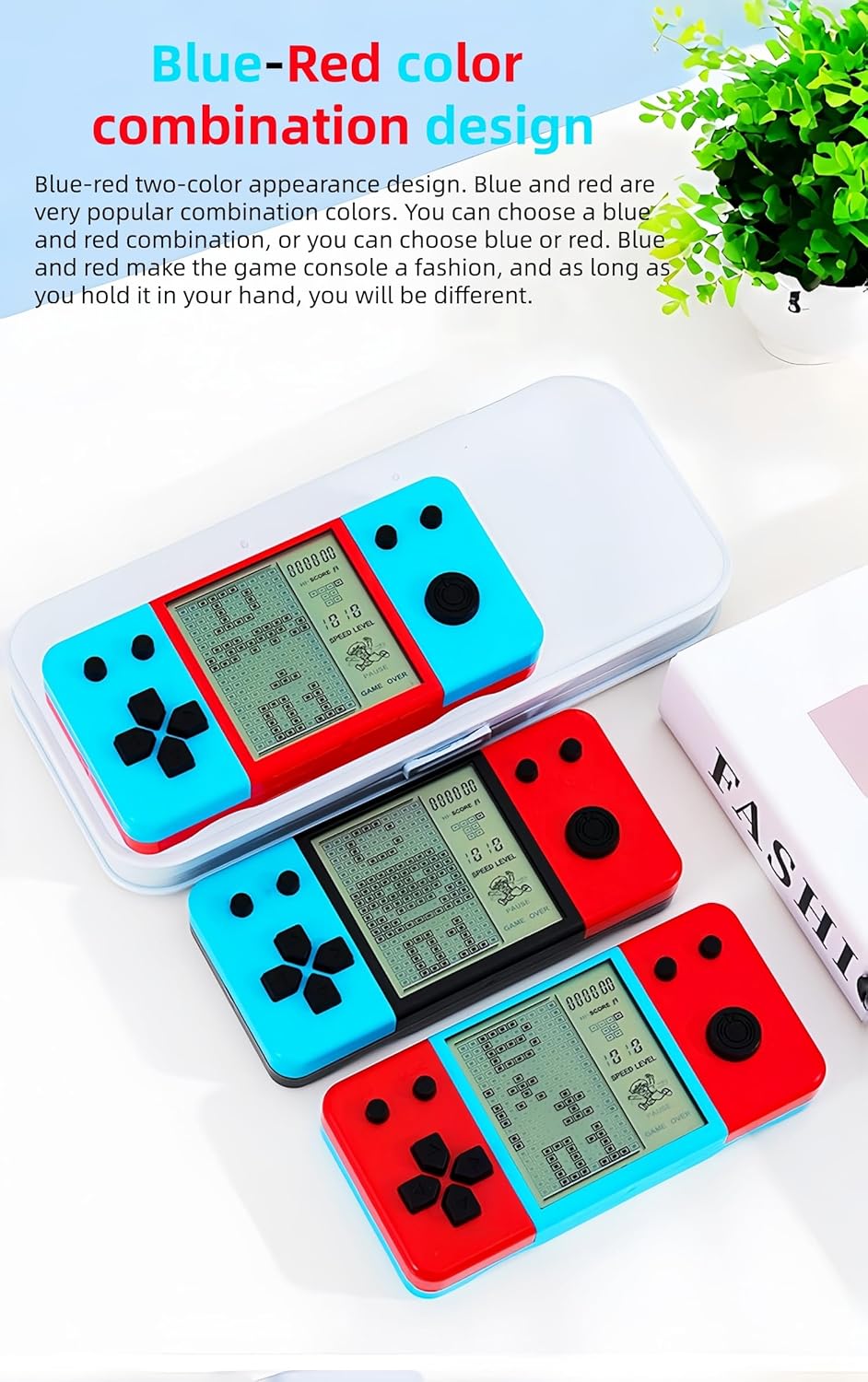
Blue-red two-color appearance design. Blue and red are very popular combination colors. You can choose a blue and red combination, or you can choose blue or red. Blue and red make the game console a fashion, and as long as you hold it in your hand, you will be different.
3.5-inch large screen. The blocks are displayed clearly and players can see them more clearly. It has a compact appearance and is easy to carry. It is one of your most suitable entertainment companions for outdoor/indoor/travel/airport lounges.
Built-in 26 building block games. It is pre-installed with a variety of retro games. The letters A-Y at the top of the screen correspond to 26 games. Each game has many levels to choose from (press the up/down keys). It is a favorite of children and a good memory for those born in the 80s/90s.
Game difficulty/speed is adjustable. The game difficulty/speed of each game console can be adjusted. The left button adjusts “LEVEL” and the right button adjusts “SPEED”, which can satisfy players of different game levels.
Powered by 2*AAA batteries. The cube game console is powered by 2*AAA batteries, which are easily available. The power consumption of the game console is very small, and the 2*AAA batteries can last a long time.
Block Game Console size/weight: Weight/Size: 75g/13*6*2CM; 0.17lb/5.2*2.36*0.98in; Weight/Size(with packing box): 89g/13.5*6.8*3CM;0.2lb/5.31*2.68*1.18in;
$9.99