
Related Products


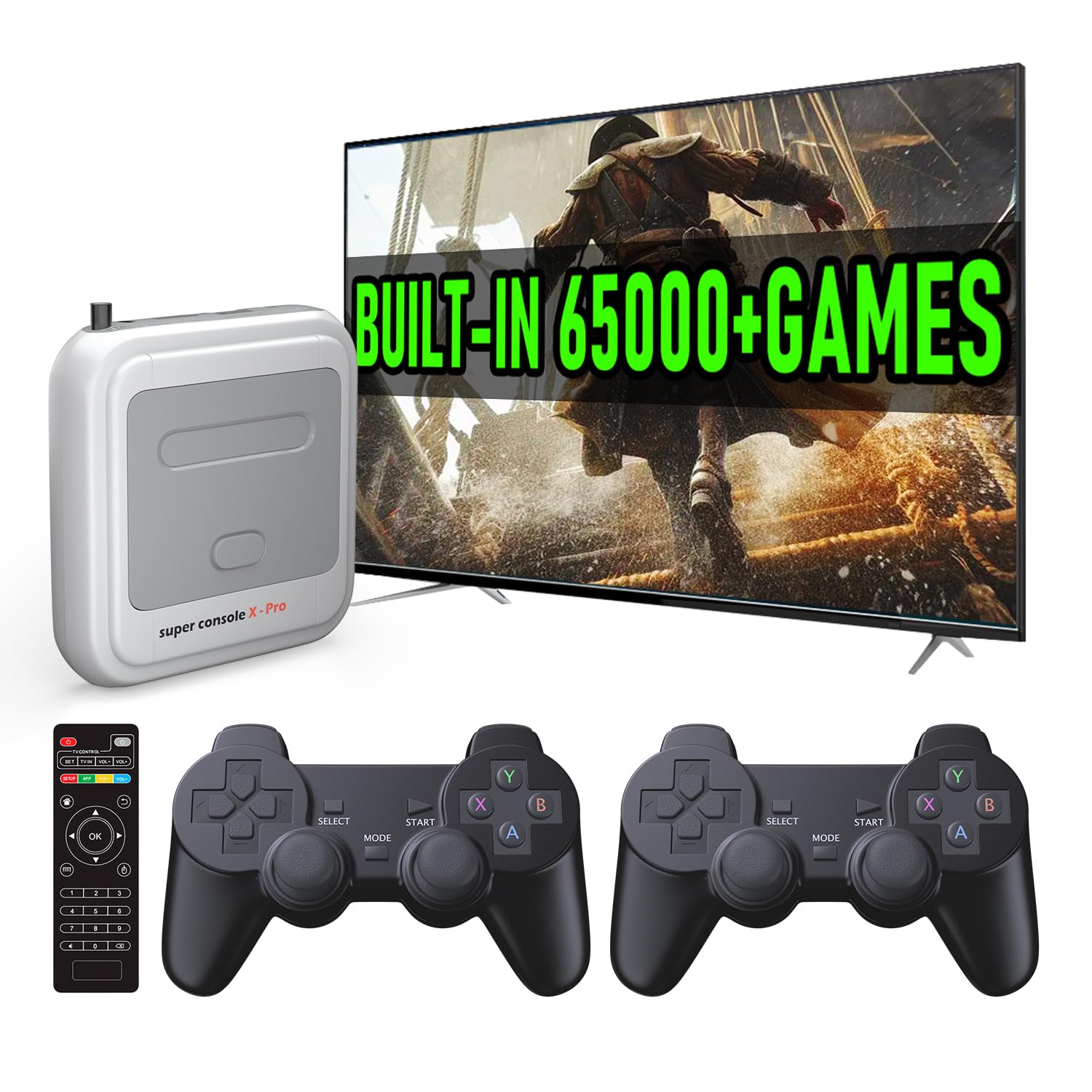
Kinhank Super Console X Pro with...




Product description


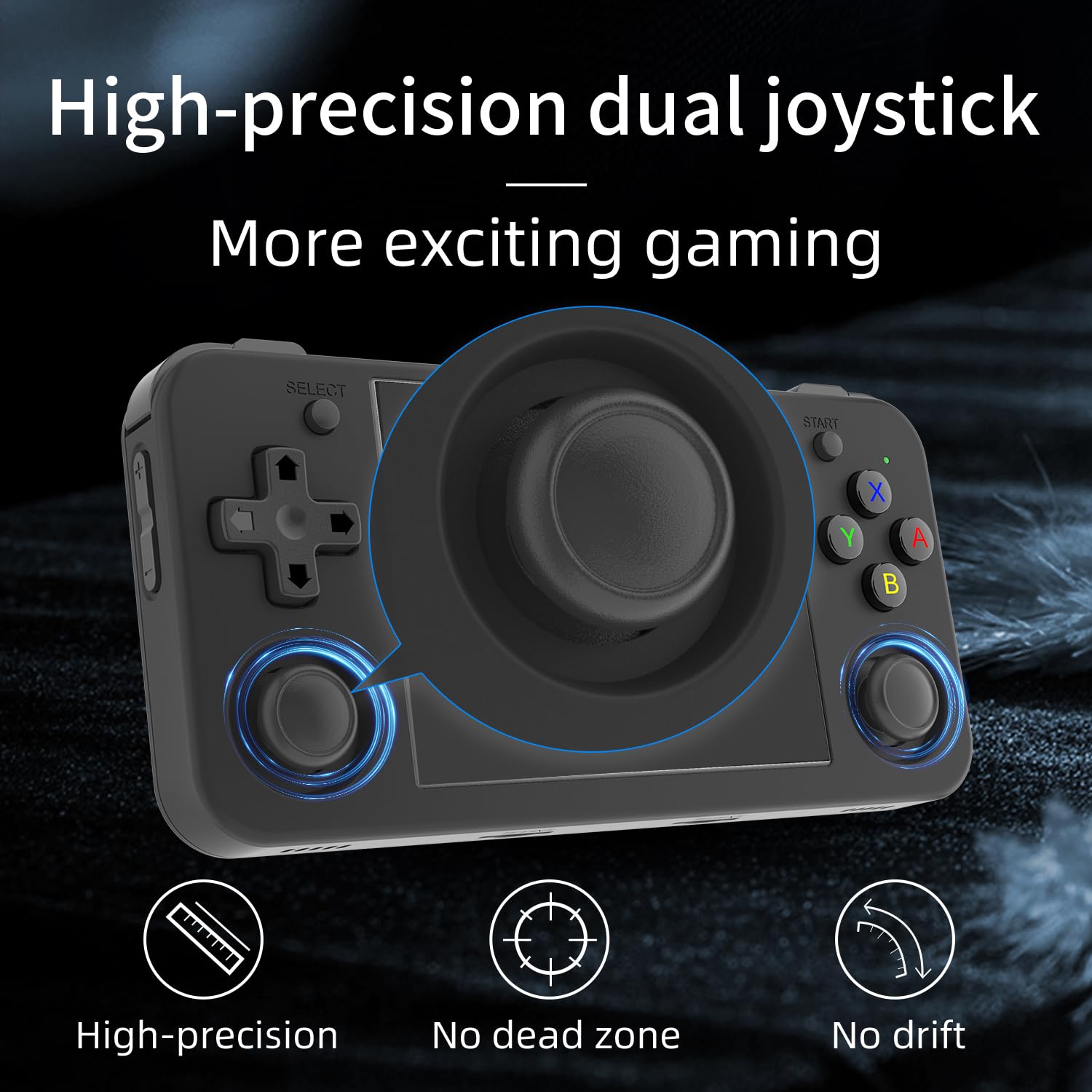
Color Black / Purple Translucent / White Translucent Screen 3.5-inch IPS full viewing angle, OCA full lamination/ 640*480 CPU H700 quad-core ARM Cortex-A53, 1.5GHz frequency GPU dual- core G31 MP2 RAM LPDDR4 1GB Storage 64GB TF/MicroSD System Linux WIFI/Bluetooth 2.4/5G WIFI 802.11a/b/g/n/ac,Bluetooth 4.2 Games Support: Support users to download games in relevant formats. Language Chinese, English, Japanese, Korean, Spanish Speaker High-fidelity speaker TF card Dual card slots, support TF card expansion, maximum 512GB Battery Li-polymer battery 3300mAh, lasting 8 hours Charging 5V/1.5A, support C2C charger Other function Support 2.4G wireless and wired controller, Bluetooth Handle Connection,HDMI output TV, vibration motor. WIFI online pairing, streaming Accessories USB charging cable, giftbox , user manual, screen protector
After-sales manual
First of all, thank you for choosing our product! If you encounter the following problems during use, we apologize and sincerely help you. Please follow the steps below to try to solve the problem. If it is still not solved, please feel free to contact the seller for further assistance:
一、If you encounter the following screen problems when the product can be turned on, including: black screen, white lines on the screen, signal disturbance, etc., you can try the following methods:
1. Press the R key below the power button to restart and observe whether there is a boot screen display. If so, you can contact the seller to provide you with the official address to download the system package to reinstall the system
2. The device has a black screen. Is there a sound when pressing the button? Exclude screen damage. If there is no sound when pressing the button, you can directly contact the seller to replace the machine.
3. Before performing the above operations, please take the machine and check whether the charging indicator light is green, whether the system card is properly inserted, and other basic information.
二、 If you encounter the following problems with the product, such as booting, charging, or the booting LOGO stuck, you can try the following methods:
1. First confirm your charging device: confirm that the charging head is 5V 2A, and the charging cable is original (Apple charging cable is not acceptable); you need to use the charging head to charge, and cannot use a computer or power bank to charge
2. Then press the R key below the power button to restart or force boot. If it still doesn’t work, please contact the seller to provide you with the official address to download the system package to reinstall the system
3. Also before performing the above operations, please check whether the charging indicator light is green, whether the system card is properly inserted, and whether the original machine has sufficient power and other basic information.
4. If the above operations cannot solve the problem, please contact the seller for return or exchange
三、 If you encounter a situation where the button does not work, you can try the following methods
1. You can reinstall the shell and loosen the screws with a tool
2. Perform a key function test. If the key test result is poor functionality, you need to replace the board. If the key test result is good functionality, it may be due to individual simulators. Please contact the seller in time for return or exchange
3. Also before performing the above operations, please check whether the charging indicator light is green, whether the system card is properly inserted, and whether the original machine has sufficient power and other basic information.
Your satisfaction is our primary goal, and we will follow up until the problem is successfully resolved.
Thank you again for your understanding and support!
Built-in Linux system. The RG35XX H handheld game console for seniors is equipped with the H700 processor quad-core ARM Cortexi-A53 1GB LPDDR4. It is a smooth and sensitive operating system that significantly improves the player’s gaming experience.
Long battery life. Built-in high-capacity 3300mAh lithium battery, ultra-long standby, battery life and battery life. It can sustain up to 8 hours of gaming time and support fast charging with a USB Type-C cable.
Multiple connection methods. The new handheld game console 2025 for kids retro classic supports 2.4G wireless controller and wired controller connection, Bluetooth connection controller, providing multiple options to enrich the gaming experience
3.5-inch IPS screen. The RG 35XXH preloaded handheld game console 3.5-inch IPS screen is fully laminated with OCA and has a resolution of 640*480, giving players a clear gaming experience. In addition, the screen is sturdy and not fragile.
64G storage space. The rg35xx h retro handheld game console for kids is used with a 64GTF card. It supports more than30+ game formats. It supports Dual card slots and TF card expansion, and the maximum capacity can reach 512G to meet your diverse gaming needs.
$72.99