
Related Products


Aqara Thread/Zigbee Smart Climate...

New Mysa Smart Thermostat for Heating...

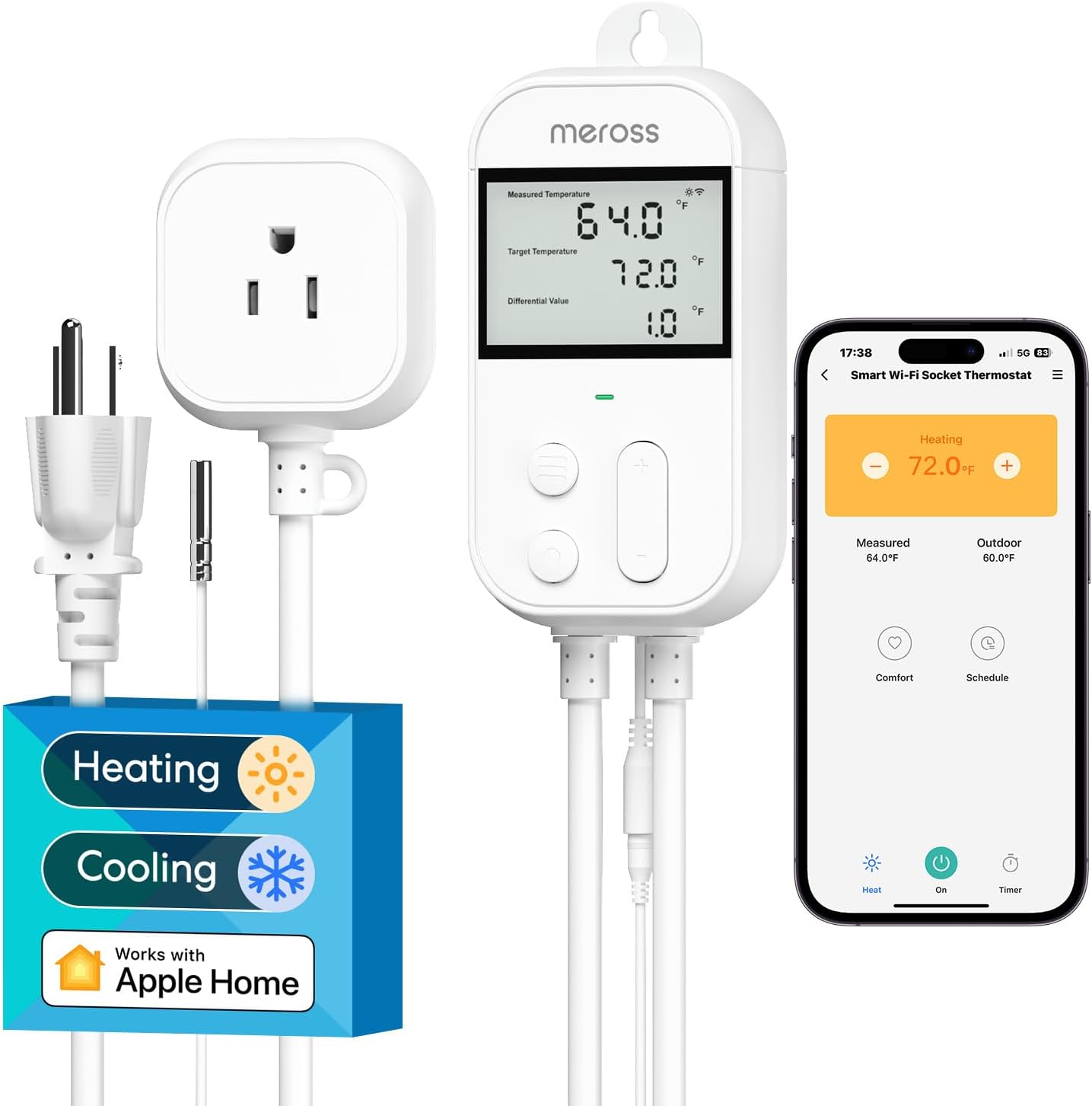
meross Smart Temperature Controller...




Product description

Troubleshooting: If you experience difficulties during device connection or use, please read the information below.
The RM4C requires a 2.4GHz Wi-Fi Network:
Make sure you’re using a 2.4GHz (not 5GHz) Wi-Fi network. Restart the RM4C Mini and router. Move the RM4C closer to the router during setup. Ensure that you are connected to a 2.4 GHz Wi-Fi network and that the password does not exceed 32 non-special characters. Make sure there are not too many devices connected to the network. Our device will not connect with a 2.4GHz Wifi network, so again, make sure that you’re using a 2.4GHz Wi-Fi Network.
If IR commands do not work:
Verify that the RM4C has a clear line of sight to the device. Reprogram the IR commands to “Learning Mode”. App/Device
If he doesn’t answer:
Restart RM4C (unplug it for 10 seconds). Reinstall the BroadLink app or update its firmware.
The RM4C Mini IR Wi-Fi Blaster is compatible with a wide range of TVs, covering 98% of the functions of IR remote controls. Many brands are not on the list. If the customer wants to add a brand that isn’t there, you need to add it manually. There are several options available.

RM4C mini for iOS 9.0 / Android 4.1 or above.2.4 GHz Wi-Fi network with internet connection.Turn on the device and check that the LED indicator or bulb is flashing.

Connect your smartphone to your home Wi-Fi network (2.4 GHz only).Download the latest “BroadLink” APP from the APP Store, Google Play and install it on your smartphone.

Open the BroadLink APP, tap “BroadLink Account” and log in to your cloud account.If you don’t have an account yet, tap “Sign Up” to create a new one.Link your account to your Apple ID or Google account for quick access next time (optional). next time (optional).

Press “+” in the top right corner and select “Add Device”.The APP automatically starts scanning and searching for the SSID of the “BroadLink_WiFi_Device” device; This can take up to 1 minute.

Select your home Wi-Fi network, enter your password, and press “Connect to Wi-Fi.” The LED indicator flashes slower and then turns off. The device is now successfully connected.Select the room and device name.

Click on “Add Devices”. Select a category (e.g. TV).Select a brand and search for the best IR code from those available.If the brand is not found, press “Cannot find my brand: Instant remote control” and then proceed to step 6.2.

The RM4C Mini Wi-Fi IR Blaster is an affordable and feature-rich solution for replacing traditional remote controls with smart control. The easy setup, reliable voice control, and extensive compatibility make it an indispensable helper in the smart home. Anyone who wants to make their devices smarter without much effort will be very well served by this product. Design and Build Quality: The RM4C Mini is small and unobtrusive – perfect for discreetly placing in a room. The minimalist design complements modern interior styles, and the build quality is solid without feeling flimsy. Its small size allows for flexible positioning. Installation and Setup: Setup via the app was seamless. The app is well-structured and guides you clearly through each step. Integration with Google Home and Alexa was seamless, and I was able to set up the RM4C Mini for voice control within minutes. Functionality: Once set up, the IR Blaster works flawlessly. It can control many different devices, including TVs, air conditioners, and other household appliances that use an infrared remote. The app also offers broad compatibility with many different brands and models. The learning function allows you to add even unknown remotes, which is a useful addition. Voice Control: Voice control with Google Home and Alexa is one of the highlights. Devices can be easily switched on and off with voice commands, and I was able to set up scenarios without any problems. For example, I created a voice command to turn on the TV and switch to my favorite channel – all with just one sentence. Smart Home Integration: The RM4C Mini integrates seamlessly into my existing smart home ecosystem. The ability to control it via automations and scenarios in the app or via voice assistants makes everyday life significantly smarter and more convenient. Remote control is also possible, offering additional flexibility.

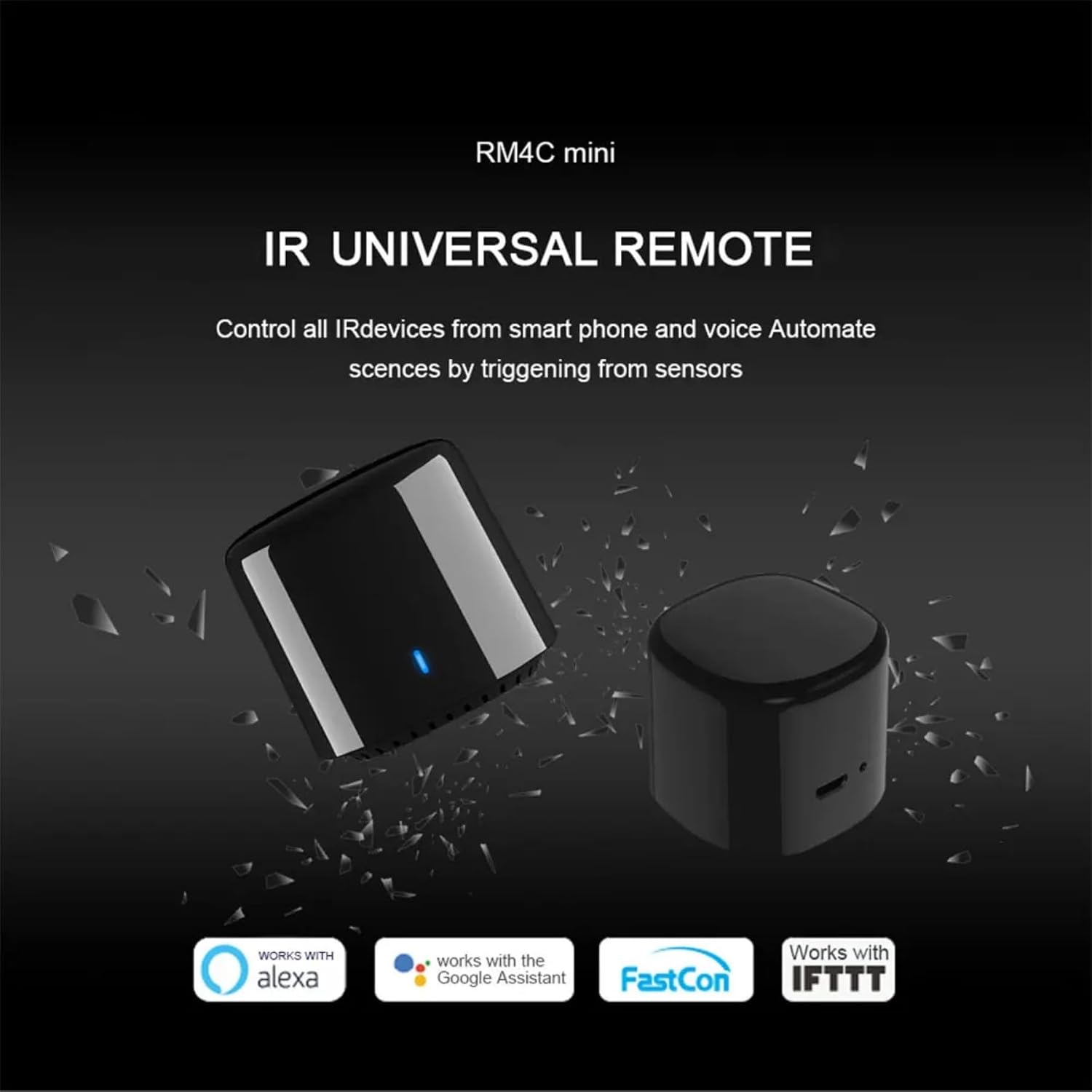
RM4C Mini” is the first intelligent mini IR remote control that supports over 50,000 IR controlled devices, including TV, STB, DVD, air conditioners, audio, PVR etc. The RM4C Mini IR blaster works with Alexa/Google Assistant/IFTTT. In conjunction with Alexa, you can freely control your devices, such as Turn the TV on and off or the volume via voice command.
Set it up in minutes on 2.4GHz Wi-Fi, no issues. Controls all your old AC, TV, and soundbar perfectly via phone or voice with Alexa/Google Home. Reliable so far, no dropouts, and tiny enough to hide anywhere. Awesome for making dumb appliances smart without replacing them! If the device keeps disconnecting after installation, the problem is due to incompatibility between the modem and the device. Please change it or restart the modem and device.
RM4C Mini” is the first intelligent mini IR remote control that supports over 50,000 IR 38kHz controlled devices, including TV, STB, DVD, air conditioners, audio, PVR etc. Make sure you use 2.4GHz Wi-Fi (not 5GHz). Restart the RM4C and router. Bring the RM4C closer to the router during setup. Disable other Wi-Fi connections except 2.4 GHz during the set up APP and device.
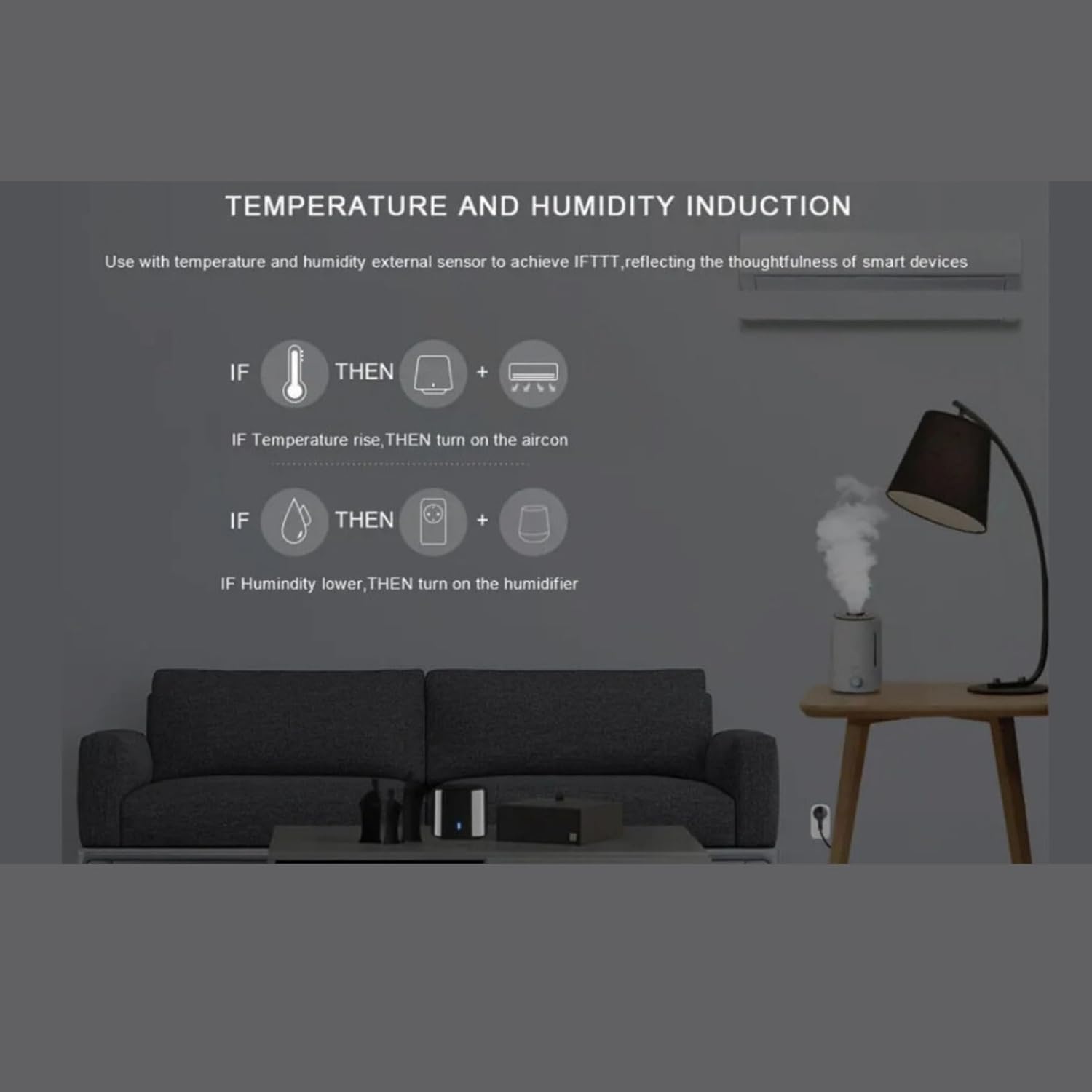
The RM4C Mini IR blaster works with Alexa/Google Assistant/IFTTT. In conjunction with Alexa, you can freely control your devices, such as Turn the TV on and off or the volume via voice command. The RM4C Mini integrates seamlessly into existing smart home ecosystem. The ability to control it via automations and scenarios in the app or via voice assistants makes everyday life significantly smarter and more convenient. Remote control is also possible, offering additional flexibility.
The RM4C mini turns your smartphone into a universal remote and integrates home entertainment and automation device control into a single, easy-to-use BroadLink app. Setup via the app was seamless. The app is well-structured and guides you clearly through each step.
Constantly updated in the cloud, provides access to the latest remote control codes. In cases where a specific model of household appliances is not available, our learning function allows effortless programming of the remote control. With an intuitive interface, you can easily find the right code for your device.
It can control many different devices, including TVs, air conditioners, and other household appliances that use an infrared remote. The app also offers broad compatibility with many different brands and models. The learning function allows you to add even unknown remotes, which is a useful addition.
Original price was: $19.99.$18.99Current price is: $18.99.