
Related Products
Samsung P9 Express microSD Express...

UGREEN NAS DH4300 Plus 4-Bay Desktop...






Product description


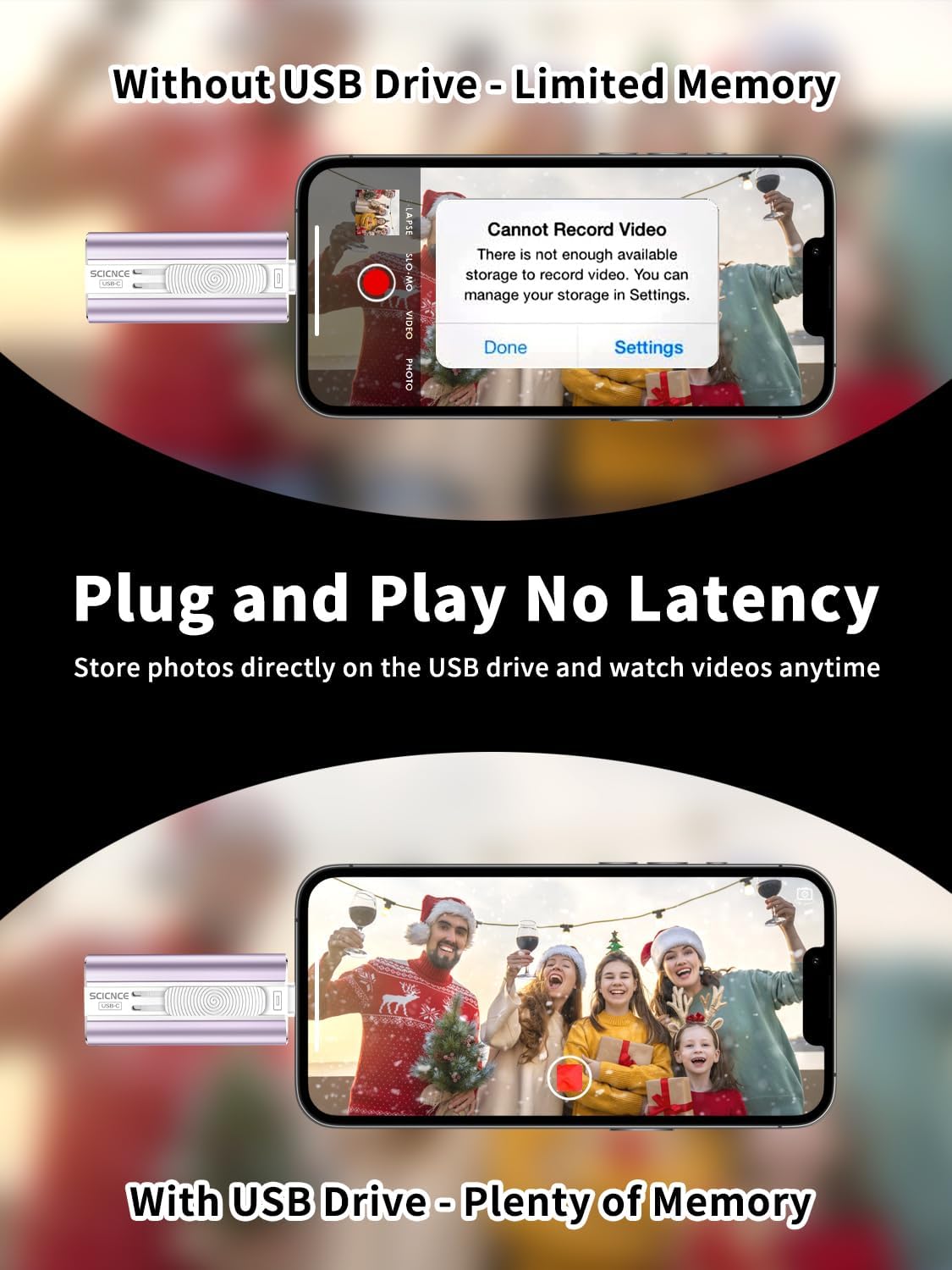
Are you tired of running out of storage on your iPhone, iPad, or Android device?
Do you have to reluctantly delete precious travel photos, 4K videos, important work documents, or favorite music just because your device’s memory is full?
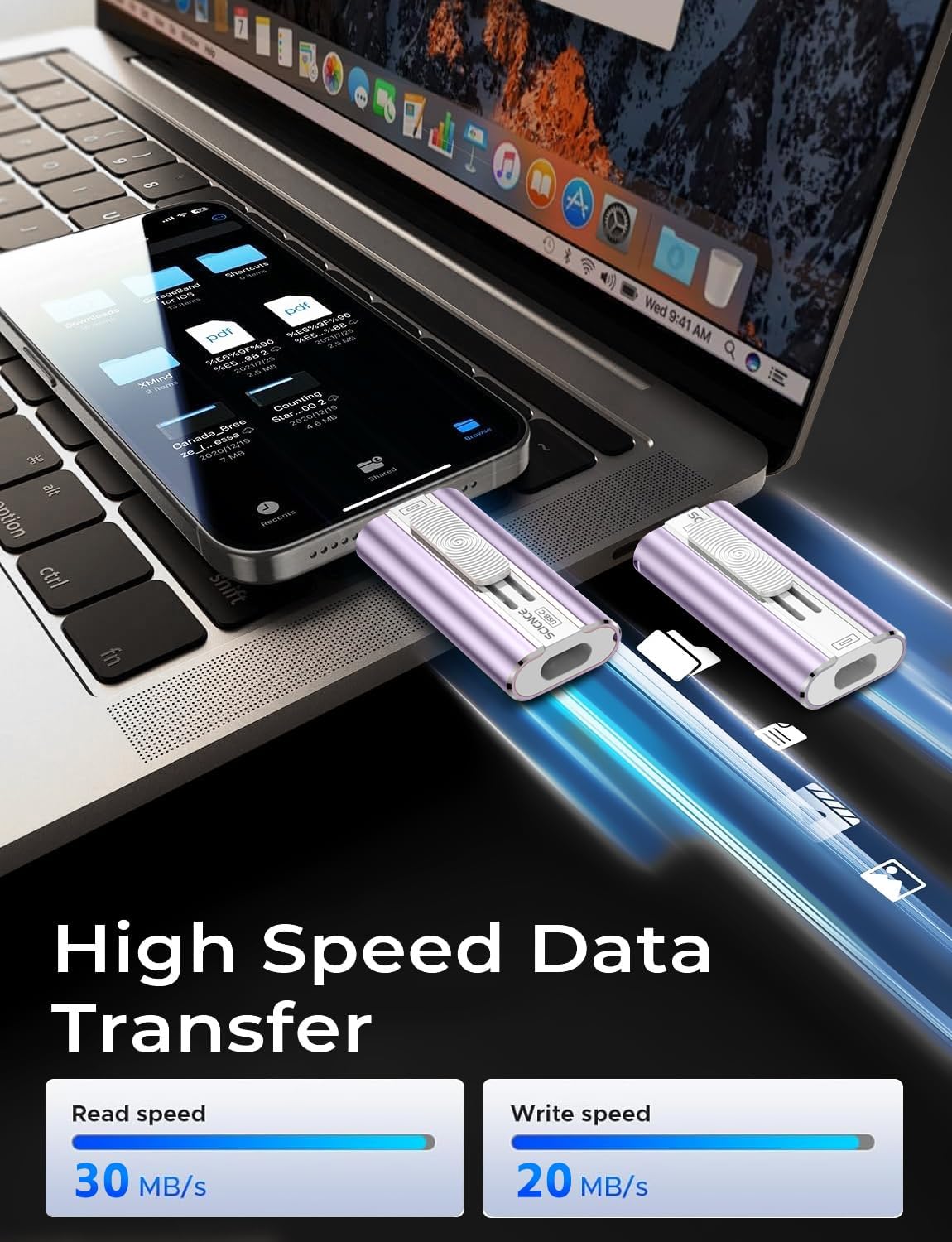
This Mini Dual-Interface Portable Flash Drive is here to solve your storage woes. No app download required, plug-and-play with 30MB/s high-speed transfers and universal compatibility—delivering a convenient, secure, high-capacity mobile storage solution tailored just for you!
Built specifically for multi-device users, it features USB-C and USB-L dual ports, no extra adapters needed. It works seamlessly with all iPhone 17/16/15/14/13/12/11 series, plus Android smartphones, iPad Pro/Air, and Windows/Mac Computers. Whether you’re shooting vlogs on your iPhone, storing photos on Android, designing on iPad, or transferring files between computers, just plug it in for instant cross-device data sharing. Say goodbye to “device isolation” and tedious steps—file transfers have never been faster or easier.
With 30MB/s high read/write speeds, large file transfers are ultra-efficient! A 1GB 4K video takes only about 30 seconds to transfer, ending the long waits of traditional storage. Back up travel photos to your computer on the go, sync camera shooting materials to your phone for quick editing, or access work documents across devices in seconds—boosting your daily productivity and workflow drastically. No more deleting cherished travel memories, your child’s growth moments, or frequently used apps. Keep your device clutter-free and enjoy unrestricted storage for daily use, travel, work, outdoor shooting, and more.
Safety and portability are top priorities too! Crafted with high-quality flash memory chips, it offers stable performance, resisting accidental shocks and collisions to fully protect your data from loss. No internet needed—whether camping outdoors, or working offline, you can store and access files anytime, anywhere with peace of mind. Its slim, compact, lightweight design fits easily into your pocket, wallet, or camera bag—effortless to carry, so you can take important files with you and expand storage on demand.
How to Transfer for iPhone & iPad?
Requires iOS 13+. Simply plug the drive into your iPhone/iPad, open the “Files” app, tap back to “Browse”, locate the drive named “Untitled”, then move photos, videos, and files to/from your device as needed.
How to Transfer for Android Phones?
Android devices need OTG support. The drive will appear in the “File Manager” on most Android phones for easy file transfer.
Universal Compatibility 1) Compatibility iPhone 17 Series/ iPhone 16 Series/ iPhone 15 Series/ iPhone 14 Series/ iPhone 13 Series/ iPhone 12 Series/ iPhone 11 Series/ iPhone SE Series/ iPhone X Series/ iPhone 8 Series/ iPhone 7 Series/ iPhone 6S Series. (Tip: Please upgrade your phone version to iOS 13 or higher if necessary) Universal Compatibility 2) Compatibility iPad Pro 12.9-inch (1st to 6th generation series)/ iPad Pro 11-inch (1st to 4th generation series)/ iPad Pro 10. 5-inch/ iPad Pro 9. 7-inch/ iPad Air (5th gen)/ iPad Air (4th gen)/ iPad Air (1st gen/2nd gen)/ iPad (5th to 10th generation series)/ iPad mini (6th gen) (5th gen)/ iPad mini 4/ iPad mini 3/ iPad mini 2. (Tip: Please upgrade your phone version to iOS 13 or higher if necessary) Universal Compatibility 3) Compatibility Android smartphones (Need to open OTG function). Also support computers and other devices with USB-C Ports. Example: Samsung Galaxy/ Huawei/ Xiaomi/ OPPO etc. (Tip: Micro USB port phone devices are not supported) Kindly Note 1. Media files downloaded from iTunes or other third-party applications cannot be transferred or viewed. These files are protected by digital rights management (DRM) Kindly Note 2. If you’ve previously used iCloud, you’ll need to download files to your iPhone/iPad first, then copy them to the iPhone external storage. Kindly Note 3. Phone cases may interfere with the connection between your device and the USB flash drive, causing the phone to fail to recognize it. If this happens, do not assume the drive is faulty, simply remove the case and try again. Kindly Note 4. Your phone powers external devices only while the screen is on, if the screen turns off, power supply stops, which means the flash drive won’t be recognized. (Pro Tip: To ensure smooth transfers, especially for large files, set your phone’s screen to “Never Sleep” in settings) Kindly Note 5. For Flash Media Devices : • 1 megabyte (MB) = 1,000,000 bytes, • 1 gigabyte (GB) = 1,000,000,000 bytes. Actual usable capacity may differ. A portion of the stated capacity is reserved for formatting and system functions, so it’s not available for data storage. Kindly Note 6. Read speeds of up to 30MB/s, write speeds lower. Results based on internal testing, actual performance may vary depending on your device, settings, and configurations.
【High Capacity & Effortless Backup】This Compatibility iPhone USB storage flash drive easily handles today’s larger 4K videos, high-resolution photos, and phonebook. Easy backup frees up space instantly, so you’ll never miss capturing important moments. Perfect for iPhone, iPad, Android and PC users. (Note: For iPhone/iPad No App Required; For Android only Needs OTG Enabled, No Extra App.)
【Universal Compatibility with Dual Interfaces】Featuring USB-C, USB-L, USB ports adapter, this Compatibility iPhone photo storage stick connects seamlessly with iPhone/iPad devices, Android OTG phones, laptops, and tablets. No iCloud fees, no internet required—just plug in and move files freely between your phone, computer, and other devices.
【Easy to Backup, Enjoy Anywhere】Easy to use, plug and play. With just one click, you can quickly back up videos, photos, contacts, and documents, eliminating tedious copying and pasting. Simply plug in your iPhone, iPad, or Android phone. Files are saved directly to the iPhone storage, freeing up valuable space. You can also share files directly from the photo stick for iphone to social media with one click, instantly sharing moments with friends and family.
【Blazing Fast Transfers Anywhere】Equipped with upgraded high-speed chips, this portable phone external storage flash drive lets you transfer massive files in seconds, no WiFi, no data cables needed. Save time when sharing photos or moving large video projects, whether you’re traveling, working, or creating content.
【How to Transfer in iPhone iPad】Requires iOS 13 and Higher: Simply insert the flash drive into your iPhone iPad, then go to the “Files” app, Click back to “Browse” and find the flash drive named “Untitled”, Move photos videos and files to your iPad or iPhone as needed.
【How to transfer in Android Phones】Android phones need to support OTG, and flash drives can be found in the “File Manager” of most Android devices.
【Kindly Note】The phone case may prevent the proper connection between a phone and a usb flash drive, which could result in the phone being unable to recognize the usb flash drive. In this situation, please do not conclude that the usb flash drive cannot be used, remove the phone case and try again.
【Kindly Note】For Flash Media Devices, 1 megabyte = 1 million bytes; 1 gigabyte = 1 billion bytes. Actual useable capacity may vary. Some of the listed capacity is used for formatting and other functions, and thus is not available for data storage.
【Kindly Note】Up to 30MB/s read speed, write speed is lower. Based on internal testing; performance may be lower depending on the host devices and user’s settings and configurations.
Original price was: $35.90.$33.59Current price is: $33.59.