
Related Products

PHOINIKAS Gaming Headset for PS4,...


Media Remote Control for Xbox One...


Witcher 3: Wild Hunt Complete Edition...




Product description


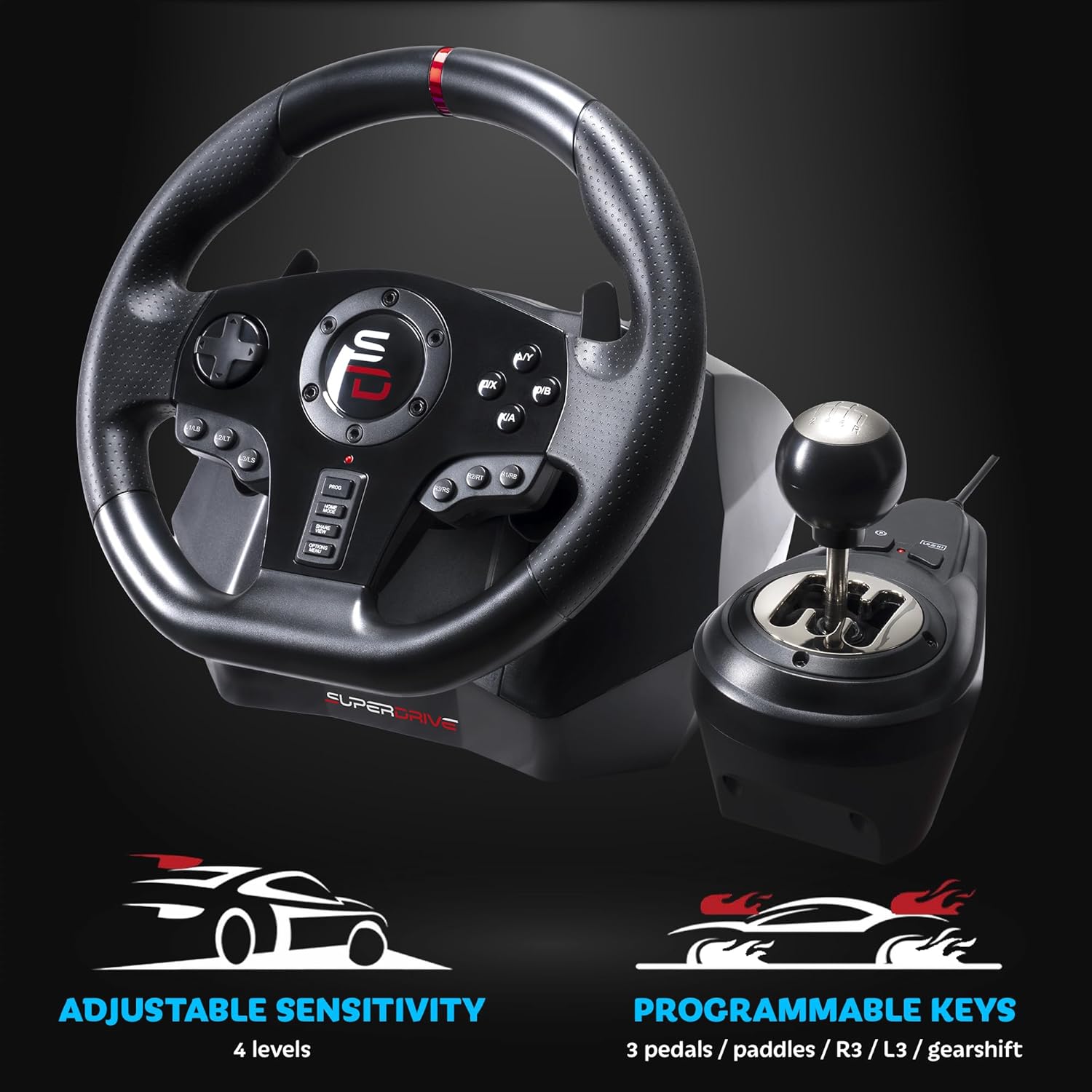
 Programmable
Programmable buttons to suit all driving styles and 3 sensitivity modes, tailord to the type of track
 Manual Gearshift Lever
Gearshifter with 6-speed + reverse for the ultimate gaming experience
 Drive like a Pro
Steering wheel paddles for smooth and quick shifting
 Ergonomics & Precision
Compact, contoured design for driving comfort and an optimal grip
 Sporty & Sleek Design
Lines inspired by racing wheels: the GS850-X looks like a true competition wheel
 Pedal Set
Accelerator, clutch and brake pedals
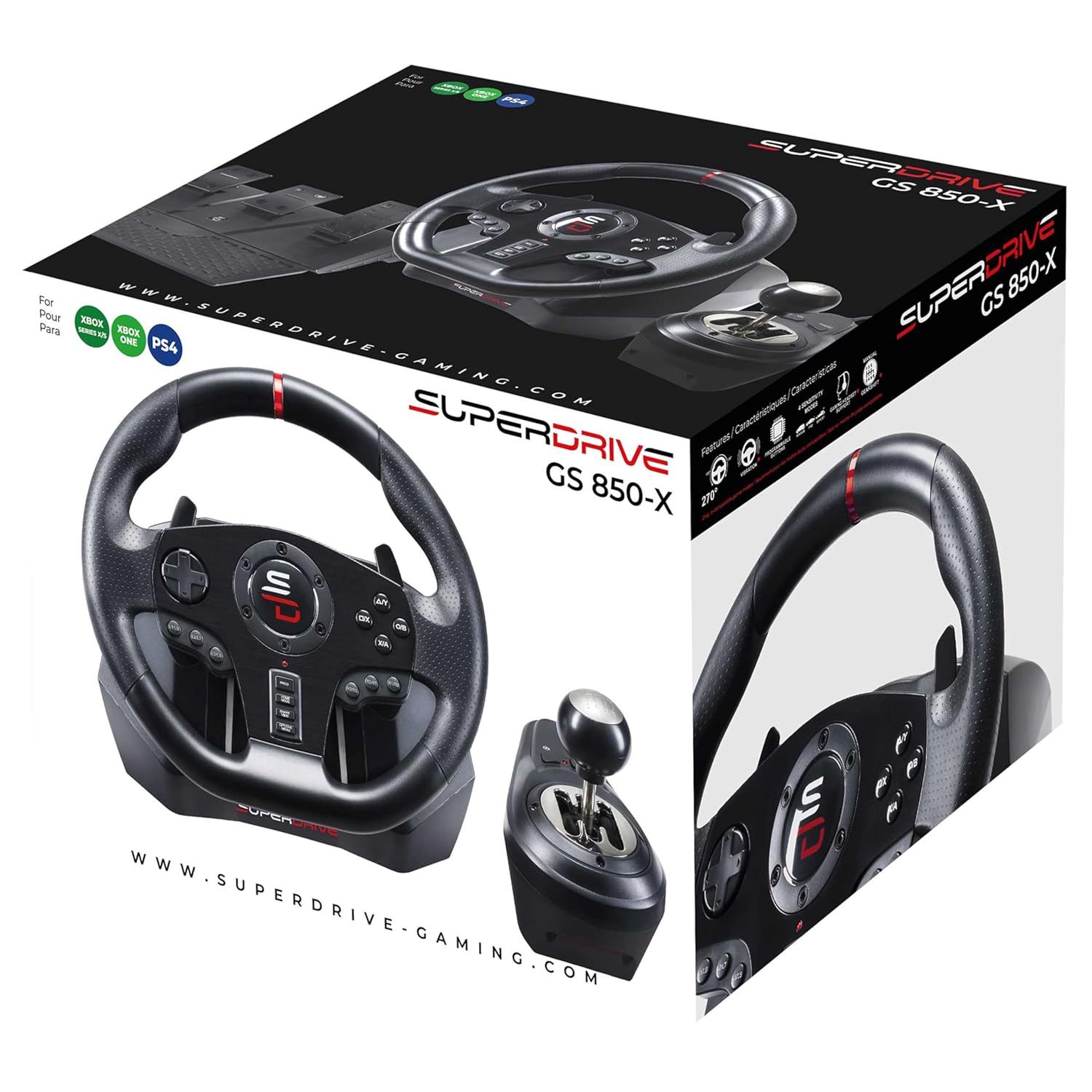
Compatibility PS4,Xbox series, Xbox One Steering Wheel Diameter 11 in / 28 cm Rotation Angle 270° Gear Shifting Manual Shifter 6 speed and reverse + Sequential shift paddles on the steering wheel (+/-) Sensitivity 3 sensitivity modes for a more or less sporty driving experience Vibration Dual vibration motors Pedals Analog pedals (accelerator, clutch and brake) Mounting Suction cup mount for flat surfaces and clamps Compatible Games Top simulation and arcade games such as Farming Simulator, Forza Horizon, Gran Turismo, Mario Kart, and many others
How to connect the steering wheel to a PS4 or Xbox ?
Leave your console turned off > Plug your steering wheel into the console’s USB port and the controller’s micro-USB port > Turn on your console using the Power button > Press the “Home” button on the steering wheel
How can I get help or contact technical support ?
Visit our website, where you can find manuals and helpful files on the corresponding product page under the “Manuals and Instructions” tab, or use our chatbot to open a support ticket; you’ll receive a response within 48 hours
Can I use an unofficial controller to connect the steering wheel ?
The steering wheel works ONLY with an official controller. Make sure the controller is turned off during the connection procedure
Which games is the Superdrive GS850-X compatible with ?
The Superdrive GS850-X steering wheel is compatible with most simulation and arcade games, such as Farming Simulator, Forza Horizon, Gran Turismo, and many others. Please note that some games require configuration.
Superdrive GS850-X Connection Procedure
The video showcases the product in use.The video guides you through product setup.The video compares multiple products.The video shows the product being unpacked. Superdrive connection for Ps4 and Xbox
Superdrive GS850-X connection procedure for PS4, Xbox Series & One: 1) Leave yous console turned off.2) Plug the sttering wheel into the PS4 or Xbox USB port and into the controller USB port. 3) Turn on the console using the power button. 4) Once the console is on, Press the racing wheel Home button
RACING WHEEL PS4, XBOX SERIES X/S & XBOX ONE — SETUP IN MINUTES: The GS850-X connects directly via your official wired controller — no drivers, no software. Fully compatible with PlayStation 4, Xbox Series X, Xbox Series S and Xbox One. Important: not compatible with PS5 or PC. Plug in, set up, race.
COMPLETE RACING SETUP — 28CM WHEEL, 6-SPEED GEARSHIFT & 3 PEDALS IN ONE BOX: Everything to race right out of the box: a 28 cm racing wheel with 270° rotation and shift paddles, a 6-speed + reverse manual gear shifter, and a full 3-pedal set (accelerator, brake and clutch) with wide footrest and anti-slip pads for rock-solid stability.
DUAL VIBRATION MOTOR & 3 ADJUSTABLE SENSITIVITY LEVELS: Feel every corner with the built-in dual vibration system for realistic road feedback. Three sensitivity levels let you dial in your perfect driving feel — smooth for open-world driving, sharp for competitive racing. Shift paddles on the wheel for fast, clean gear changes without lifting your hands.
FULLY REPLACES YOUR JOYSTICK — REPROGRAMMABLE BUTTONS & HEADSET COMPATIBLE: The GS850-X completely replaces the joystick: directional pad and steering wheel buttons handle all menu navigation. Reprogrammable buttons adapt to any game layout and any driving style. Gaming headset compatible — maintain your full audio setup.
WORKS WITH ALL MAJOR RACING GAMES — SECURE SUCTION CUP & CLAMP MOUNTING: Compatible with Forza Horizon 5, Forza Motorsport, Gran Turismo 7, Gran Turismo Sport, F1 (all editions), Need for Speed, Dirt, WRC, Grid, Project Cars 2, V Rally 4, GTA V and more. Attaches securely via suction cups or clamping screws — zero movement during play.
Note to connect the Steering Wheel: Leave your system turned off and connect your steering wheel to the console’s USB port and the controller’s USB microphone port. Switch on your system using the power button (controller off). Once the system is powered on, press the “Home” button on your steering wheel