
Related Products

Sennheiser HD 600 – Audiophile...



Product description



1 HiFi TV Sound
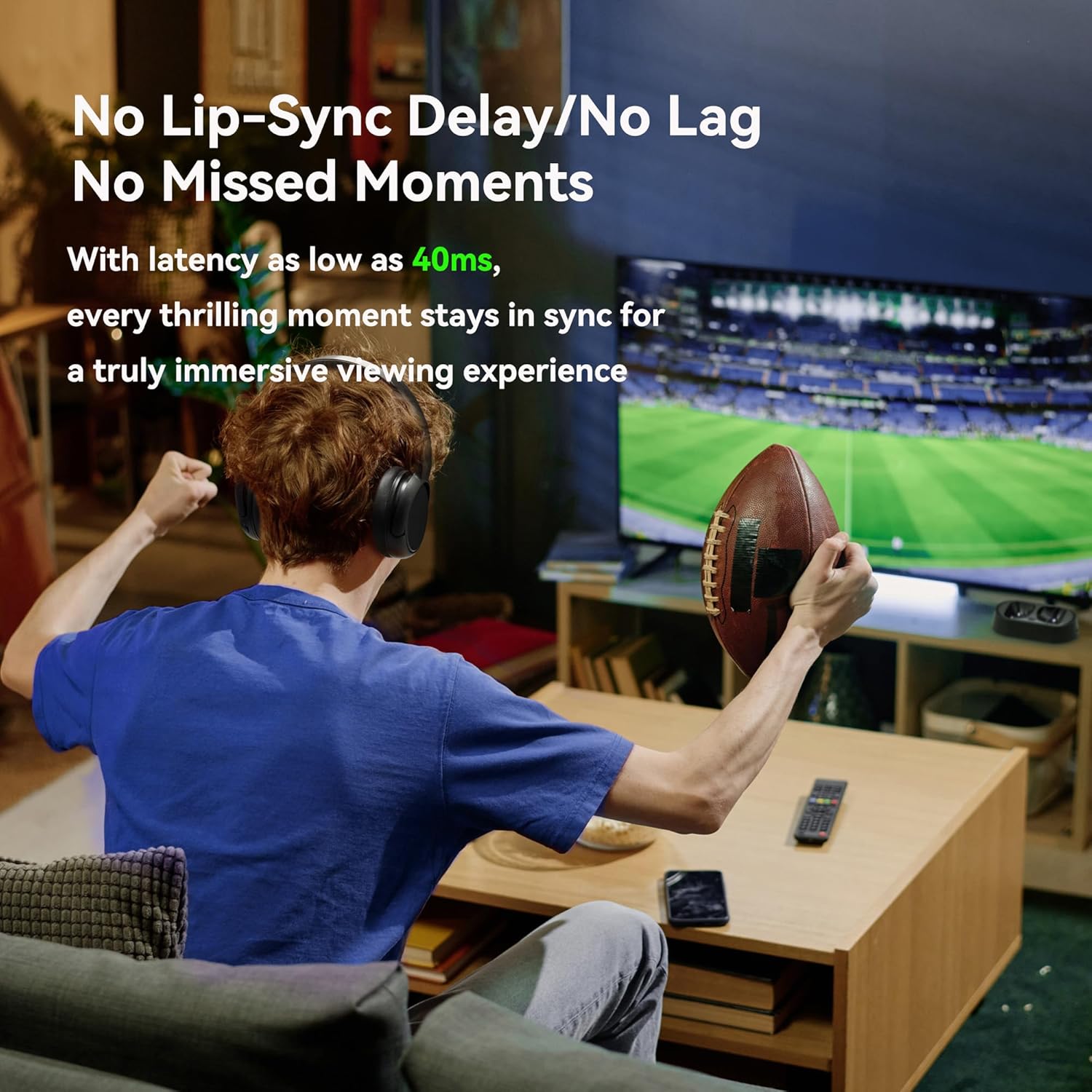
2 Low-Latency Audio
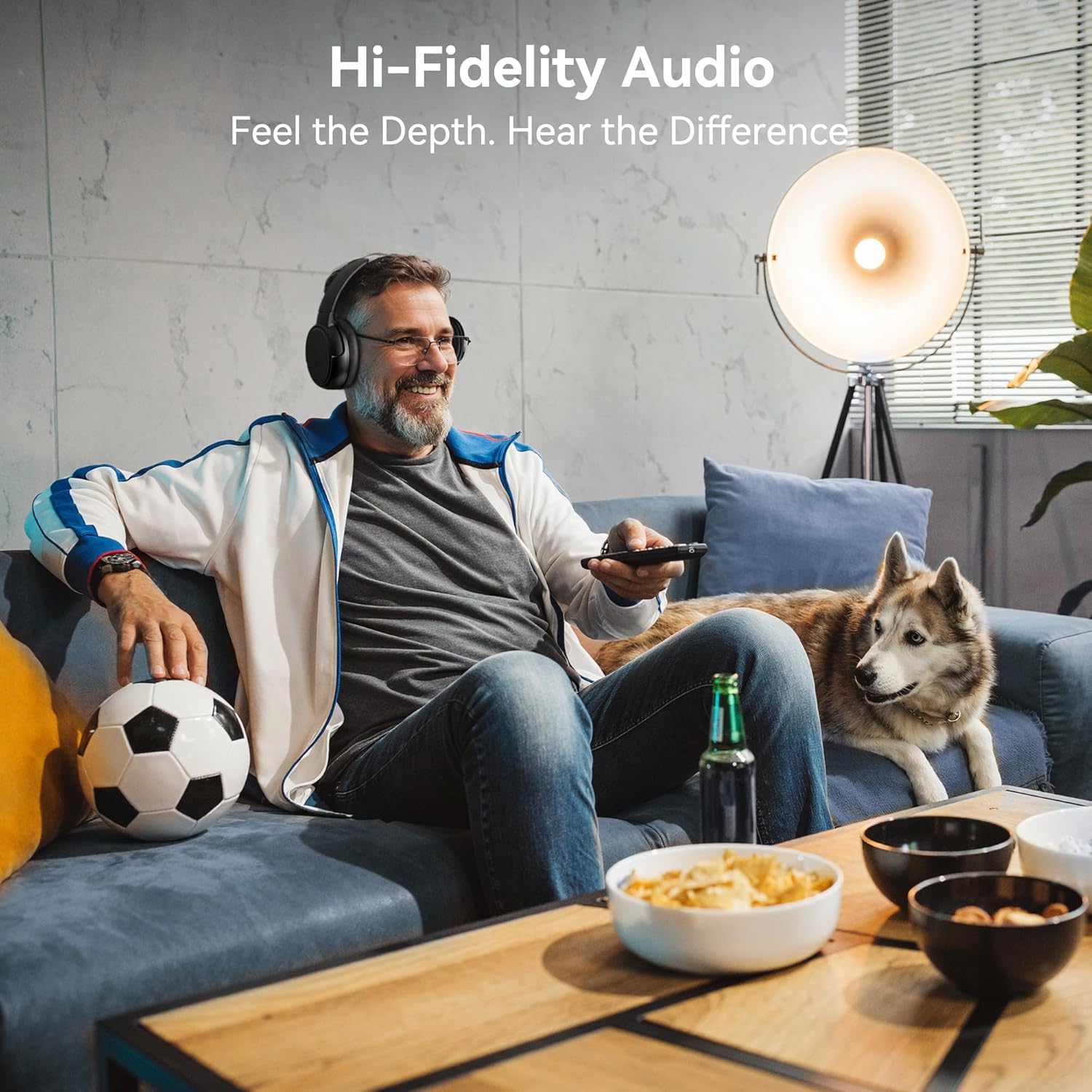
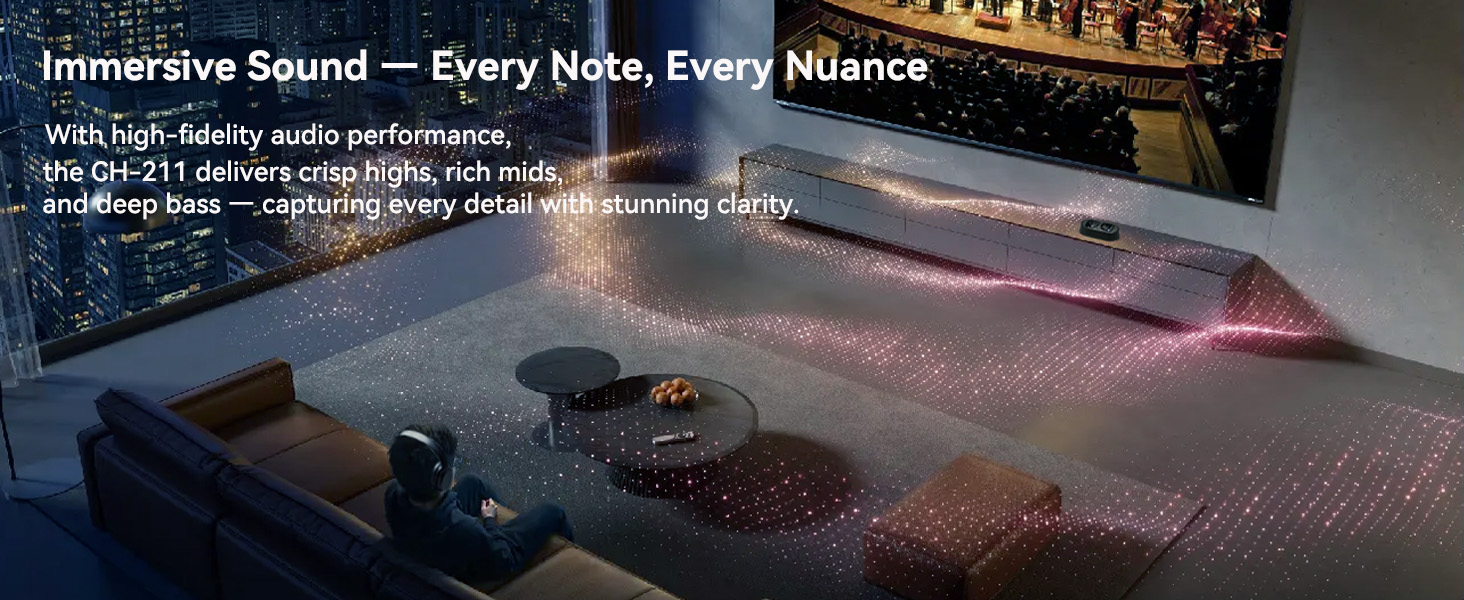
3 Hi-Fi Sound Quality
4 30M Wireless Range
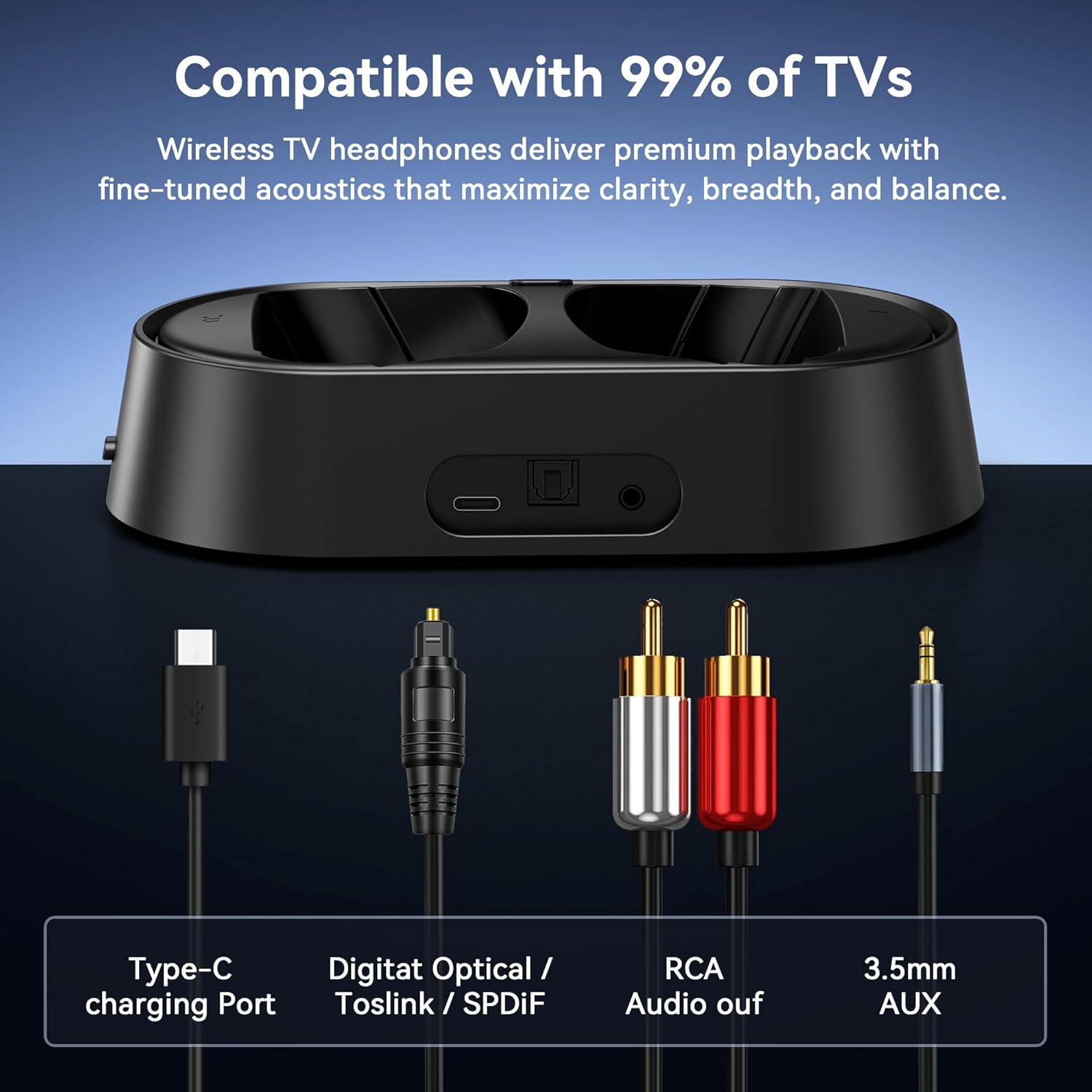
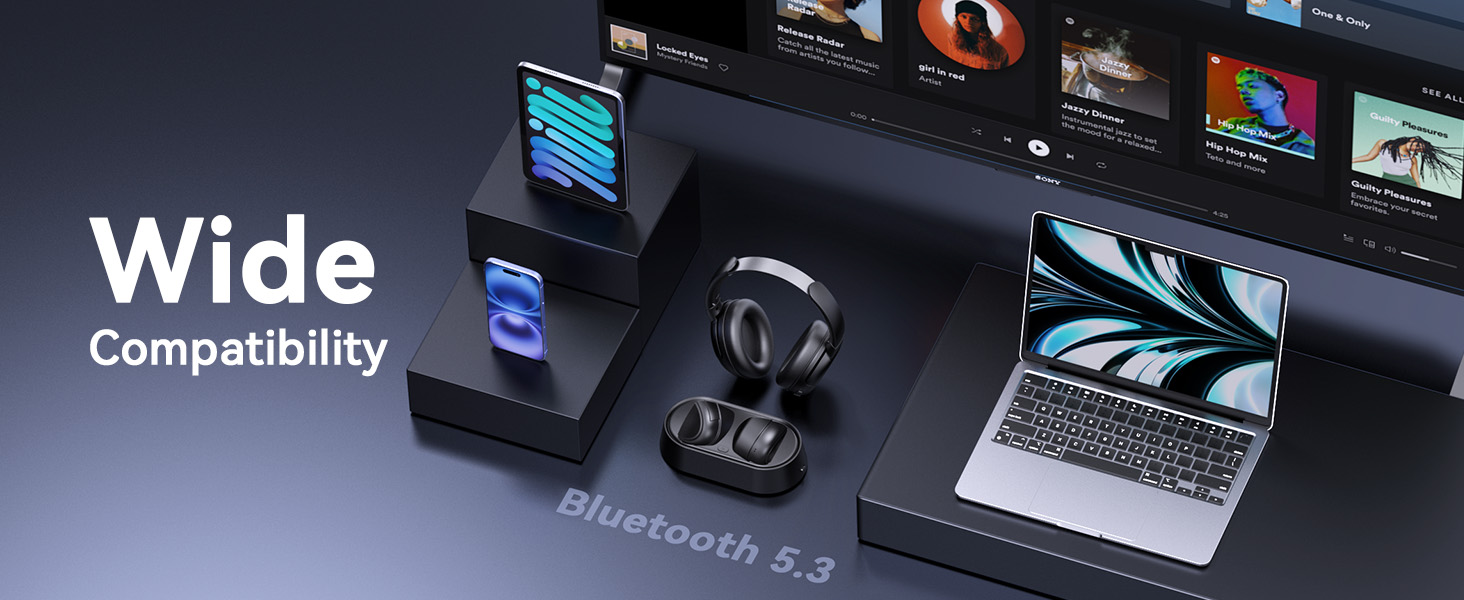
5 Wide Compatibility


1 Before you buy
2 Long Battery Life
3 Main Features
4 Headphones for tv


Why is the sound normal on live TV, but there is no sound on third-party apps (Netflix, Peacock, etc.) that I installed?
Adjust TV sound settings
1.Sound Output: Select the TV’s built‑in speakers. Do not select external devices such as HDMI‑ARC or Bluetooth speakers.
2.Digital Audio Output: Set to PCM or Stereo. Do not use Auto or Passthrough mode.
My TV has an optical fiber port and a AUX 3.5 mm port. Can I insert them together?
No, please use only one audio input at a time — either optical or AUX. Inserting both may cause audio conflict or no sound. Choose one connection and make sure the TV’s output setting matches it.
Do I need to set up the headphones again when I use them for the second time after turning them off?
No setup is needed. The CH-211 headphones automatically reconnect to the last paired device (TV base or Bluetooth) when powered on again, as long as the original device is still active.
What devices can the CH-211 headphones connect to?
The CH-211 supports connection to TVs, smartphones, tablets, and computers. For TVs, use the optical, AUX, or RCA input to connect to the base station. For mobile devices, connect the headphones directly via Bluetooth.
Does the headphone support Bluetooth? How do I use it?
Yes! Turn the base station switch to OFF, then take out the headphones. They will automatically enter Bluetooth pairing mode. Enable Bluetooth on your phone or tablet, and select “CH-211” to connect.
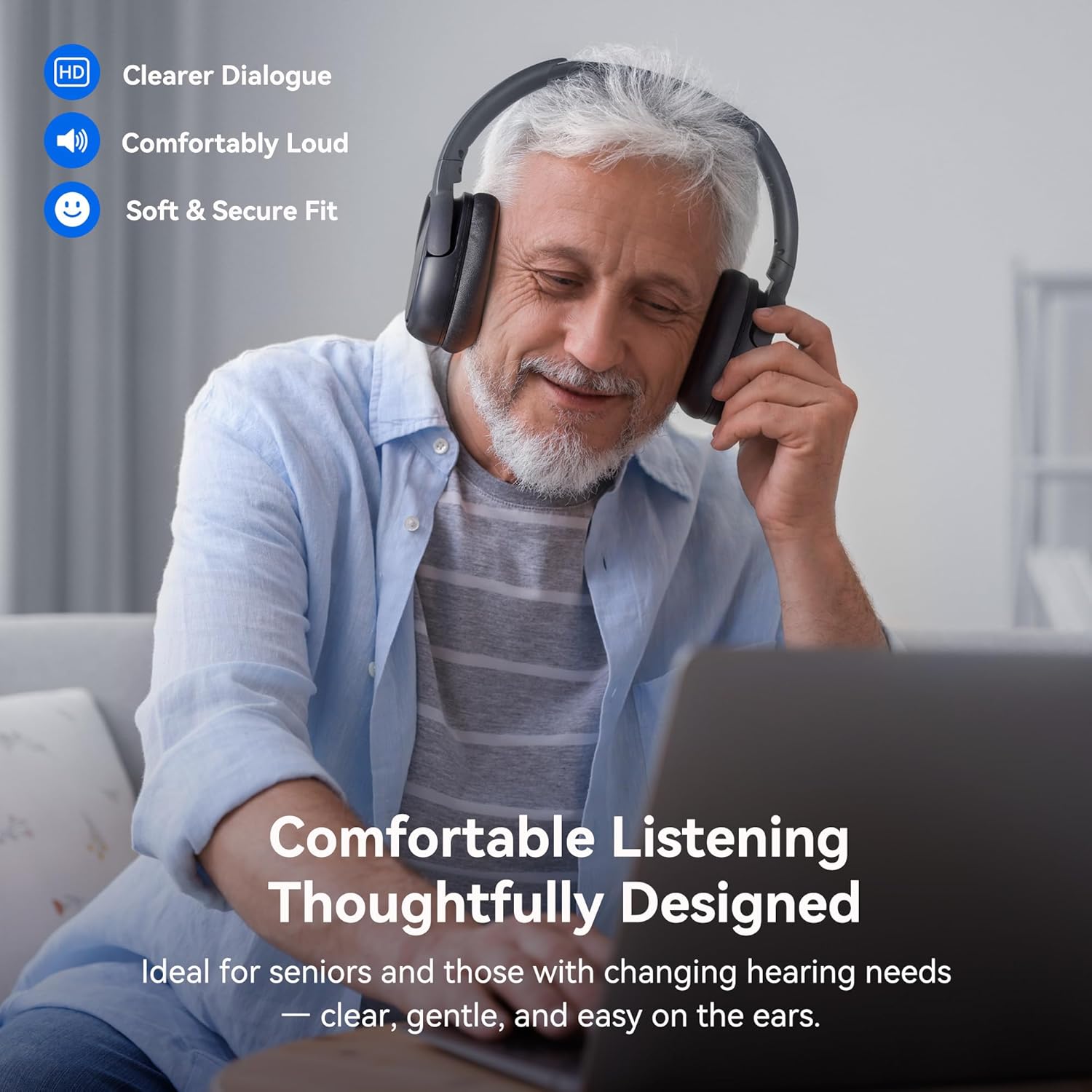
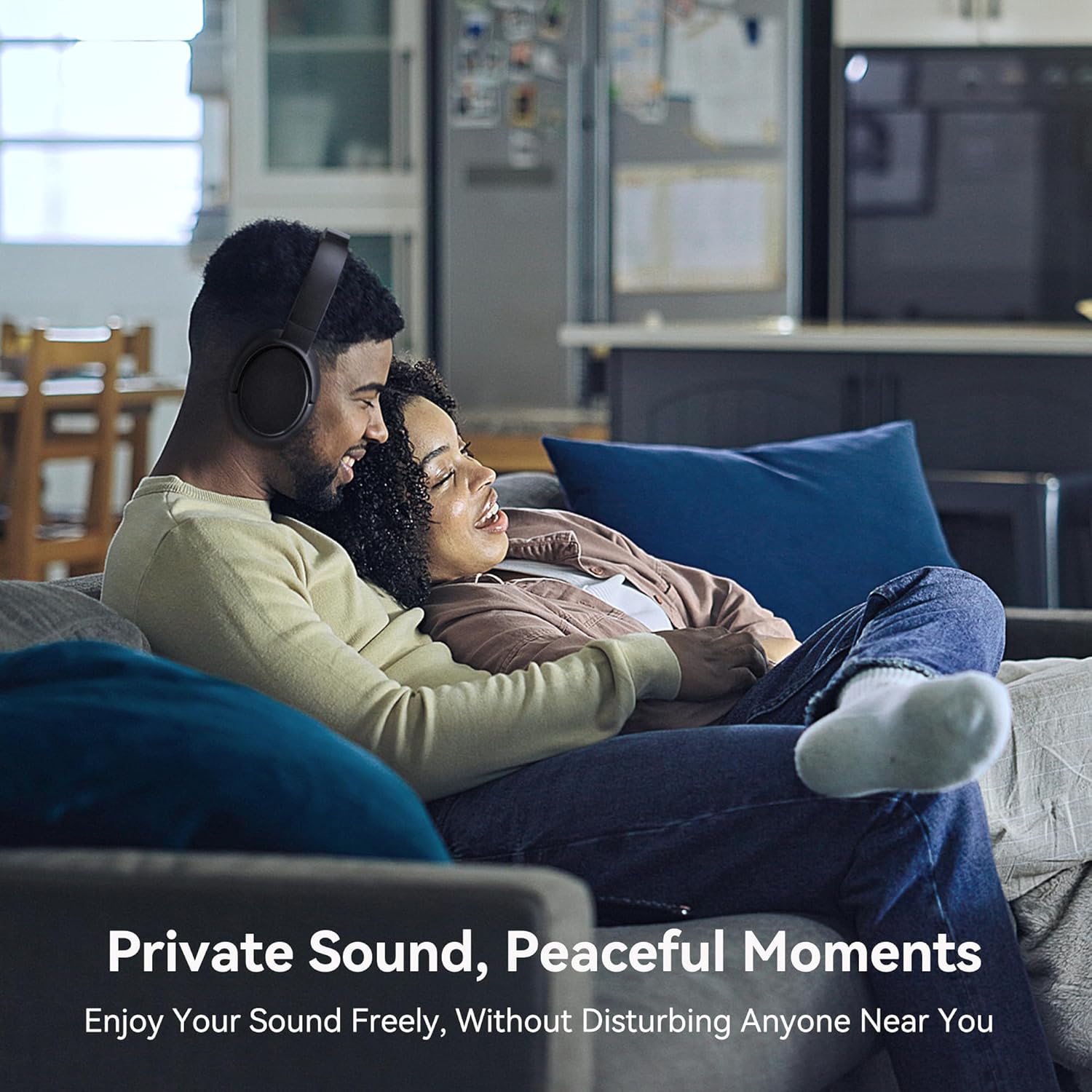
Wireless headphones designed for clear TV conversations: Seniors and the hearing impaired can hear every word without raising the volume. Audio enthusiasts get cinema-grade sound. Late-night viewers won’t disturb anyone’s rest.
Ultra-low latency & long-range transmission: Experience less than 40ms latency for perfectly synced audio and video—ideal for live sports, so you catch every comment, cheer, and exciting moment. With a stable 100ft (30m) range, move freely between rooms without signal drop for a truly immersive experience.
Use as standard Bluetooth headphones: When you’re not watching TV, simply pair them with your phone or computer for wireless listening. A single charge delivers up to 45 hours of use. Low on battery? Just place them back on the charging dock for a quick recharge.
Multiple connection options: Simply plug in the included optical, AUX, or RCA cable and power on—no complex setup required. If your TV doesn’t have these ports, you can also connect the headphones via Bluetooth (TV must support Bluetooth). Easy, flexible, and hassle-free.
Lightweight and comfortable: Crafted from lightweight materials with soft, breathable earcups, these TV headphones reduce fatigue even during extended use. They make a thoughtful gift for parents or seniors, helping them enjoy TV time in greater comfort and clarity.