
Related Products

SUPCASE for Nintendo Switch 2 Case...


FASTSNAIL Switch 2 Protective Case,...
Pro Controller Accessories Bundle...

Cosmolancer Board Game | A Strategy...






Product description

Play It,Light It Up!
The video showcases the product in use.The video guides you through product setup.The video compares multiple products.The video shows the product being unpacked. Play It,Light It Up! Merchant Video
Tap, Glow, and Venture!
The video showcases the product in use.The video guides you through product setup.The video compares multiple products.The video shows the product being unpacked. Tap, Glow, and Venture! Merchant Video
Always Ready To Play!
The video showcases the product in use.The video guides you through product setup.The video compares multiple products.The video shows the product being unpacked. Always Ready To Play! Merchant Video
Discover your Favorite Color Scheme.
The video showcases the product in use.The video guides you through product setup.The video compares multiple products.The video shows the product being unpacked. Discover your Favorite Color Scheme. Merchant Video


1 Anti-Stick Drift
2 Pro-Level Back Buttons
3 Turbo Function
4 No-Slip Grip
5 Ergonomic Design


1 Intelligent Charging Dock
2 Game-playing Time
3 Vibration
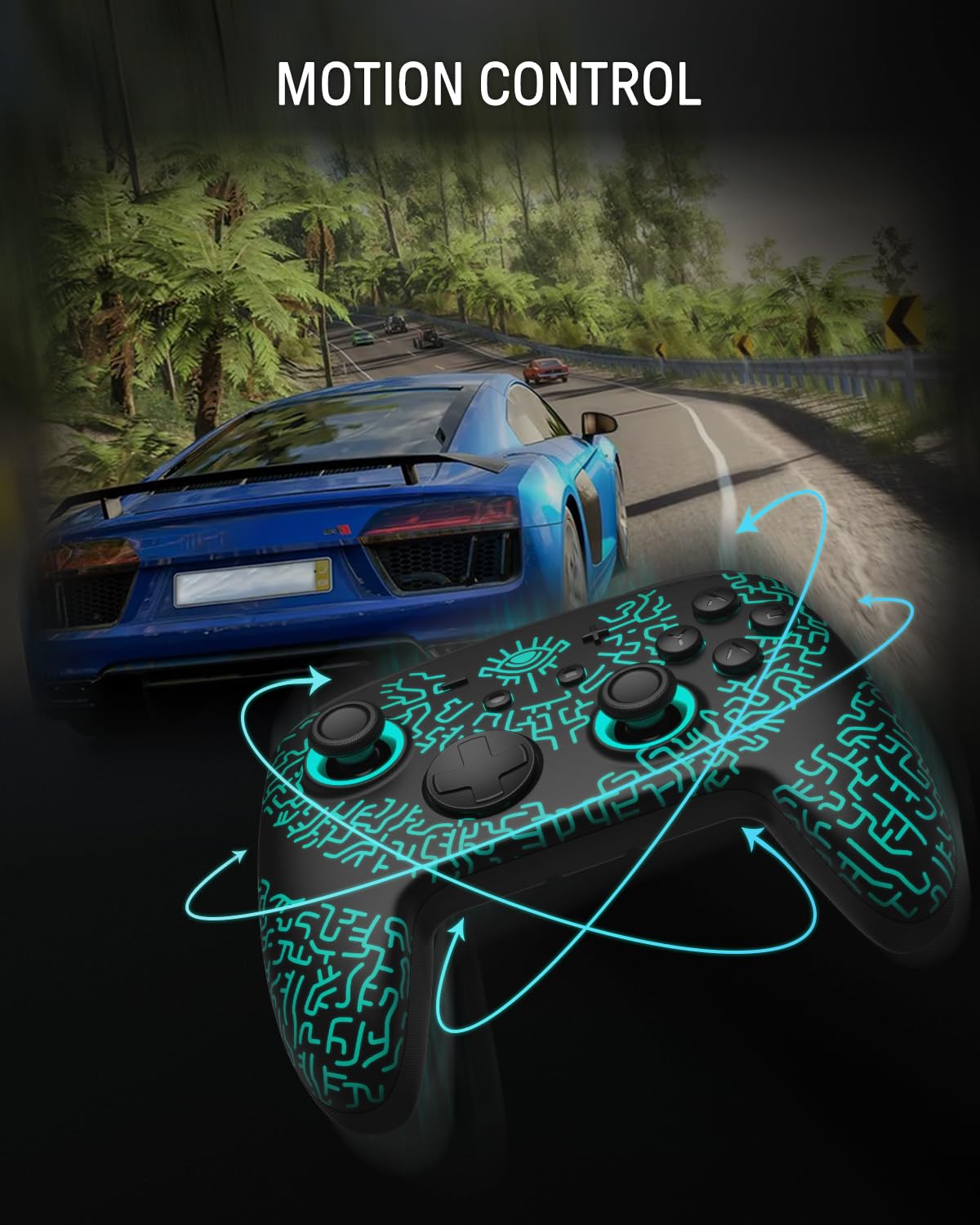
4 6-Axis Gryo Motion
More Compatibility, More Choices

For Switch2/OLED/LITEFor PhonesFor PCFor Steamdeck

For Switch2/OLED/LITE

For Switch OLED/LITE

For PC
Windows XP and above

For Steamdeck
SteamOS Holo 3.4 and above

For Phones
Android – 6.0 and aboveiOS – 13.3 and above
Connection Method Instruction
From the HOME Menu, select Controllers, then Change Grip and Order.Press and hold Y + HOME for 3 seconds and 4 LED lights flash quickly. The LED(s) becoming stable, pairing finishes.If you are not connecting for the first time, you can click HOME Button to connect successsfully.
The video showcases the product in use.The video guides you through product setup.The video compares multiple products.The video shows the product being unpacked. Connection Method Instruction Merchant Video
Charging Instruction
Plug in the charger dock and place the switch pro controller on the dock to charge
The video showcases the product in use.The video guides you through product setup.The video compares multiple products.The video shows the product being unpacked. Controller Charging Instruction Merchant Video
Light Control Instruction
Turn on the light: Press HOME Button.Turn off the light: Press and hold Light Button for 3 seconds.Change the Light Color: Press Light Button. Colors will change each time you press Light Button. Change the Lighting Mode: Press Light Button + “⊕”: 1st: Breathing light mode; 2st: Quick flash mode; 3st: Vibration light mode.If the controller is not connected to the console, press Home Button and the LED pattern will be illuminated.
The video showcases the product in use.The video guides you through product setup.The video compares multiple products.The video shows the product being unpacked. Light Control Instruction Merchant Video
Turbo Function Instruction
Press and hold “T” Button + one of the Function Button (A/B/X/Y/L/R/ZL/ZR/D-pad Button).1st: Manual TURBO Function (Press and hold to launch continuously).2st: Automatic TURBO Function (Automatically continuous launch).3st: Clear TURBO Function.
The video showcases the product in use.The video guides you through product setup.The video compares multiple products.The video shows the product being unpacked. Turbo Function Instruction Merchant Video
Mapping Function Instruction
Press and hold “MR” Button, then input the single button (A/B/X/Y/L/R/ZL/ZR/+/-/D-pad Button and L/R joysticks) you want to map;The controller will have the vibration cue after loosing “MR” Button, and then press “XR” Button to trigger Programmable Buttons.The mapping function can also be achieved by using the ML Button as described above.)
The video showcases the product in use.The video guides you through product setup.The video compares multiple products.The video shows the product being unpacked. Mapping Function Instruction Merchant Video
How do I make this pure color switch pro controller show the exquisite pattern?
The first time you receive the controller without being connected to your console, you can press the Home button to active it. Then you can see its unique pattern.
Why does the pattern still not appear after pressing the Home button of this controller?
Check whether it is in either of the following conditions:
A.Out of power. Solution: Charge the controller and then press the Home button again.
B.In light off mode. Solution: Press Light Button and “+” Button to switch the lighting mode.
How to change the LED colors and the lighting modes?
A.Press Light Button:Always-on Mode.
B.Press Light and “+” Button:
1st:breathing light mode; 2nd:quick flash mode; 3rd:vibration lighting mode
C.Light Off Mode:Press and hold Light Button for 3s.
D.Colors will change each time you press Light Button.
What are the advantages of the hall effect joystick?
A. No drift: No mechanical wear, no drift, stable and precise.
B. Long life: Non – contact, no friction or wear, no long – term issues.
C. Sensitive response: Fast, accurate, little delay, better experience.
How to calibrate the joystick of this switch gamepad?
A.HOME Menu – System Settings – Scroll down the menu on the left-hand side – Select Controllers and Sensors.
B.Select Calibrate Control Sticks – Tilt the joystick that you want to calibrate.
C.Follow the on-screen prompts to verify the joystick.
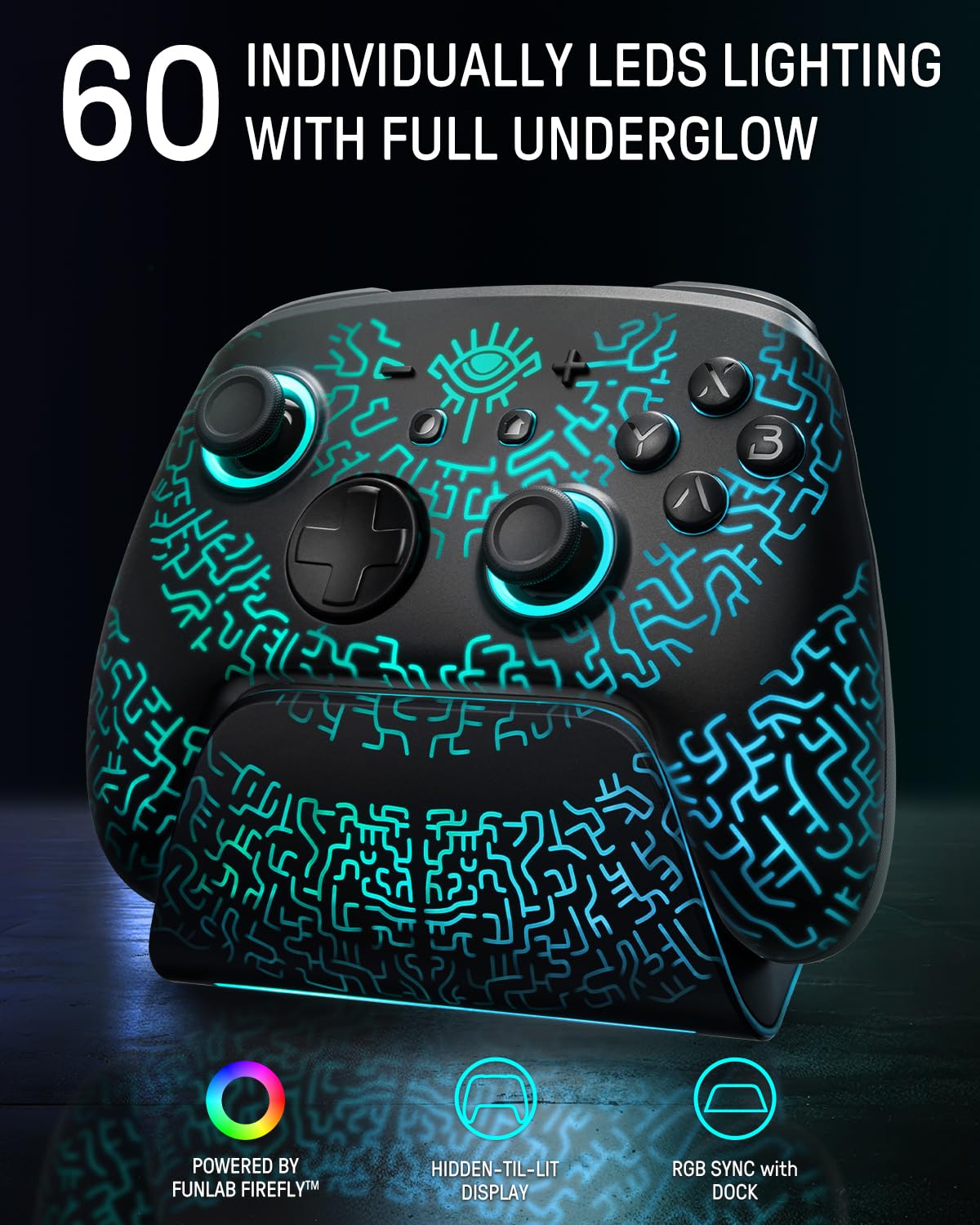
Concealed Lighting and Multi-functional Dock: Both the switch pro controller and charging dock feature a hidden lighting design with 60 LED lights, offering 7 colors and 3 lighting modes for you to customize, creating a personalized gaming atmosphere
Multi-functional Dock: The multi-function charging dock not only synchronizes perfectly with the controller’s lighting, but also charges the wireless switch controllers when it is placed in the dock, enhancing convenience and overall gaming experience
Hall Effect Joystick: The pro controller switch featuring Hall effect sensors for precise and sensitive control, which ensures accurate and smooth gameplay, especially in competitive games. It also offers a longer lifespan and stable performance with no mechanical wear
Versatile Features: The switch controller with charging dock includes vibration adjustment, macro settings and Turbo function. You can set up complex game actions according to your preferences, makes complex in-game actions mucheasier
Convenient App-link: The switch wireless controller can be connected via app to perform various operations such as remapping function, joystick adjustment, motor control, customizing lighting effects and adjusting the wireless controller’s auto shutdown time
One-Click Wake Up: FUNLAB Switch Pro Controller compatible with Switch 2 featuring one-click wake-up! No additional operations are required, just follow our tutorial video [One-click Wake Up Switch2] which you can find in the AMZ listing
$45.99