
Related Products

NIMO 17.3″ IPS FHD-Student-Laptop,...


MOFII Wireless Keyboard and Mouse...
HUION KAMVAS Pro 16 Drawing Tablet...




Product description


 Durable Clicks for Everyday Work
Tested for up to 6 million button presses, this mouse delivers stable and responsive clicks for long-term office and study use.
 Ergonomic Curved Back Design
The raised, curved shape fits naturally in the palm, providing better support and comfort during long hours of work or study.


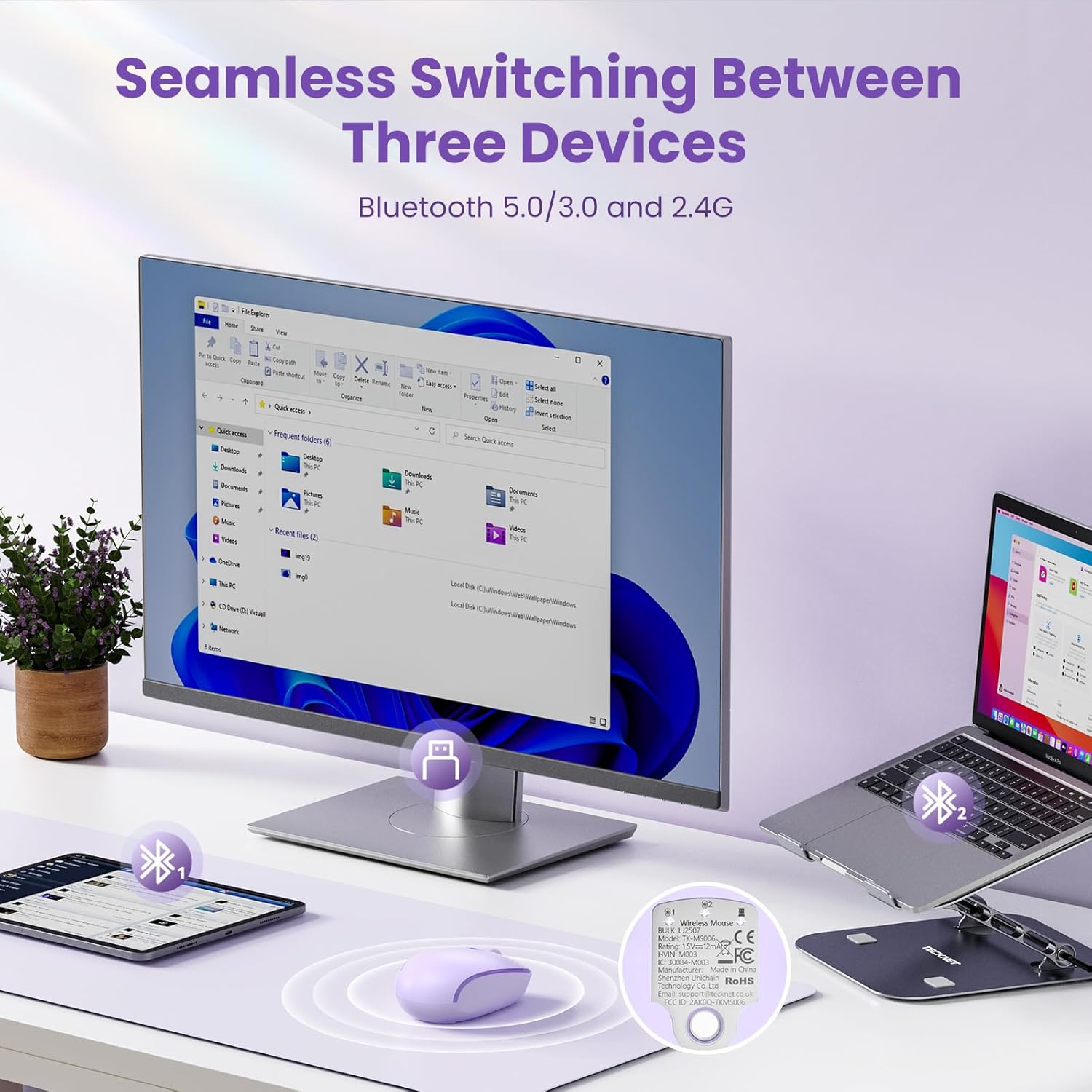
【Dual Device Connection】This computer mouse Connect two devices simultaneously using either Bluetooth(3.0/5.0) or 2.4GHz USB connection for a wireless mouse experience. With just one click on the mode switch button, you can switch between devices in only 0.5 seconds.This makes it an ideal choice for those seeking both a usb mouse and a bluetooth mouse.
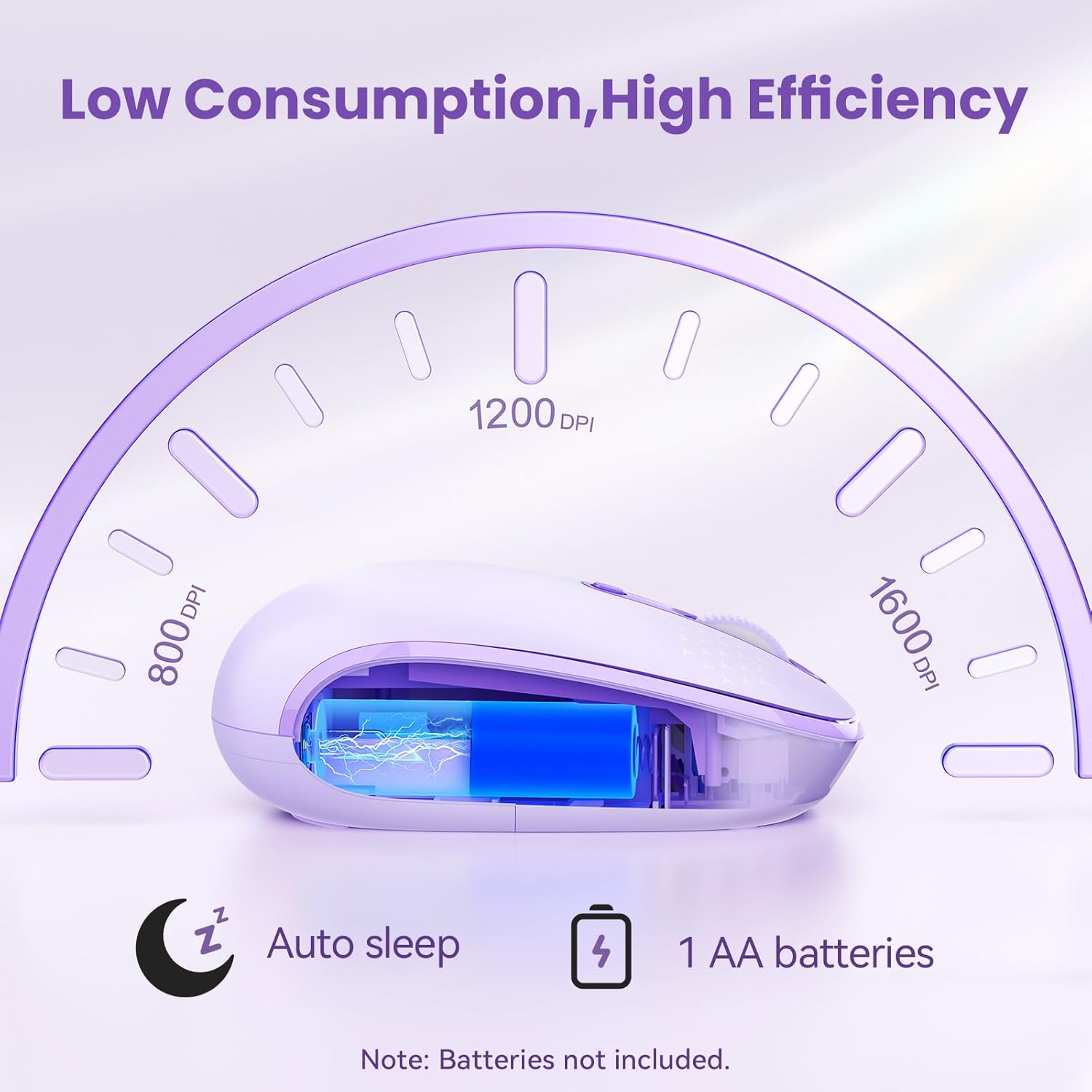
【Silent Click & Comfortable Use】Enjoy a quiet working environment with this Silent Wireless Mouse, designed with advanced noise-reduction buttons that reduce click sound by up to 90%. Perfect for office, library, or late-night use without disturbing others. Switch easily between 800/1200/1600 DPI with a dedicated button to match different tasks.
【Intelligent Energy-Saving Design】This portable USB mouse features an intelligent energy-saving design. It enters low-power mode after 10 seconds of inactivity and deep sleep mode after 30 minutes, providing up to 18 months of battery life. Simply press any button to wake it up instantly.
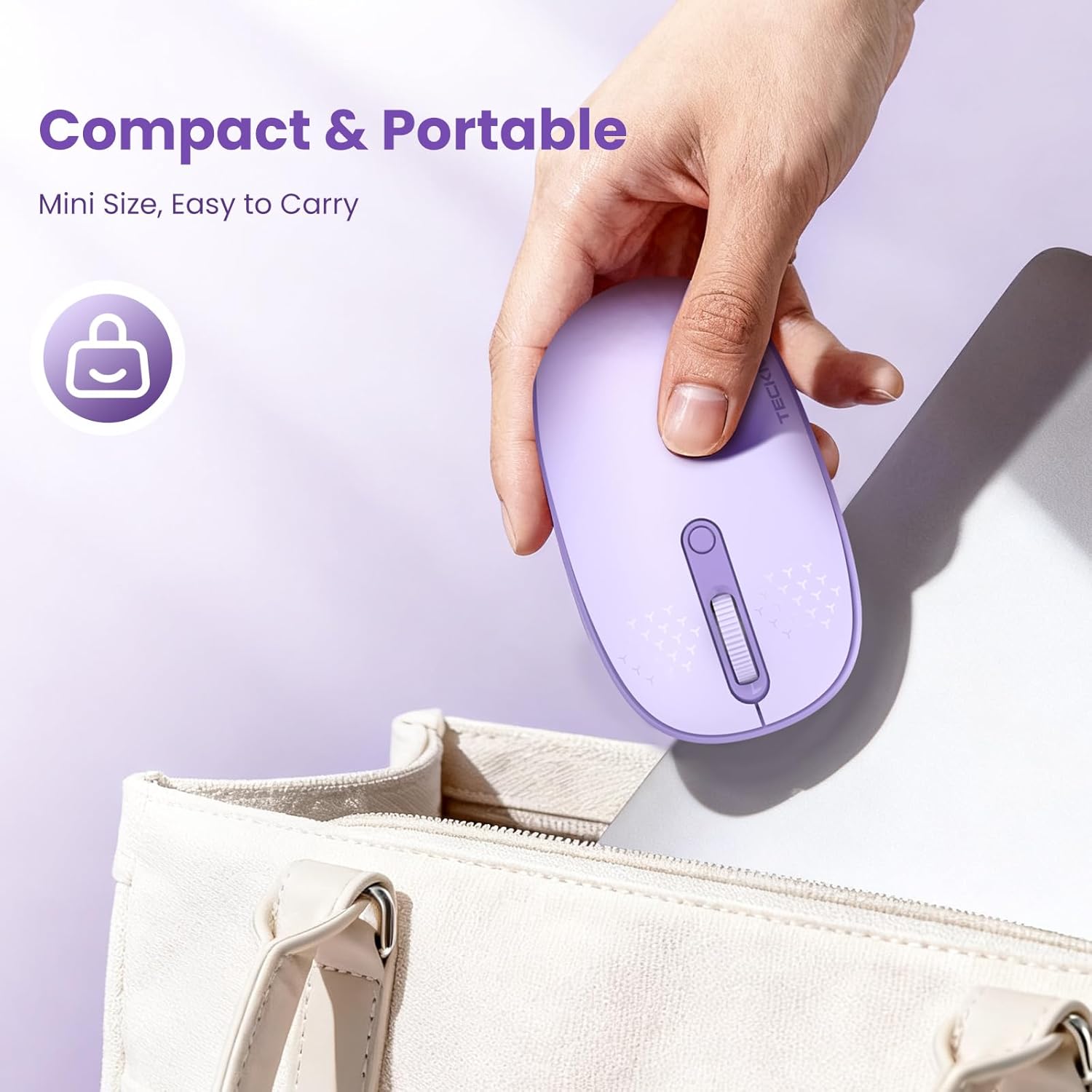
【Stylish Compact Design】Designed for small to medium hands, this wireless mouse features a bright, colorful design that adds a fun and lively touch to any workspace—perfect for women, students, and daily office users. Its compact travel-friendly size fits easily into laptop bags, while the symmetrical ambidextrous shape ensures comfortable control for both left- and right-handed use.
【Universal Compatibility】The wireless mouse for laptop is compatible with Windows 11/10/8/7, Chrome OS, Android, macOS, and Linux. Suitable for desktops, Chromebooks, laptops, PCs, MacBooks, and other devices.
【Bluetooth Connection】Click to switch Bluetooth mode, press and hold for 4 seconds to pair via Bluetooth. Select “BT5.0 Mouse” or “BT3.0 Mouse” to connect successfully. (1. A USB-C adapter is included in the box. 2. The USB-A receiver is located on the back of the mouse; open the battery compartment cover to remove it. 3. Batteries are not included.)
【Lifetime Support】If you are not satisfied with our product or service, please feel free to contact us. Each TECKNET product includes a 36-month warranty (registration required).
$14.99