
Related Products


Epson Lifestudio Pop Plus 4K PRO-UHD...

Laminator Machine 11X17 with 70Letter...

Aurzen EAZZE D1 Smart Projector...




Product description


Does this translation pen work without Wi-Fi?
Yes, it does. The pen supports 10 languages for offline translation, including English, Chinese, Spanish, French, German, Japanese, Korean, Russian, Italian, and Portuguese. For the full 142-language support, an internet connection is required.
I’m buying this for my elderly parent who isn’t tech-savvy. Is it easy to set up and use right out of the box?
Absolutely. The pen is designed to be intuitive and requires minimal setup. Once charged, you power it on, select your language pair, and start scanning — that’s it. The touchscreen interface is straightforward with large icons.
How is the pronunciation quality of the text-to-speech? Does it sound robotic or natural?
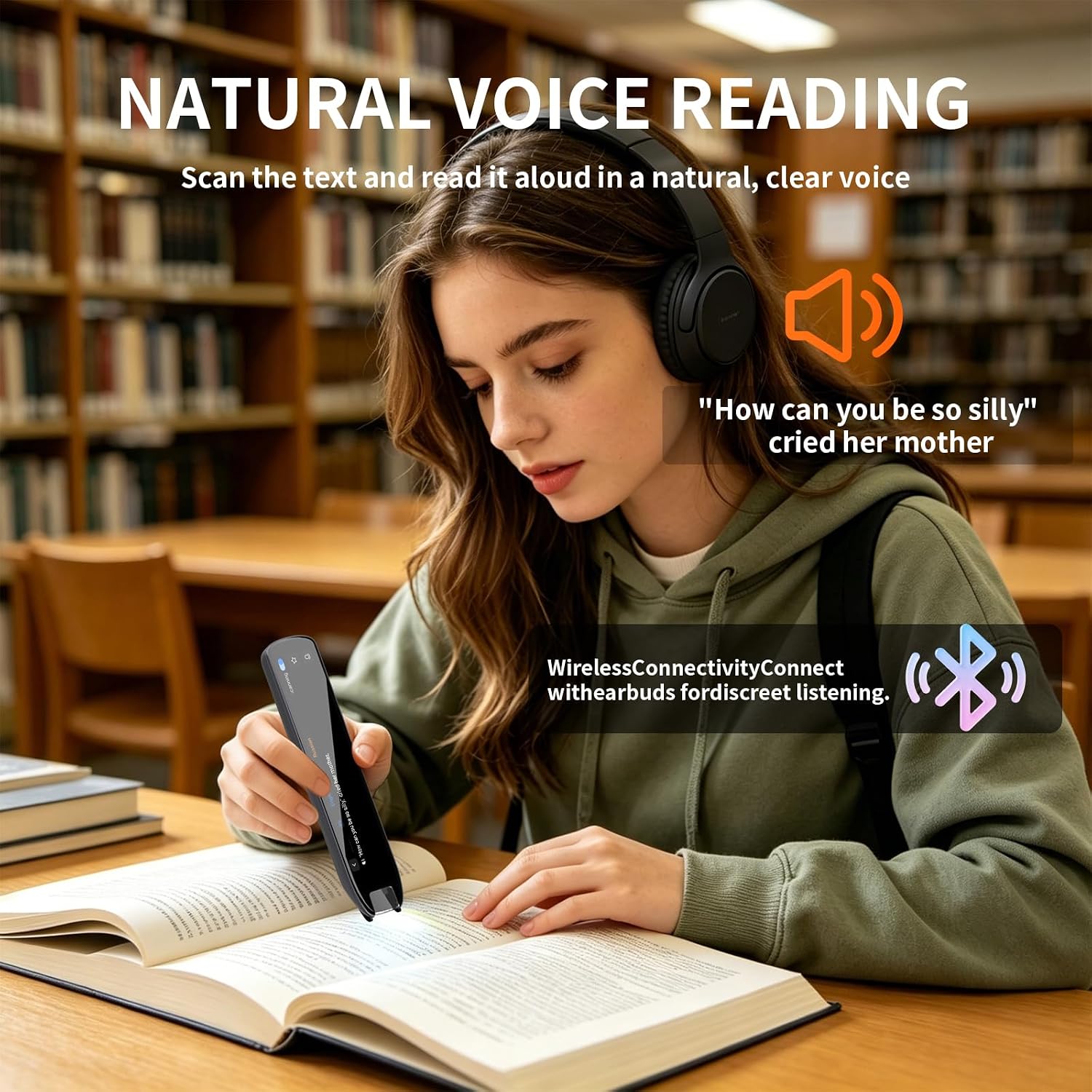
It uses advanced neural voice technology for natural, human-like pronunciation — not robotic. Multiple accents are available for major languages (e.g., American, British, Australian English).
What should I do besides charging prior to use?
Please set up the system language. To do so, long‑press the power button for 3 seconds to power on. Swipe left on the screen to the last page, tap the final module, swipe up, then select from the 5th option.
What should I do before using functions like Translation, Vocabulary notebook, etc.,
Please select your source language and target translation language first before using features such as Online & Offline Scan Translation, Voice Translation, Reading Assistant, Photo Translator, Vocabulary Notebook, and more.
Translation & Reading Learning Devices: Choose Your Tool
Recording & Translation
Record Audio and Translate Simultaneously for Meetings, Note-taking and Lectures
Recording
HD Recording
Recording
HD Recording
Audio & Video Call Translation
Call on Translator Device, Screen Shows Original Text&Translation Synchronously
Translation
Voice Translation, Photo Translation, Scan Translation
Translation
Voice Translation, Scan Reading, Text Excerpt
Capacitive Touch Screen Size
Full 5″ Touchscreen
Capacitive Touch Screen Size
4.3 inch
Capacitive Touch Screen Size
3.69 inch
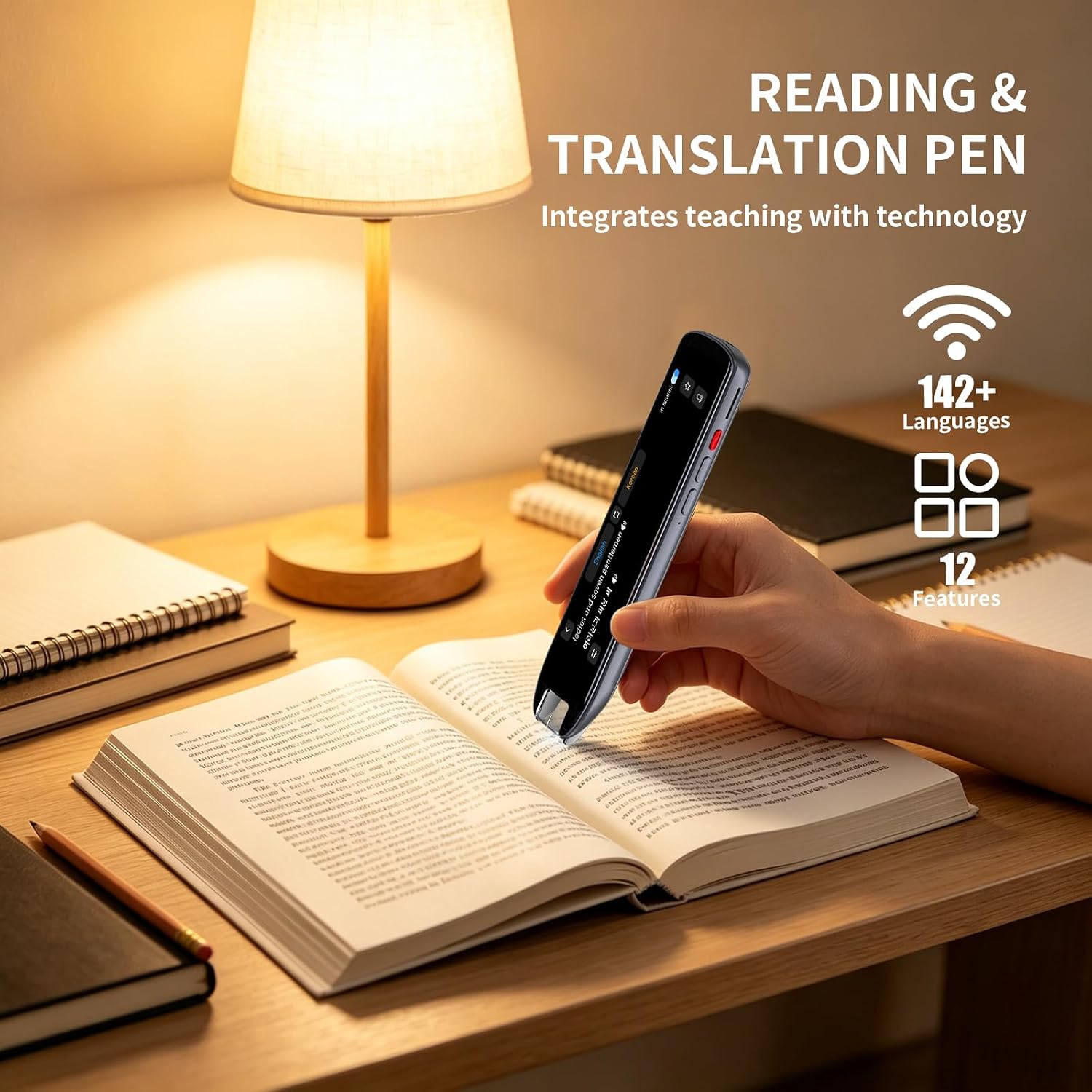
✅【Dyslexia Reading Aid & Text-to-Speech Scanning Pen】Printed text decoding is slow, complex vocabulary hinders reading fluency, and silent reading causes information omission. Built-in precise OCR scanning and original text reading technology, this text-to-speech reading pen for dyslexia scans printed documents and reads text aloud instantly. Effectively assists users with reading difficulties and teen ESL adult language learners in improving reading comprehension and autonomous learning efficiency. It features a 4.3-inch large capacitive touchscreen with enlarged fonts to make operation simpler, supports left- and right-handed scanning
✅【142 Online + 10 Offline Full-scenario Translation Pen】Traditional translation tools fail without network and cannot support voice, scan, and photo translation synchronously. This scan translator pen covers 142-language online voice dialogue, online scanning translation, photo translation, and 10-language offline scan & photo translation. Realizes barrier-free multi-form translation with or without internet, solving all outdoor and business cross-language pain points
✅【52 Languages OCR Text Excerpt & Mobile Sync Pen】Manual transcription is slow, error-prone, and wastes massive study and office time. Supports 52-language precise OCR text scanning and one-click sync to mobile phones for editable file extraction. Replaces manual typing, greatly improves document sorting, note excerpting and material organizing efficiency for adult learners and office workers
✅【HD Camera Intelligent Photo Recognition Translation Pen】Ordinary portable dictionary pen only supports flat text and cannot identify picture text and non-standard typesetting text. Equipped with 5MP HD cameras to support high-definition photo text recognition and translation. Accurately identifies various complex text scenarios, realizing flexible and instant multi-language conversion in diversified environments
✅【All-in-One Smart AI Recording & Language Learning Assistant Pen】Separate recording devices and translation tools lead to cumbersome workflows and missing key information. This ai smart pen integrates text reading, multi-mode translation and high-definition smart voice recording functions. Records meeting and course content completely, assists kids classroom adult users in efficient language learning, information recording and daily office work